WhoFarms - Zone Farmer Assignment
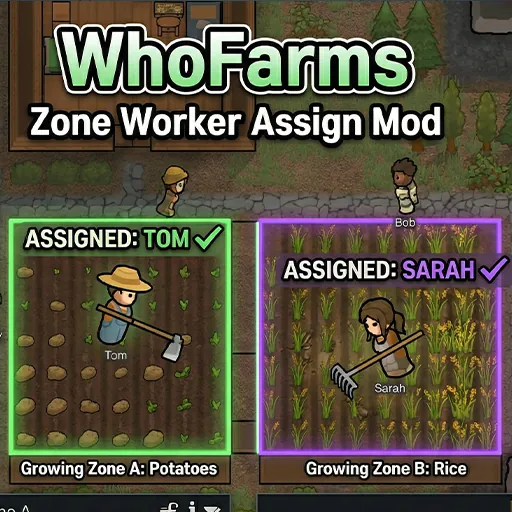
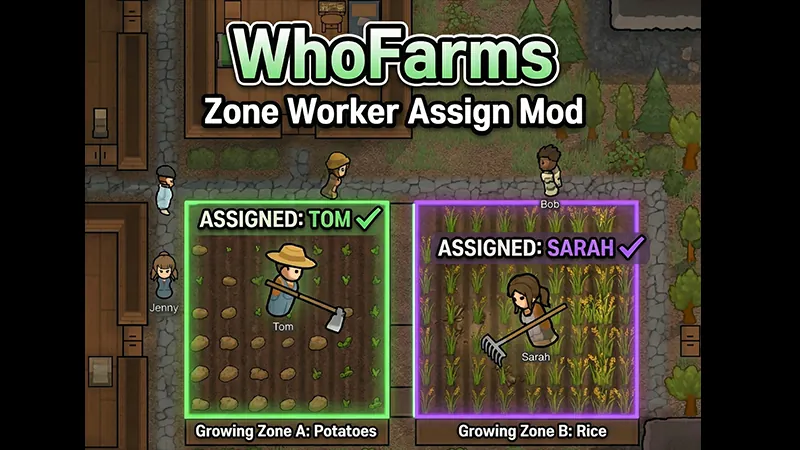
Tired of all your colonists rushing to the same growing zone?
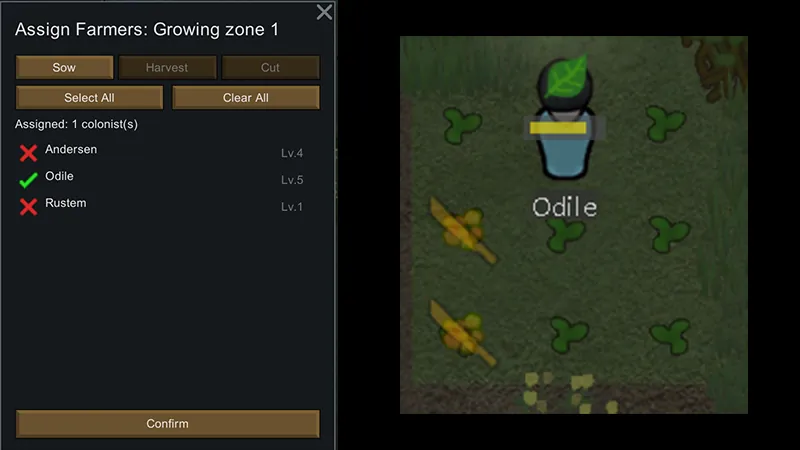
WhoFarms lets you assign specific colonists to specific growing zones — separately for sowing, harvesting, and cutting.
How it works
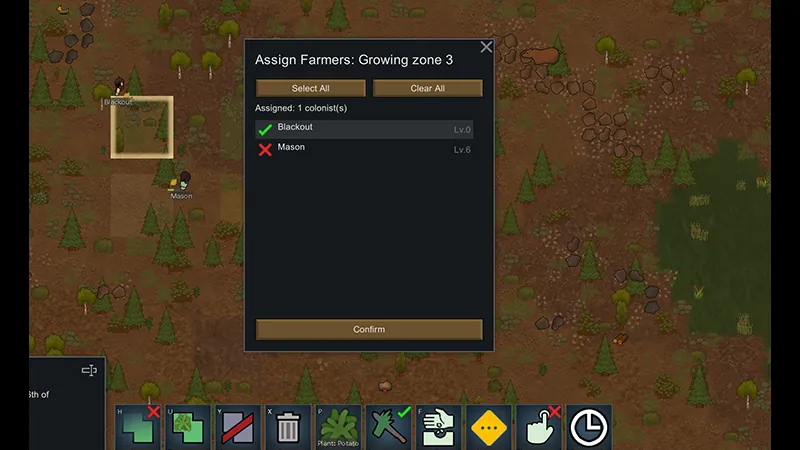
1. Select a growing zone
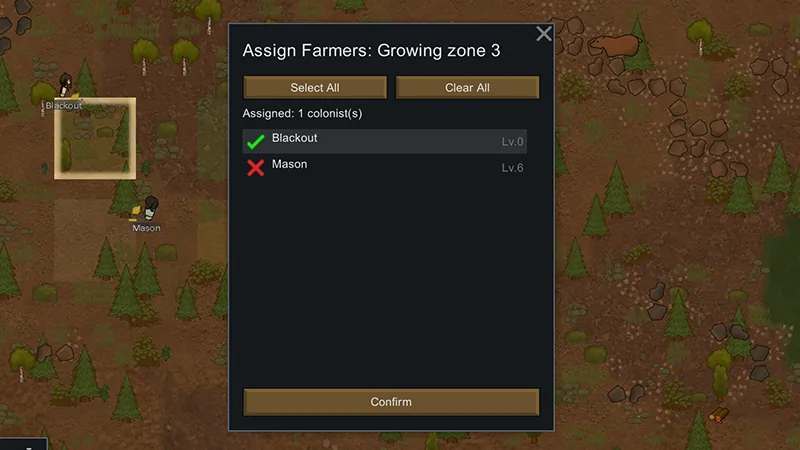
2. Click the "Assign Farmers" button
3. Switch between Sow, Harvest, and Cut tabs
4. Pick which colonists should handle each task
5. Done — only those colonists will work there
Features
- Separate assignment per work type — assign different colonists for sowing, harvesting, and cutting
- Auto-cut blight — toggle per zone to automatically designate blighted plants for cutting
- Simple checkbox UI with tab navigation
- Unassigned tasks work normally (all eligible colonists welcome)
- Full save/load support
- Zero performance impact
No DLC required.
Update v1.1
- Sow, Harvest, and Cut can now be assigned separately per zone
- Added Cut tab — controls who can cut plants within growing zones (uses PlantCutting work type)
- Added Auto-cut blight toggle — automatically marks blighted plants for cutting
- Backwards compatible with existing saves (old assignments migrate to both Sow and Harvest)