The Storyteller's Voice
AI-Powered Commentary from RimWorld's Storytellers
🎭 What is The Storyteller's Voice?
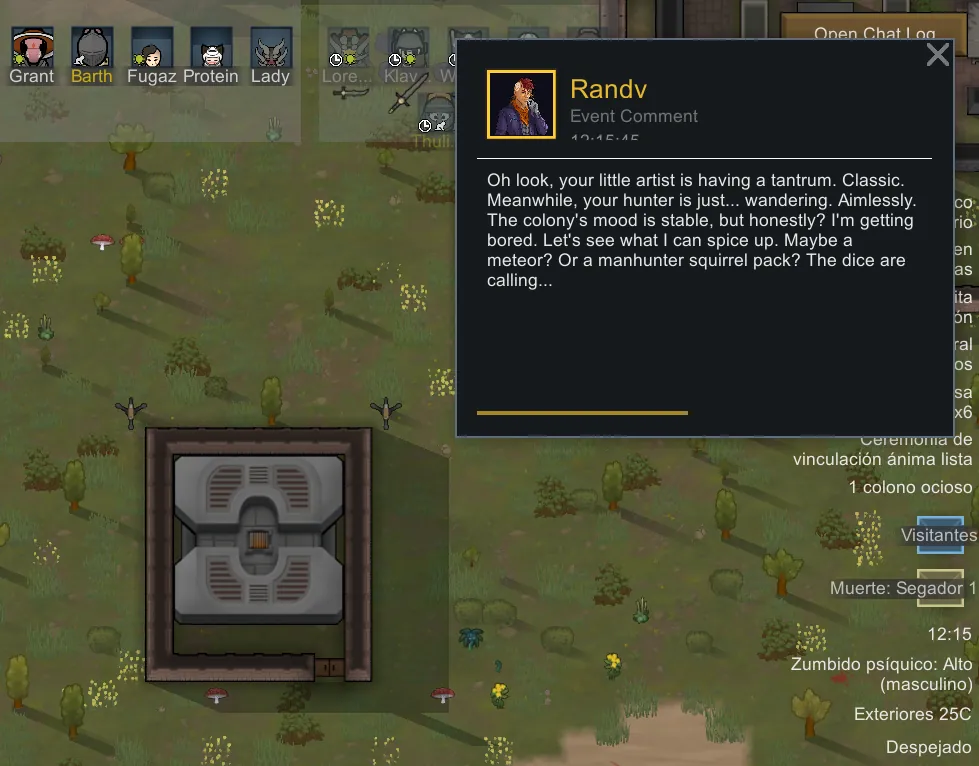
Ever wondered what Cassandra, Randy, and Phoebe really think about your decisions in RimWorld? Now you can find out!
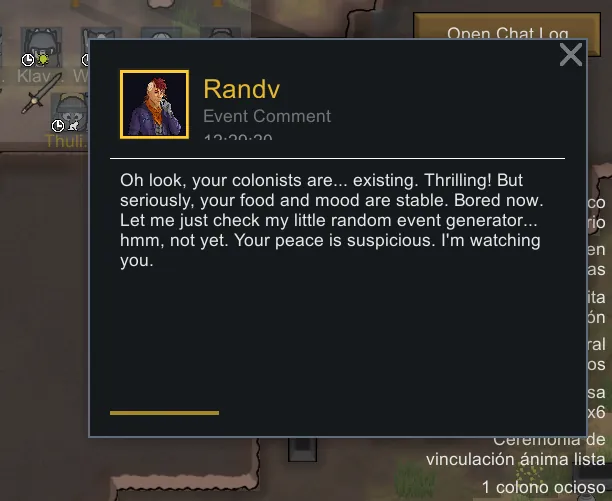
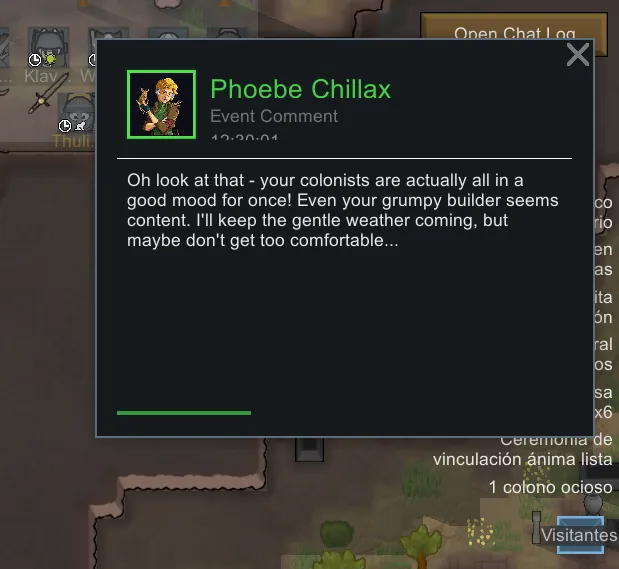
The Storyteller's Voice brings the storytellers directly into your game with AI-generated commentary. Each storyteller maintains their unique personality:
- 🎯 Cassandra Classic: Analytical and strategic, she'll congratulate your smart decisions... or subtly remind you of your mistakes
- 🎲 Randy Random: Unpredictable and sarcastic, he'll mock your "perfect" plans when chaos destroys them
- 🌸 Phoebe Chillax: Relaxed and understanding, she'll encourage you when things get tough
✨ Key Features
🗣️ Dynamic Commentary
- Storytellers react in real-time to your colony's events
- From epic raids to catastrophic fails, they always have something to say!
- Compatible with custom storytellers - the AI adapts to any personality
⚙️ Fully Customizable
- Adjustable frequency: From constant commentary to occasional interventions
- Specific events: Configure which situations trigger comments
- Custom instructions: Change the tone and style of each storyteller
- Content filters: Control the type of comments you receive
🚀 Super Easy Setup
Step 1: Get Your API Key
- Go to: The Storyteller's Voice - Connect to Player2[gerikuylerk.com]
- Click "Connect to Player2"
- Complete authentication (it's free!)
- Download or copy your API key
Step 2: Install the API Key
You have two options:
Option A - File (Recommended):
- Place
NarratorsVoice_API_Key.txt
in your RimWorld Data folder - Example:
C:\Program Files (x86)\Steam\steamapps\common\RimWorld\Data\
Option B - Mod Settings:
- Go to Mod Settings in RimWorld
- Paste your API key directly into the corresponding field
Step 3: Enjoy!
- Launch RimWorld
- Storytellers will start commenting automatically
- Adjust settings from the mod options menu
💰 What if I run out of credits?
Player2 offers daily credit recovery opportunities to keep your storytellers talking! You can earn free credits regularly through:
- Daily rolls: Get free credits every day through Player2's desktop application
- Web platform: Access daily credit opportunities directly from Player2's website
- Consistent availability: The system ensures you can always get more credits to continue enjoying AI commentary
Don't worry about running out - Player2's daily credit system keeps the conversation going!
⚠️ Important Note
The Storyteller's Voice exclusively uses the Player2 API to generate AI commentary. Currently, there are no plans to make the mod compatible with other AI platforms like OpenAI, Claude, etc.
Thank you for your understanding and apologies if you preferred other AI options.
Ready to hear what the storytellers really think about your colony?
Download The Storyteller's Voice and give voice to your RimWorld experience!