Here is the snapshot version of this mod.
Dynamic Map Size (Read desc. You'll like it.)
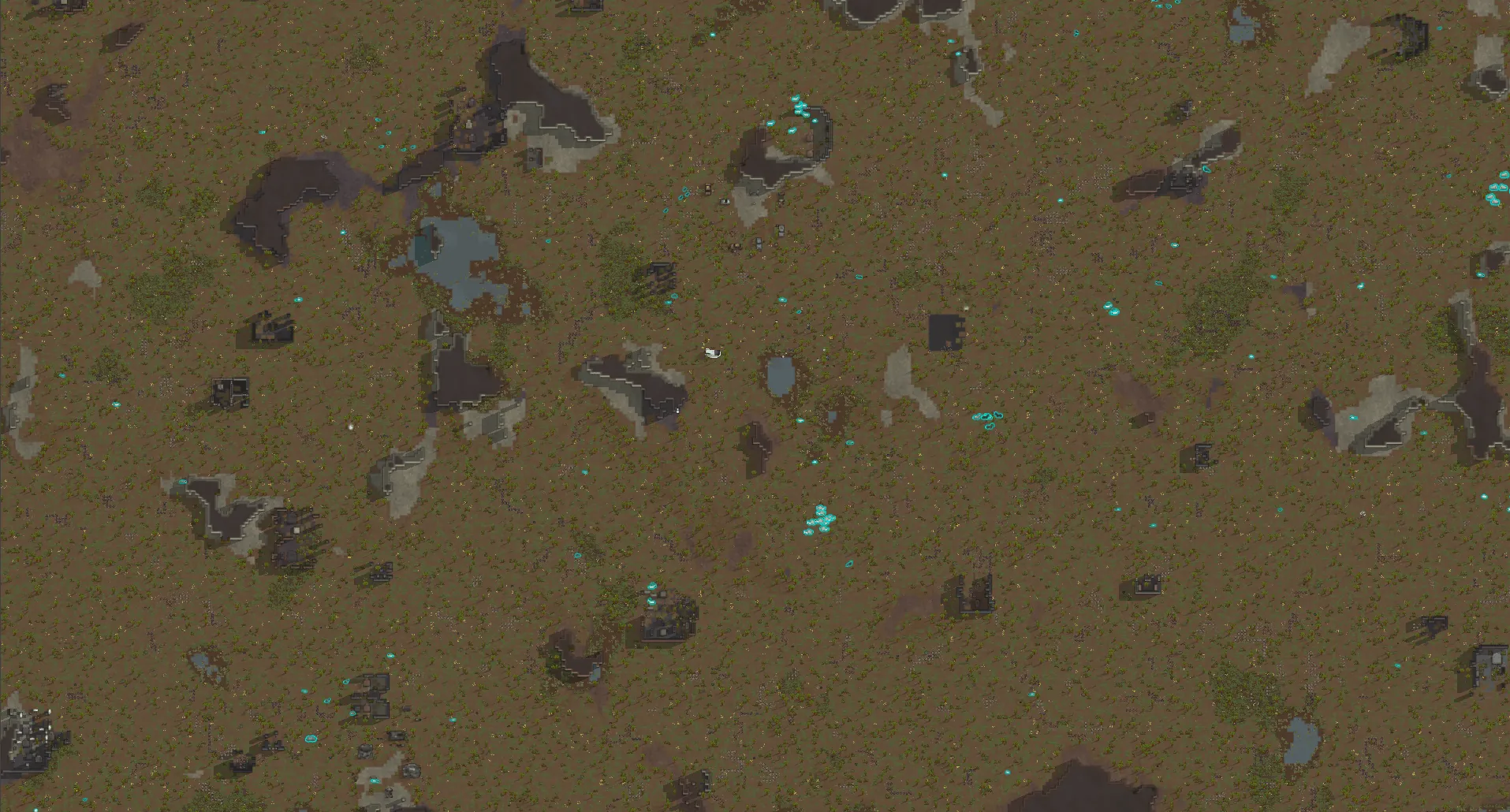
- Create maps at any size you want.
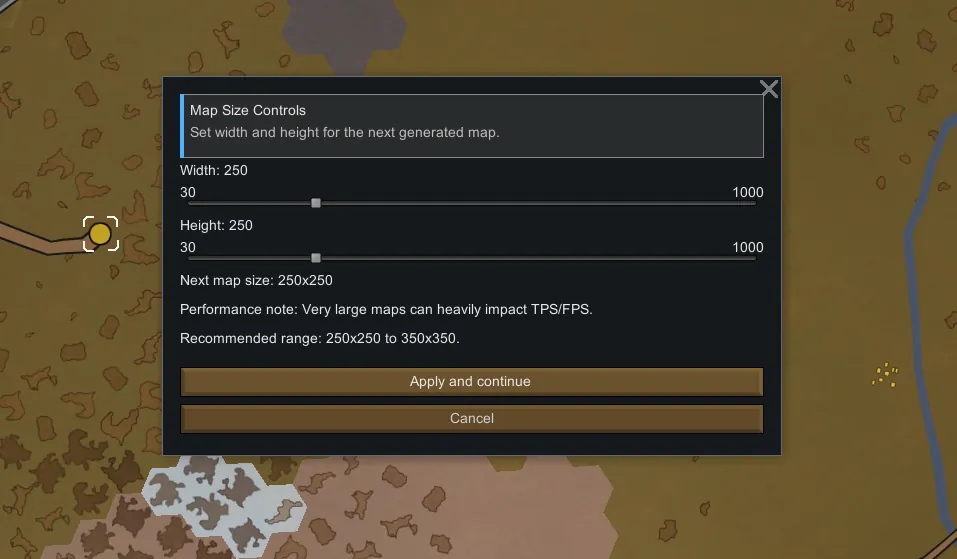
- Choose custom width and height before settlement.
- Adjust or remove border limits.
- Safely reroll maps in-game (your pawns will stay untouched).
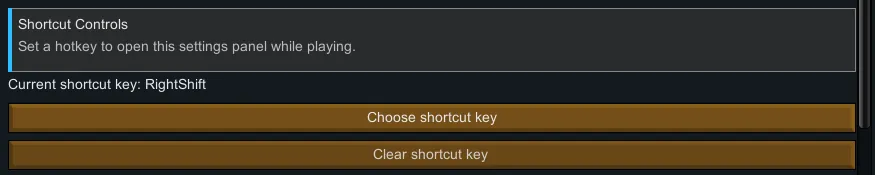
- Instantly open the mod menu by using the Right Shift key.
Overview
- Set custom map dimensions before generating a new settlement map.
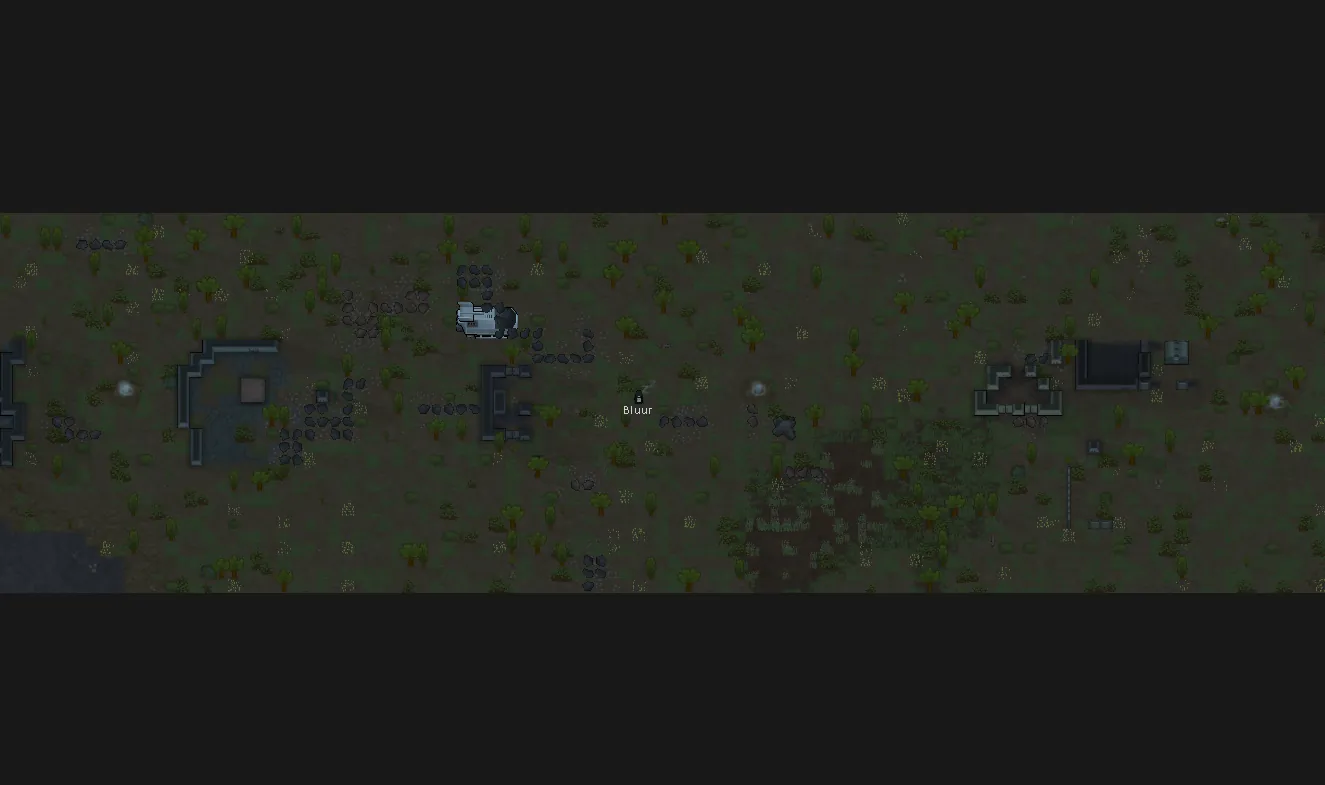
- Asymmetric sizes are fully supported (for example, 300x500).
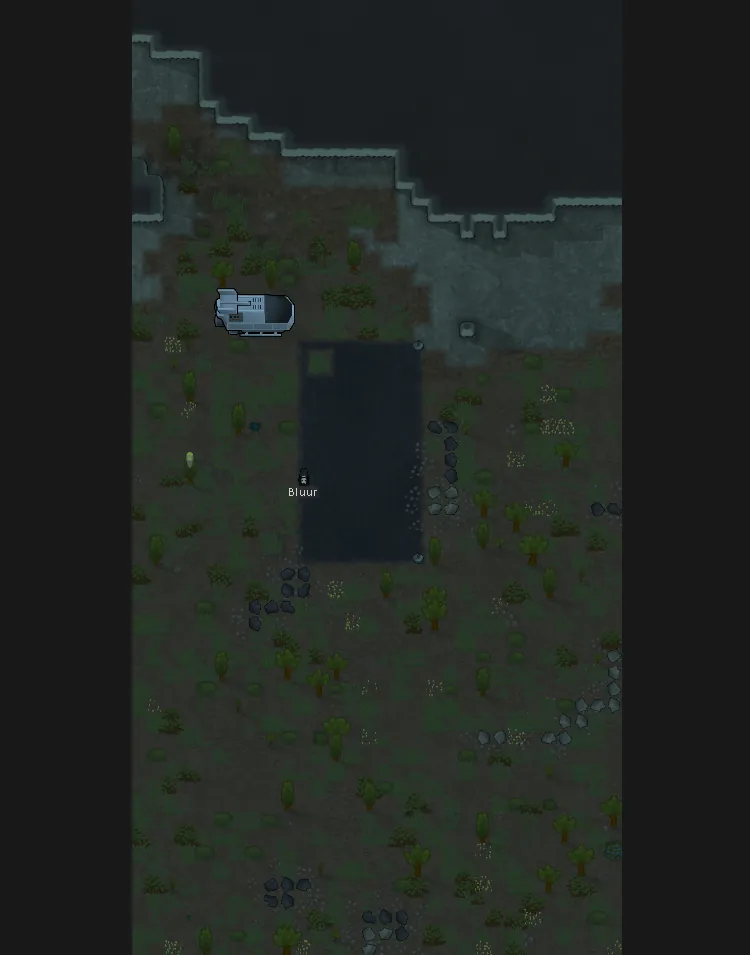
- Customize playable and buildable areas by adjusting border limits, with dynamic boundary visualization that updates instantly when border values change.
- Use a one-time override for the next map, or keep a persistent override for every new map you generate.
Recent Changes (Update: REFORGED)
- Complete UI revamp for both main and side menus with a cleaner layout and stronger visual hierarchy.
- Improved English across labels, descriptions, tooltips, and warnings.
- Main menu safety lock added: controls remain greyed out until a save is loaded.
- Buttons and toggles automatically unlock after entering a save.
- Playable/buildable boundary visualization now updates dynamically when border values change.
- Fixed desynchronization between gameplay limits and visual boundary lines.
- Removed the implicit 64 border assumption; higher values are now supported when map size allows it.
- General polish and cleanup of UI flow and internal logic.
Main Features
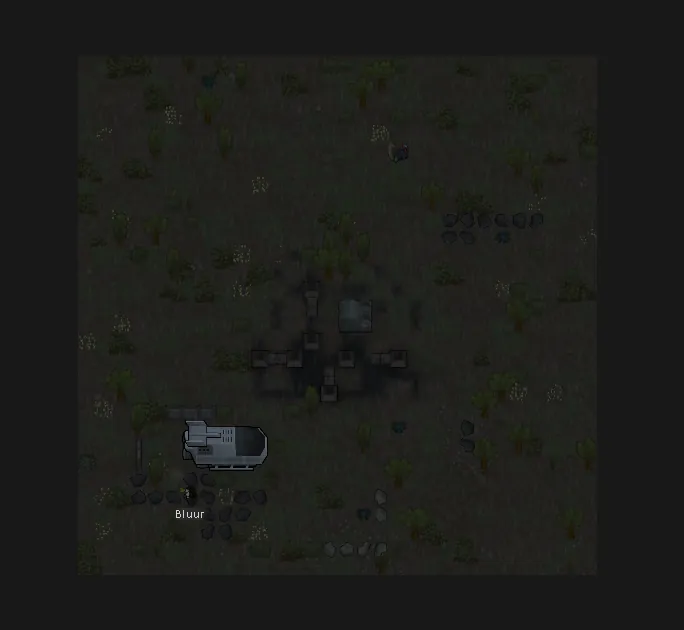
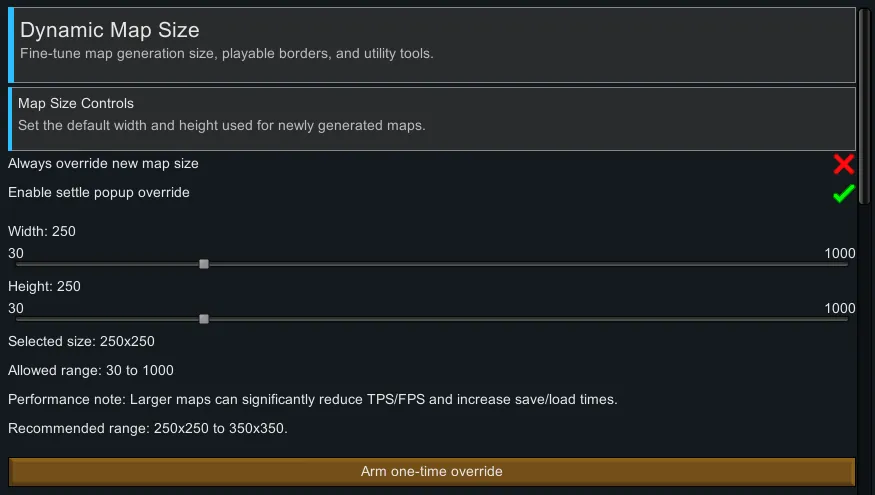
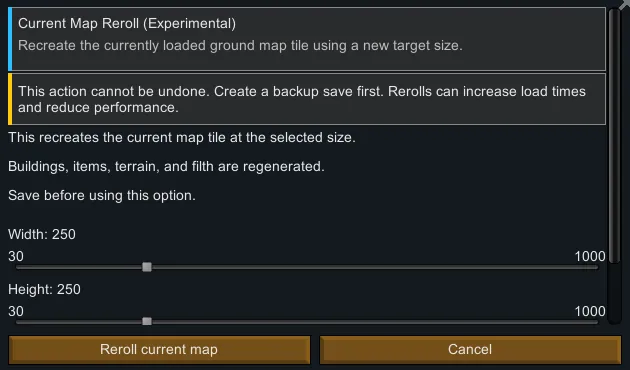
- Custom Map Sizes: Create maps ranging from 30x30 up to 1000x1000.
- Asymmetric Maps: Width and height can be set independently.
- Settle Popup Selection: Choose your map size directly before settlement generation.
- Next Map Only Mode: Applies the custom size once, then returns to normal behavior.
- Always Override Mode: Automatically applies your selected size to every new map.
- In-Game Shortcut: Instantly open mod settings (default key: Right Shift).
Playable / Buildable Area Controls
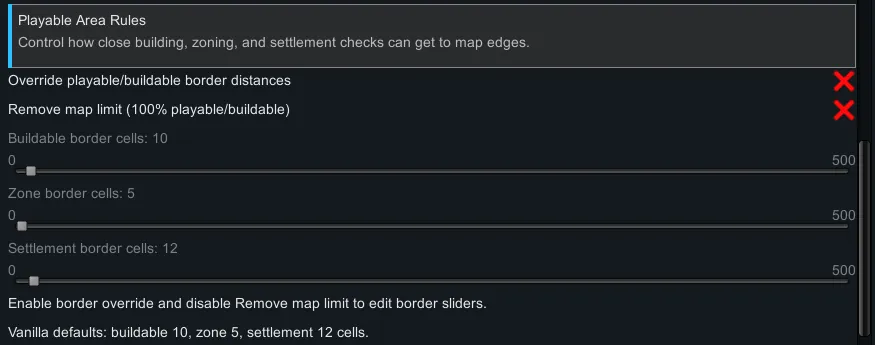
- Custom Border Rules: Adjust buildable, zoning, and settlement edge distances.
- Expanded Border Support: Supports border values above 64 when map size allows.
- Remove Map Limit Option: Enables full playable and buildable map coverage.
- Dynamic Boundary Visualization: Boundary lines update instantly when border values change.
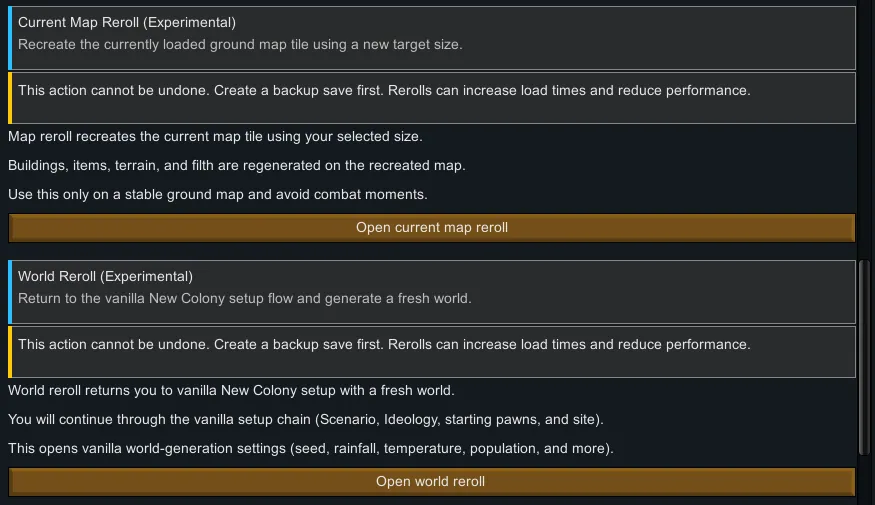
Current Map Reroll (Experimental)
- Recreate the currently loaded ground map with a new target size.
- The map is regenerated during the process.
- Your pawns will stay untouched.
- Useful for testing or adjusting map scale mid-run.
- Please back up your save before using this feature.
World Reroll (Experimental)
- Returns to the vanilla "New Colony" setup flow and generates a new world.
- Useful if you want to restart world generation without leaving the session.
UI and UX
- Fully redesigned UI with improved layout consistency and readability.
- Cleaner and more natural English text across menus and tooltips.
- Interactive controls remain locked in the main menu until a save is loaded.
- Controls unlock automatically once a save is entered.
Odyssey Behavior
- When in Odyssey orbit/space contexts, runtime map-size override is disabled for safety.
- Settings can still be edited so they are ready for the next ground map.
Compatibility
- No known compatibility issues at this time.
Performance
- Very large maps may reduce TPS/FPS and increase generation or save/load times.
- Recommended range for most systems: 250x250 to 350x350.
License
- Free to use, modify, and redistribute.
- Credit must be given to the original author and please include a link to the original Workshop page when redistributing or publishing modified versions.
- Modified versions should clearly state that they are not the original release.