Laser Weapon System
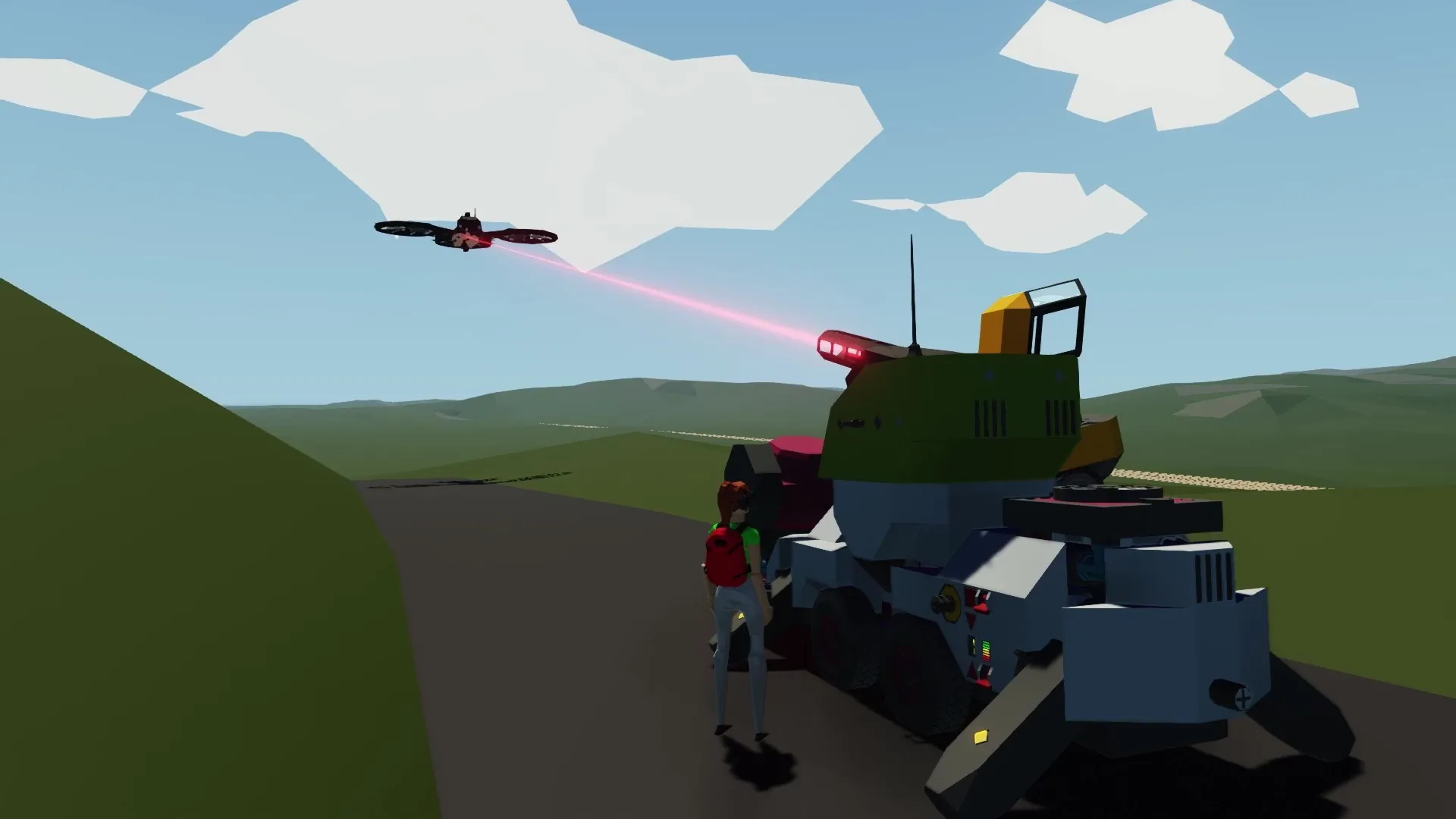
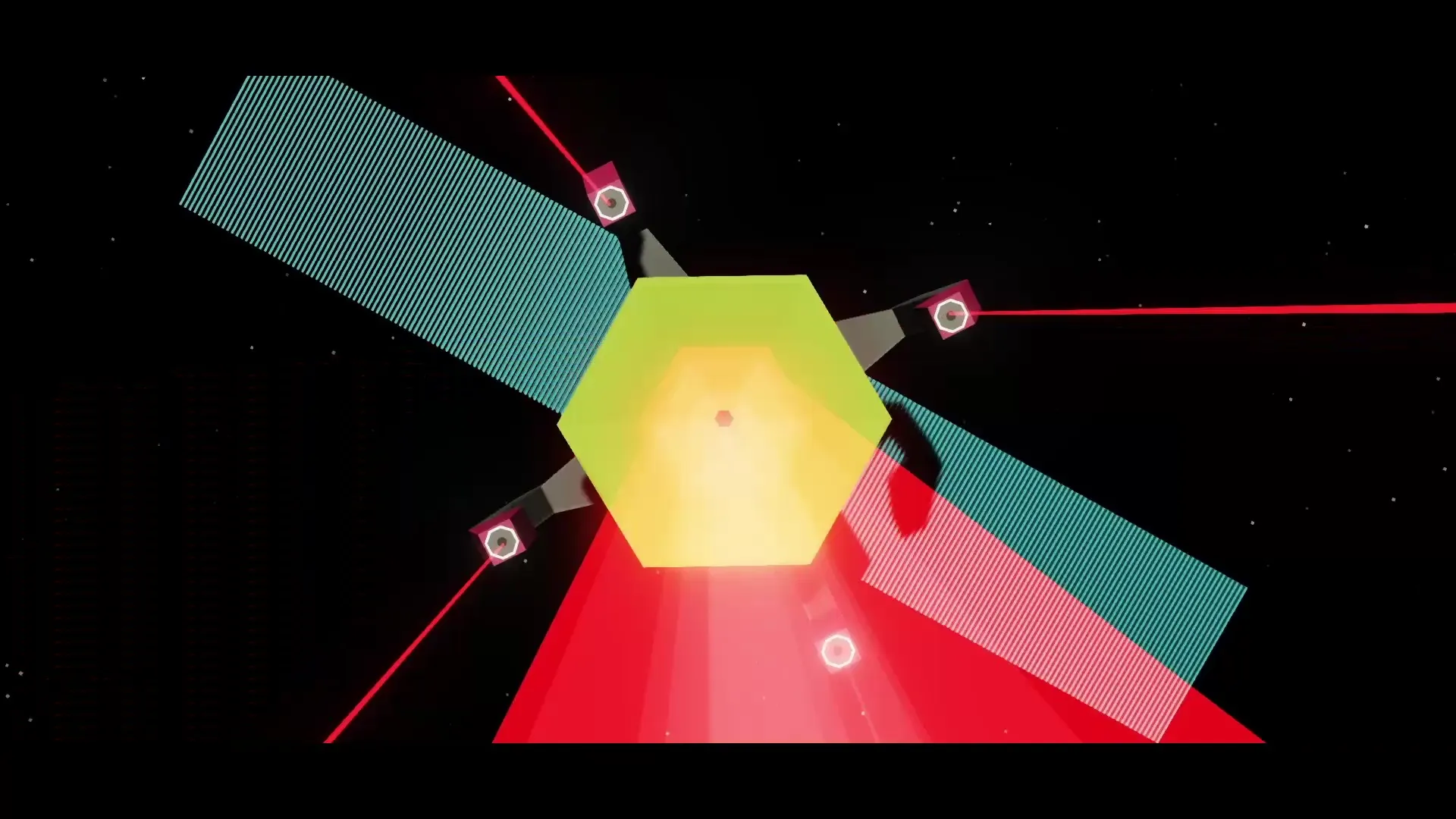
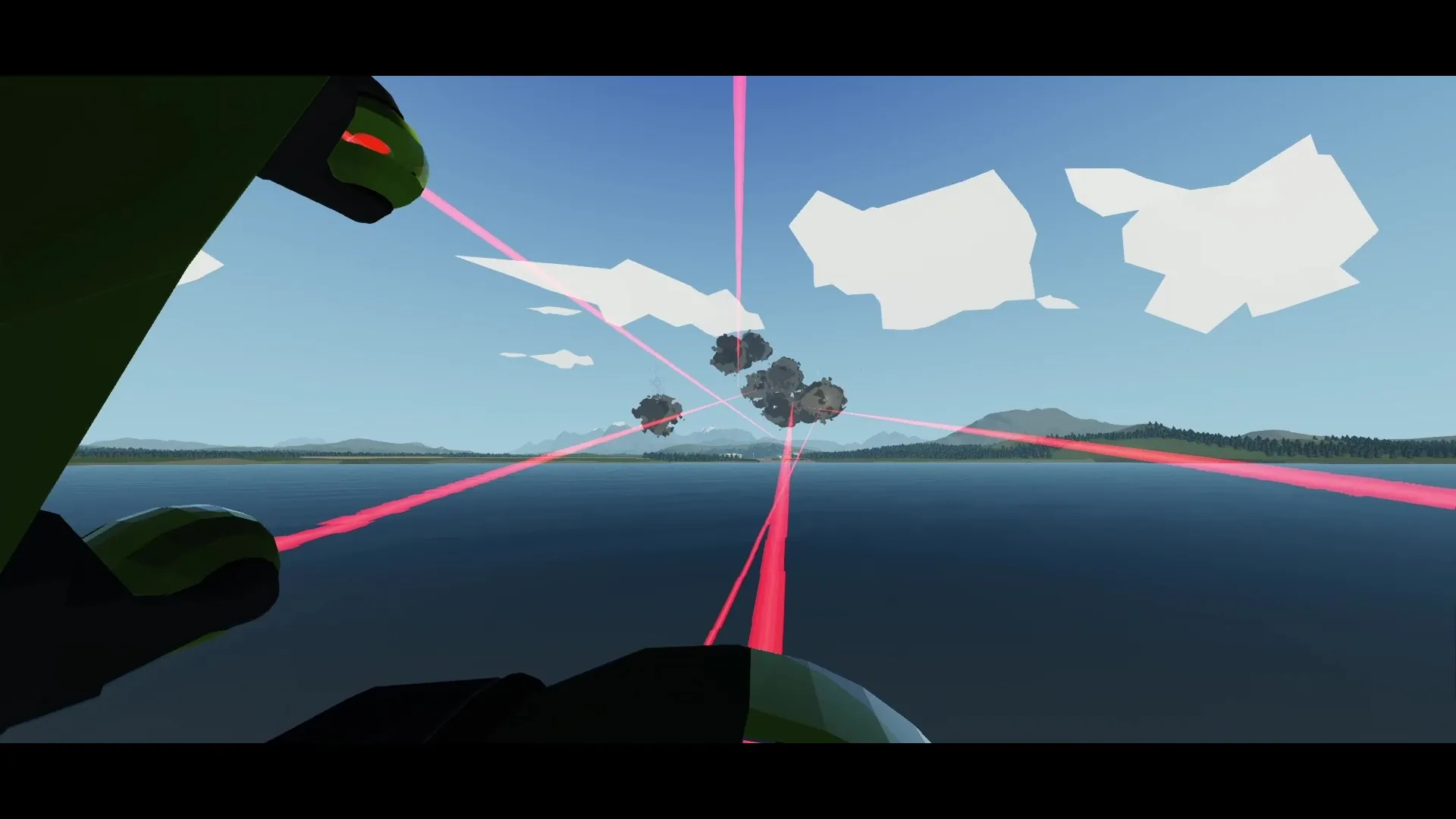
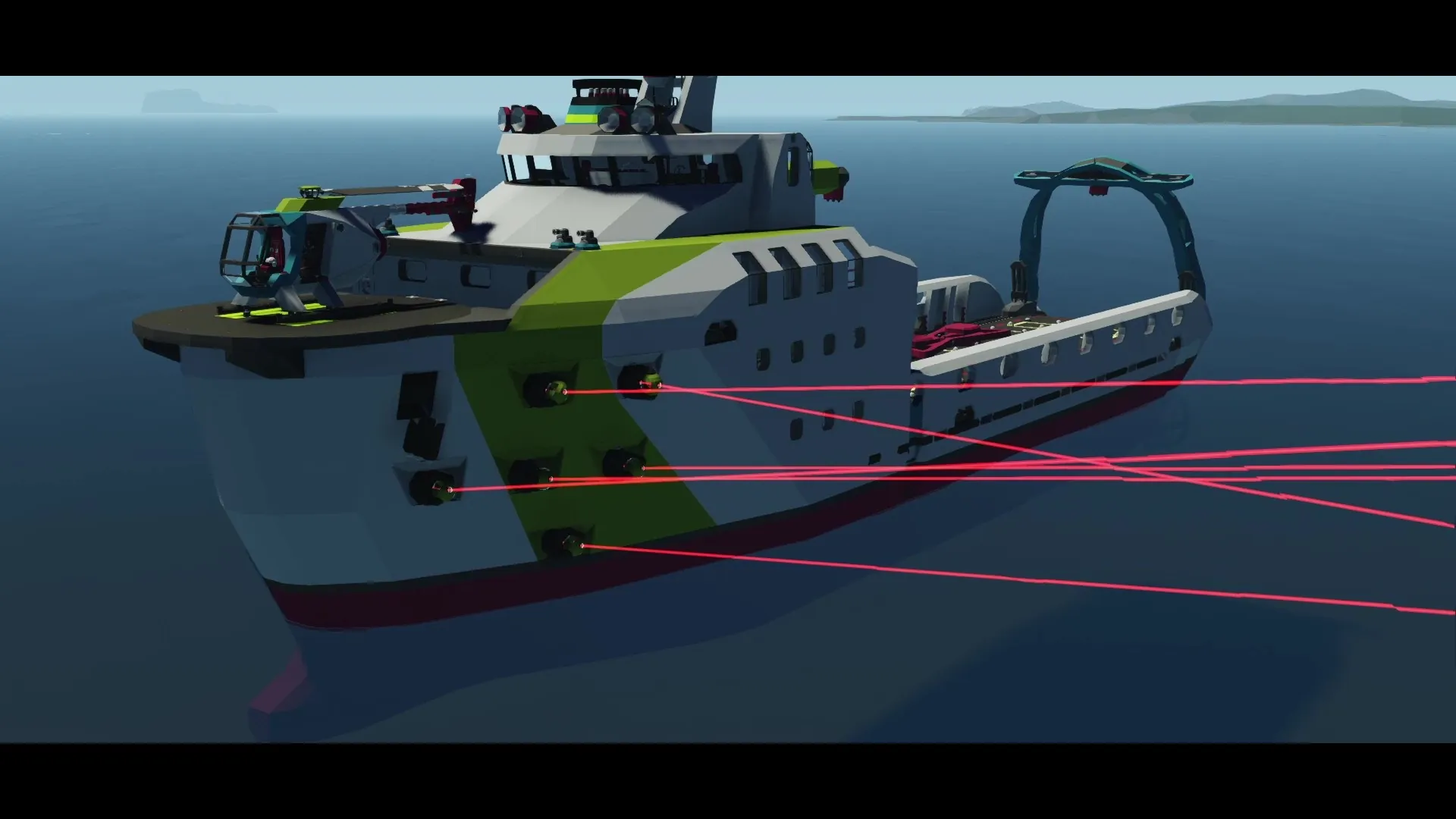
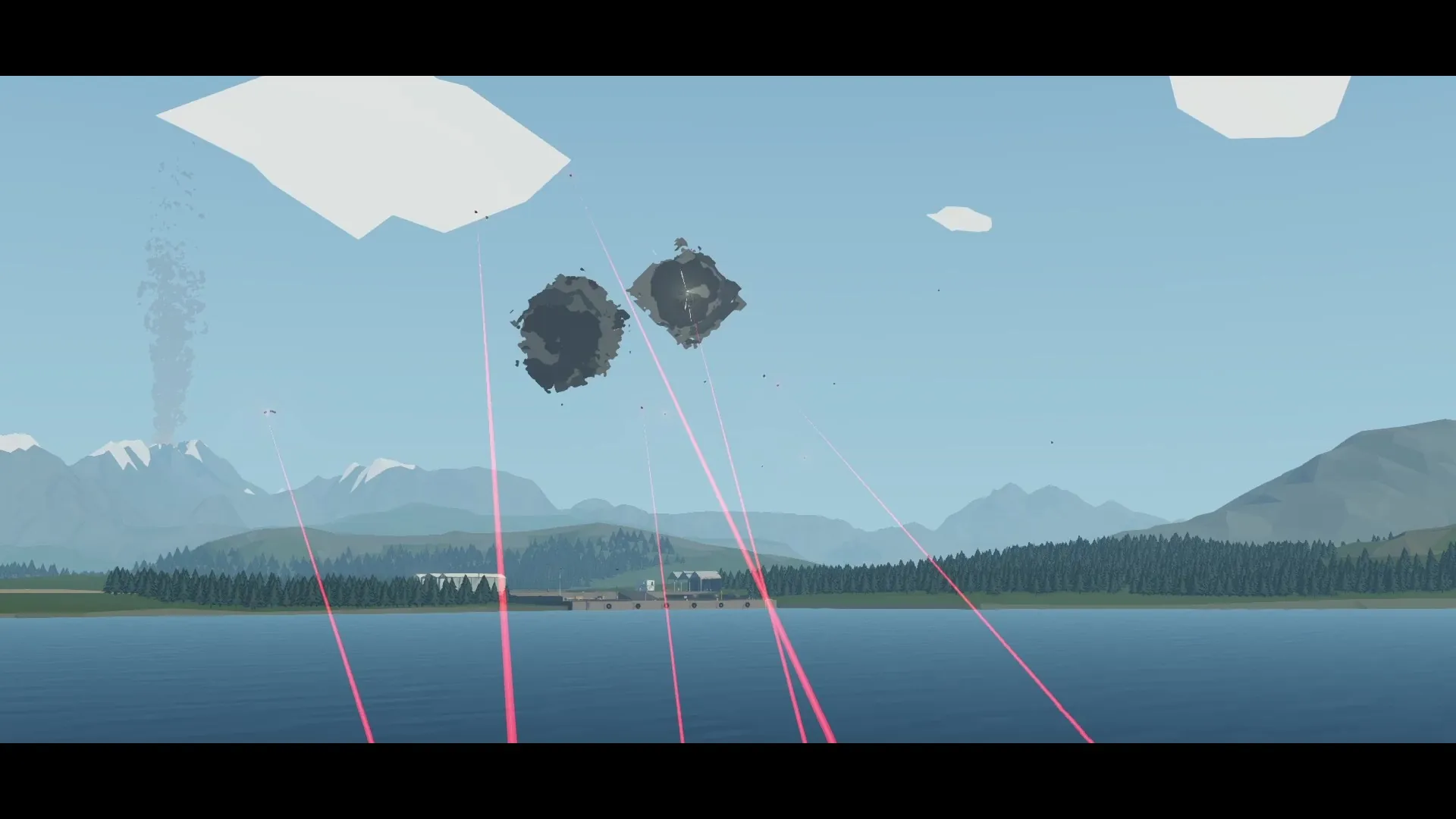
This is the laser weapon system mod. It is a component mod that adds a modular laser weapon to the game. You can make small lasers for close in defence systems that shoots down missiles. Alternatively you can make a giant death laser that destroys anything in its path. Build any laser you can imagine. Simply add modules to the upgrade port on the laser via pipes to customize the behaviour and power of the laser. You can quickly build a laser and it will work okay. But if your cup of tea is balancing a complex system then you are in luck. This mod goes quite in depth when it comes to how everything is calculated. You can spend many hours trying to make a perfectly balanced laser using the provided information and debug values from the Laser Info node.
Guide
See the example creation for a visual guide on how the laser system works (strongly recommended).
Please do not hesitate to check out the LASER defence trailer creation made by 8PenniesDeep, using my Laser Weapon Mod as seen in the showcase video.
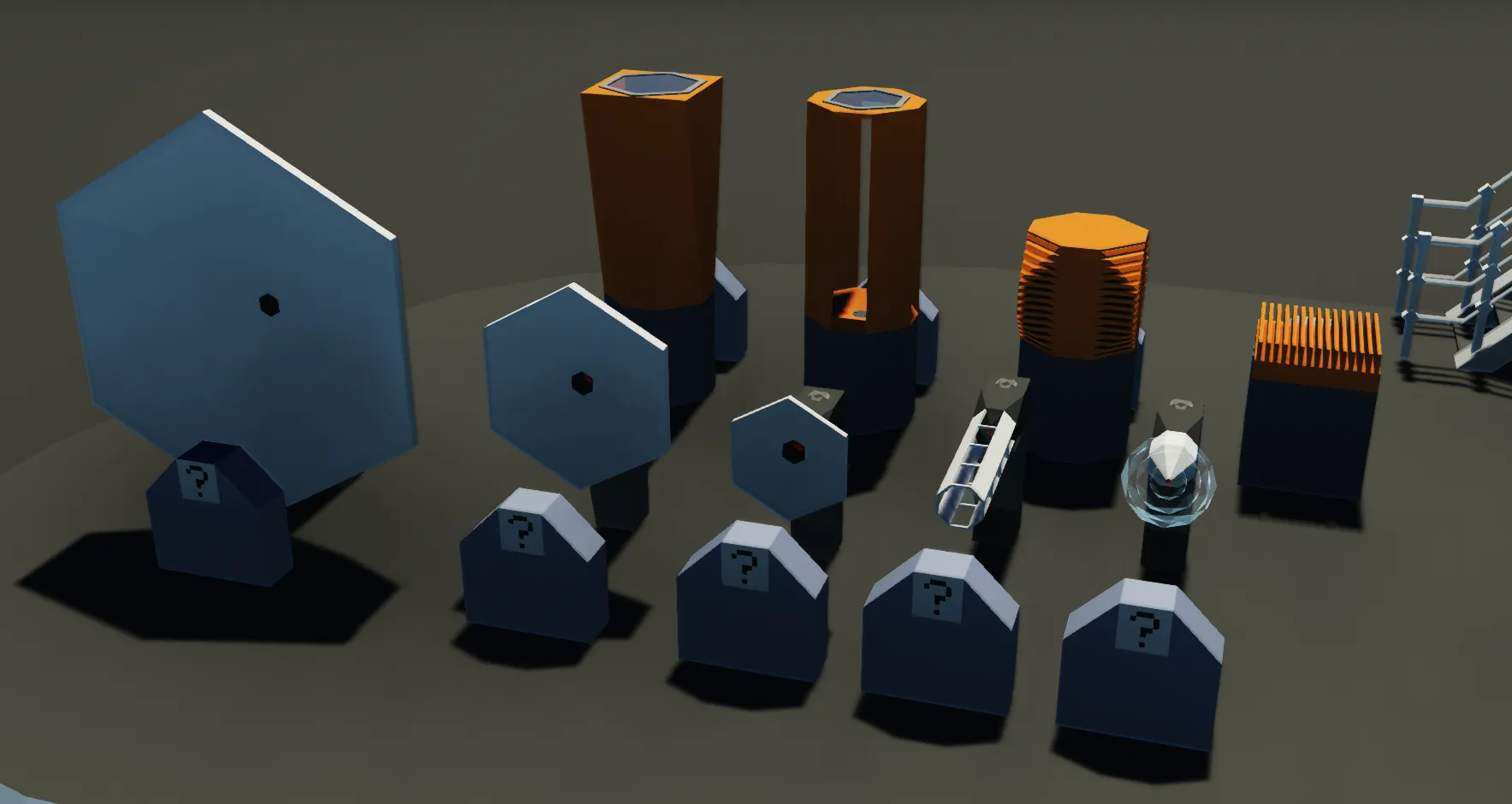
To find all the laser components simply search "laser" in the parts menu.
You may continue reading down bellow for a more in depth guide on how the laser system works.
Laser (core)
The laser is the core of the system. This is what everything connects to. It can fire a laser beam when the Fire laser node is activated. Assuming that Enable laser is activated and enough RPS is provided through the RPS input node. Make sure to connect the Electric node to electricity. The laser needs electricity along with the main power source (RPS) to function. The laser can be turned into pulse mode by attaching at least one energy capacitor. The laser can pivot the laser beam direction with some lenses attached by connecting a composite signal to the Control node. You can also control Fire laser and Enable laser from the Control node. The Output constriction channel found in the Control composite node, reduces the laser energy output rate of the laser to allow for longer pulses, or weaker beams for beam lasers. Note that this lowers the damage/second of the laser. The laser also has a Laser Info composite node that outputs relevant information about the laser. Useful for troubleshooting and balancing the laser system.
Bellow are some sections that cover the different aspects of the system.
Ports of the laser
The laser has 5 ports all for different purposes. The port on the top is the module upgrade port. This is where you connect all the modules, ideally via pipes. This allows you to upgrade the laser. For example, you can make it more powerful with power modulators, or turn it into a pulse laser with energy capacitors. The back (orange) port is the RPS input port. This is where RPS is applied to charge the laser with energy. Sidenote. The laser also needs electrical power to function. The port on the front of the laser is the lens upgrade port. This is where the lens should be installed. Lenses upgrade the range and pivot angle of the laser. This is particularly useful when the target is far away, or agile. The fourth and fifth ports are the coolant input and steam output ports to the right and left side of the laser respectively. These ports provide an alternative way to cool the laser.
Efficiency
Range
The efficiency of the laser falls off over range. So at the maximum range of the laser the damage is 0% and coming closer to the laser it goes towards 100% of the total power of the laser. A lens with a better range multiplier will increase the maximum range and thus the effective damage at the same range. Another way to increase the damage is to simply increase the power of the laser. The efficiency is calculated as follows efficiency = laser hit range / (lens range * laser power output)
Pulse lasers
The charge efficiency of lasers in pulse mode is only 25% efficient. If you provide 100 RPS (100 energy/tick) into the laser, the energy storage will only increase by 25 energy/tick. In beam lasers the full 100 energy/tick will be applied. However beam lasers can not store energy, it simply emits all the energy every tick. Therefore, a pulse laser can cause more damage if enough energy is charged.
Providing energy (power)
The laser converts RPS into energy. The more RPS, the more energy. Power modulators increase the max charge rate (input RPS). Default max charge rate is 10 RPS.
Heat
There are two sources of heat in the laser. The first source of heat occurs when the laser is fired. Some of the light in the laser beam is absorbed by the glass in the lenses and converted into heat. The amount of heat generated is calculated as follows temperature increase = laser power output / heat capacity. The second source of heat occurs when storing energy in capacitors. The containment of a large amount of energy in a small volume results in lots of heat being emitted through thermal radiation. This happens because the walls of the capacitors are not 100% reflective and therefore absorb some of the energy, witch is then converted into heat. The generated heat from storing energy is calculated as follows: temperature difference = (0.01 * energy capacity) / heat capacity.
The example creation gives more specific information about the diffrent parts of the system.
Questions?
Feel free to ask me on my Discord community server[discord.gg] for help.
Credit
I encourage you to use what I have made in your own builds! No credit necessary.
Made by: se-ssi
Thanks to 8PenniesDeep for all your amaznig help and feedback throughout this project. 8PenniesDeep has made some amazing creations on his workshop. So do not hesitate to check it out.
Links
Discord Stormworks Community [discord.gg]
Youtube channel
Steam workshop
Enjoy!