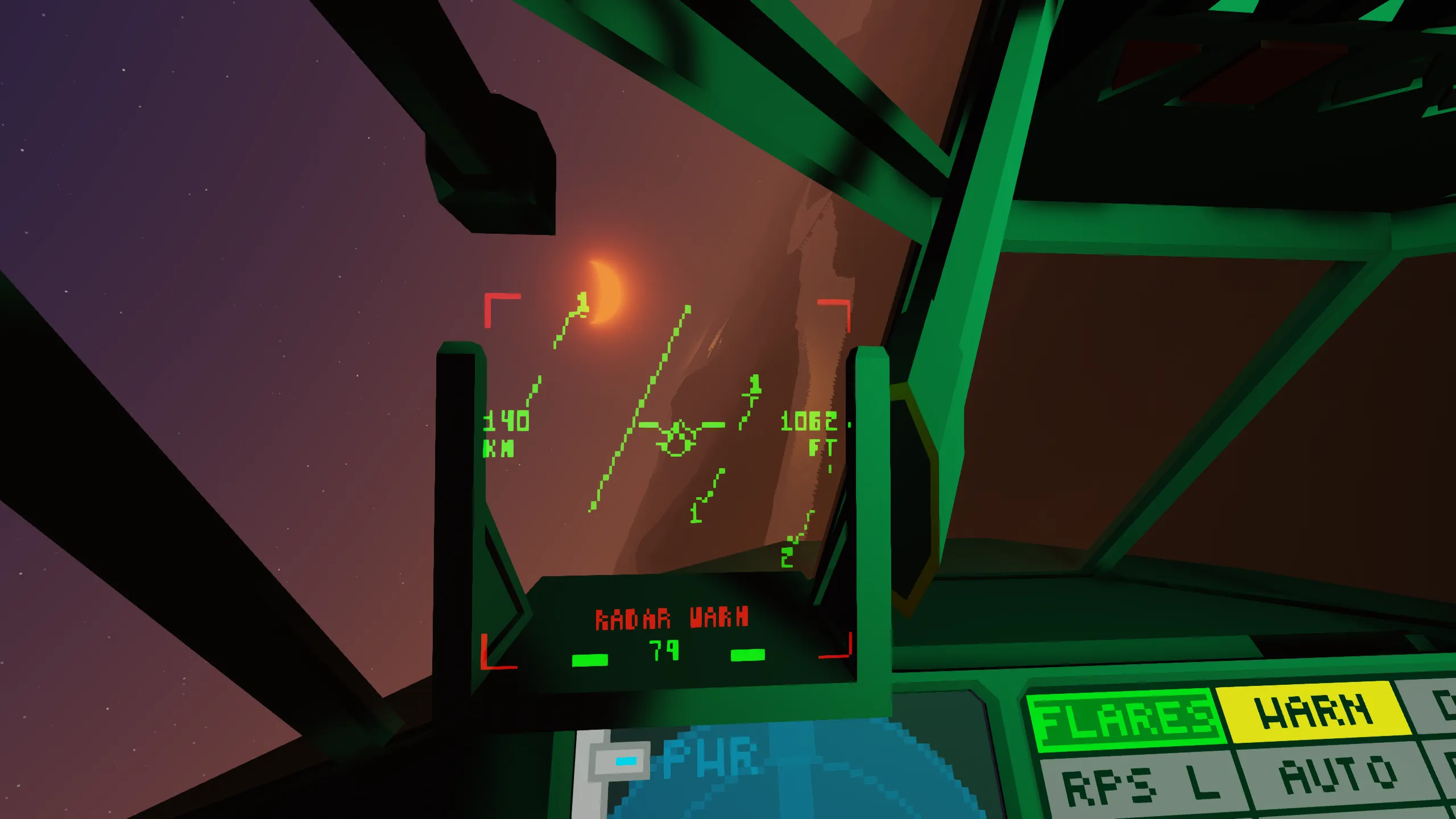
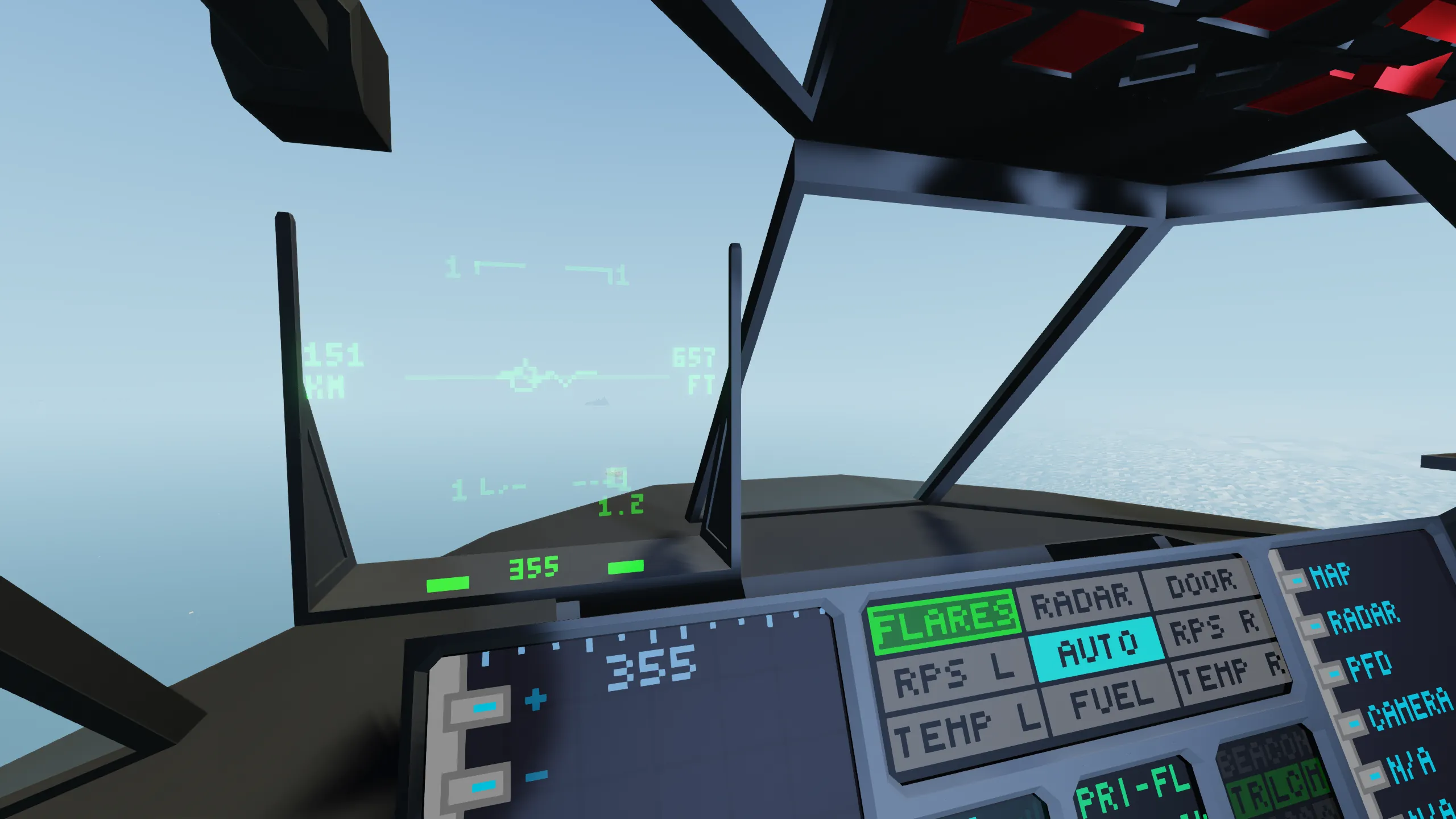
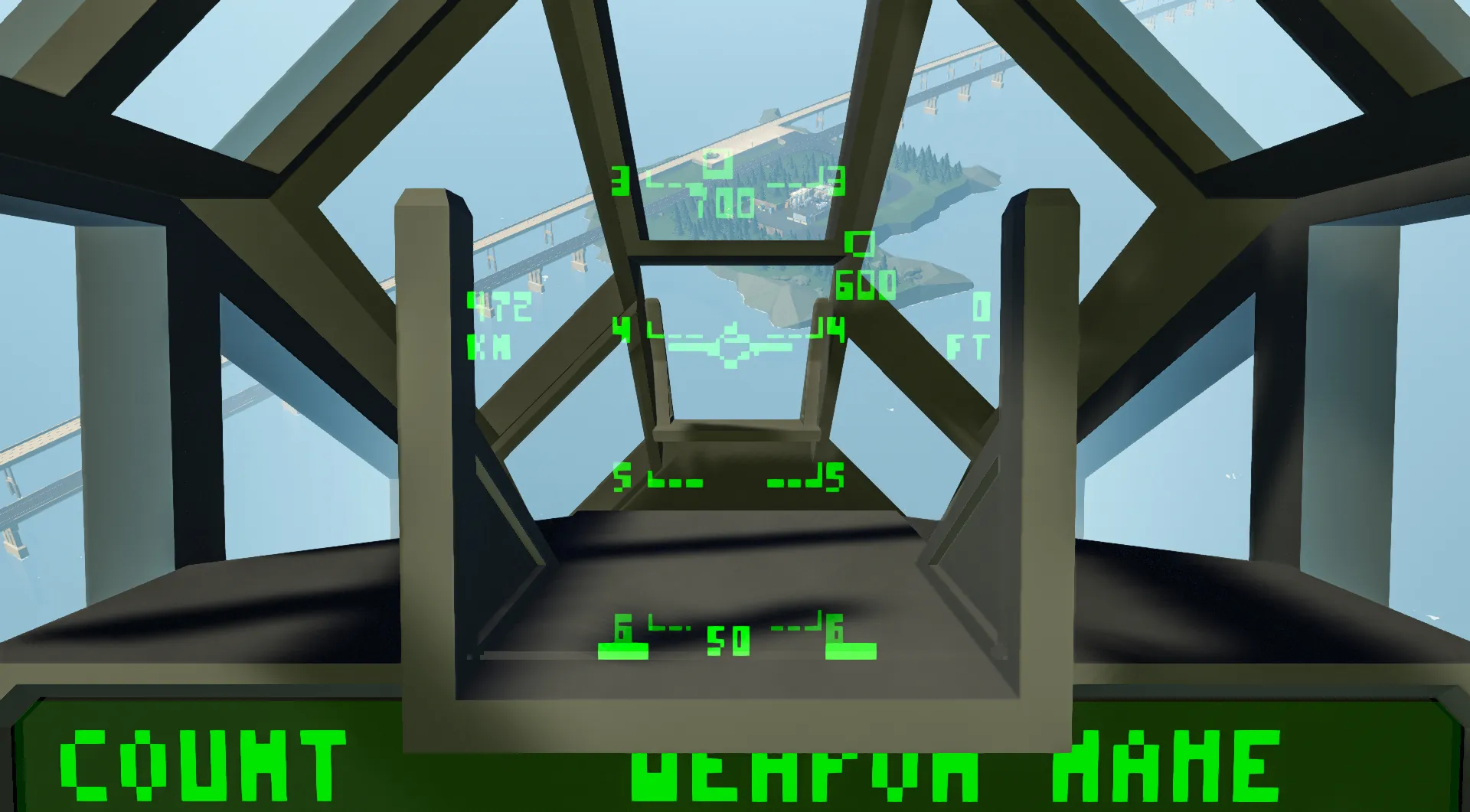
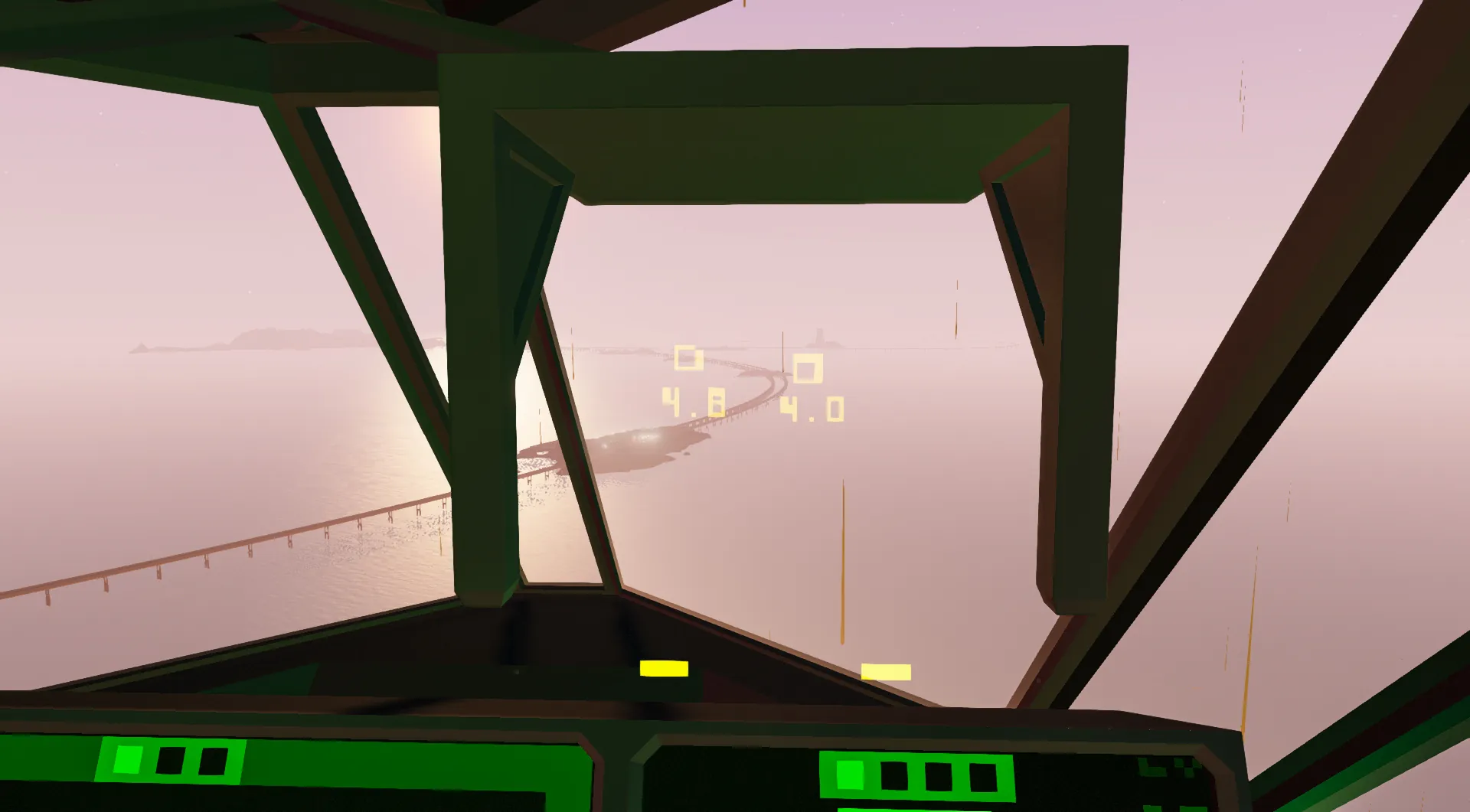
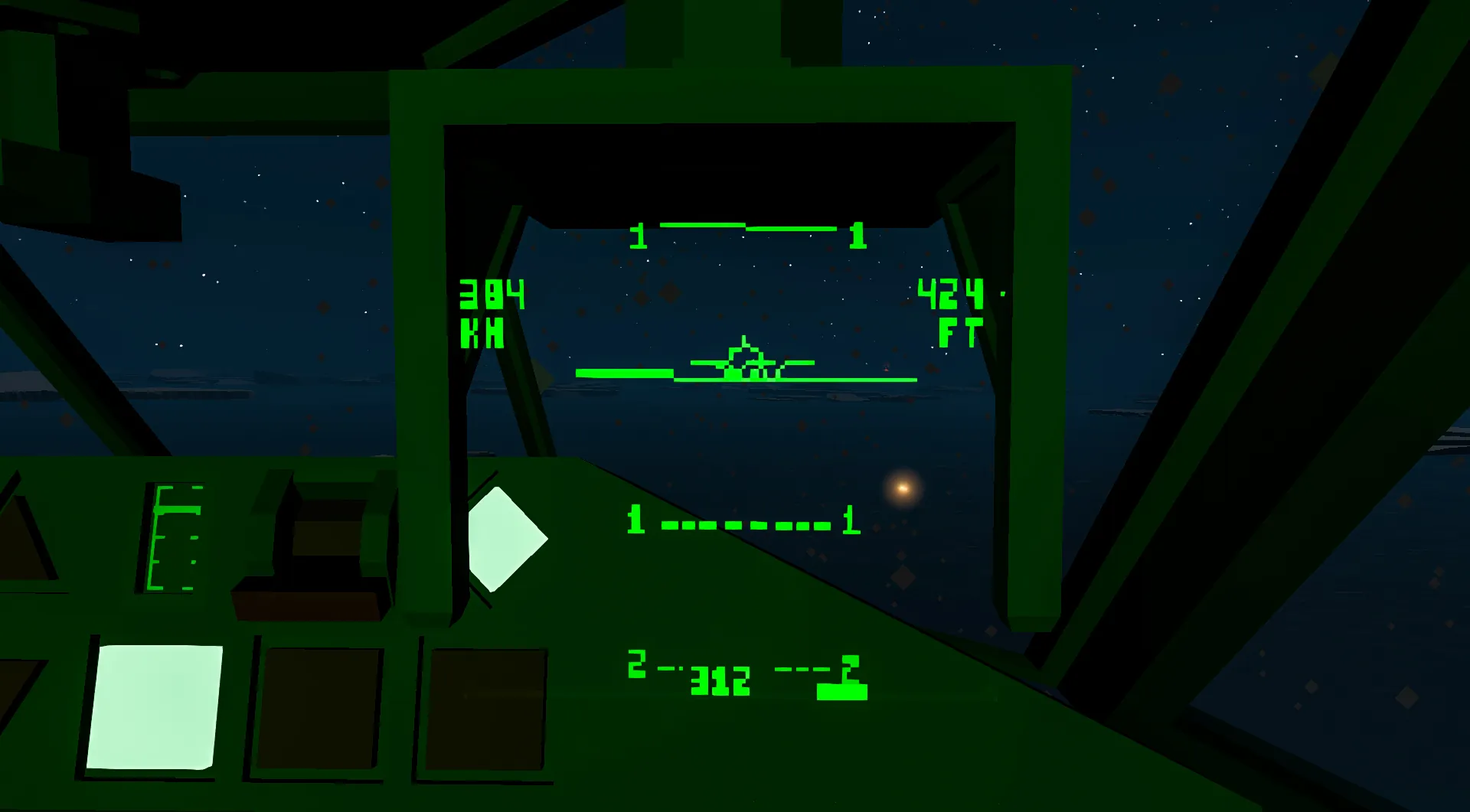
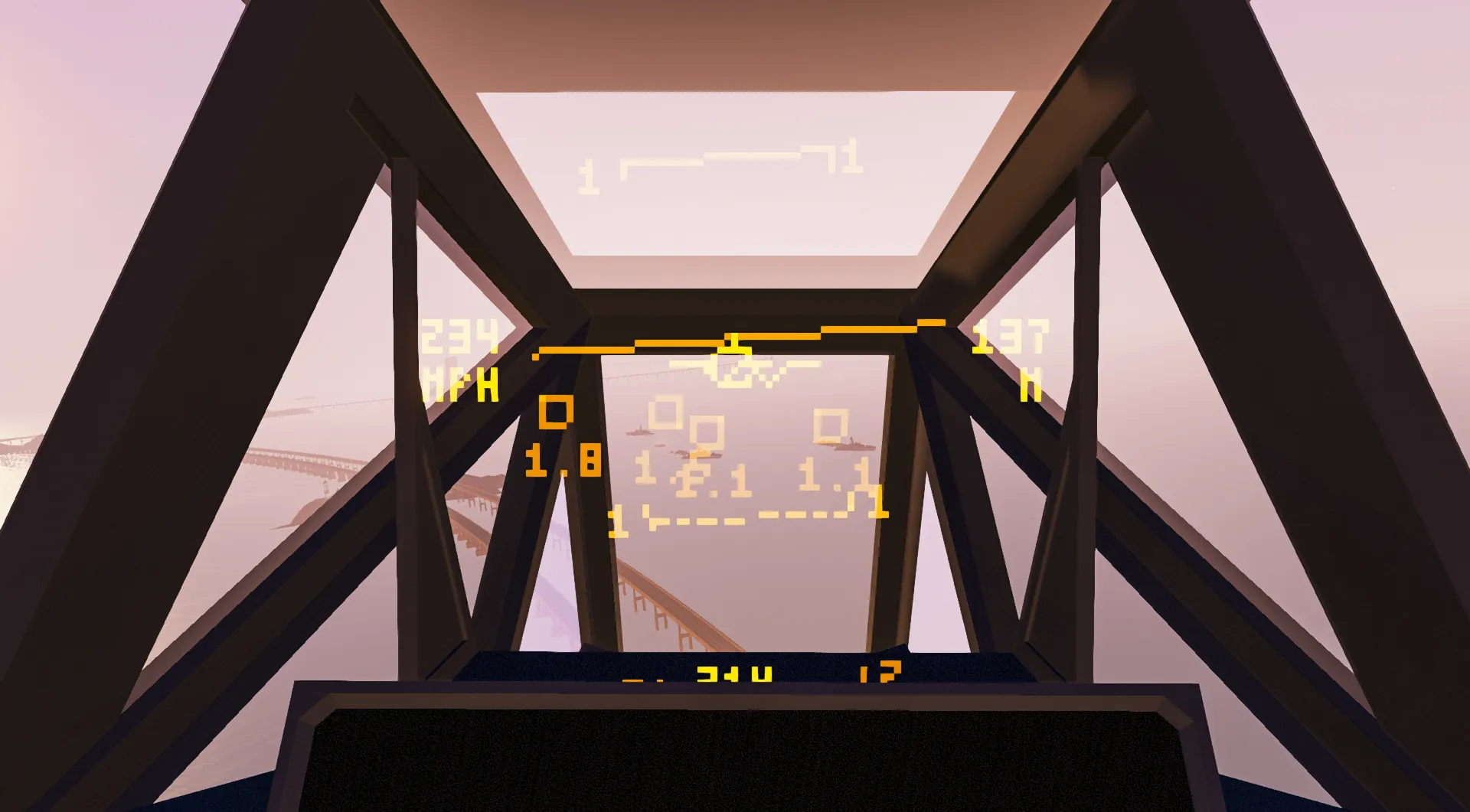
The HEVS Ultimate HUD is built to be just that, ultimate. It is meant to be the complete package, customizable for any use.

If you use this in your creation, please add credit and a link in the description, thank you!
Features
- Radar tracking for up to 8 targets.
- Parallax to ensure proper line of sight is maintained even when the head is turning (very useful for aiming guns and rockets).
- Configurable for different viewpoints
- Now works with 3x3 HUD
- Extensive customization to get the HUD exactly how you want it.
- Radar Warning Receiver.
- Connected with upcoming EHCS Weapon System to link HUD to missile Radar.
Setup Guide:
for 3x3 HUD, skip steps 1 & 2
- Place 3x3 camera and 3x3 monitor.
- Set the FOV of the camera to 0.138

- Place HUD in front of seat in correct position, rotate as need be. HUD can be up to 4 blocks away from the front of the seat.

- Rotate the 3x3 Monitor to match the direction of the HUD (If sideways, have arrows point in opposite directions.)
- Connect Composite from Seat and HUD to micro-controller.
- Connect Video from micro-controller to the 3x3 monitor, and the video from the camera to the HUD.
- Connect physics sensor with proper alignment: blue arrow facing forward, green arrow facing up, red arrow facing right

- Set configuration in the micro-controller properties: Orientation of the HUD, Blocks from front of seat, style, color, brightness, units, etc.
- Repeat previous steps if you wish to use the second HUD.
- If using radar tracking, place a radar at the nose of the vehicle, set it to static, and the FOV between 0.05 and 0.1 to begin, adjust as neccessary. Connect the radar composite node.
- If using RWR (Radar Warning Reciever), attatch a radar detector to the coresponding node.
- Make sure to delete any nodes not being used and resize the microcontroller for maximum efficiency (you may need to reconnect the logic)
User Guide:
- To turn radar on/off, press the left button (on the bottom of the screen) to toggle.
- To change what instrument data is on the screen, press the right button.
- To turn on/off certain features, toggle them off in the micro-controller properties.
- You can now customize the style of the bars, and can set custom color
- You can delete any nodes you do not need, you can use the full suite, or just a single HUD with just the artificial horizon.
"It Doesn't Work":
Problem: The screen is very pixelated
Solution: Make sure your "Monitor Quality" is set to High in video settings.
Problem: The HUD is angled too high
Solution: Make sure you are using a Male player model, unfortunately the Female player model has a different view height, making HUDs useless.
Problem: Things aren't lined up
Solution: Make sure your HUD orientation is set correctly.
Problem: The Radar is not tracking properly
Solution: Make sure that you have set the orientation correctly, if your problem is in only one axis, try flipping the actual radar.
Problem: The screen is moving the wrong way
Solution: Make sure that the orientation is set correctly
Problem: The Text is upside down/sideways
Solution: make sure the 3x3 monitor is orientated correctly. If you are using a 3x3 HUD, it only works oriented upwards.
Problem: The video output directly from the micro-controller doesn't work
Solution: This micro-controller requires a 3x3 monitor & Camera setup, it won't work by plugging the video output directly into the HUD.
Problem: Error screen
Solution: RIP, send me the error message
Problem: Radar keeps losing tracking
Solution: Radar gets weirdly blocked by players in seats, try moving the radar so it is not behind the seat.
FAQ:
Q: Can I have the code?
A: No
Q: Will you make a basic 1x1 version?
A: probably not.
Q: Will you add more features?
A: Yes, I plan to continue to improve this micro-controller with new features, and take advantage of any future updates to the game.
Known Issues
- Does not work with Female Player Model [Will not be fixed, hopefully the devs will realize this is a mistake.]
Planned Improvements
- Ability to swap position of heading between bottom and top of the HUD
- Radar locking gun sight
- HOBS Missile moves target box

Credits:
Alyosha15 Custom 3x5 Text
ArcherDude11 Testing & Screenshots
Quale Physics Sensor Math
Pols Accurate True Roll Function