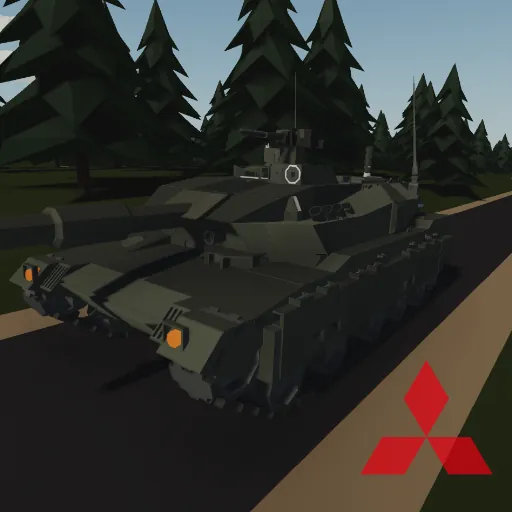
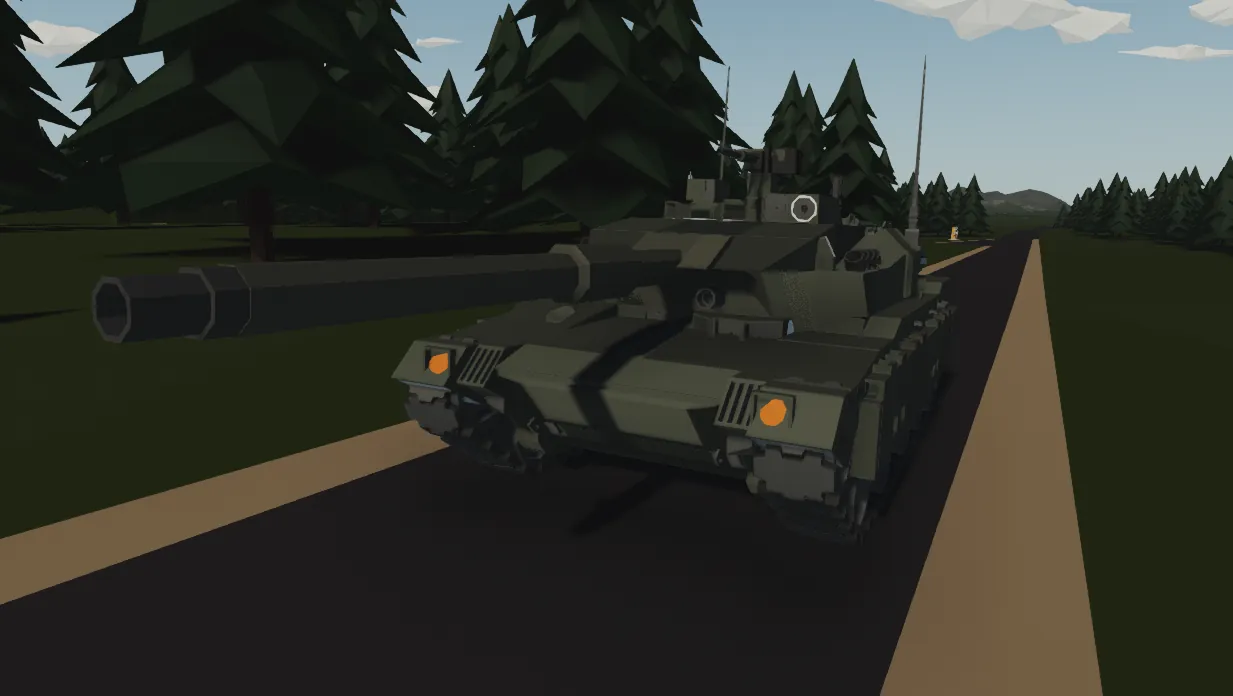
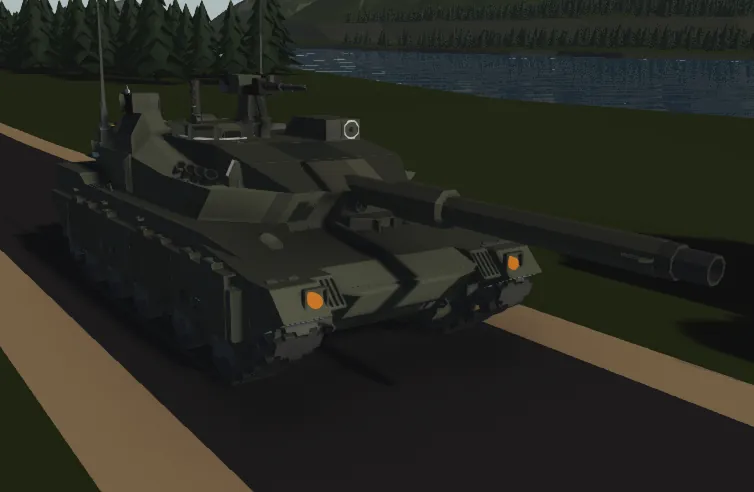
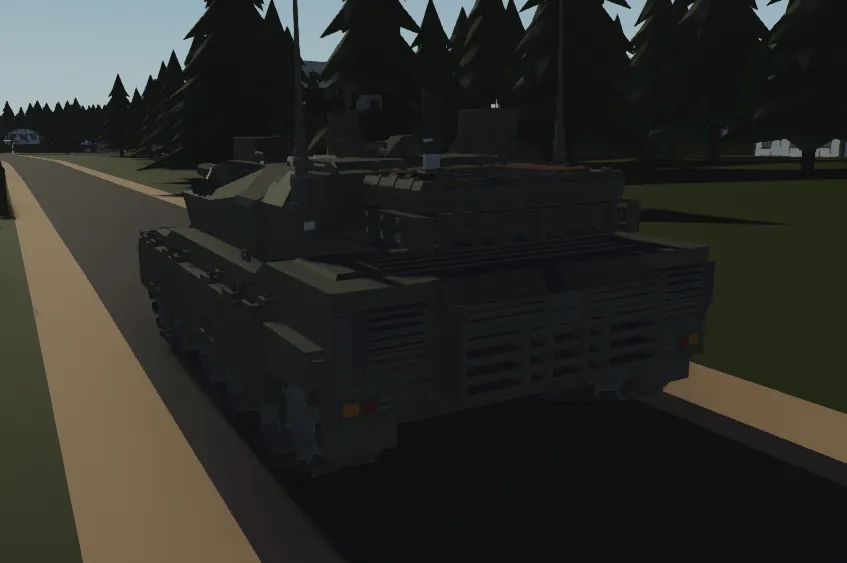
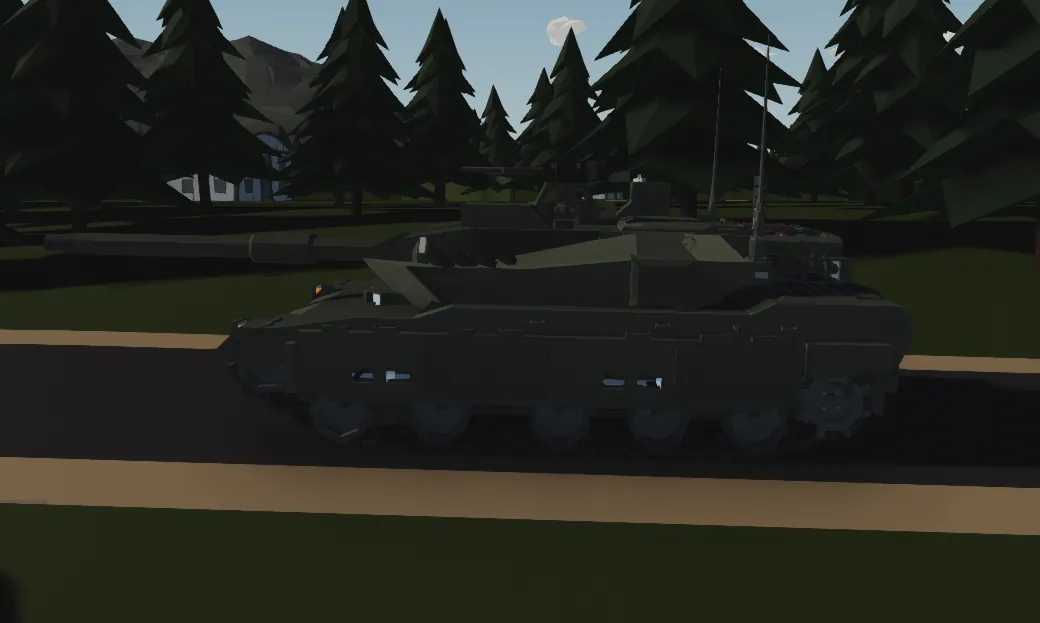
The Type 10 is a modern Japanese main battle tank developed by Mitsubishi Heavy Industries for the Japan Ground Self-Defense Force, officially entering service in 2010. It was designed to replace older tanks like the Type 74 and complement the Type 90. The tank features a 120 mm smoothbore gun with an automatic loader, reducing the crew to three members. It is equipped with advanced modular composite armor for improved protection. The Type 10 also has a powerful 1,200 horsepower diesel engine. One of its key advantages is its lightweight design compared to earlier Japanese tanks. This allows better mobility on Japan’s roads and bridges. The tank uses a modern C4I system for digital battlefield communication. It can share target data with other units in real time. The advanced fire control system allows accurate firing while moving. The hydropneumatic suspension improves stability and gun accuracy. The Type 10 is considered one of the most technologically advanced tanks in Asia. Its modular armor can be adjusted depending on mission requirements. The tank is optimized for Japan’s mountainous terrain. Today, it represents the core of Japan’s armored forces


Dimensions
9.4m(With Barrel) X 3.24m X 2.3m
Speed(Km/h)
70Km/h Forward and 70 Km/h Reverse
Armor
Turret Front(Battle Cannon) Hull Front(LightAutoCannon) Hull and Turret Sides(LightAutoCannon) Rear(Machine Gun)
Fuel Tank Capacity
960 Liters
Armament
1 BattleCannon(18 Rounds), 2 MachineGuns(500 Rounds)
Fire Control System
HorizontalVertical GunStabilizer, Laser Rangefinder, Commander Master ARM, Radar Tracking, Laser Warninght Reciever
Engine
8VA 34WTK, 10 Idle RPS, 15 Max RPS, 8 Small Cylinders


 1) First, climb onto the hull and open the driver’s hatch using the invisible button located to the right of the hatch
2) Then, sit in the driver’s seat (exit the tank through the Gunner or the Commander)
3) After that, press the "Engine Starter" button
4) Finally, use the gearbox: in manual mode you have 7 forward gears, neutral, and 7 reverse gears; in automatic mode you have 1 forward gear, neutral, and 1 reverse gear. To enable automatic mode, press the "Automatic GearBox" button
5) Monitoring – Check engine temperature, RPS, fuel gauge, and fire indicator
6) Auxiliary Controls
1) IR Mode for Cameras and reverse Camera
2) Hatch
3) SpotLight
4) Generator Mode Makes engine run on max rps
5) Engine Hatch (Turret Must look left or right)
6) Hatch Lock
 Entering the Gunner’s Seat
1) Enter the gunner’s position through the driver’s seat or gunner hatch.
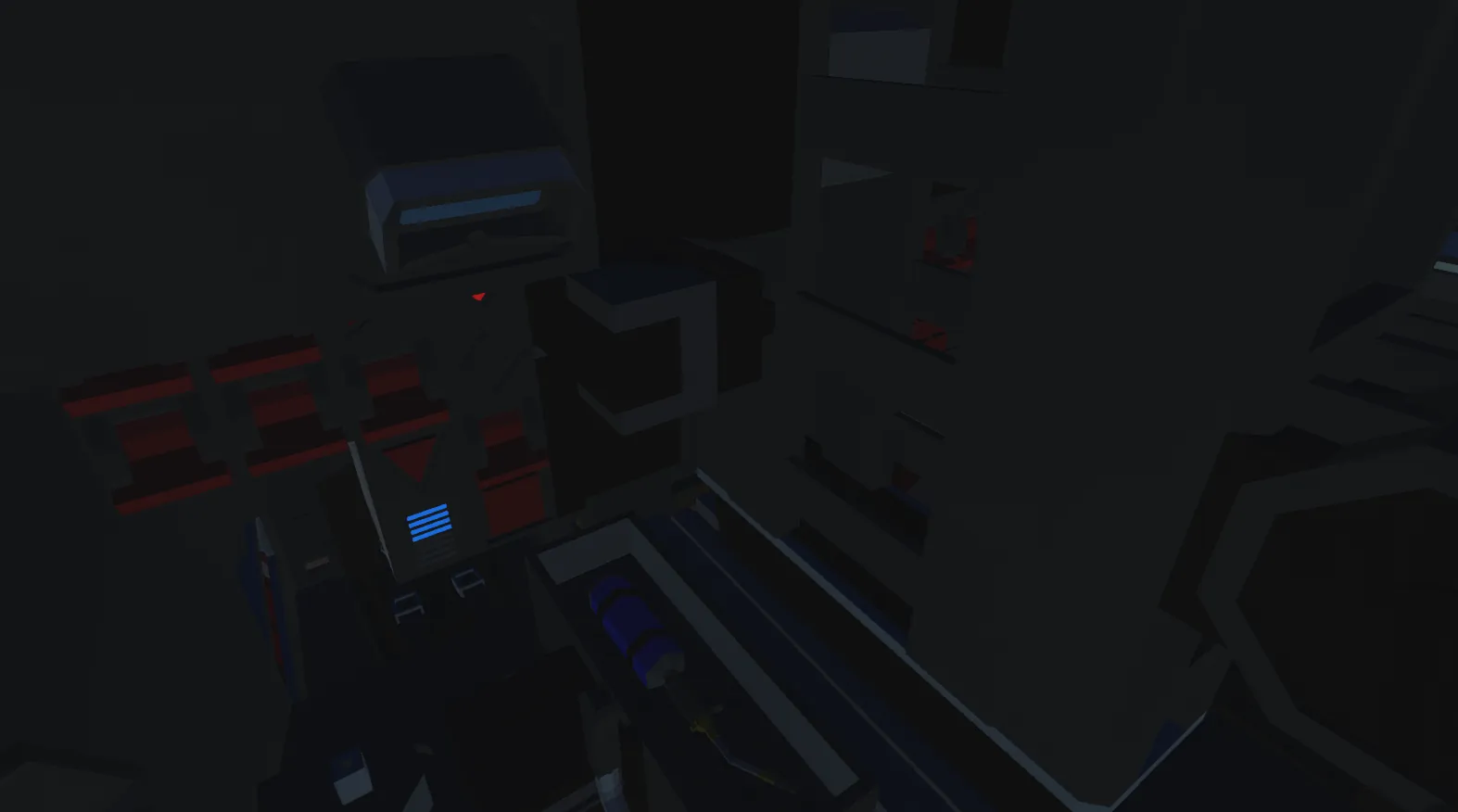
2) Front-side Control Panel
System — activates the turret and all its control systems.
IR Mode — enables infrared mode for the main sight.
Horizontal Stabilizer — engages the turret’s horizontal stabilizer.
Vertical Stabilizer — engages the turret’s vertical stabilizer.
3) Backup Control System Panel
Master ARM — switches turret control between the gunner and the commander.
You Control indicator — if lit, you currently have control of the turret.
4) Seat Controls
1) Fires the coaxial machine gun
2) Sets the range for the ballistic rangefinder
3) Resets the range for the ballistic rangefinder
4) Radar Guidance - Turns radar on and aiming at target
5) Reset Zoom
6) Hatch Lock
5) Ammo Panel
1) Change Ammo Type - Changes ammo type betweem Armor Piercing and Fragmental
2) Rapid Fire - Automatically loads ammo after shoot
3) Ammo Type Indicator Blue - Armor Piercing, Orange - Fragmental
4) Load Button - Loads ammo per click
6) Laser Warning Reviever
1) Turn on LWR button on the master ARM panel
2) Indicator will turns on when laser will be on tank
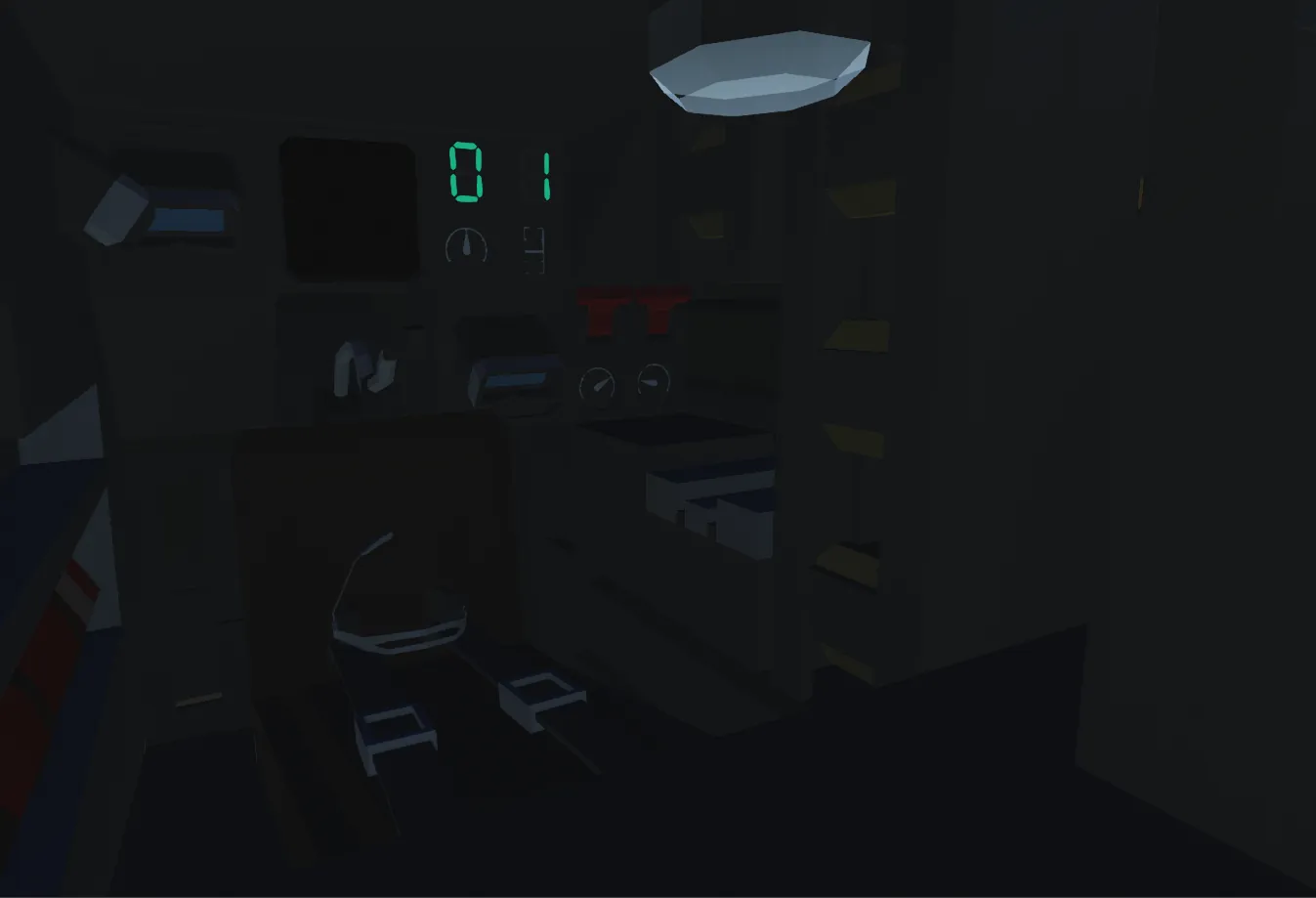
 1) Master ARM Control Panel
1) Master ARM — switches turret control between the gunner and the commander.
2) You Control indicator — if lit, you currently control the turret.
3) Master ARM Stabilizer — activates the turret stabilizer when you have control of the turret.
4) IR Mode — enables infrared mode for the commander’s sight.
3) Secondary Panel (to the right)
1) Light — pressing once turns on the interior lights; each press increases brightness, and on the 11th press the lights
turn off.
2) Commander Sight Stabilizer — activates the stabilizer for the commander’s sight.
3) Microphone — enables the microphone for radio communication.
4) Seat Controls
1) Fires the coaxial machine gun.
2) Sets the range for the ballistic rangefinder.
3) Resets the range for the ballistic rangefinder.
4) Rotates the turret to where the commander’s sight is aimed at the moment the button is pressed.
5) Closes the commander’s hatch if it is open.
6) Locks the commander’s hatch.
5) Roof Machine Gun
1) Open commander's hatch
2) Use Handle to control Machine gun by camera

 Japan, JGSDF, Tank, MBT