This mod adds overlays showing potentially interesting information about map tiles.
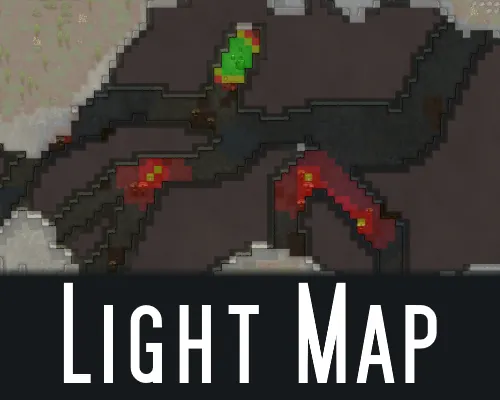
Light Map - brightness overlay
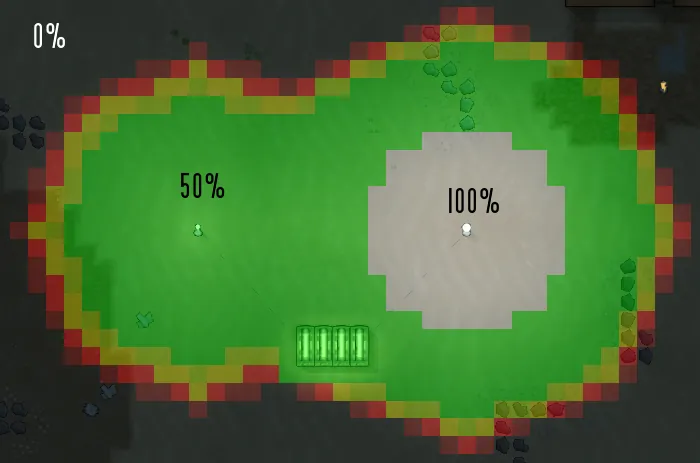
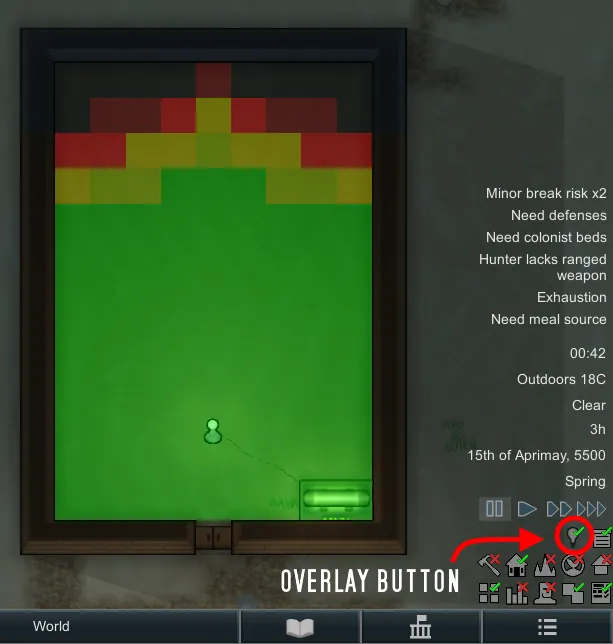
Adds an overlay which shows the brightness of tiles on the map.
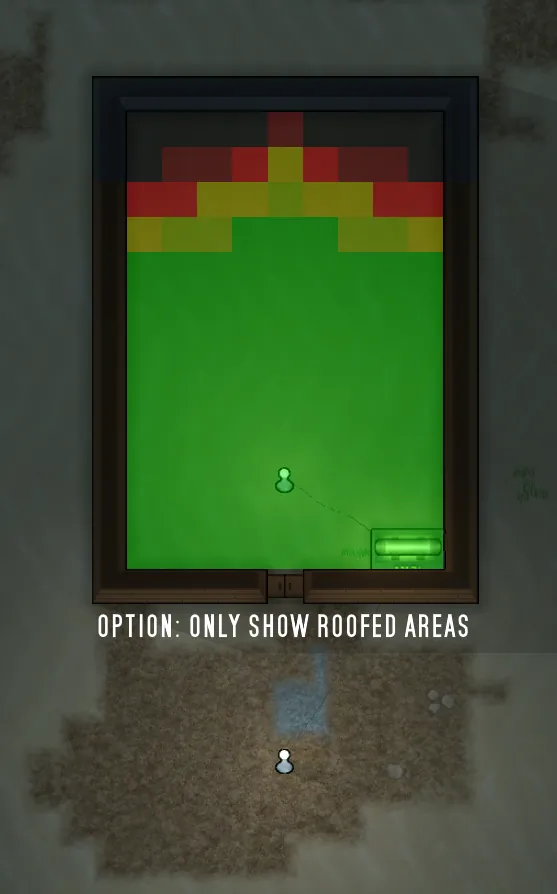
Can be toggled to only show the overlay for roofed areas.
Dark areas are colored black and red.
Lit areas are color in shades of green if at 50% or above and yellow if below 50%.
Brightly lit areas show up white.
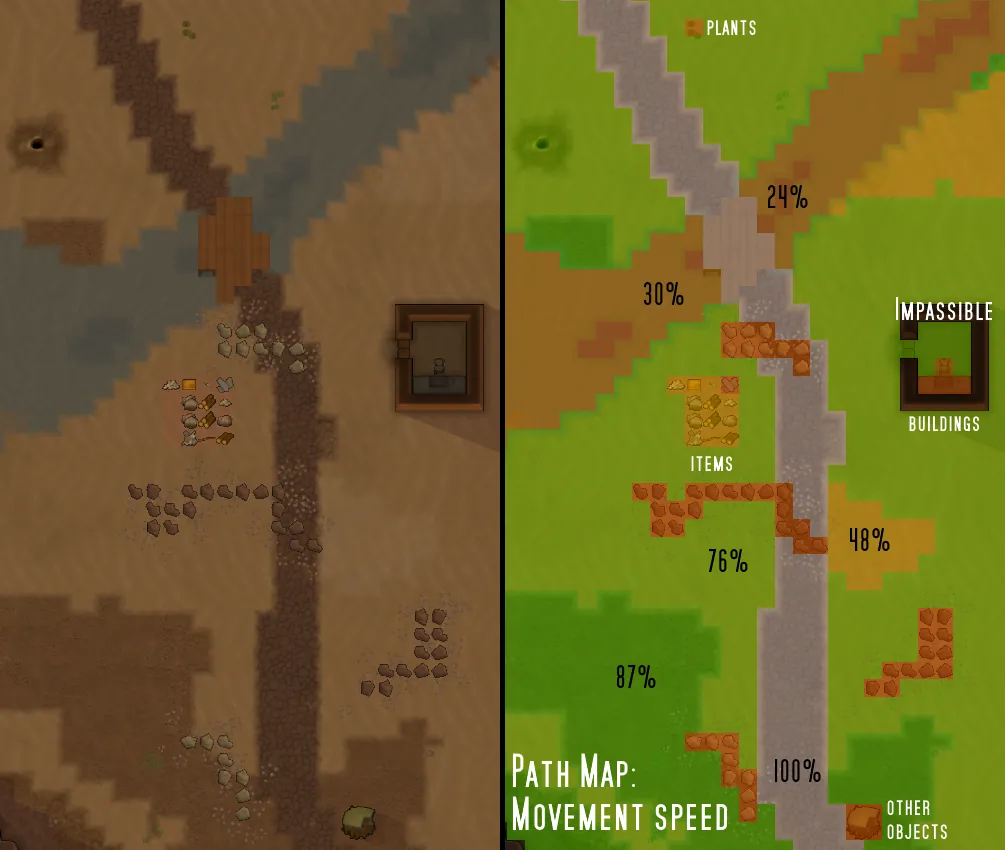
Path Map - movement speed overlay
Adds an overlay showing the movement speed of each tile on the map.
Inaccessible areas will show in black.
Movement speed is colored from lowest to highest in red to green.
100% is colored white to make it stand out a bit better.
Notes:
This overlay is not perfect.
Some things are not taken into account, like pawns standing in a tile causing the movement speed to be lowered as pawns have to move past them.
The game normally does not allow for movement speeds over 100% through the "pathCost"-parameter (it gets limited to 0 as the lowest value in some methods), but it can be achieved through other modding. As my overlay uses pathCost to determine the movement speed, it does not take this into account sadly.
Beauty Map - beauty overlay
An overlay that allows showing the beauty that is contained in each tile.
Notes:
There is also an option to toggle between showing the tile's beauty and the average beauty of the tile. The average beauty is what will affect the beauty need of a pawn, increasing or decreasing it depending on the value. Its calculation, though, is very very slow, especially when it has to be calculated over the whole map instead of just for where a pawn is currently standing or for the mouse cursor (beauty display, hotkey "t").
Because of how insanely slow the calculation is, I made the overlay force pause the game while it is active if the "average"-option is checked.
Unless I missed something there is no easy way to optimize the calculation for showing the average beauty, especially not to a point where it can run in real time. Still, I liked this overlay mode option enough to include it, despite this severe draw back.
Color gradient can be adjusted
Safe to add to and remove from an existing safe.
GitHub: https://github.com/XT-0xFF/LightMap
---
The code for this was derived from the highly recommendable mod "Heat Map", which shows temperature in rooms:
Original:
https://steamcommunity.com/sharedfiles/filedetails/?id=947972722
Continued version:
https://steamcommunity.com/sharedfiles/filedetails/?id=2552838384