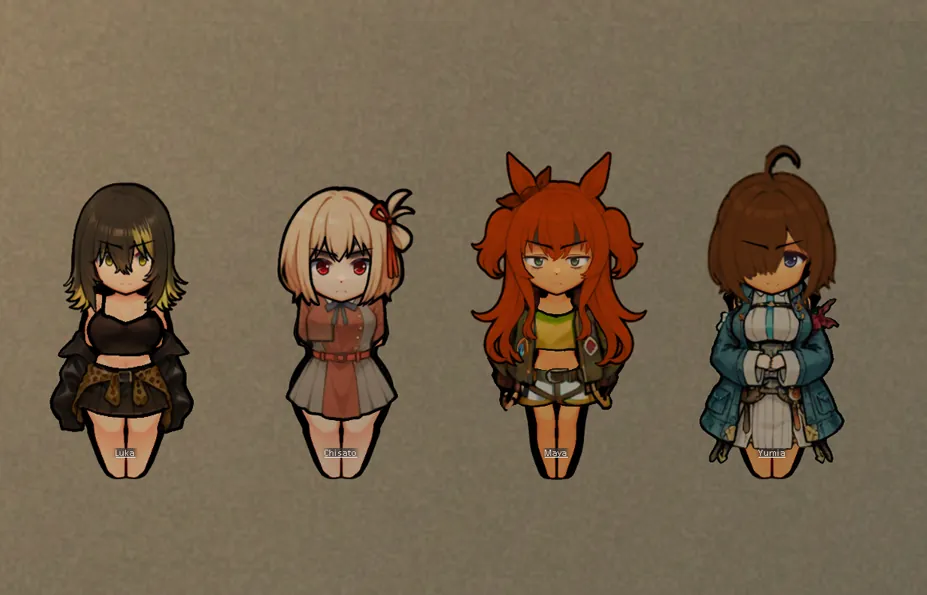
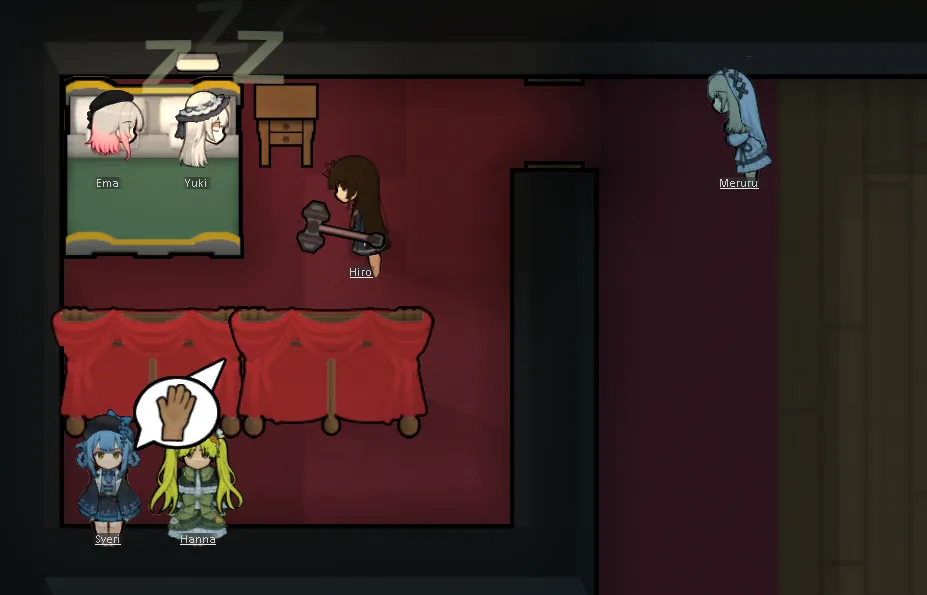
This mod only has one very ugly hairstyle for testing purposes, with no practical hairstyles available.
该mod只有一个用于测试的很丑的发型,没有实用的发型.
[A6K Advanced Hair Framework / A6K高级头发框架]
A specialized rendering framework for extra long hair and dual-layer (front/back) hair styling in RimWorld!
专为RimWorld设计的超长头发与双层(前/后)发型渲染框架!
[Features / 功能特性]
- Replaces standard 1x1 hair mesh with a custom 1x2 long mesh for supported hairs.
将标准1x1头发网格替换为自定义1x2长网格,适用于超长发型。
[Tutorial: How to use this framework for your own hair mods / 教程:如何在你的头发Mod中使用本框架]
Step 1: XML Configuration / 第一步:XML配置
In your HairDef, you must add our ModExtension. This tells the code to activate the 1x2 long mesh and look for back textures.
For specific details, please refer to the example XML.
在你的HairDef中,必须添加我们的ModExtension。这会告诉代码激活1x2长网格并查找背部贴图,具体请参考示例Xml。
Step 2: Texture Preparation / 第二步:贴图准备
Since RimWorld hair uses Graphic_Multi, you need 3 textures for the front, and 0~3 for the back.
由于RimWorld头发使用Graphic_Multi,你需要3张前层贴图和0~3张背部贴图。
Assuming your texPath is 'Things/Pawn/Hair/MyHair', put these in your textures folder:
假设你的texPath是'Things/Pawn/Hair/MyHair',将这些贴图放入你的textures文件夹:
[Front Textures - Drawn on top of the pawn / 前层贴图 - 绘制在角色上层]
- MyHair_south.png
- MyHair_north.png
- MyHair_east.png
[Back Textures - Drawn behind the pawn / 背部贴图 - 绘制在角色后方](Usually only south is needed.通常只需要south)
- MyHair_back_south.png
- MyHair_back_north.png
- MyHair_back_east.png
Step 3: Auto-Fallback / 第三步:自动回退
Not all hairstyles need a back layer! If you only want a long front hair (e.g., long twin tails that stay in front), simply DO NOT create the '_back' textures. The framework will detect they are missing and safely skip the back layer rendering. No red errors!
不是所有发型都需要背部层!如果你只想要长前发(例如留在前方长鬓发),框架会跳过背部层渲染。