Feature
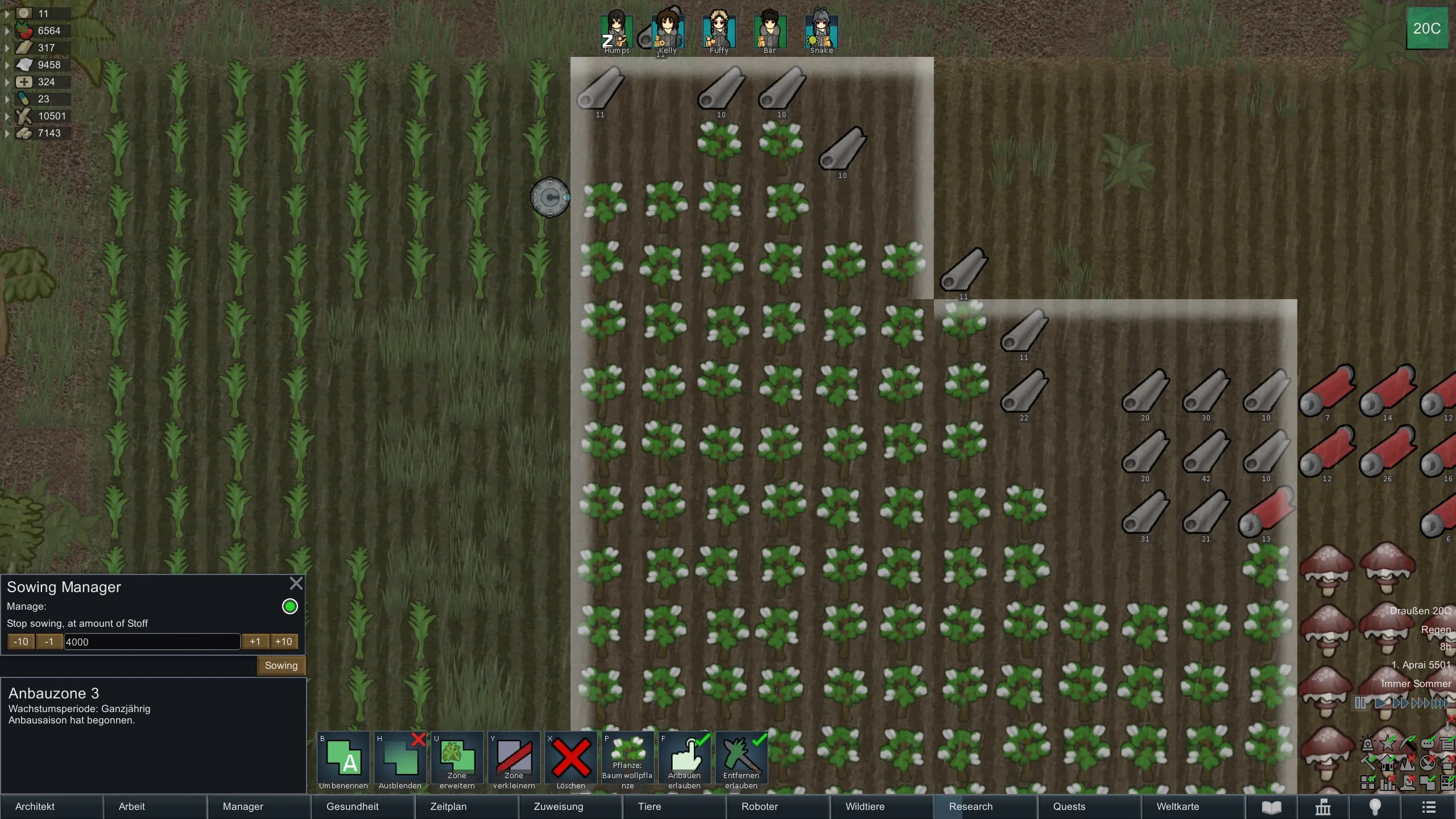
This mod allows you to set stock thresholds directly on your Growing Zones, ensuring your pawns know when to stop sowing.
It also fully supports Hydroponics.
How to Use
- Create your growing zone as usual.
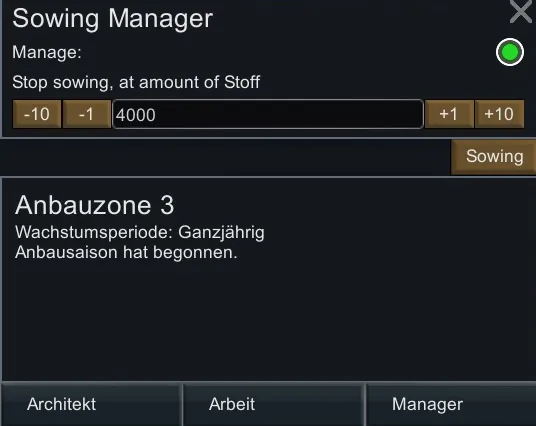
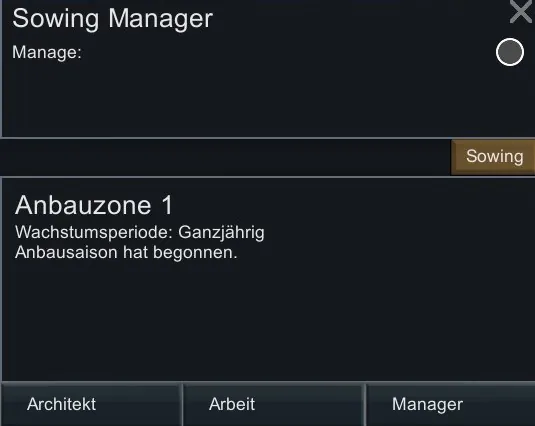
- While the zone is selected, open the Sowing tab (located on the left, above the Inspect panel).
- Enable the Sowing Manager. Without enabling it, your zone will behave like a standard vanilla growing zone.
- Set the desired stock threshold. The manager will count all relevant items on the map.
- Once your stock reaches or exceeds the threshold, sowing in the zone will automatically be disabled.
- If your stock falls below the threshold, sowing will automatically resume.
The "Set as Default" button allows you to save your settings and apply them automatically to newly created zones.
Existing Save Games
- All existing growing zones will remain vanilla by default and will continue to function as normal (with the exception of expanding and shrinking).
- To use the Sowing Manager with an existing save, simply create new growing zones.
Removing from Save Games
- To ensure a safe removal of the mod, you must delete all growing zones that have Sowing Manager enabled before removing the mod.
- If you do not delete them, you may encounter exceptions when loading the save, and your zones will be removed anyway.
Compatibility
Smart Farming
- If the Sowing Manager is enabled and the threshold is reached, sowing will be disabled — Smart Farming cannot override this behavior.
- If the threshold has not been reached, Sowing Manager allows Smart Farming to manage sowing as usual.
- If you manually disable sowing via Smart Farming, Sowing Manager will respect that setting and not override it.
Project RimFactory Revived
- Cultivators from this mod are fully compatible with Sowing Manager.
Hydroponics Mods
- Sowing Manager is compatible with most mods that add Hydroponics functionality.
Support
If you like this mod, consider buying me a coffee! ☕
Buy me a coffee[buymeacoffee.com]