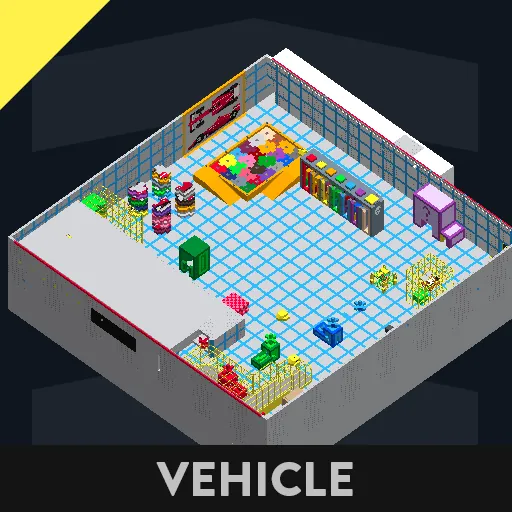
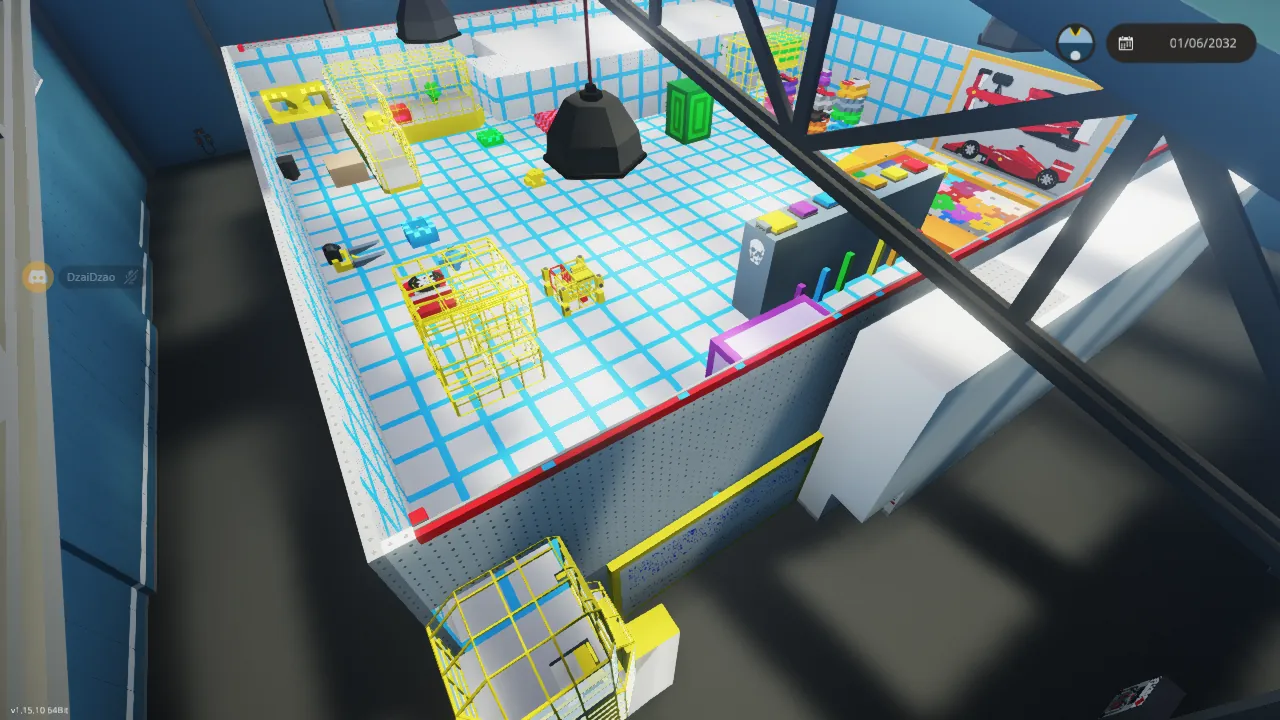
IMPORTANT! Please read setup instructions. They are important for the game to work properly and for you to enjoy the game. You can change the settings later if you choose. I thoroughly ran through a downloaded version of the build, from Steam, and corrected any errors or control issues that I discovered. There are places where it looks like you can get hung up and can't proceed. I have fixed any of the issues that I was unable to find a way to proceed. Check out the tips, remember to familiarize yourself with the various controls, gauges and cosmetic markings. Understanding them can make a difference between a task seeming impossible and finding it to actually to be easy. One of the tips that I emphasize is to tap the movement keys for best control. Well, basically, it is out of the build and preliminary testing stages and ready to play. I hope you enjoy it and I would appreciate any comments and please let me know of any bugs or issues.
Just had an interesting thought. My first Escape Room was designed strictly for a solo player and so my mind set for my second room was the same. However, my granddaughter asked if it was multi-player. At first i said no, but after giving it a second thought, a think it would be great for two players, in fact, without giving away spoilers, a second player could be useful in many of the tasks. Please let me know if anyone tries it with a friend. Additional players can use noclip to enter the room if they do not enter close behind the first player.
Recomendations:
1. Game or New Game settings: Game Mode Custom at FJ Warner Docks, for size, with all "Enabled Addons" toggled off to avoid Tsunamis, etc.
2. Game settings: Under Controls assign HOTAS Hotkeys 7=7, 8=8, 9=9, 10=0, 11= -
3. Under Custom Settings:
a. Override Time to On at noon for best lighting.
b. Override all weather to On with all %'s zero.
c. Set the following to unchecked.
Vehicle Damage
NPC Damage
Player Damage
Aggressive animals
Sea Monsters
Lighting
d. Set all other setting to checked.
4. In custom menu set the followiing for best lighting in room.
a. Set Override Time "ON'" and Current Time to 12:00 noon.
b. Set Override Weather "ON" and Fog, Wind and Rain to "0"
This is my second "Escape Room". The first was "Challenge Rooms Version 2", June 19, 2024, which I plan to enhance the description and change the name to "DzaiDzao's Escape Room I". In case you are curious as to why "DzaoDzao", that is the name i use for my gaming characters, and makes it easier for vehicle searches.
Both escape room requirements are of high-complexity and I recommend systems that support such.
I want to give a special thank you to my grandson, Arthon Greenspn (Stormworks ID to be added), who added the Microcontroller that controls the direction of the forklift in Escape Room II. Without it the game would be intolerable.
I hope you try the room. I would greatly appreciate any likes, comments, suggestions or problems needing a fix.
By the way, my first room actually contains a surprise at the end which you are welcome to keep as a fun vehicle.
Tips, Explore the functions of the camera and fork lift and tilt controls, like the gauge showing the fork tilt angle.
Solving puzzles can be much easier if understanding the resourcefulness of the controls. Also, when controlling
the forklift, tapping the controls work better for fine movements.
Updates:
Jan. 24, 2026 added roof so tsunami won't wash items out of building.
Jan. 25, 2026 Had to remove roof. It interfered with one of the cameras.
Jan. 27, 2026 Tsunami is an issue. need to cancel it when you hear the siren or create a new world with Natural
disasters disabled. Will give better instructions in future update.
Added Hot Keys 9 & 10 Pc keys 9 & 0 to open/close fork.
Added some audio in addition to stopping the blinking lights to signal puzzle solved.
Modified 3 puzzles to prevent incorrectly solving.
Jan. 28, 2026 Corrected problems with previous update. made some cosmetic corrections, added audio, to better
signal when a puzzle is completed.
Jan.30, 2026 Fixed problem in rainbow colored puzzle with 6 columns.
Jan.30, 2026 Deleted some old unused microprocessors to reduce lag.
Jan 31. 2026 Replaced duplicate jigsaw puzzle piece with missing piece. You could solve the puzzle by placing the
duplicate puzzle piece over the missing puzzle pieces sensor.
Apr 10, 2026 Clarified naming of fork control from "Fork Up/Down" to "Fork Tilt UP/Down".
And no, there is no camera 1. Originally I started out with 3 cameras: but as development progressed,
camera 1 was eliminated to allow for a higher ceiling, and I didn't want to rename all the logic.
April 18, 2026 Erased extraneous green block on red puzzle. Cosmetic only.
Erased Extraneous blue block on green puzzle. Blocked completing puzzle.
April 19, 2026 Slowed down camera rotation speed for better control.
April 20, 2026 Not a bug or fix. Just moved 2 puzzle pieces to different locations that require having to figure out how
to find or get to.
April 21, 2026 Removed old fork open/close push buttons. added height gauge.
April 22, 2026 Just some cosmetic fixes. Nothing functional. Also add ladder to get out of area you could get
accidentally trapped in.
April 24, 2026 Corrected a door control issue that could happen if signing back on and continuing a "?Save" game.
April 30, 2026 Added ceiling back to prevent character from scaling walls. Can't believe I didn't think of that. Originally character could only enter control room and not the game room. Later allowed character to enter game room which added another dimension, especially for multiplayer, but didn't think to add a ceiling.
May 2, 2026 Corrected an issue that could result in the overhead camera disconnection from the forklift.
May 3, 2026 FYI Just finished my first timed run through of my escape room game. It took me almost 7 hours to do all the tasks and solve/complete all the puzzles; and that's with knowing the puzzles and a lot of practice in development and testing. I was thinking of adding some kind of leader board, but based on research it is next to impossible and would be difficult to maintain and keep legitimate. Anyway, it's a free game.
May 10/11, 2026 Added missing description to key that swaps cameras and changed from toggle to hotkey 11 for camera swap. Also removed some extraneous monitors use for testing.
May 12, 2026 Improved visual clues for 3 puzzles and access to 1 puzzle where piece could get flipped and difficult to retrieve, plus some cosmetic changes.
May 14, 2026 Remove extra blocks from key that where added in error when cosmetic color change was made.
May 15, 2026 Raised ceiling in Rainbow Puzzle to allow better manipulation of pieces if tilted. Was always possible but found one case where it was too difficult for intent of game.
May 17, 2026 Change color scheme on yellow cage puzzle to make it less frustrating to solve. Modified several of the puzzles. They worked fine before, just linked their solution to another puzzle.
May 18, 2026 Erase extraneous window and make cosmetic corrections.
May 20 2026 Should be last update for modifications. Modified three puzzles. Only updates from now on should only be fixes for bugs, or severe playing issues.
Thank you. Hope you Enjoy.
DzaiDzao