Tic Tac Toe Game Controller for Stormworks
Overview
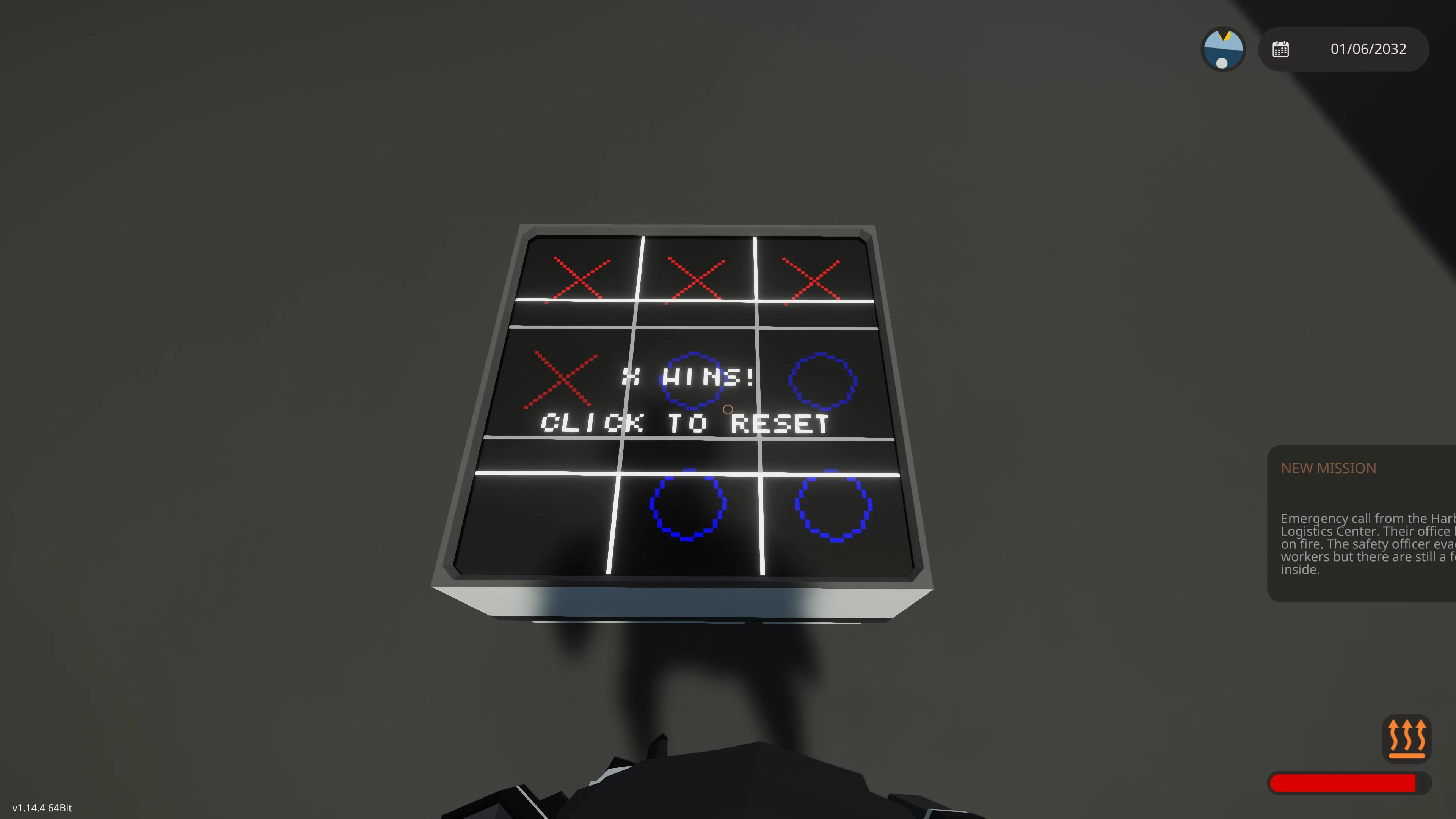
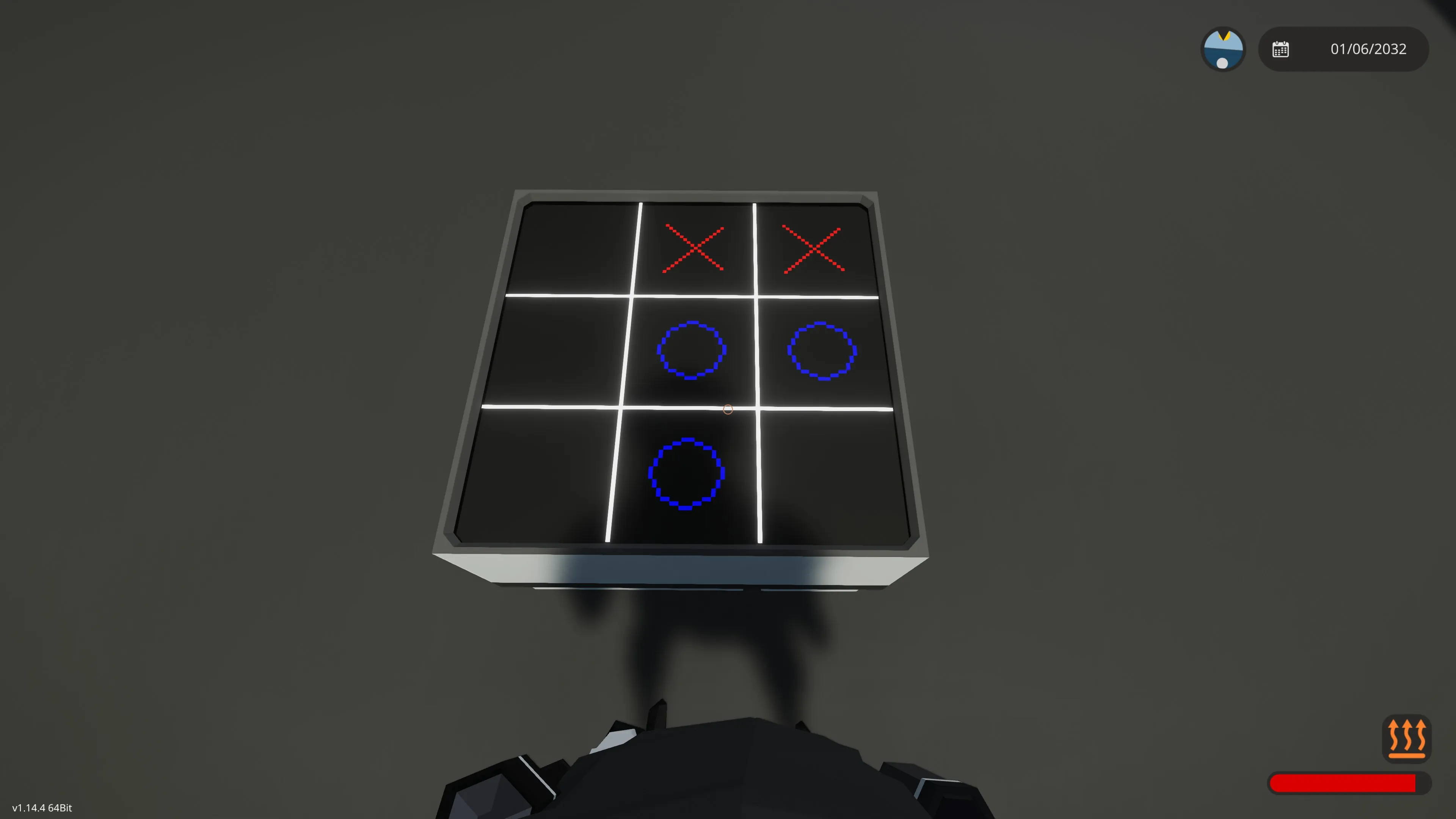
Play Tic Tac Toe with your friends—or against the machine—in your Stormworks builds. Render a classic 3×3 grid, register touch input for each cell, detect wins and draws, and reset on demand.
Key Features
- Plug-and-play: Connect any 3×3 (or larger) Stormworks-compatible monitor (touch-capable) to video out and composite in.
- Player selection: Input the current player on channel 9 (1 = X, 2 = O).
- Touch controls: Tap a cell to place your mark; tap the popup overlay to reset after a win or draw.
- Win & draw detection: Automatic checks of all rows, columns, and diagonals.
- Reset popup: Translucent overlay shows “X wins!”, “O wins!” or “Draw!”, then resets on tap.
Tactical Notes
- Requires at least a 3×3 monitor resolution for proper grid alignment.
Setup
1. Place the Lua microcontroller and link its video output to your screen.
2. Wire composite in:
- Channel 3: touch X
- Channel 4: touch Y
- Channel 1: press boolean
Usage
- the grid appears.
- Tap a cell to make your move.
- After a win or draw, a popup appears—tap again to reset.