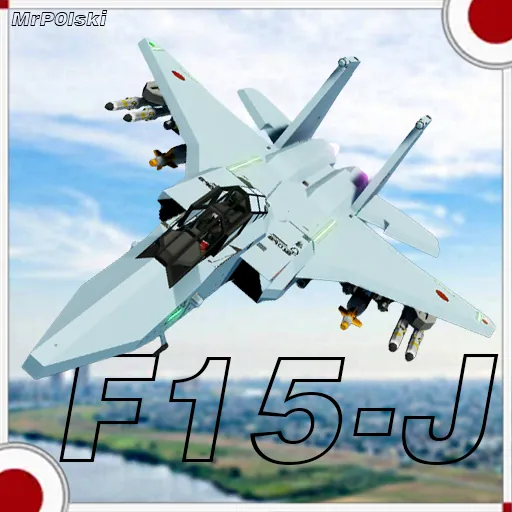
History of the Japanese Eagle
—————————-
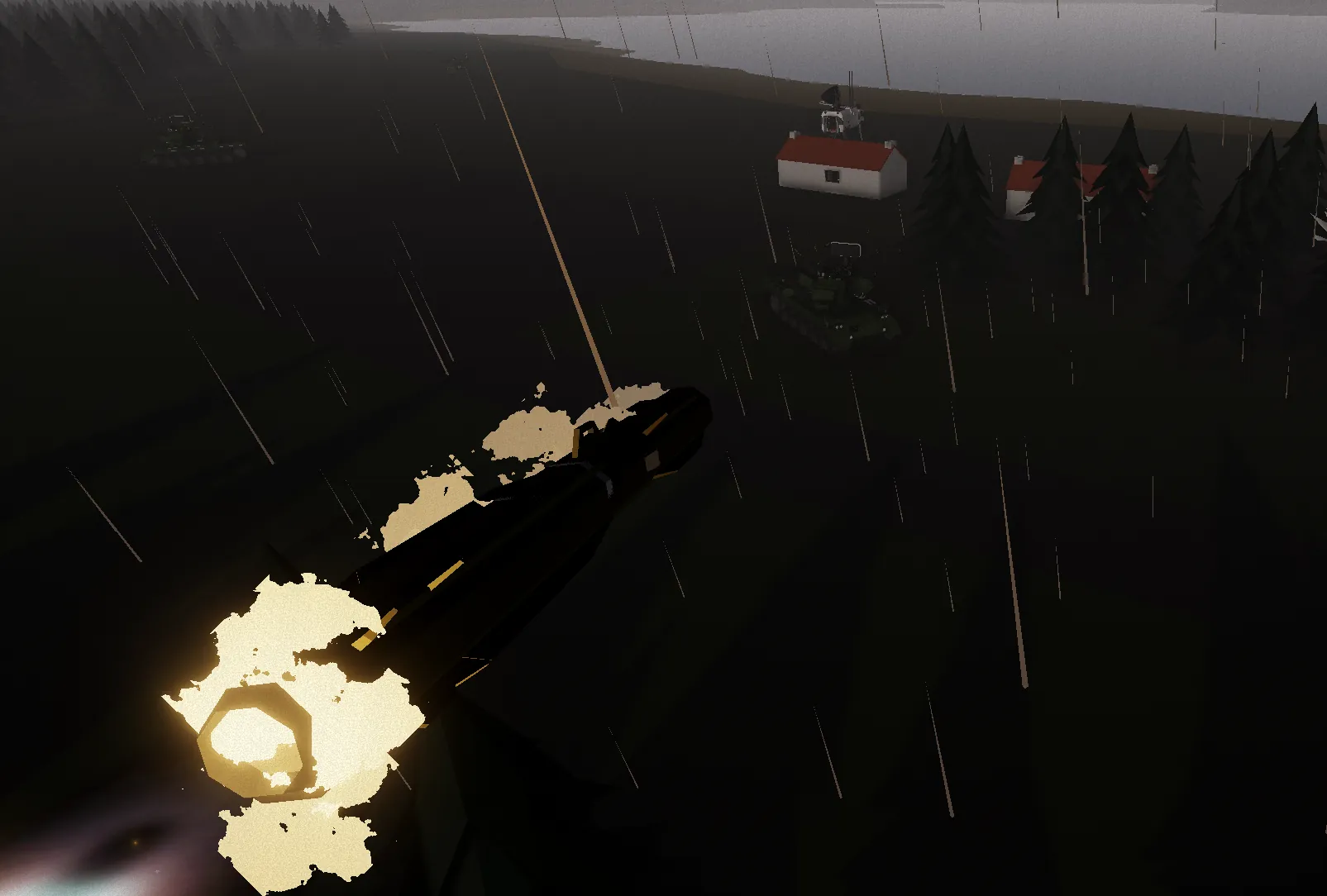
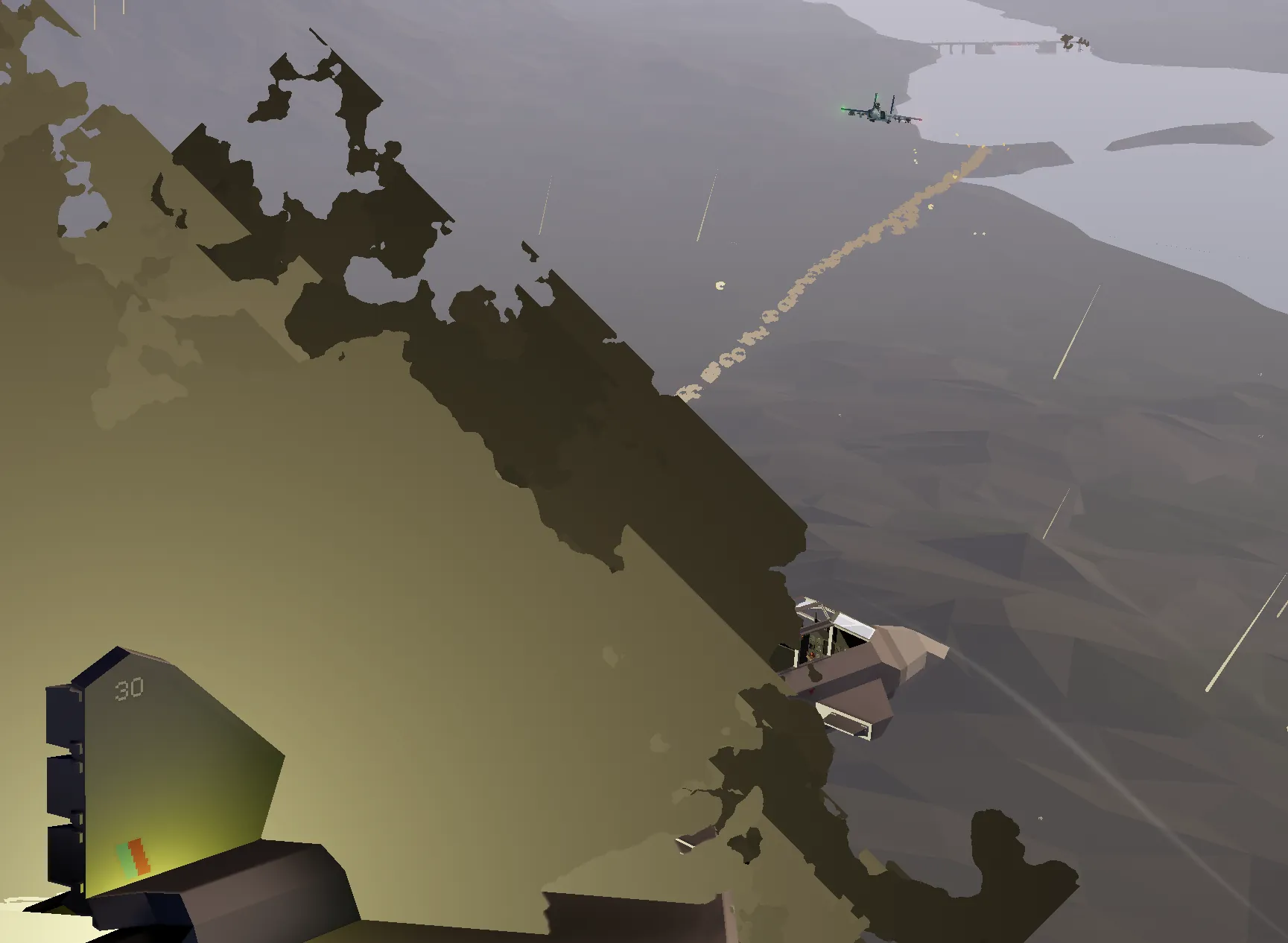
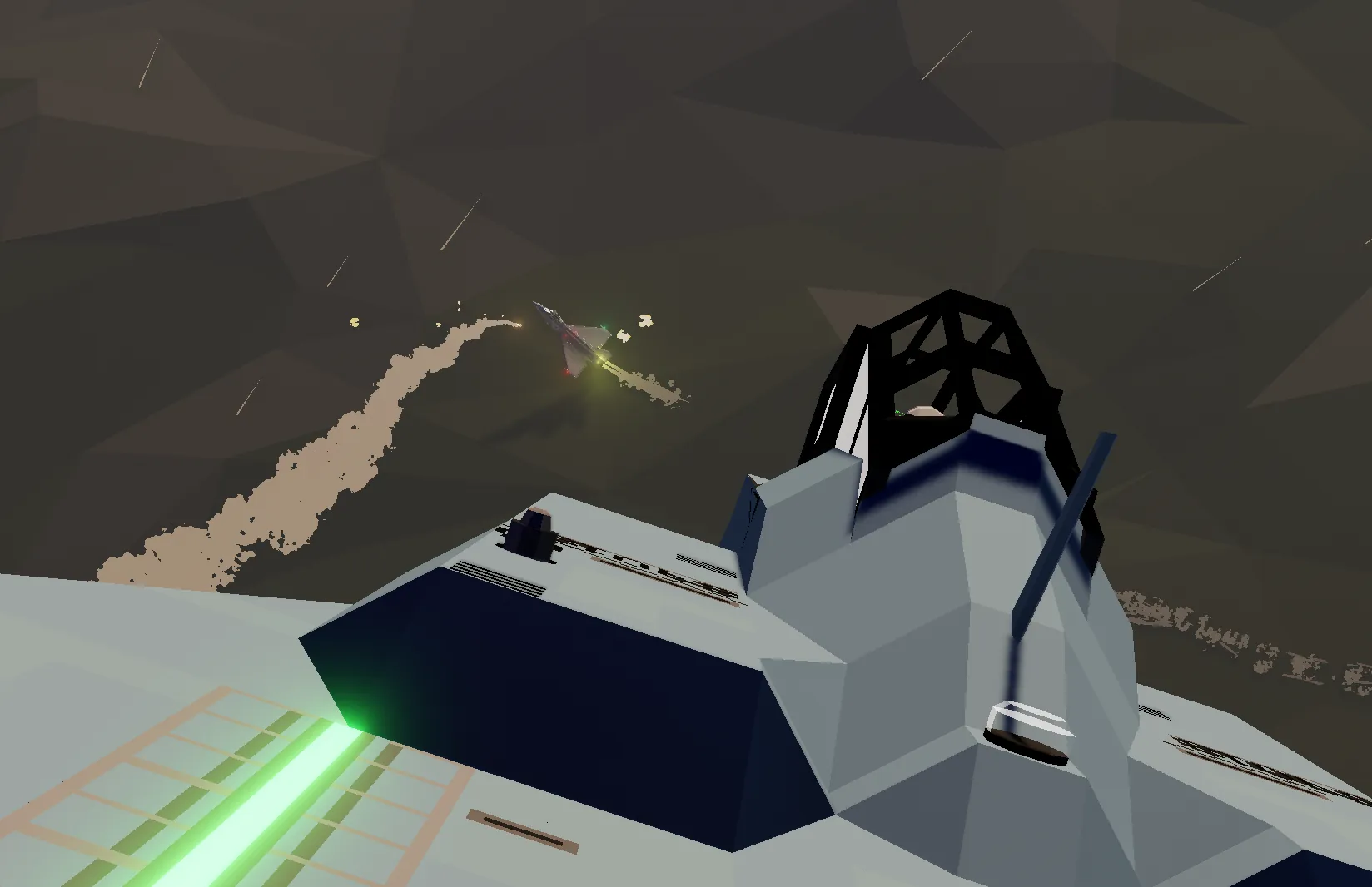
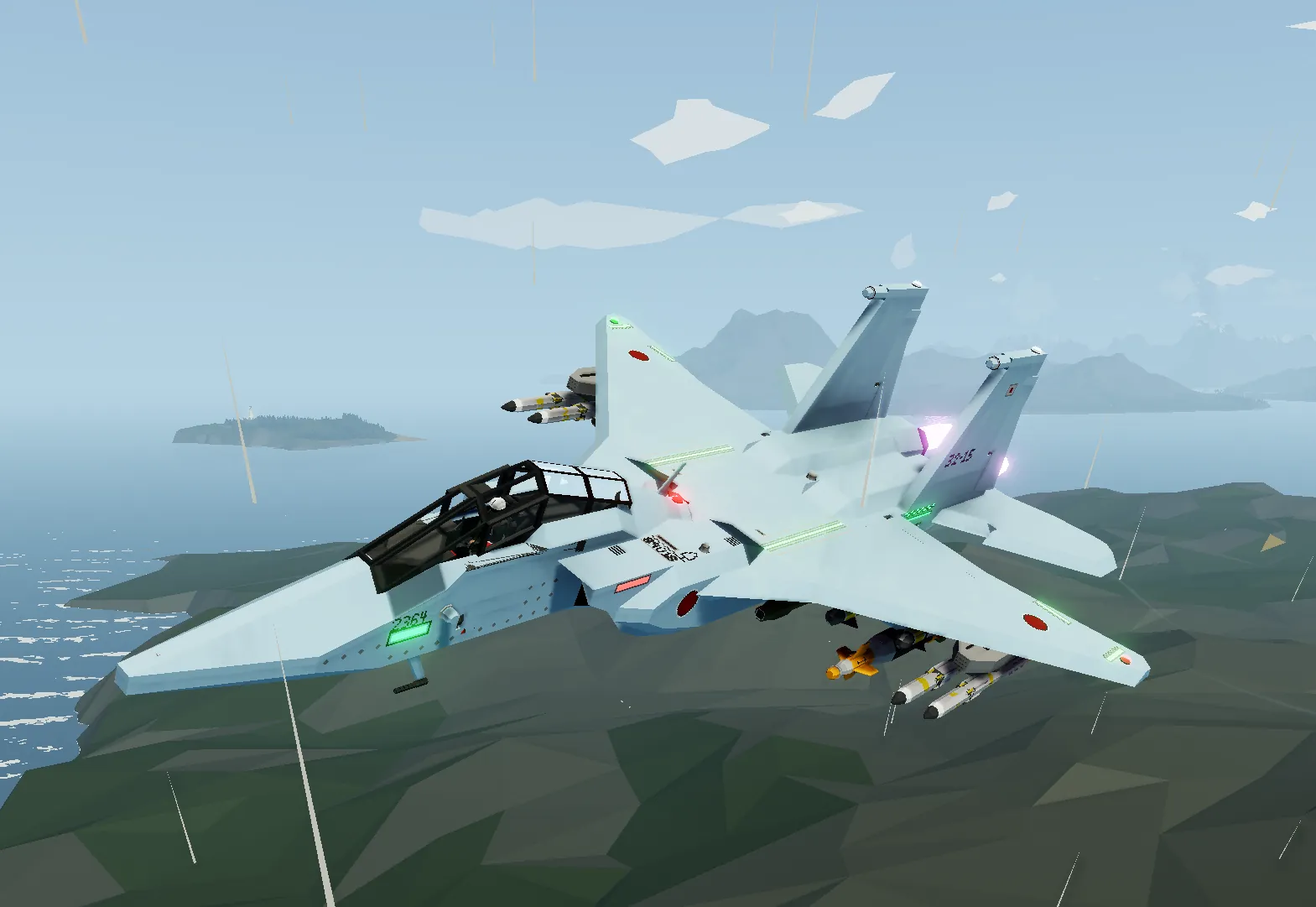
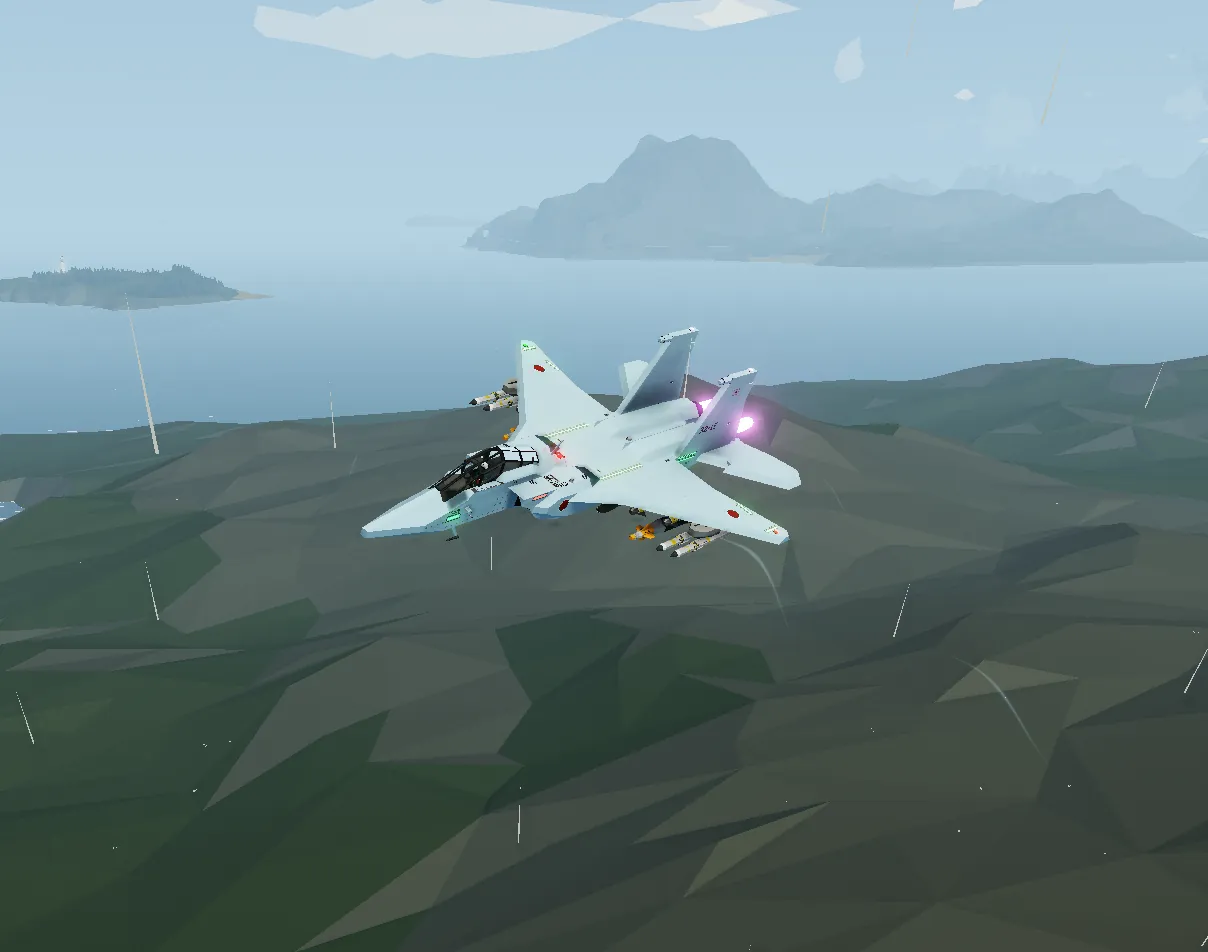
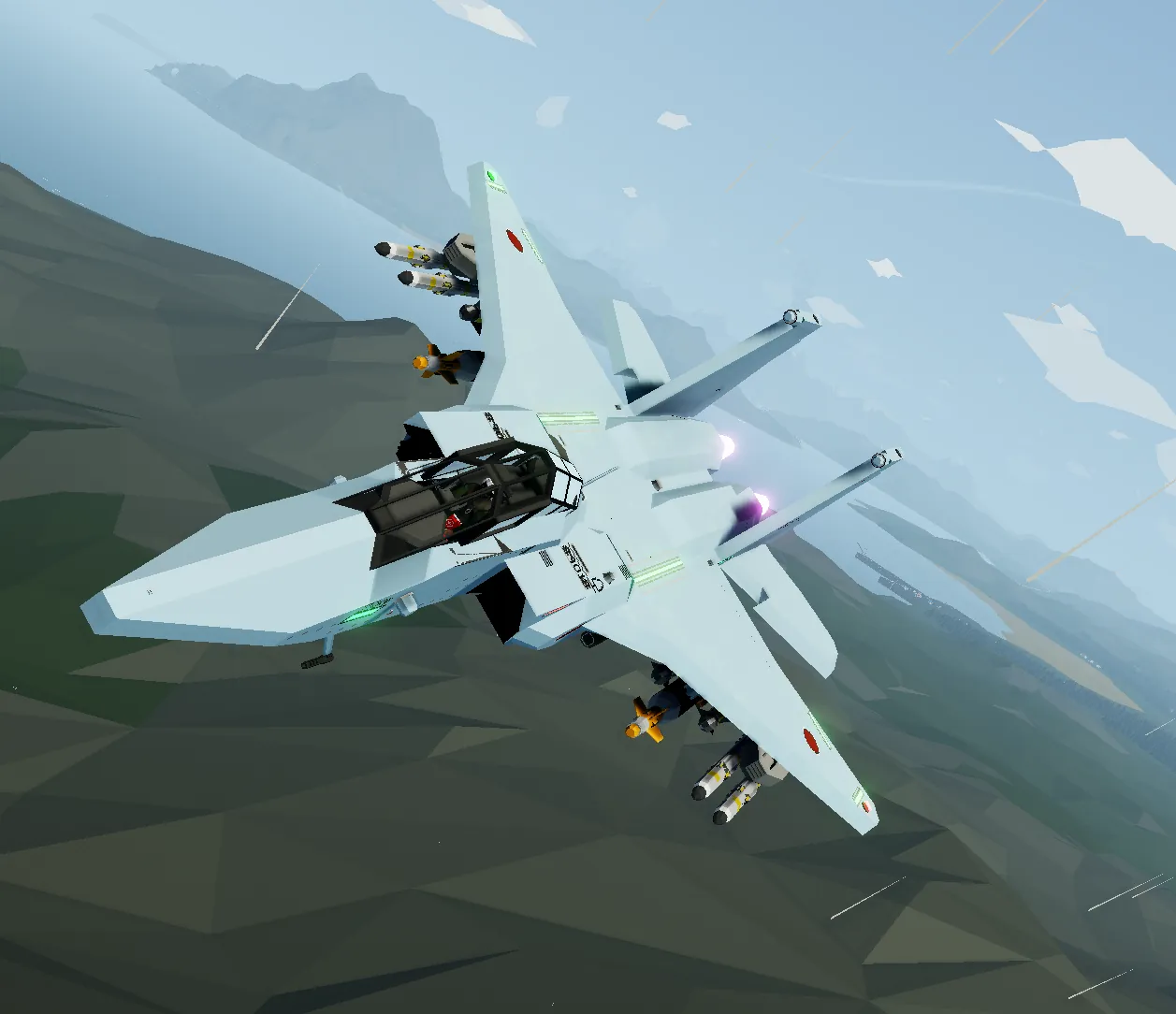
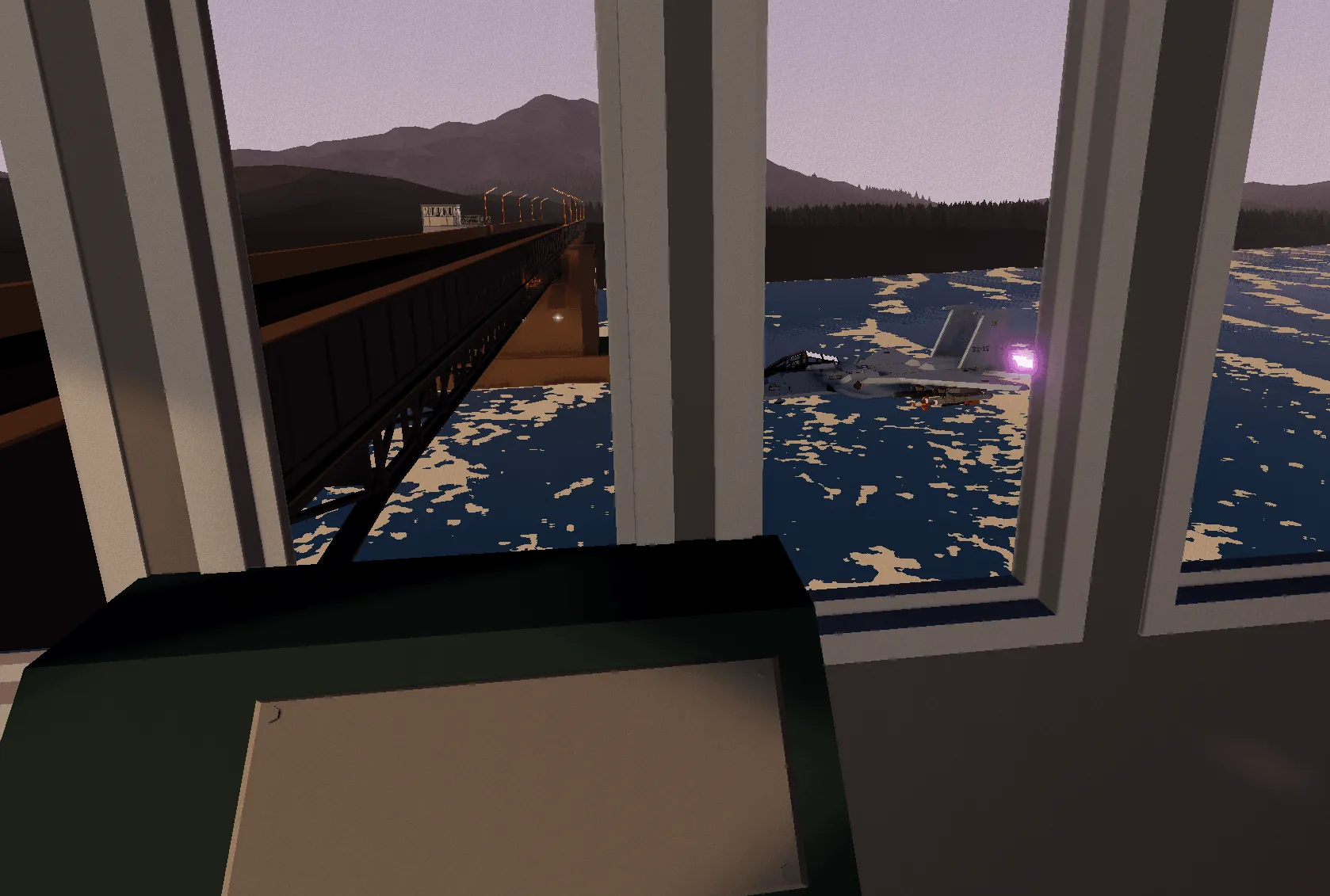
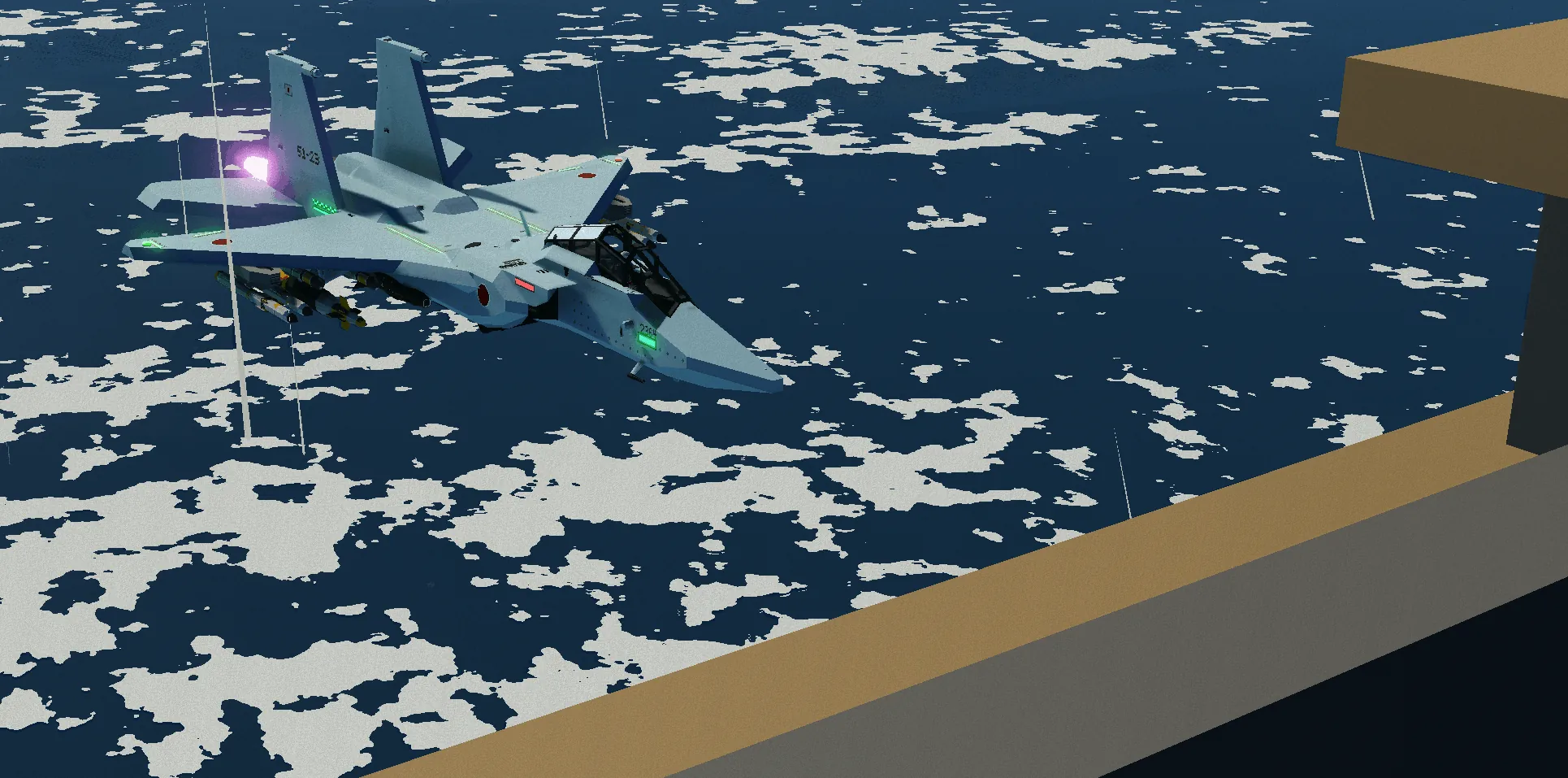
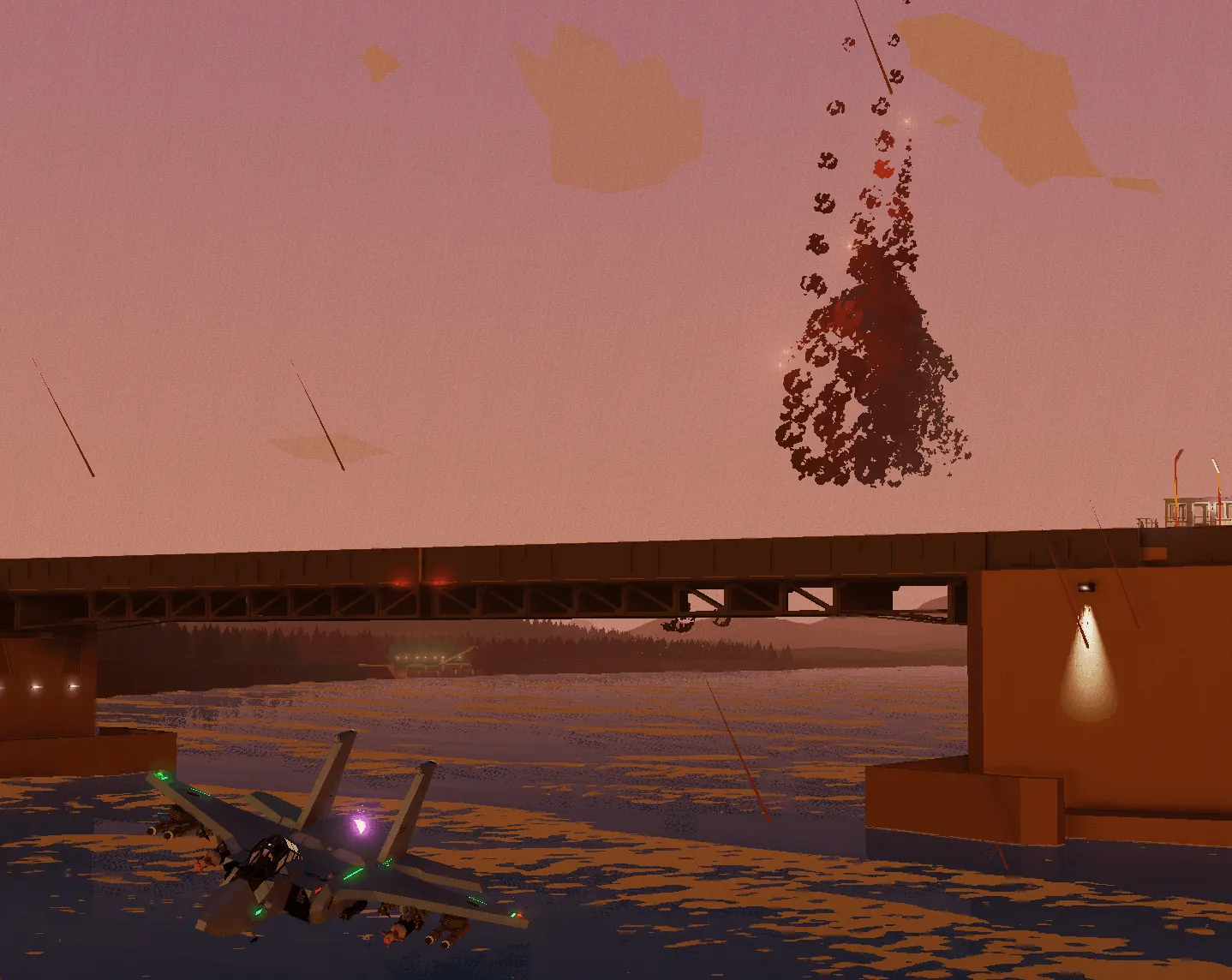
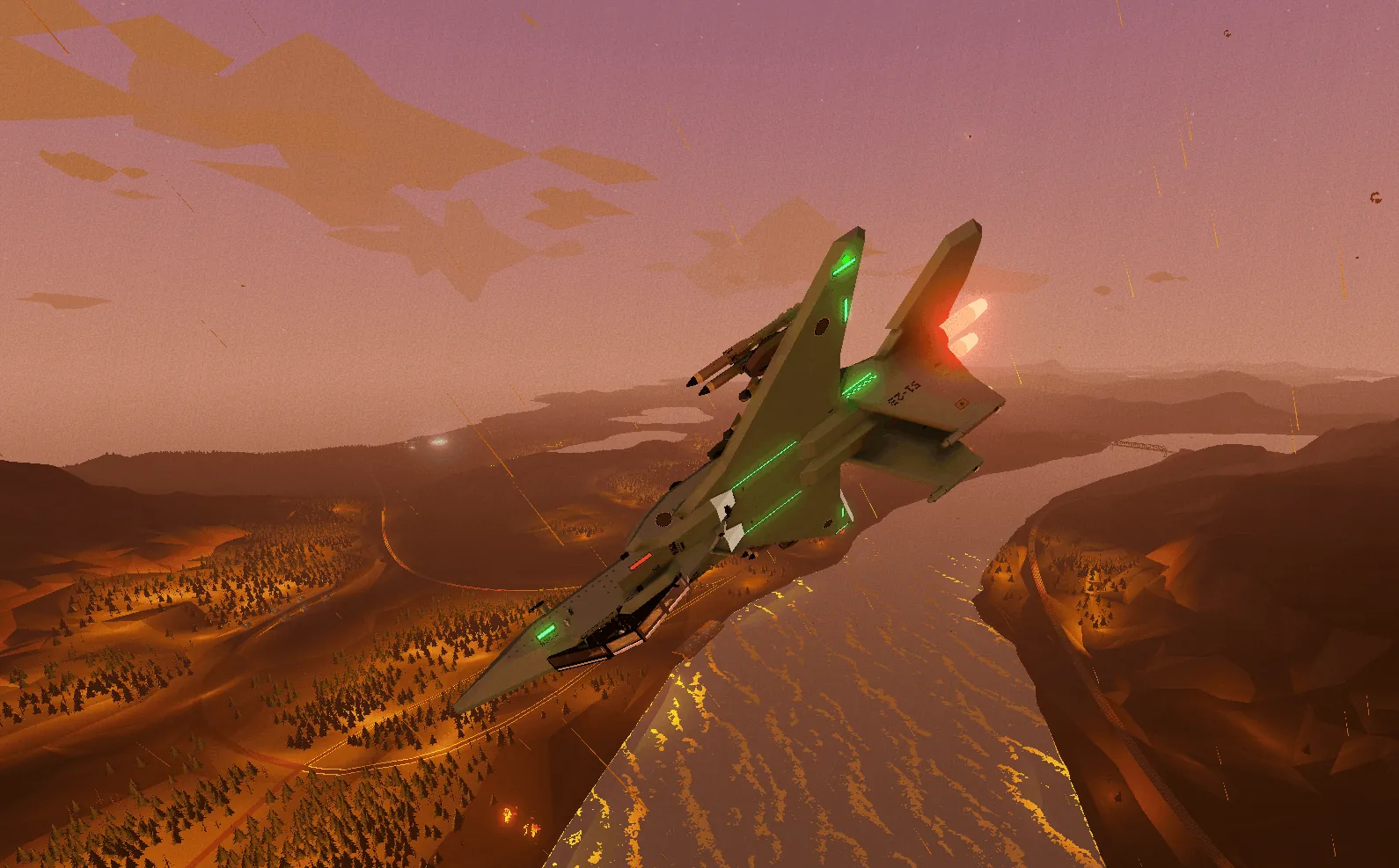
The Mitsubishi F15 JASDF is a Japanese export variant of the USAF Boeing F15-C Golden Eagle. It was exported to replace Japan's Mitsubishi F4J in the 1970s, and sent to Japan in July 1980, first being built on August 21, 1981, with plans to produce and operate 203 aircraft.
Engineering behind the F15J
—————————
The F15 is a twin-jet, all-weather air supremacy fighter initially designed by the USAF to counter the Soviet Mig 25. The JASDF variant aims to advance the radar warning system (RWR) and nuclear equipment. It utilises a 20mm M61A2 Vulcan cannon, an F100 turbofan engine licenced by IHI Corporation, and is fitted with the older inertial navigation system.
Armament in game
—————-
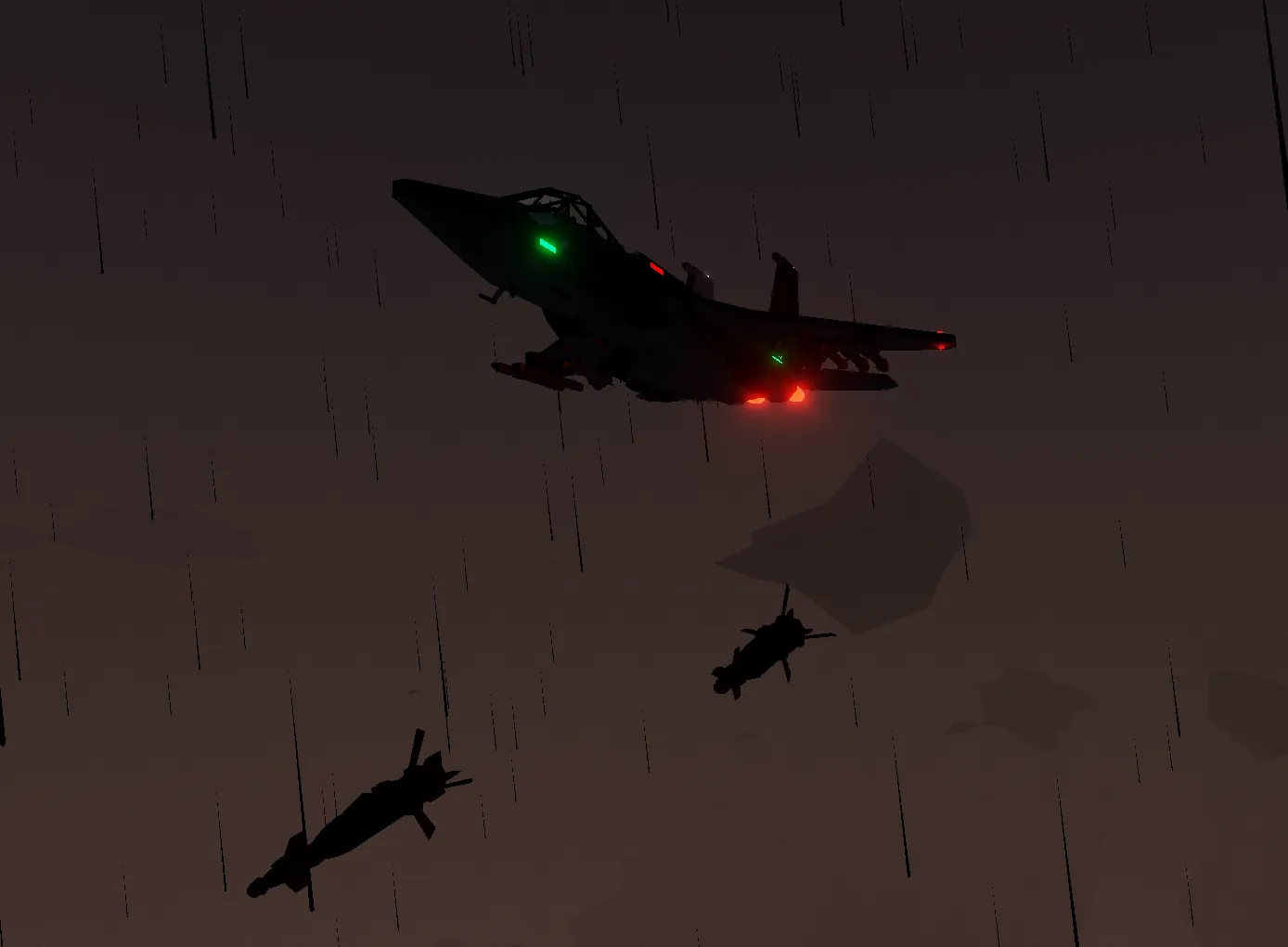
M61A2 Vulcan (rotary autocannon)
4x AAM3 IR missiles (Aim 9Ms)
4x AAM4 FOX 3 missiles (AIM 120s)
2x GBU 31
4x AGM 64D
Support
———
Layout
------

Red = Weapon arm
Dark blue = Auto pilot panels
Light blue = Canopy button
Green = Light panel + air brake
Orange = Analog engine panel
Pink = Start up panel
Yellow = Landing gear controls
Start up
1. Go to the start up panel.
2. Run batt.
3. Fuel pump.
4. Run APU.
5. Increase throttle to 5.
In flight
Cruise speed = 20 throttle, 270 knots
First stage afterburner = 35 throttle, 375 knots
Second stage afterburner = 40+ throttle, 425 knots
Max altitude = 6000 meters (19,685 ft)
Max speed = 502 knots (577 mph/h, 926 km/h)
Auto pilot
1. Set a waypoint at your destination.
2. Go to the auto pilot keypad (dark blue) and input the X, Y.
3. Set a target altitude of your choice next to it.
4. Find the auto pilot panel (just above the keypads).
5. Activate the auto pilot and altitude hold.
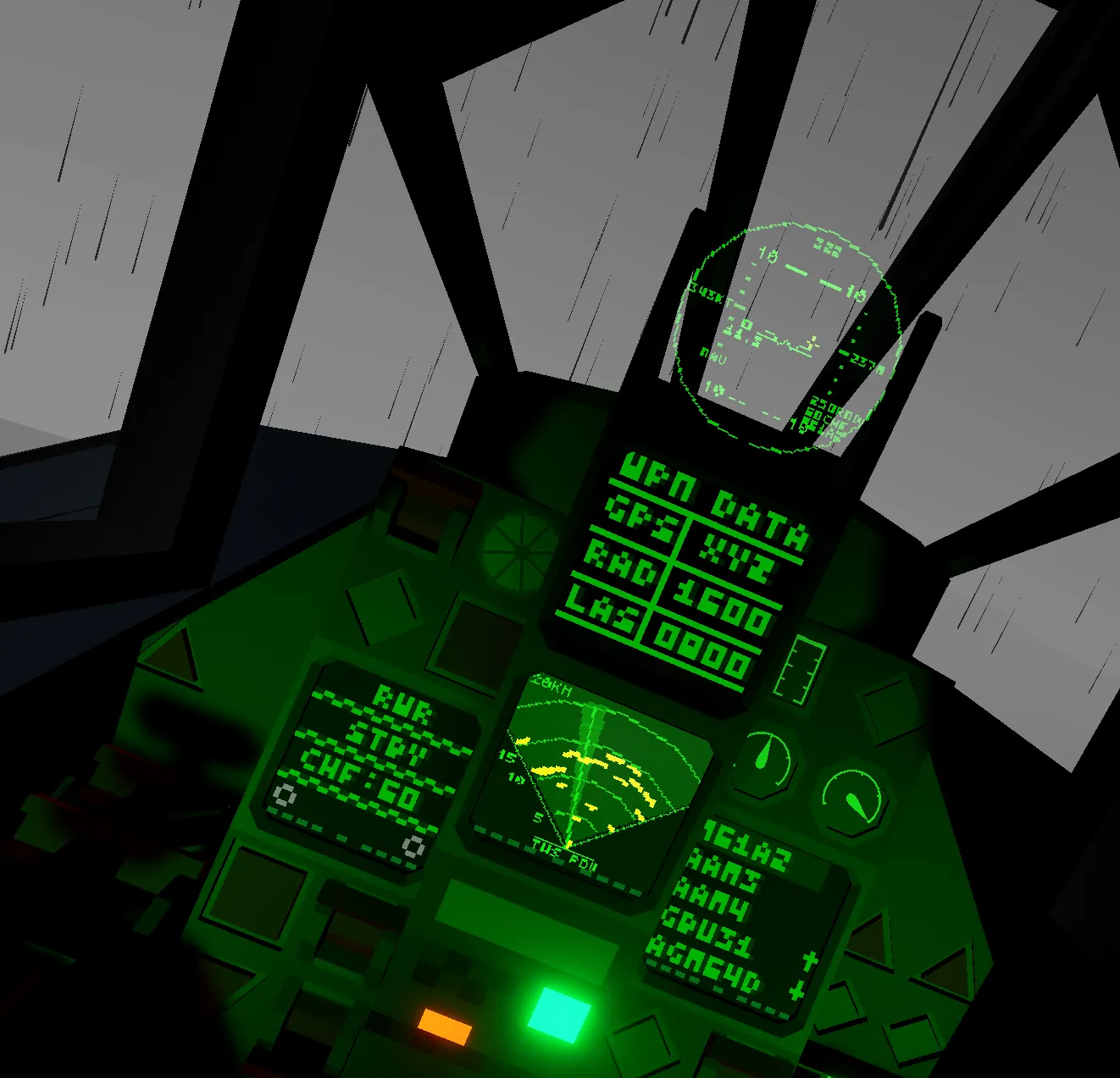
Data screens
———-
General

RAD = Radar
RWR = Radar warning receiver
MAP = Map direction
ENG = Engine data (RPM, temperature, L/S, fuel %)
WPN = Weapons selector
LAS = Targeting pod
FCS = Fuel level, speed, RPS
ATH = Artificial horizon
MDF

Allows programming of:
Radio frequency
Laser frequency
Target X, Y, Z coordinates
Radio:
Programmed using the numbers next to RAD.
Laser:
Programmed using the numbers next to LAS.
XYZ:
Press XYZ.
Enter values using the numbers.
Press FREQ to return.
HUD

IAS on left
Altitude on right
Bearing top middle
Pitch and roll shown
Target locks and distance in kilometres
RWR indicators:
X = Pull up
FUEL = Low fuel
NAV = Navigation
ARM = Master arm / selected weapon
HMD
IAS on left
Altitude on right
Bearing top middle
Pitch shown
Targets locked with distance in kilometres
RWR indicators:
X = Pull up
FUEL = Low fuel
NAV = Navigation
ARM = Master arm / selected weapon
Weaponry
——–
Ensure master arm (and radar arm if possible) are on the red panel.
M61A2 Vulcan
------------
1. Select WPN on a data screen.
2. Select M61A2.
3. Use 5 until M61A2 appears bottom left on HUD.
4. Fire.
AAM3
----
1. Select WPN.
2. Select AAM3.
3. Use 5 until AAM3 appears on HUD.
4. Lock target within 1.6KM.
5. Fire when lock box turns red.
AAM4
----
1. Select WPN.
2. Select AAM4.
3. Use 5 until AAM4 appears on HUD.
4. Lock target within 8.5KM.
5. Fire.
GBU 31
------
1. Select WPN.
2. Select GBU 31
3. Use 5 until GBU 31 appears on HUD.
Regular launch:
1. Find target.
2. Line up reticule within 1KM.
3. Drop bomb.
GPS launch:
1. Input X, Y, Z.
2. Drop from 1000–4000 metres.
AGM 64D
-------
1. Select WPN.
2. Select AGM 64D.
3. Use 5 until AGM 64D appears on HUD.
4. Lock target within 2KM.
5. Fire.
Targeting pod (LAS)
-------------------
Rotation follows HMD.
1. Look at target.
2. Press 3 to lock.
3. Confirm lock on data screens.
Countermeasures
—————
1. Arm countermeasures on red panel.
2. Press 1 to deploy.
Note:
60 countermeasures total.
Automatically deploys when armed and threatened.
General function
----------------
Lights:
All lights are on the green panel.
Air brake is also on this panel.
Hotkeys:
1 = Countermeasures
2 = Mouse aim
3 = Lock laser
4 = Disable AOA limits
5 = Toggle weapon selector
6 = Radio PTT
Radio usage:
Collect hand-held radio.
Set channel on MDF.
Hold 6 to transmit.
Key notes
———
This is my second ever aircraft and uses experience from my Harrier GR 8 project:
https://steamcommunity.com/sharedfiles/filedetails/?id=3467317849
Any feedback on both aircraft would be greatly appreciated.