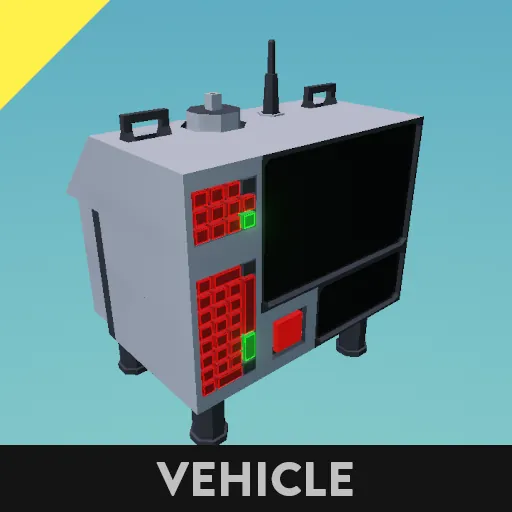
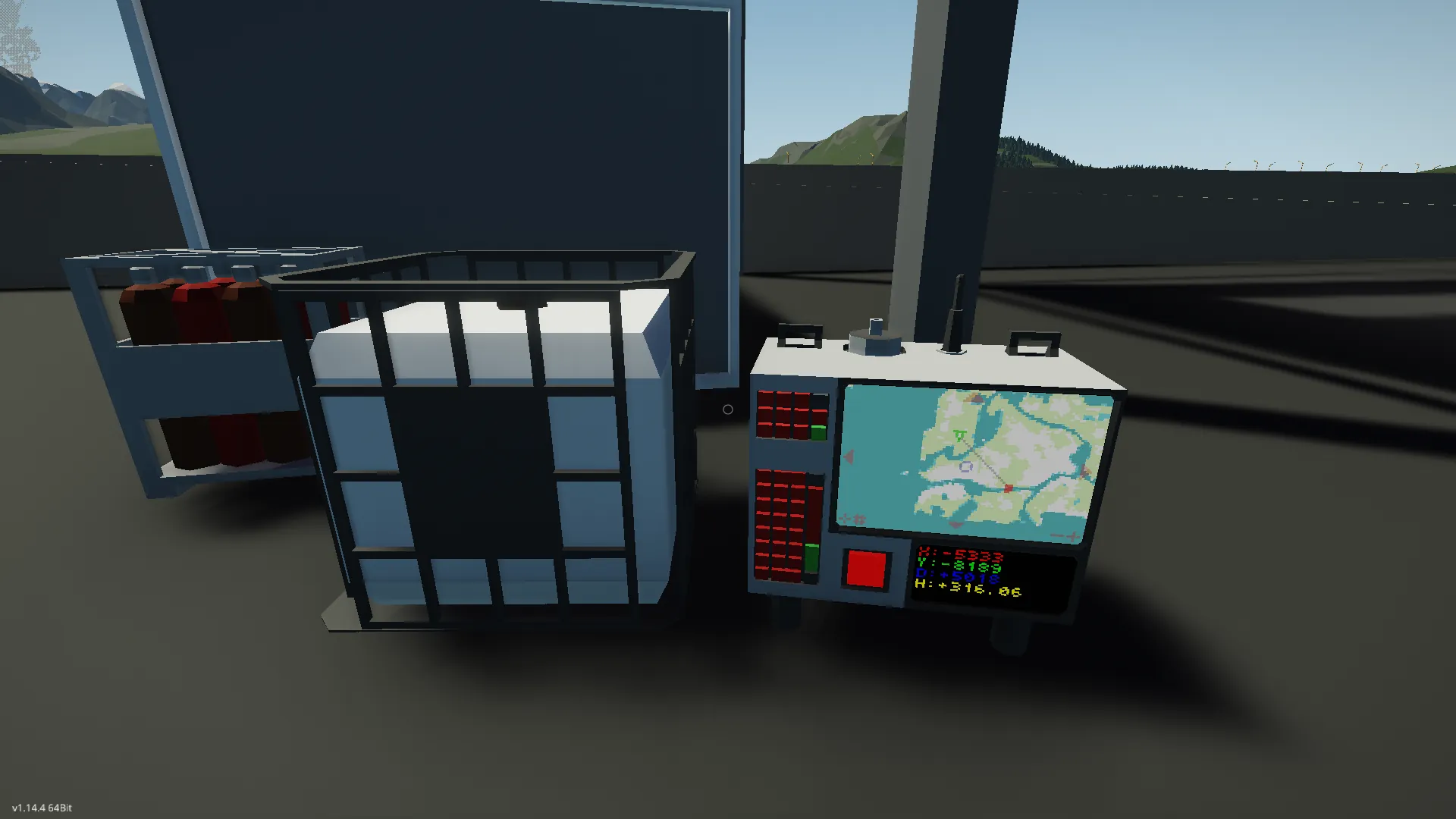
This is a compaction and re-coding update for the 2.0 version of my Waypoint System
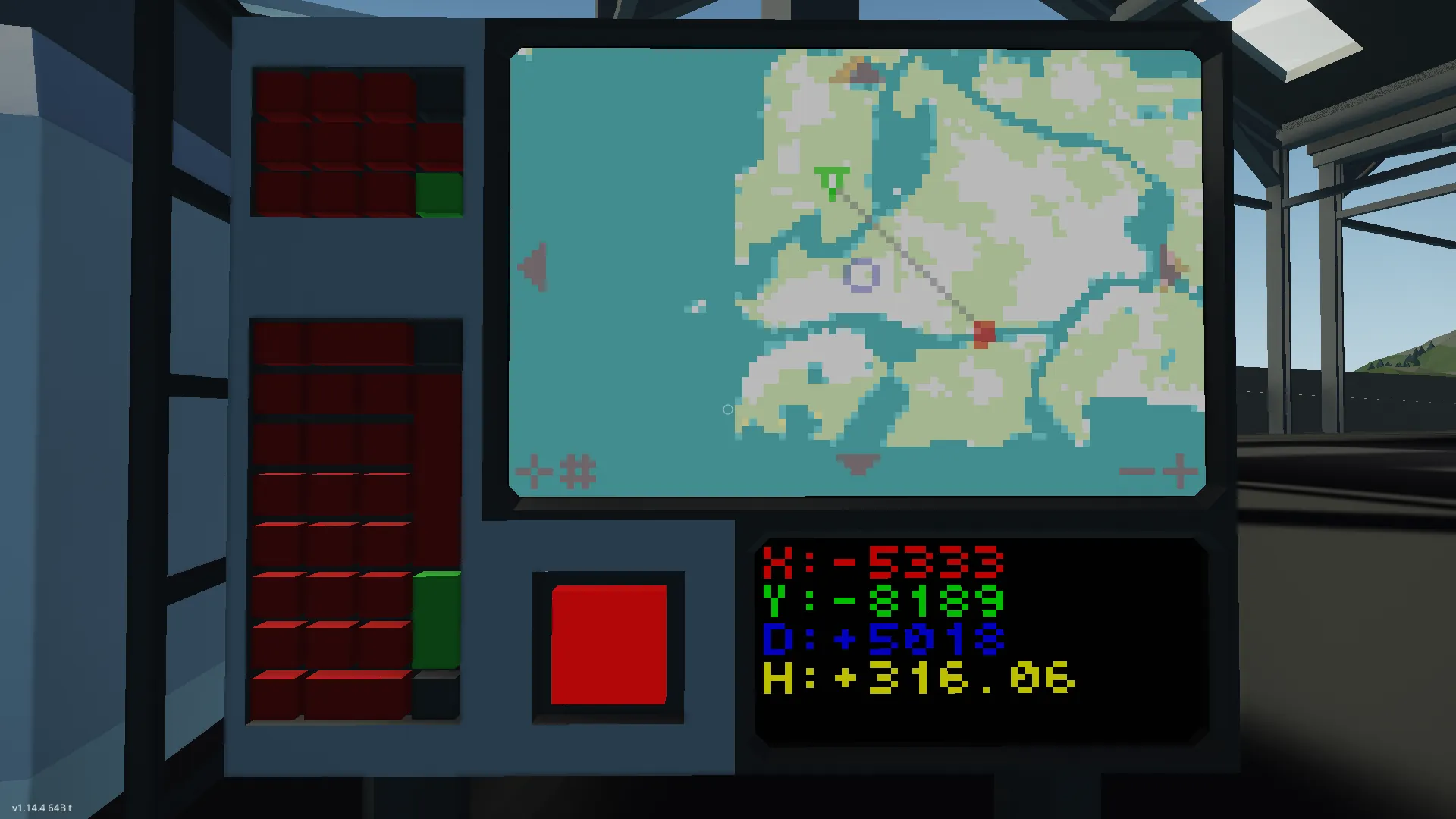
The device displays a map that can be panned, zoomed, and snapped to a Waypoint target or GPS location.
When turned on, the device will automatically start in Waypoint mode, drawing a line from the position of the device to the coordinates provided on the keypad. From here you can:
- Use the large keypad to set the coordinates.
- Use the smaller keypad to set the radio's frequency.
- Press the arrow buttons to scroll the map.
- Press the '+' and '-' buttons to zoom the map.
- Press anywhere in the middle to hide the line.
- Press the bottom left button to switch focus between the device and the target. Pressing this button will also snap the cursor to the target, moving it automatically. Any scrolling afterwards will disable this.
- Press the second bottom left button to switch targeting mode. It will cycle between Keypad (start), Radio, and none.
The system comes with a smaller monitor used to display the following information:
- X: Horizontal coordinates of the map's cursor.
- Y: Vertical coordinates of the map's cursor.
- D: Distance between the GPS coordinates and the Waypoint coordinates.
- H: Angular heading to the Waypoint from the GPS coordinates in degrees.
The properties tab of the micro-controller includes a lot of settings such as UI colors, map colors, data channels, and display methods.
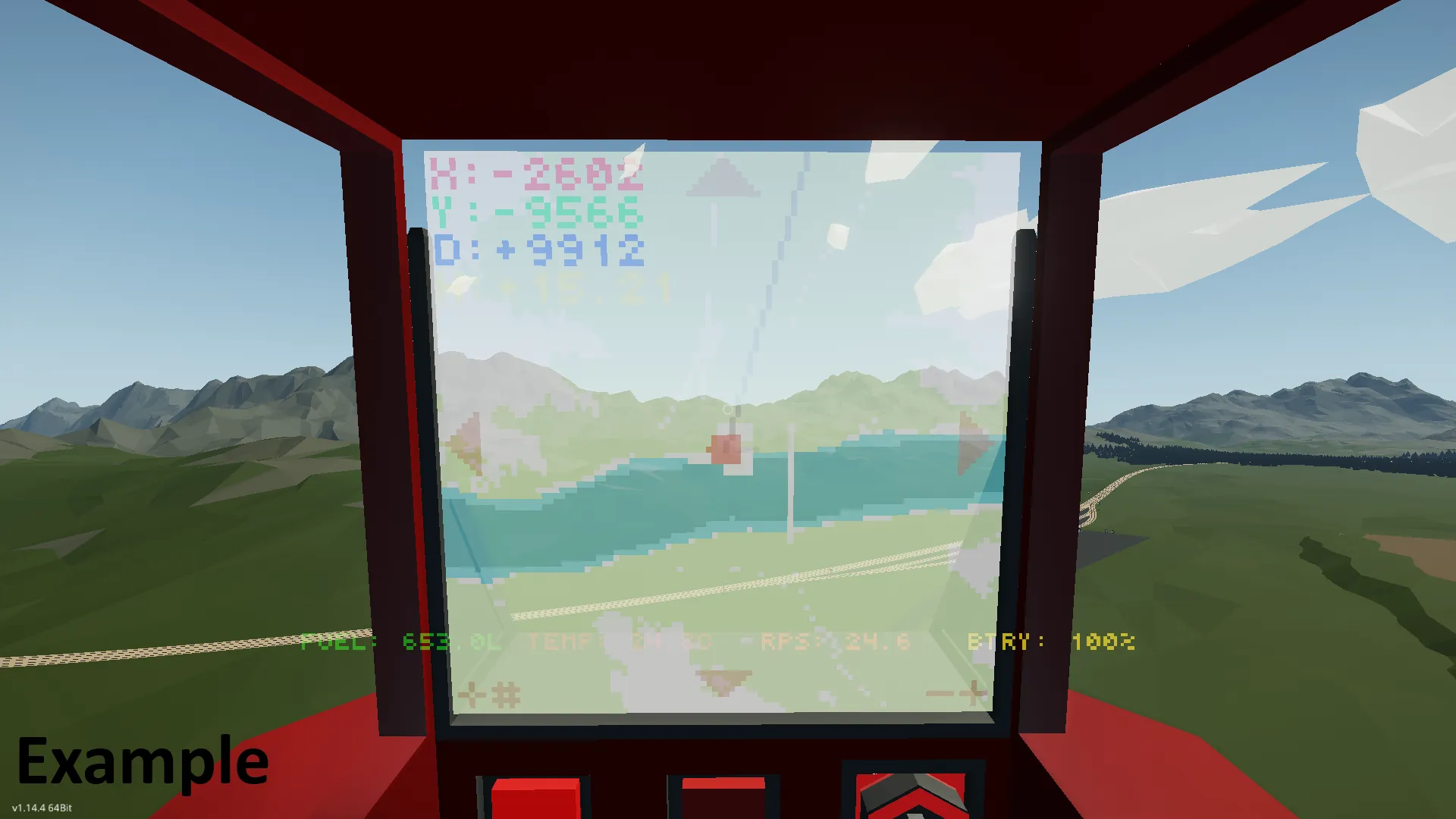
Look here for an example on how to integrate it into a vehicle:
https://steamcommunity.com/sharedfiles/filedetails/?id=3493938121
Advanced
I'm not going to get as technical here as the previous versions, but I will say you can remove the video data node and the composite radio node and nothing will break.
You might also be able to replace the data screen with a instrument panel by changing the node type to composite and hooking it up to the same script it was on. These are the channels:
1. X coordinate
2. Y coordinate
3. Distance to Waypoint
4. Heading to Waypoint
5. Time since system enabled