Overview
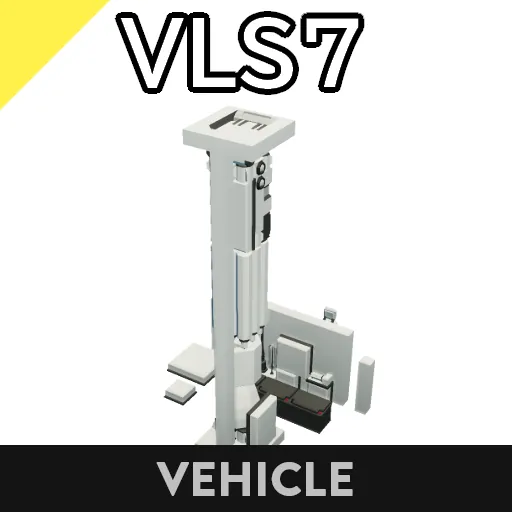
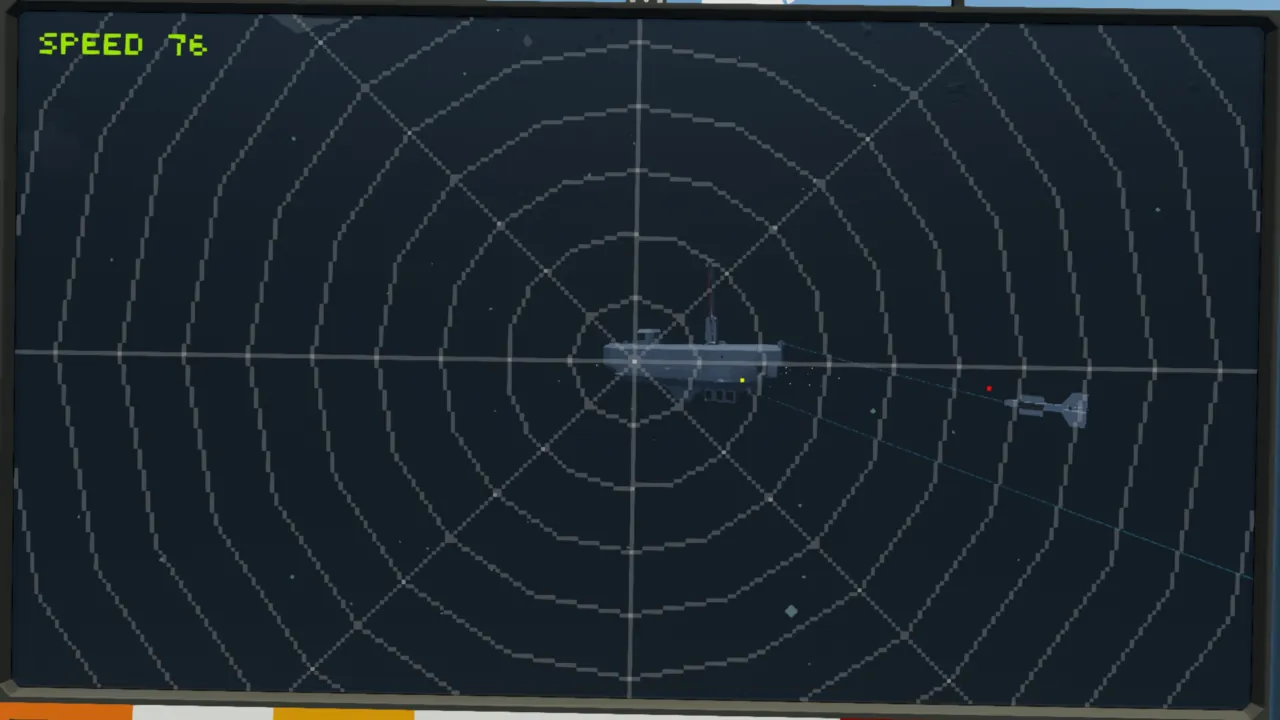
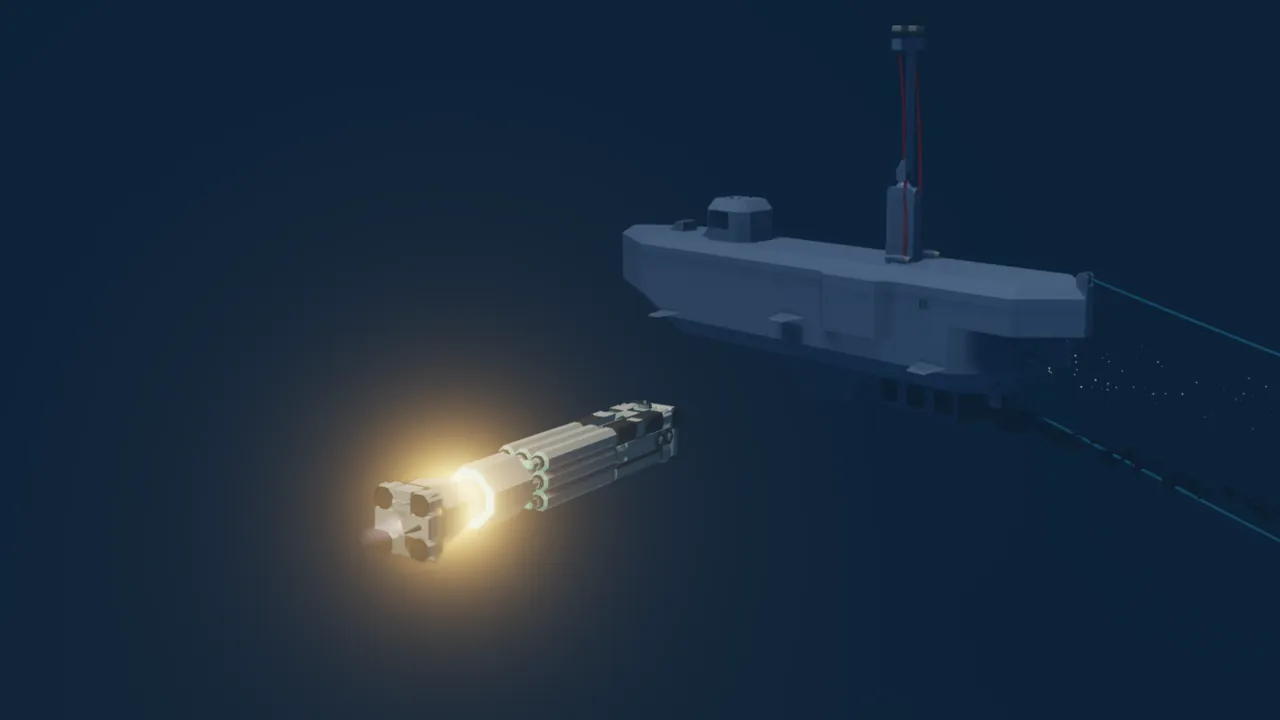
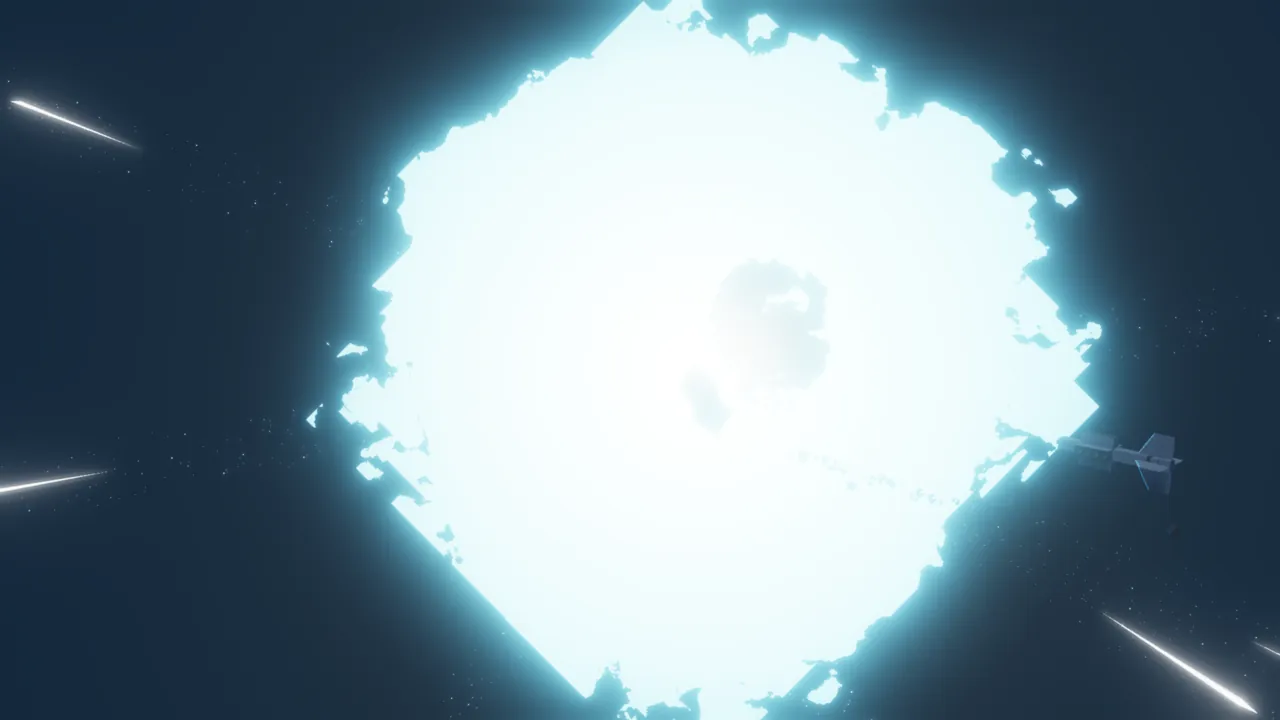
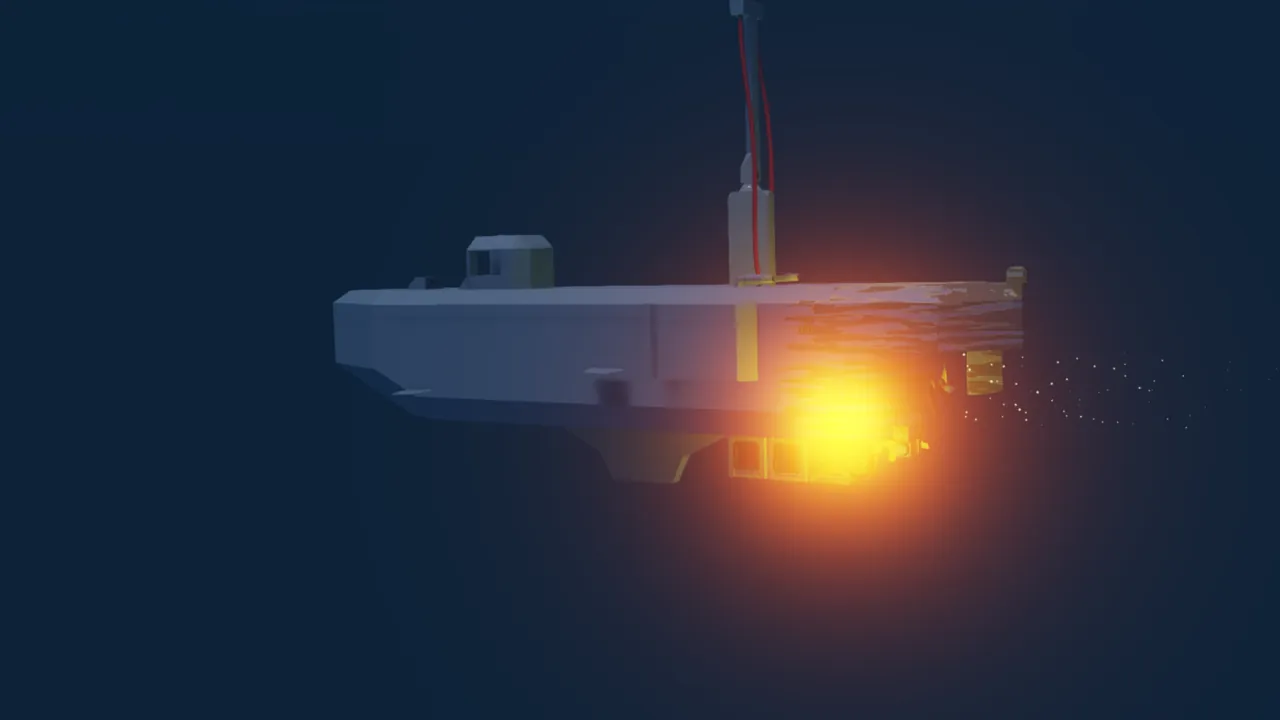
It is a vertical launch torpedo equipped with a camera. It flies to the vicinity of the target point, lands on the water just before it and acts as a torpedo. Since the destination can be confirmed with the camera, it is resistant to noise makers.
Specifications
- Maximum range: 5[km]
- Flight speed: 145[m/s]
- Maximum underwater speed: 100[m/s]
- Nighttime illumination: 4 rounds
- Also equipped with automatic guidance function
- Equipped with passive sonar
How to operate
Automatic guidance
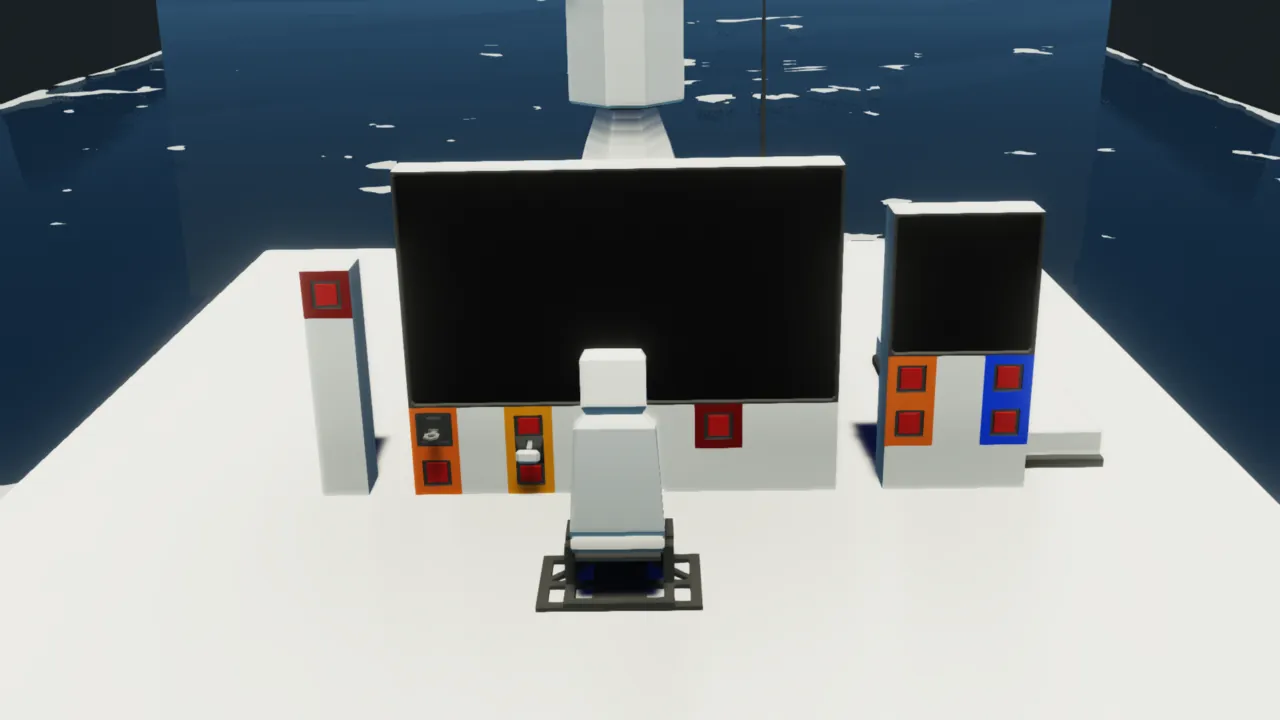
① Turn on the "Passive sonar power" and "Active sonar power" toggle buttons.
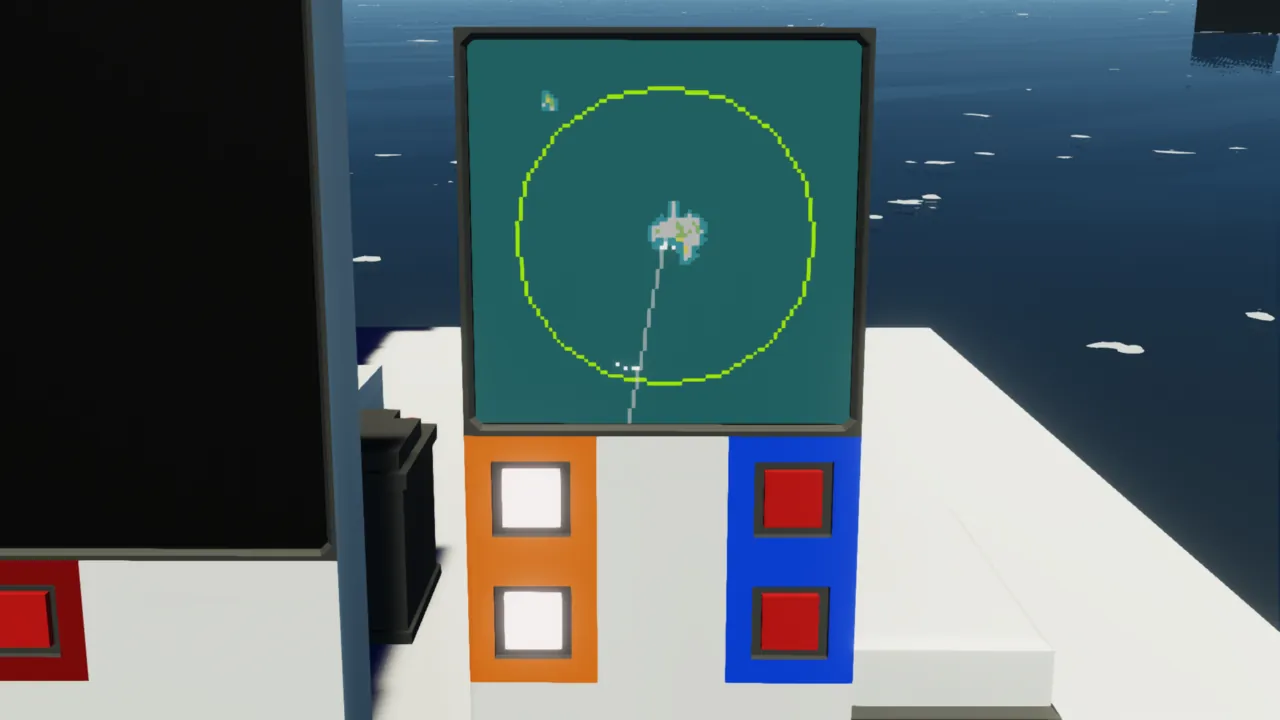
② Adjust the zoom with the "Map zoom out" and "Map zoom in" push buttons.
③ Active sonar responses are displayed as white dots, so touch the response you want to shoot at.(Touched responses are displayed in yellow)
④ Press the "Launch" toggle button on the far left to launch the missile.
⑤ Turn on the "Power" key button on the central control panel.
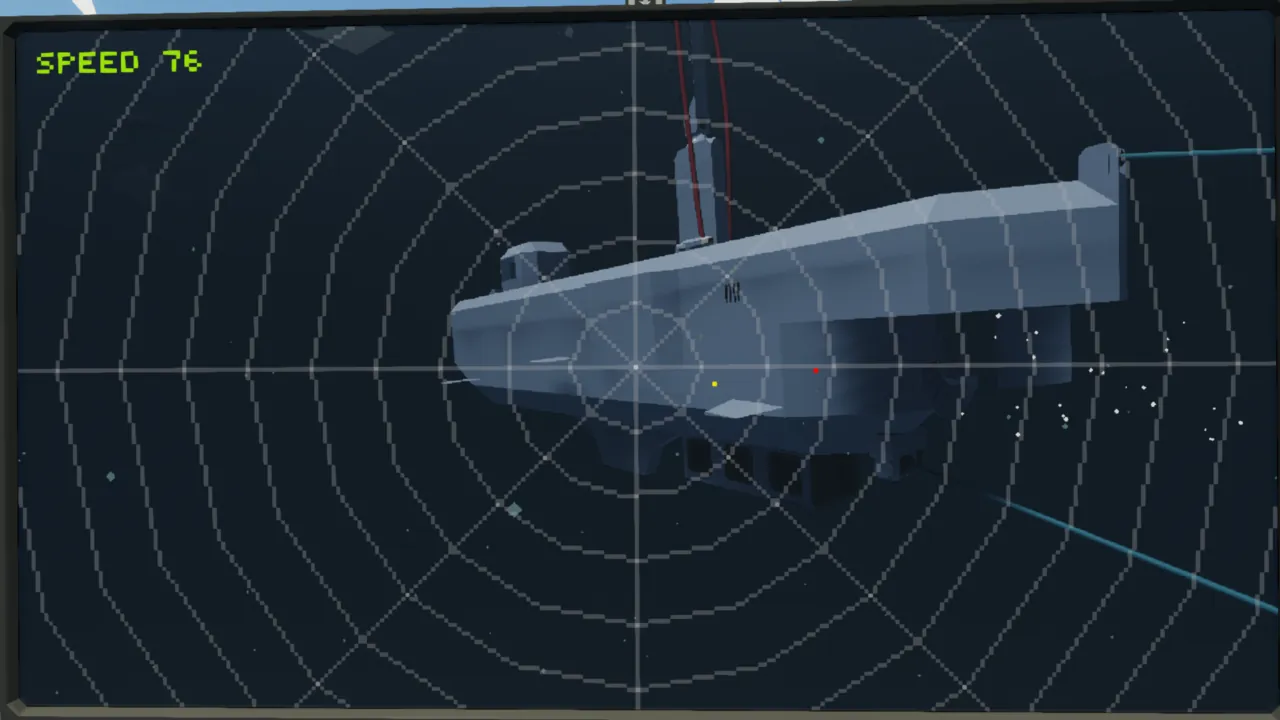
⑥ Once the missile lands on the water, red dots (passive sonar responses) will be displayed, so touch the red dot you want to guide it to.
⑦ If it is guided towards the noisemaker, immediately touch the enemy's red dot.
Manual guidance
①~⑤ Operate in the same way as for "Automatic Guidance" above.
⑥ Use the WASD keys to manually guide the missile to the enemy ship.
・The trick to guidance is to turn right if the red dot moves to the right compared to the reticle, and turn left if it moves to the left. An explanation is given at 2:10 in the video.
・You can set the up/down inversion of operation from the "Invert manual guidance control" property of the missile's microcontroller.
Nighttime Guidance
①~⑤ Operate in the same way as for "Automatic Guidance" above.
⑥ Select the red dot you want to guide to and use automatic or manual guidance.
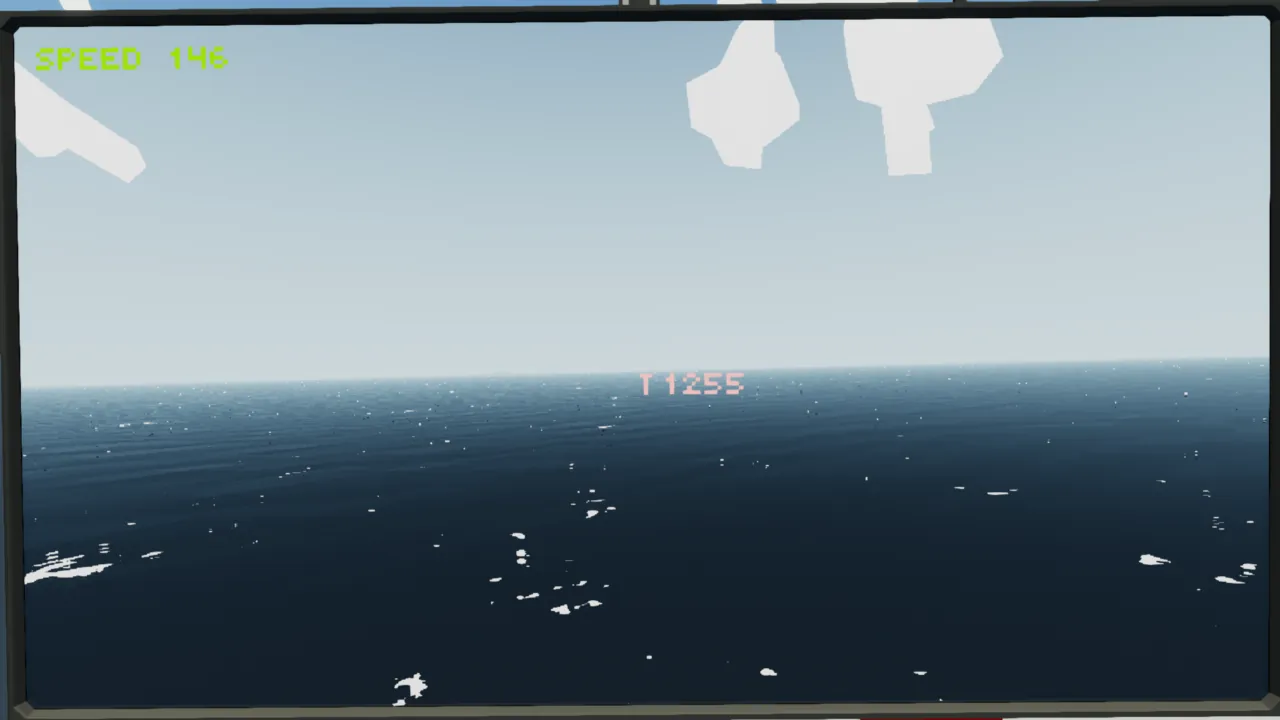
⑦ The "T○○○○" on the screen is the distance to the target point set by active sonar. When this value falls below 500, press the 1 key to fire a flare.
⑧ Find the enemy and guide the missile to sink it.
How to Install
① Move it by cutting and pasting.
② Connect the merge or power node.
Program
https://drive.google.com/drive/folders/1fHqoh0dCCsF4ONzRc3ShG9i-QzGCzTdM?usp=sharing
https://drive.google.com/drive/folders/1qu1FRXjgH6MmufvQabYVYS9GCC1U9yGG?usp=sharing
Others
- You can remodel it.
- You may distribute it secondarily (if you modify it).
- You can incorporate it.
- You can make a video.
- You don't have to get permission.
I used google translate