Overview
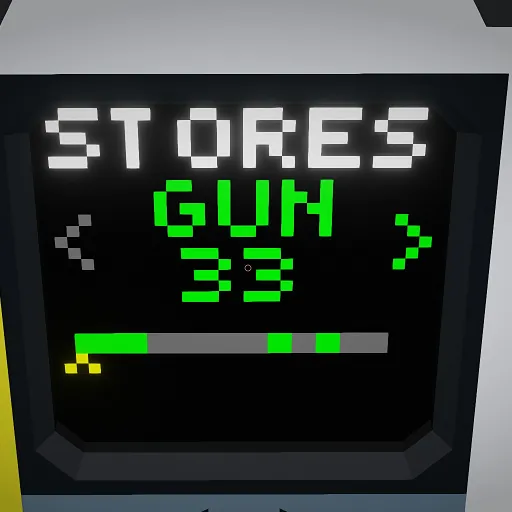
This simple Weapon Stores Manager collects hardpoint information from up to 32 hardpoints and displays a weapon selection screen sorted into categories.
You don't need to go through the hasle of remembering which hardpoint has what weapon. Just select the weapon type you want to launch and the MC does the rest for you.
Supports all the available weapon types a hardpoint connector features.
Note:
It can just launch a hardpoint. If you have gun- oder rocket pods, it will just jettison them!
For launch sequence, just connect the hardpoints to be launched first as #1 and so on.
On an aircraft, it is recommended to start from the wingtips and alternately move the hardpoint # inward, to keep the center of mass of the aircraft close to the center, even when launching weapons.
Operation
Selecting differnt weapon types is only possible, when there are any available. Otherwise selection remains on "OFF" or "GUN" (depending on MC setting).
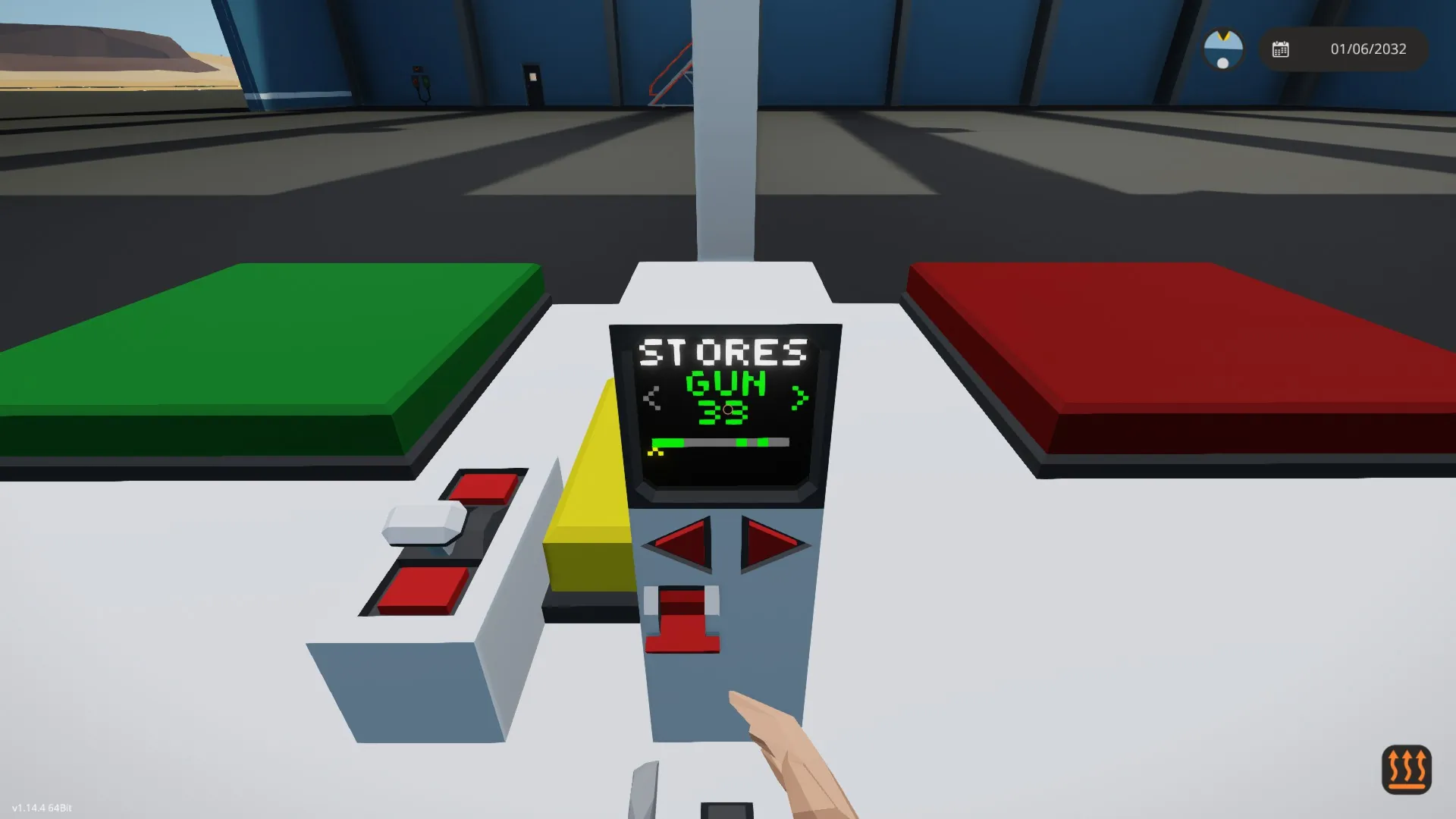
Scrolling through the list from left to right is possible by external input (e.g. composite node of a seat, instrument control panel) or directly be touching the left or right side of the screen.
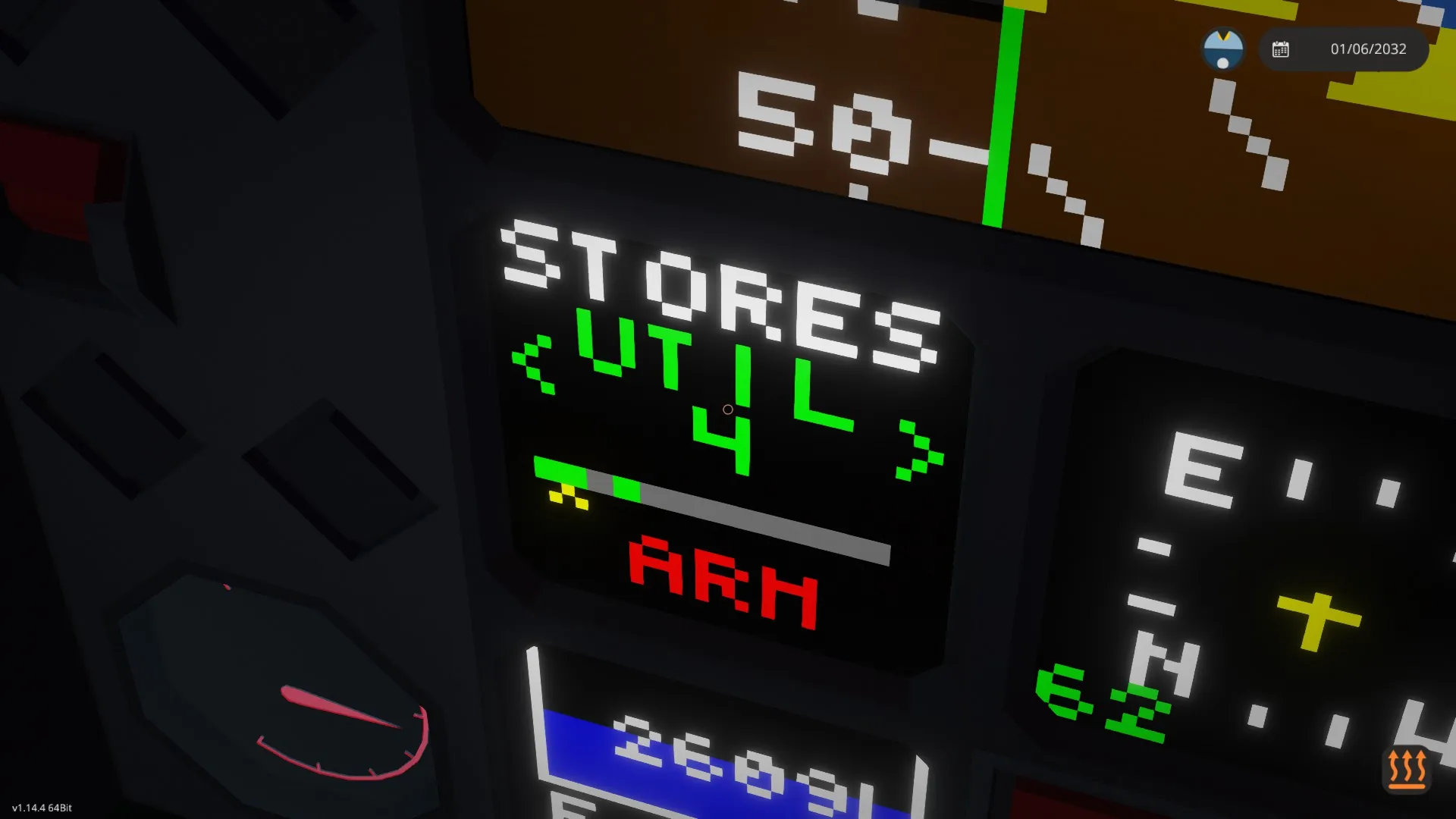
For the weapons to be released/fired, needs to be armed (bit 30) and fired (bit 31). Armed indication shows on screen.
The lower bar shows an overview of current selection (yellow arrow) and all available weapon categories.
Implementaion
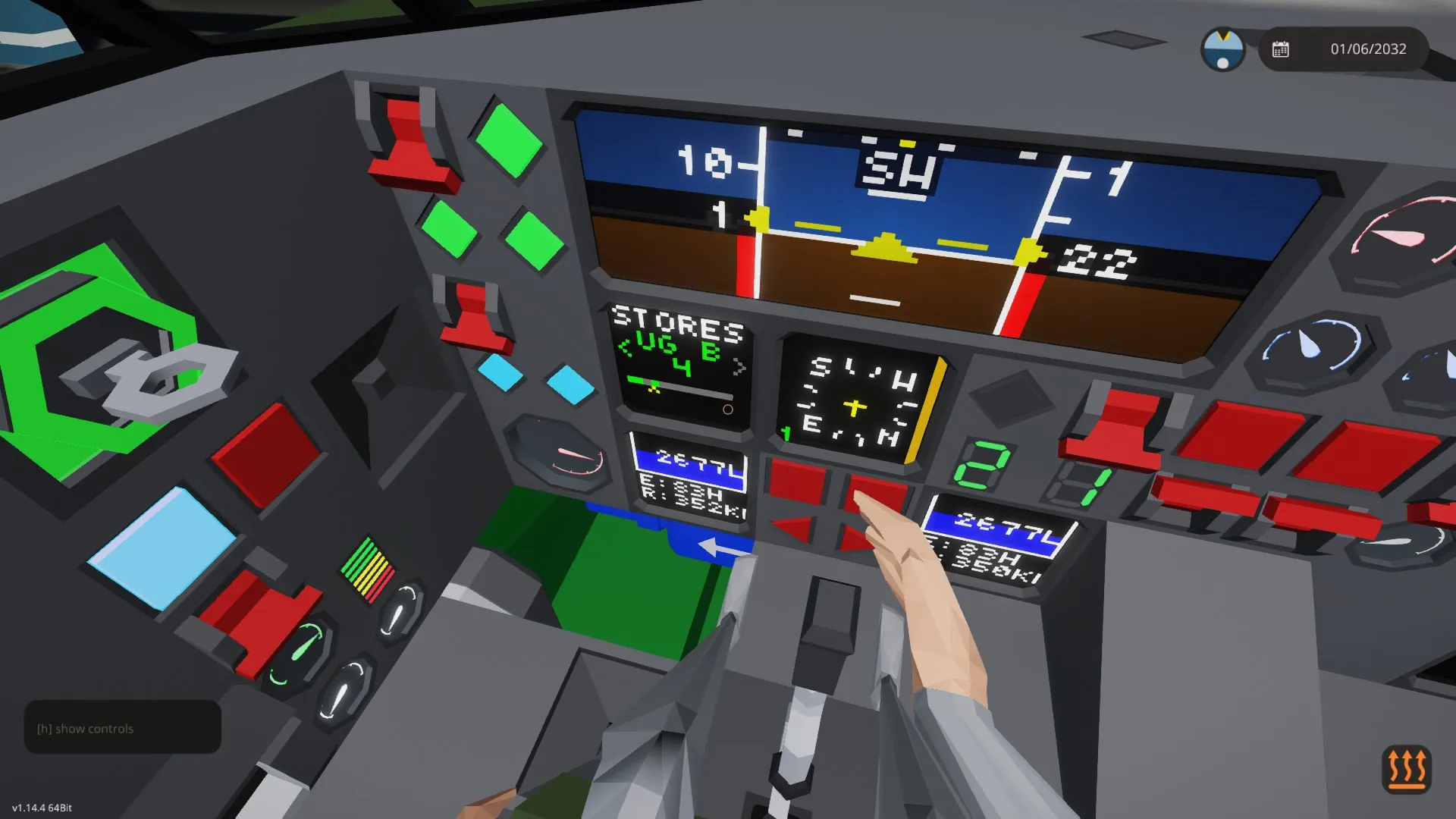
See example for implementation.
The Manager MC (yellow) can be toggled to allow a single fuselage mounted gun (could also be multiple operating in parallel). Therefore, when no other hardpoints available or moving the selection to the left, it will select and fire the gun, when armed and the trigger held.
Limitations
As mentioned, this MC can't handle gun or rocket pods. If you need to pass on targeting information for GPS guided weapons, the composite node of the hardpoint isn't occupied, due to this controller working independentely.