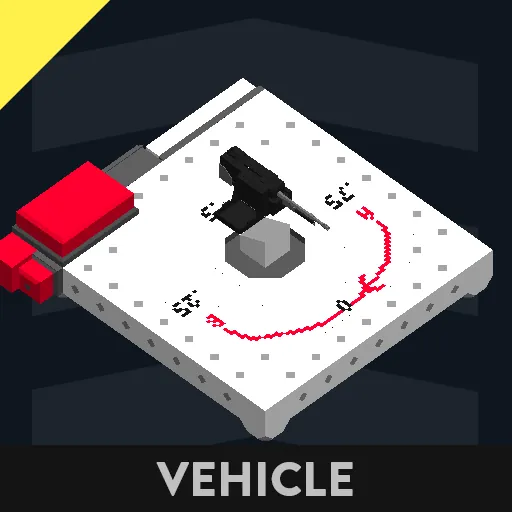
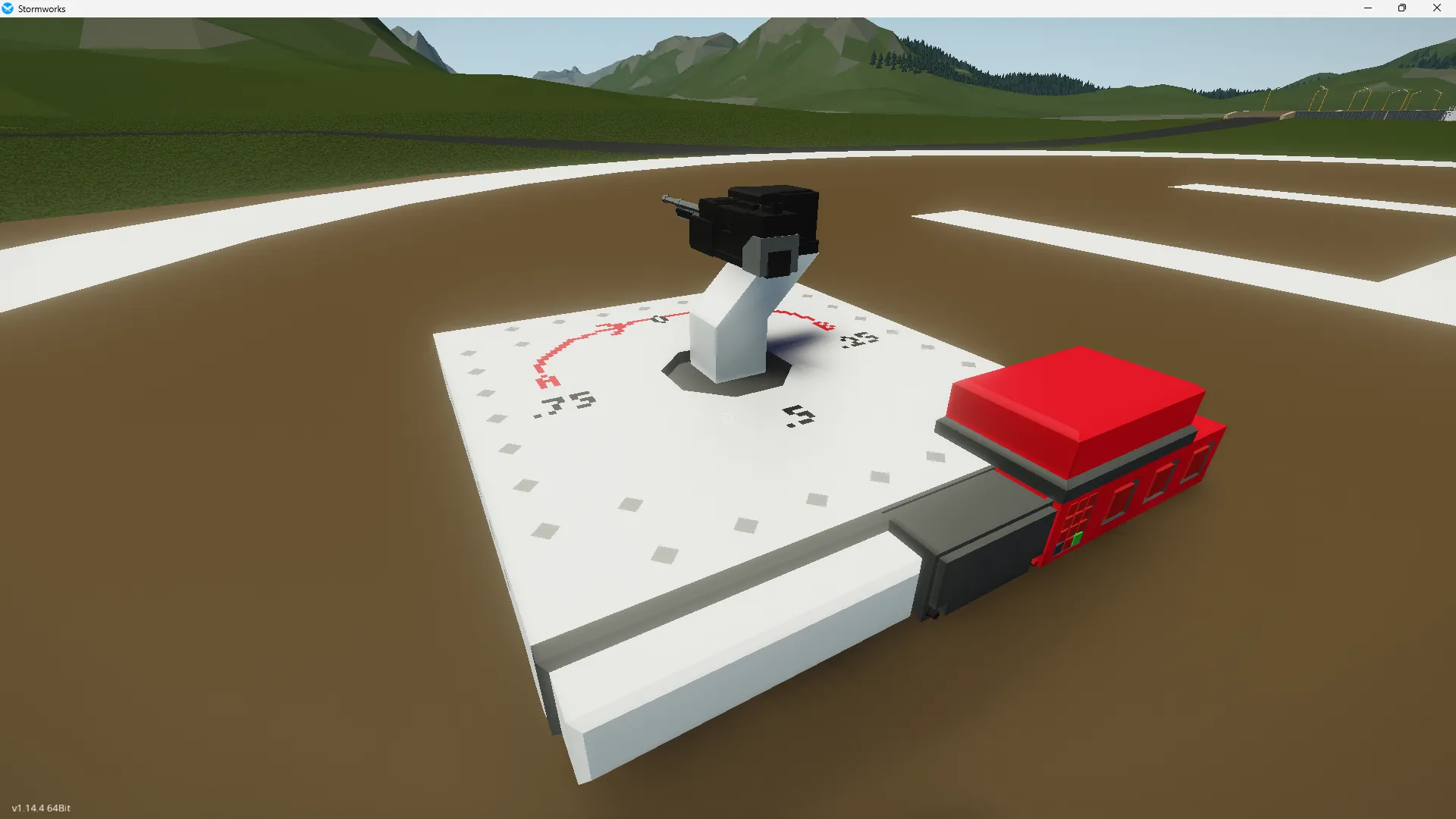
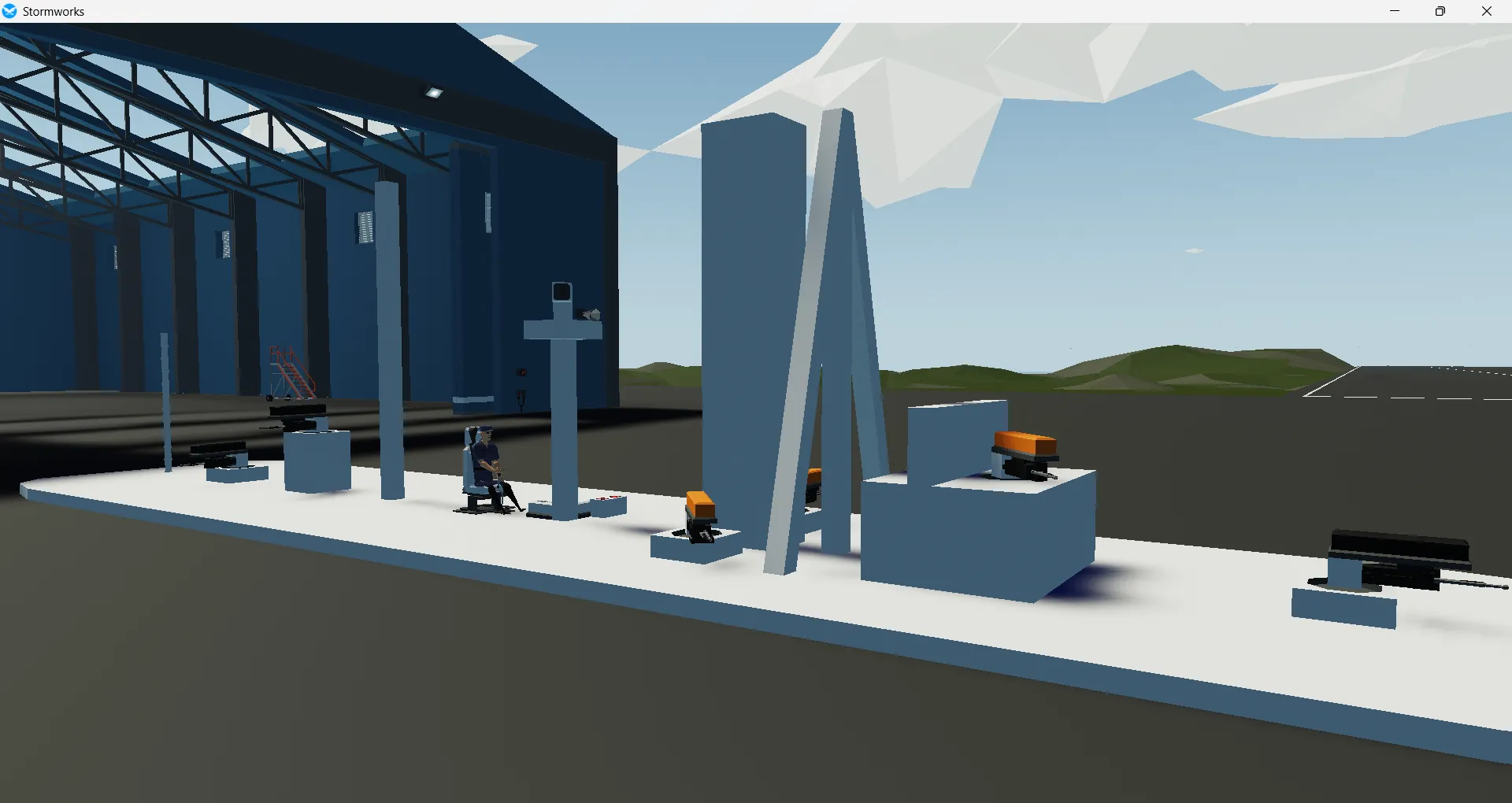
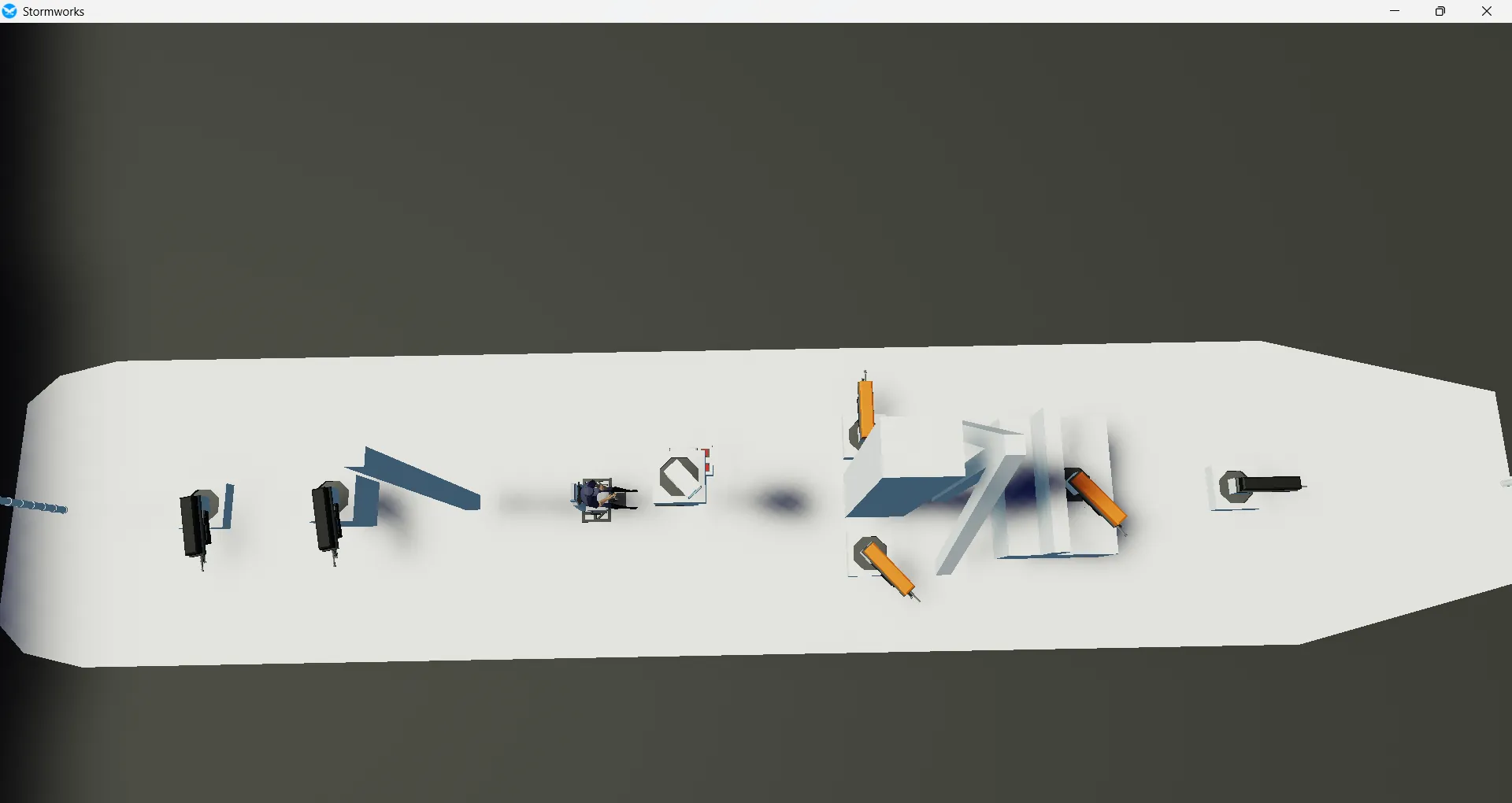
This vehicle acts as both a demo and instructions on how to use my new Turret Autorotator.
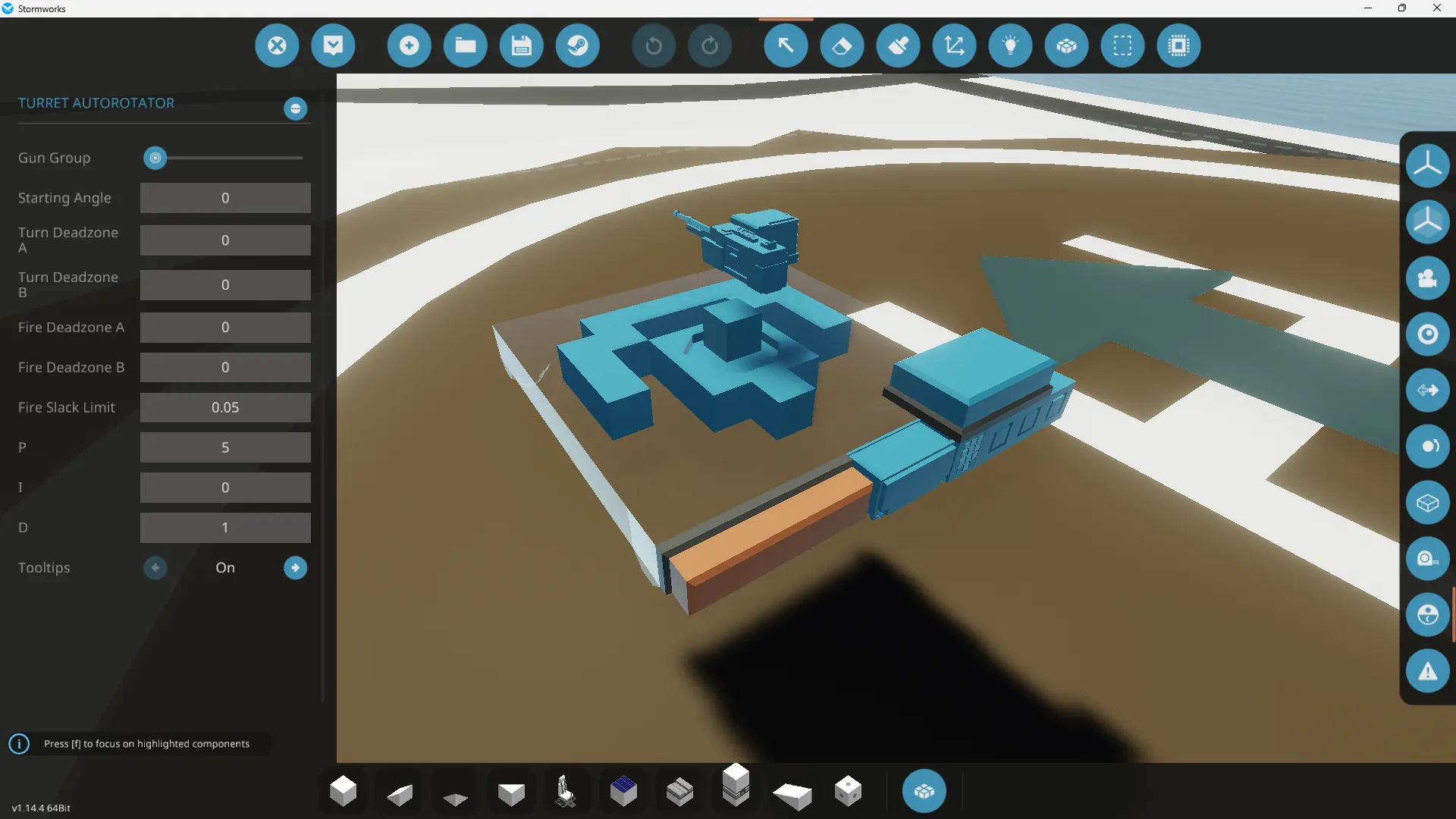
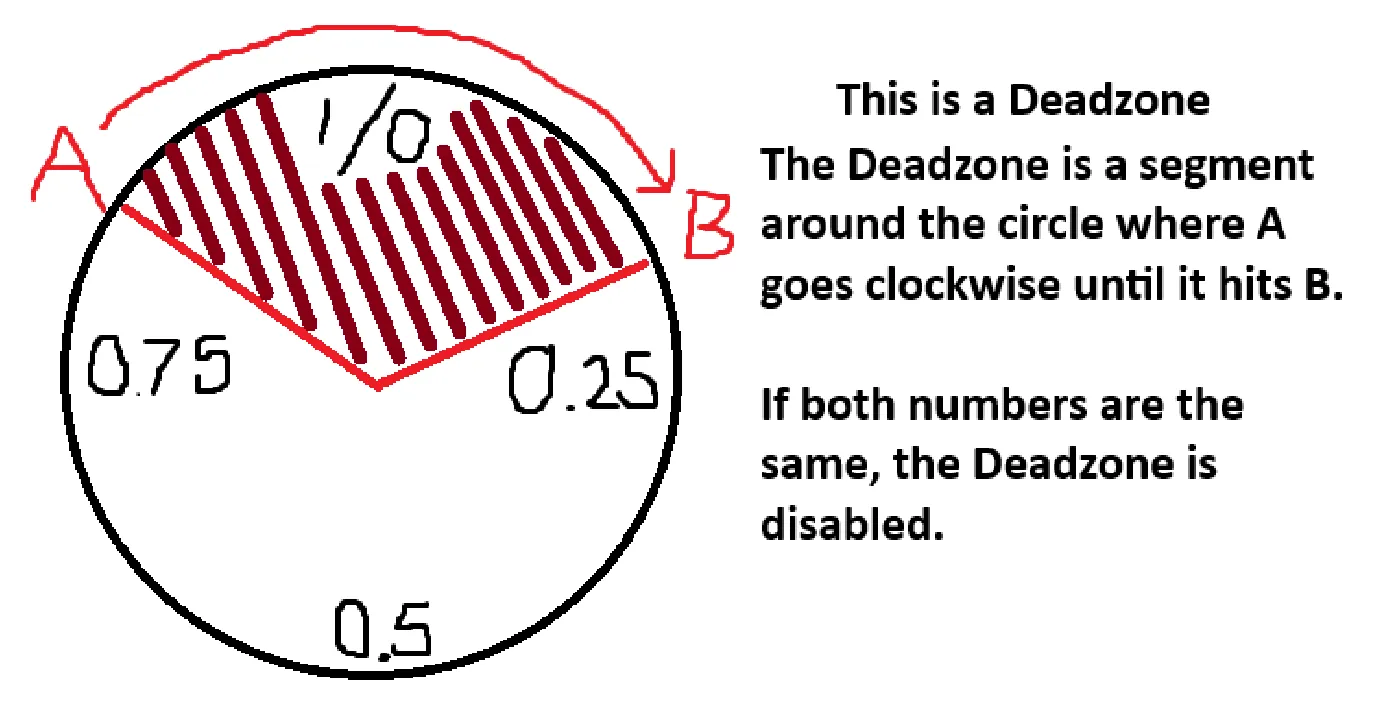
This controller can be used to control multiple turrets on a vehicle using one angle instruction in turns. It has multiple configuration options such as a turning and fire deadzone, a starting offset, and separate control groups. To be safe, these properties should be given positive numbers in turns, however negative numbers may work too. Negative numbers DO work for the angle instruction.
The individual controller (The 1x4)
This controller takes composite instructions and the turrets current position, and outputs a PID guided speed for a velocity pivot, and a On/Off to fire the gun when it is allowed and instructed to.
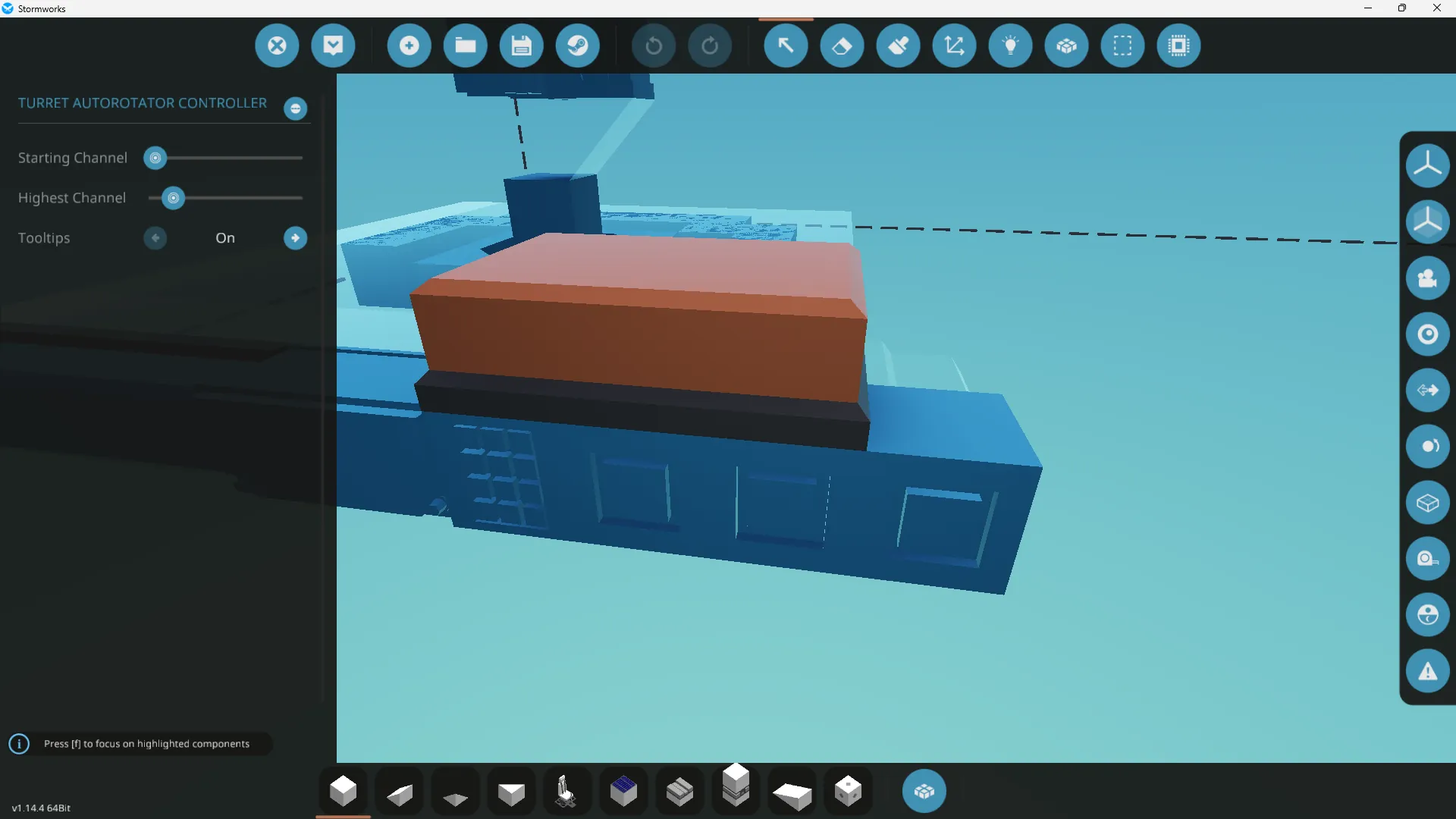
The parent controller (The 2x3)
This controller takes a number representing the angle in turns at which you wish to fire the cannons and a On/Off to fire them. It has a composite node that goes to all of the turrets in the network. It also has 3 other nodes to change the currently controlled gun group. The inactive groups will remember their latest angle but not their firing status.
Gun groups
For more advanced users, gun groups can be used to control different sets of guns. The parent controller does this by taking the channel Up/Dn inputs to bump a count that controls which channel the controls are being broadcast to, but this can be done through other ways as well. For those interested, the individual controllers read these channels off of the composite node:
Number Channel x: Set Angle in Turns.
On/Off Channel x: Request to Fire.
x: the Gun Group (1-32).