Description
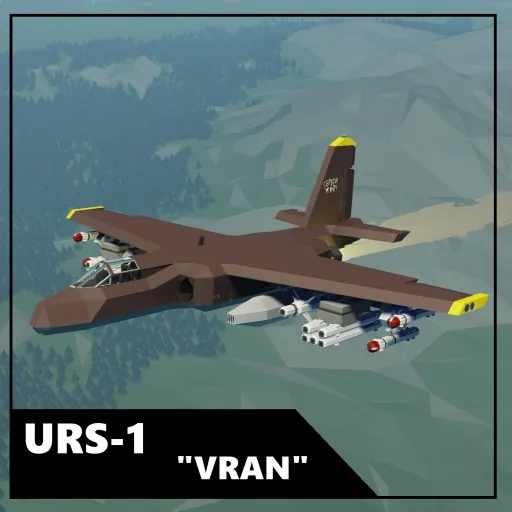
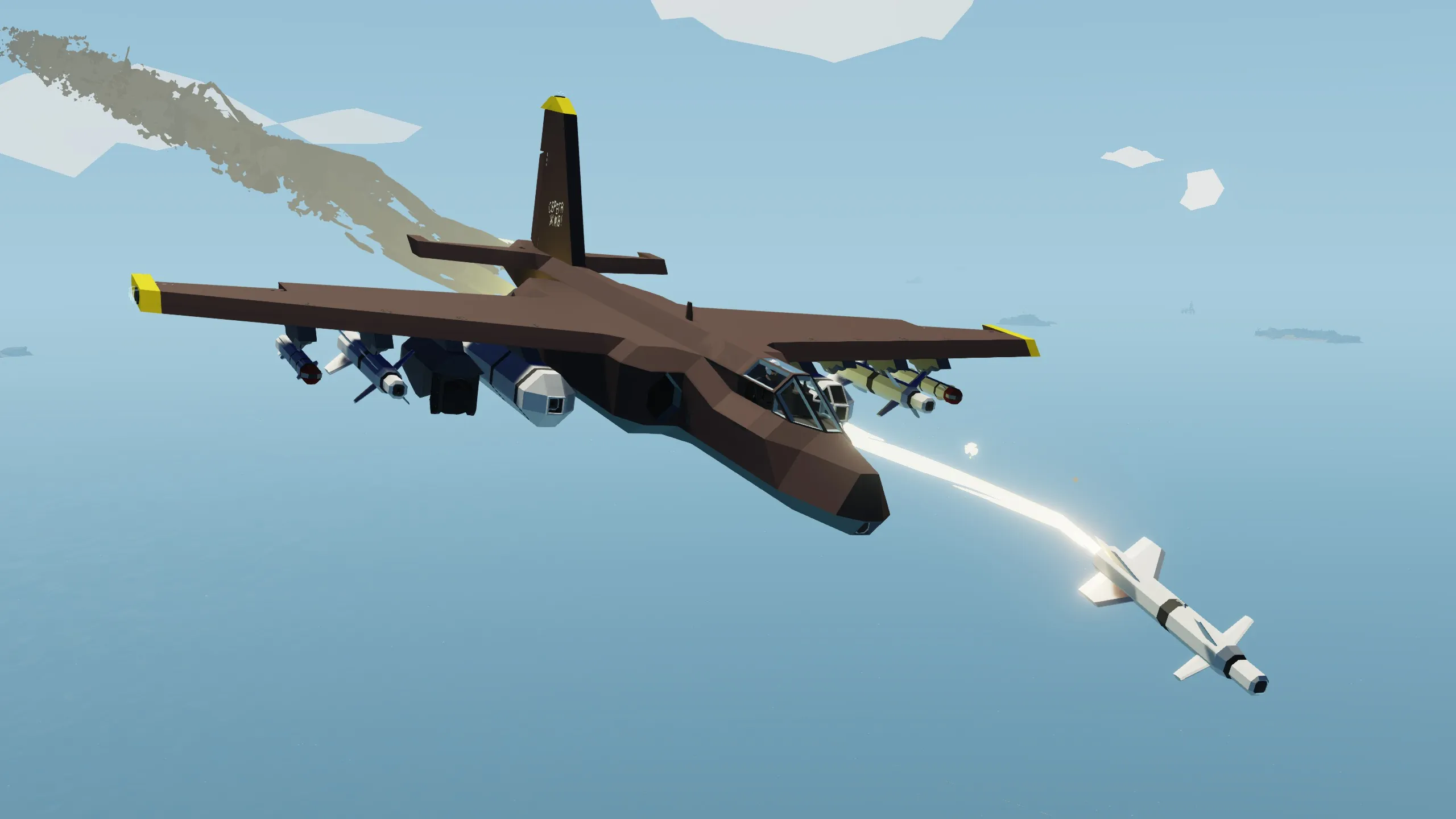
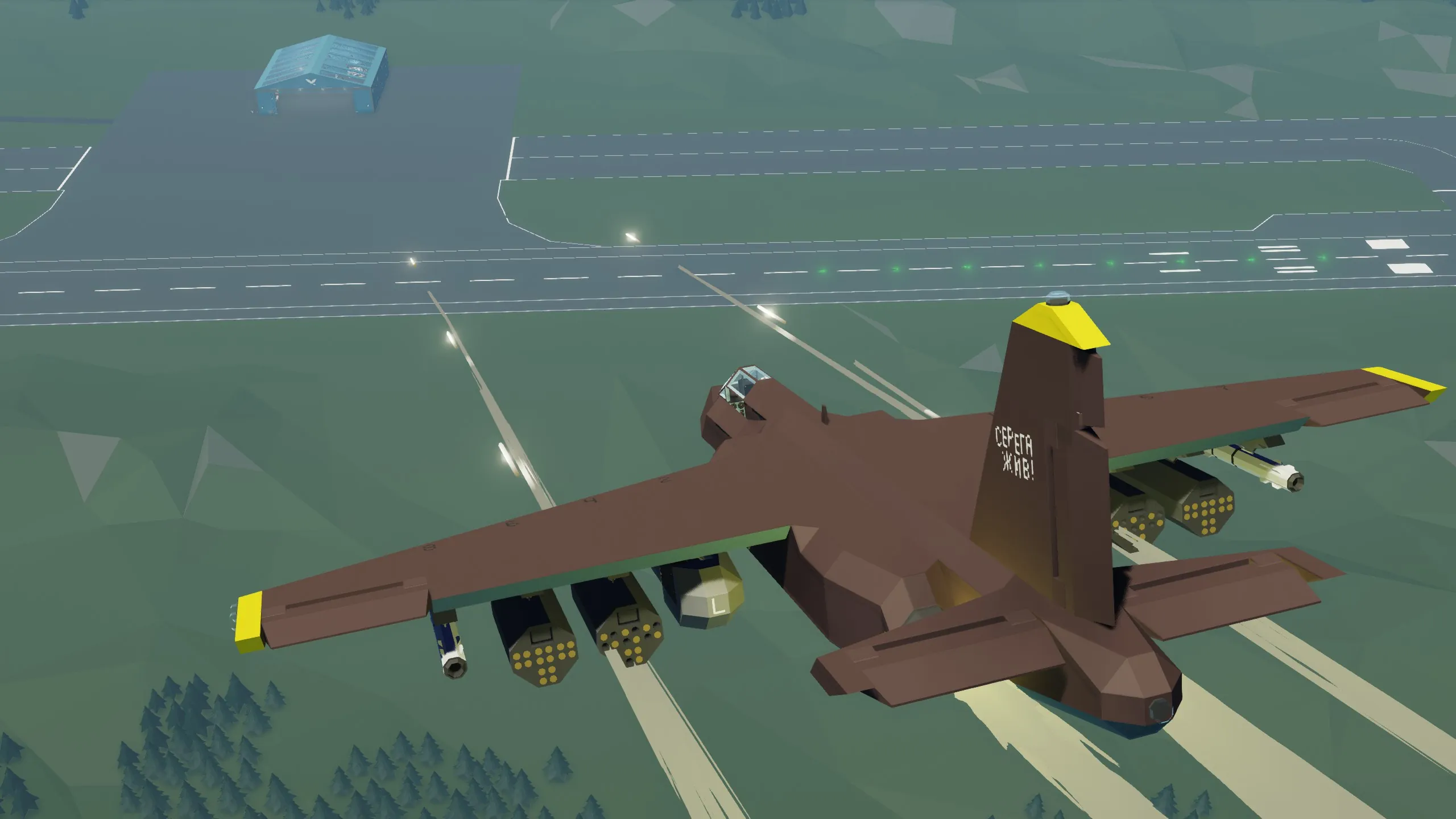
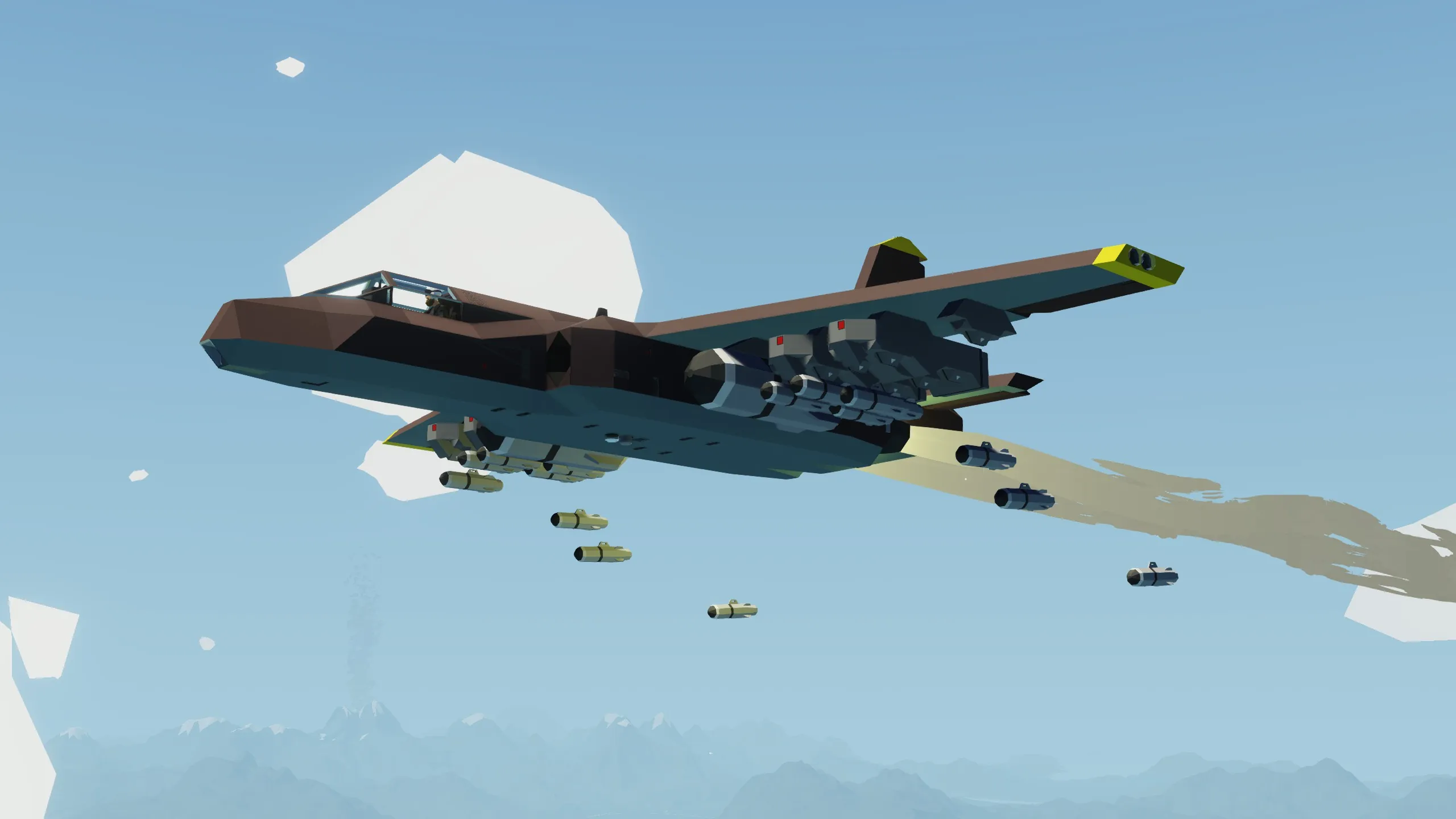
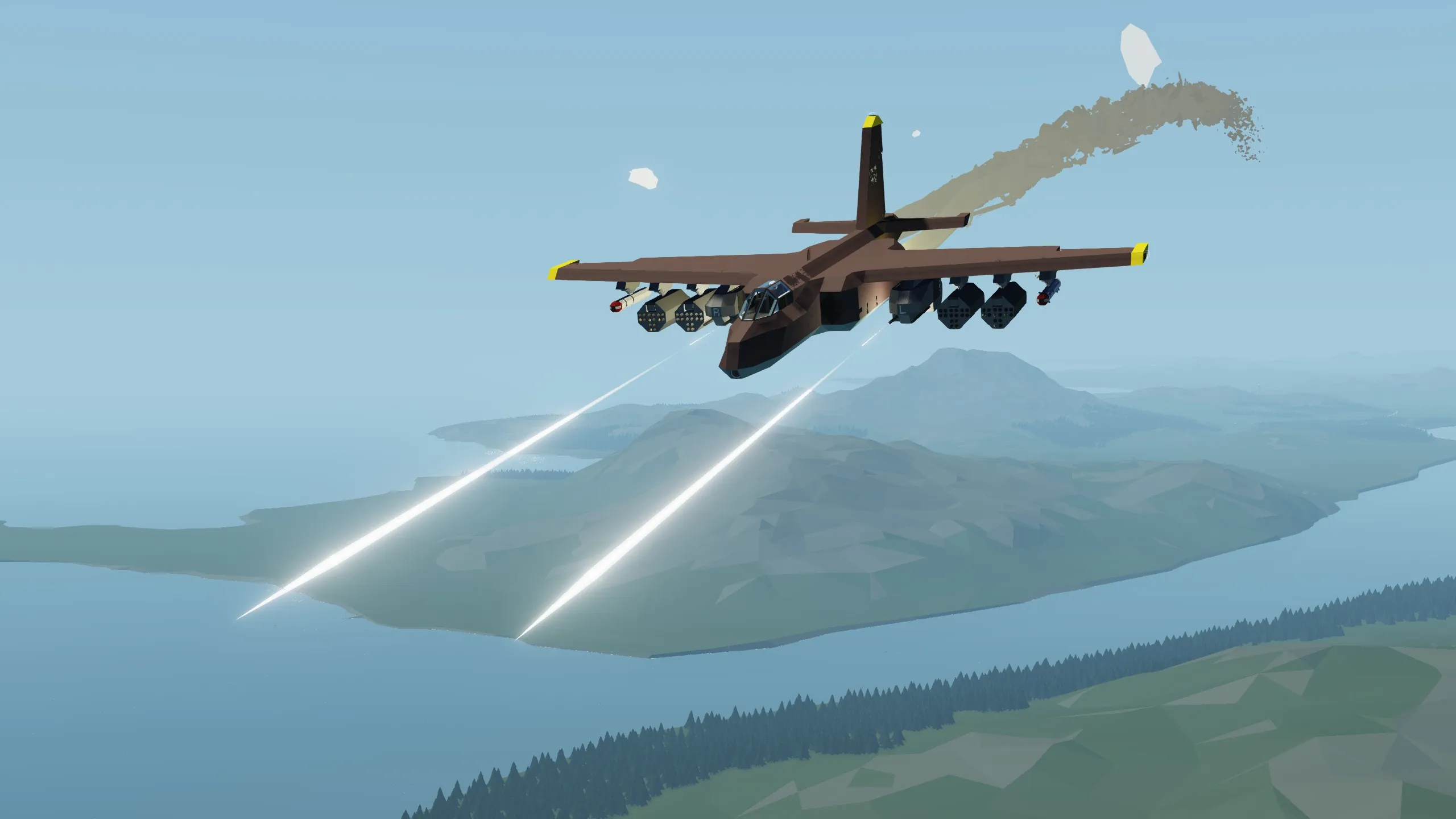
A twin-jet engine attack aircraft capable of carrying a large number of various weapons, both unguided and guided, with a low maximum speed and not the best maneuverability. In the future, it is planned to upgrade to the URS-1M model, which will eliminate the shortcomings of the current model and add more modern systems, release date: unknown
Specifications
Flight
- Max speed - 355 Km/h
- Maximum thrust flight time - 16 min
- Fuel Capacity - 2000L
Weapons
- 8-Hardpoints
- No internal gun
Systems
- No radar
- Simple RWR without chaff
- Internal Laser pointer
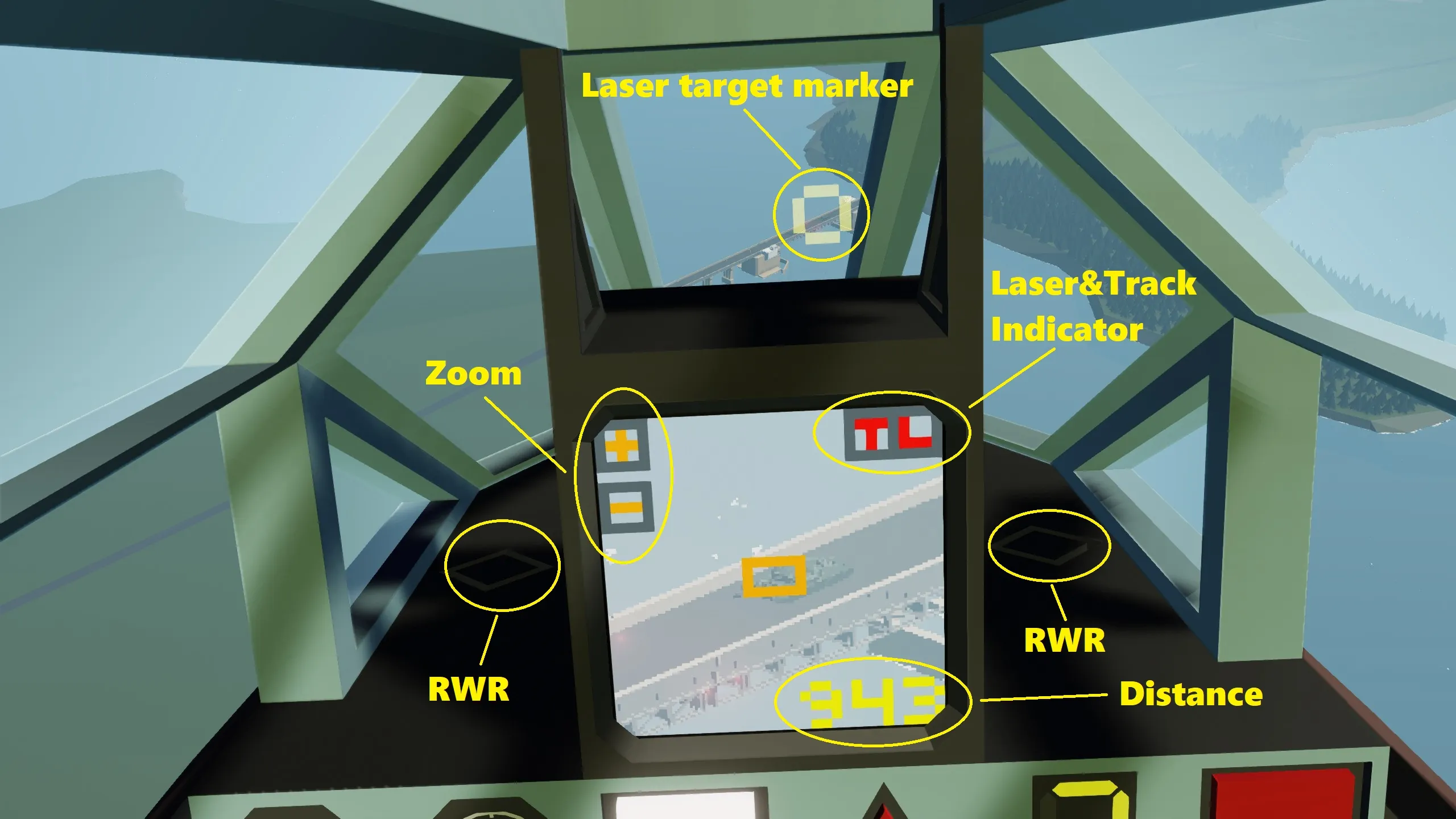
- HUD with standard sight and ability to visualize laser mark position
- Weapon selector with additional functions ( more details )
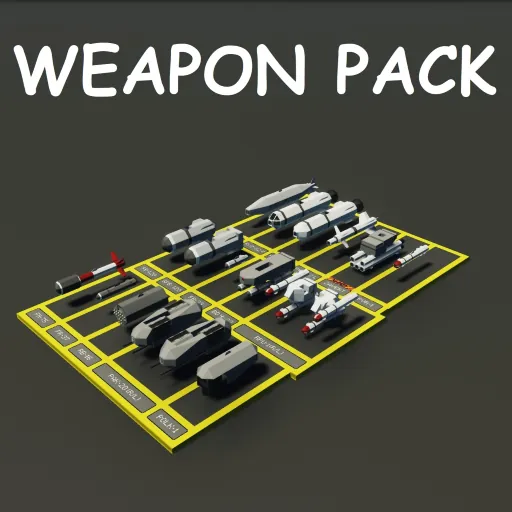
- Possibility to set Targeting pod to third(3) hardpoint (Targeting pod from this weapon pack)
Instructions
Startup
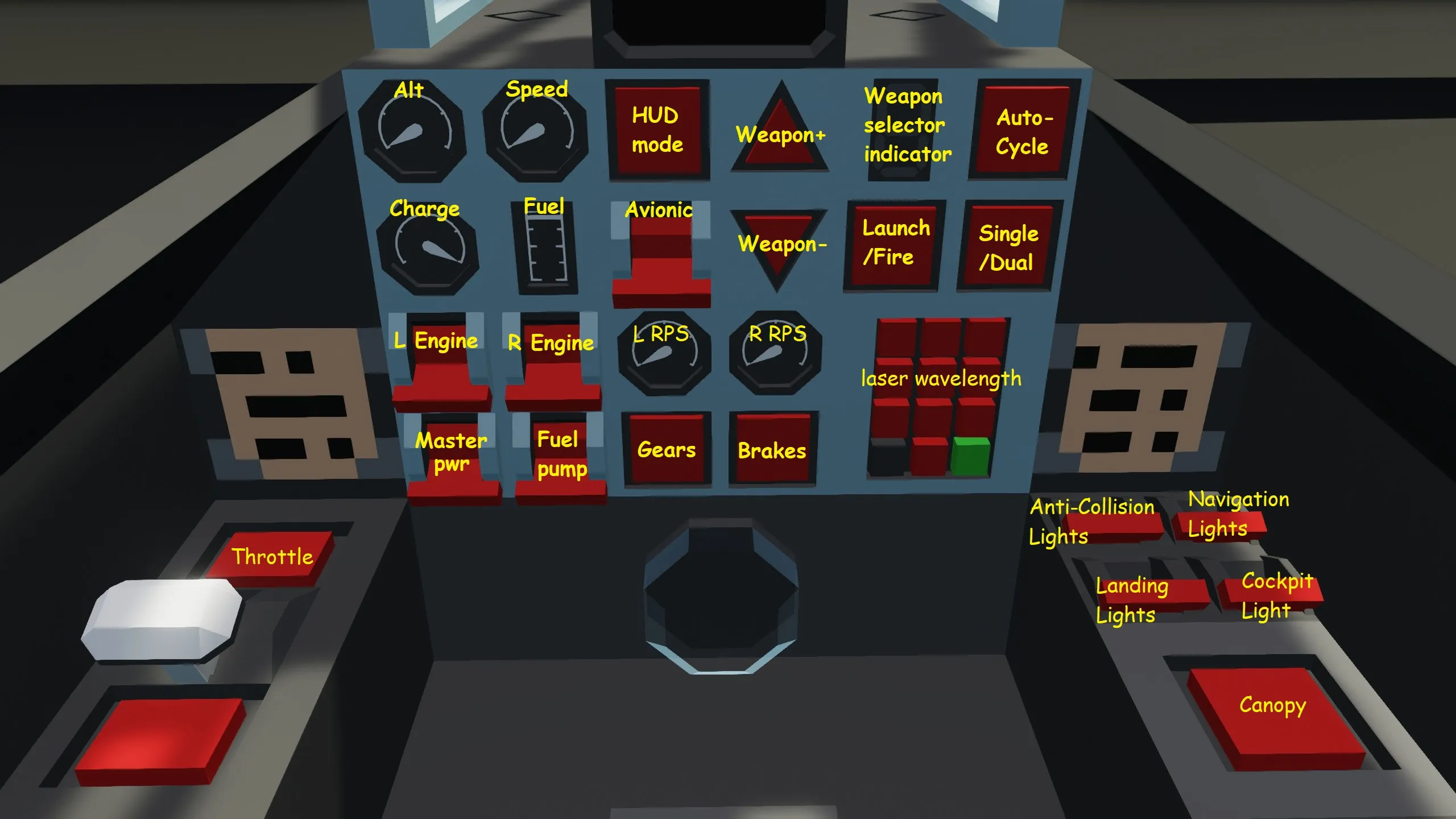
- Turn on all the switches on the lower left panel (L Engine, R Engine, Electric Breaker, Fuel Pump) and wait until the RPS on both engines becomes 1
- Now you can change the throttle
Taxiing and takeoff
- Turn off the brakes
- Gradually raise the throttle to ~0.40 and simultaneously taxi to the runway
- Increase the throttle to 0.65 and lift off the ground
- Fold the landing gear
- Great, you're flying and you can now increase the throttle to max
Landing
- Approach landing at throttle ~0.65
- Release the landing gear
- When you are almost over the runway, reduce the throttle to ~50 and the plane will start to descend, a sharper reduction in throttle is also possible, landing gears are capable of withstanding a fairly hard landing, but do not overdo it
- If the speed suits you, then just continue taxiing or if you need to stop urgently, press the brake button
Weapon systems
- Turn on avionics
- Select the required weapon and firing mode in the selector
- You can fire
If you are using a laser-guided weapon
- Turn on the laser (1button) and change the HUD mode.
- Now you can aim the laser beam with your gaze, and the location where the beam is directed will be displayed on your HUD
If you are using targeting pod
- Switch to targeting pod (3button)
- Use the touch screen to select the zoom level
- Turn on the laser (1button) if you haven't already.
- Point the Targeting pod at the target with your gaze and turn on the tracking mode (4button) or you can direct the laser with your gaze further
Credits:
ATTENTION this is absolutely definitely 100% not a Su-25 and has nothing in common with it at all, 95% of the similarity between these planes is absolutely definitely 100% coincidental, this creation is absolutely definitely 100% original I guarantee 100%
Tags: Su-25 Су-25 su-25 су-25 Su25 Су25 su25 су25