What is this?
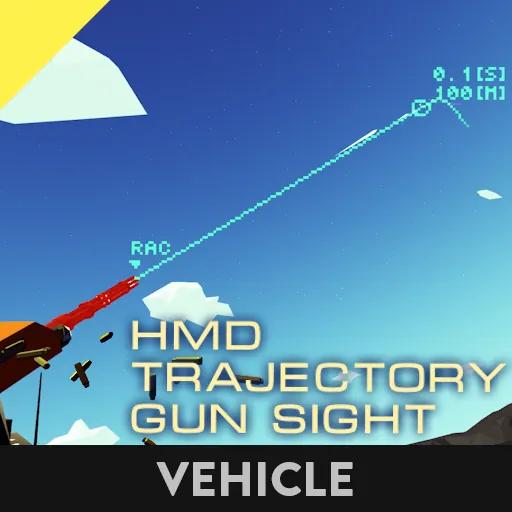
This projects the weapon's trajectory onto the seat's HMD.
Implemented features
- Display of ballistics on the HMD.
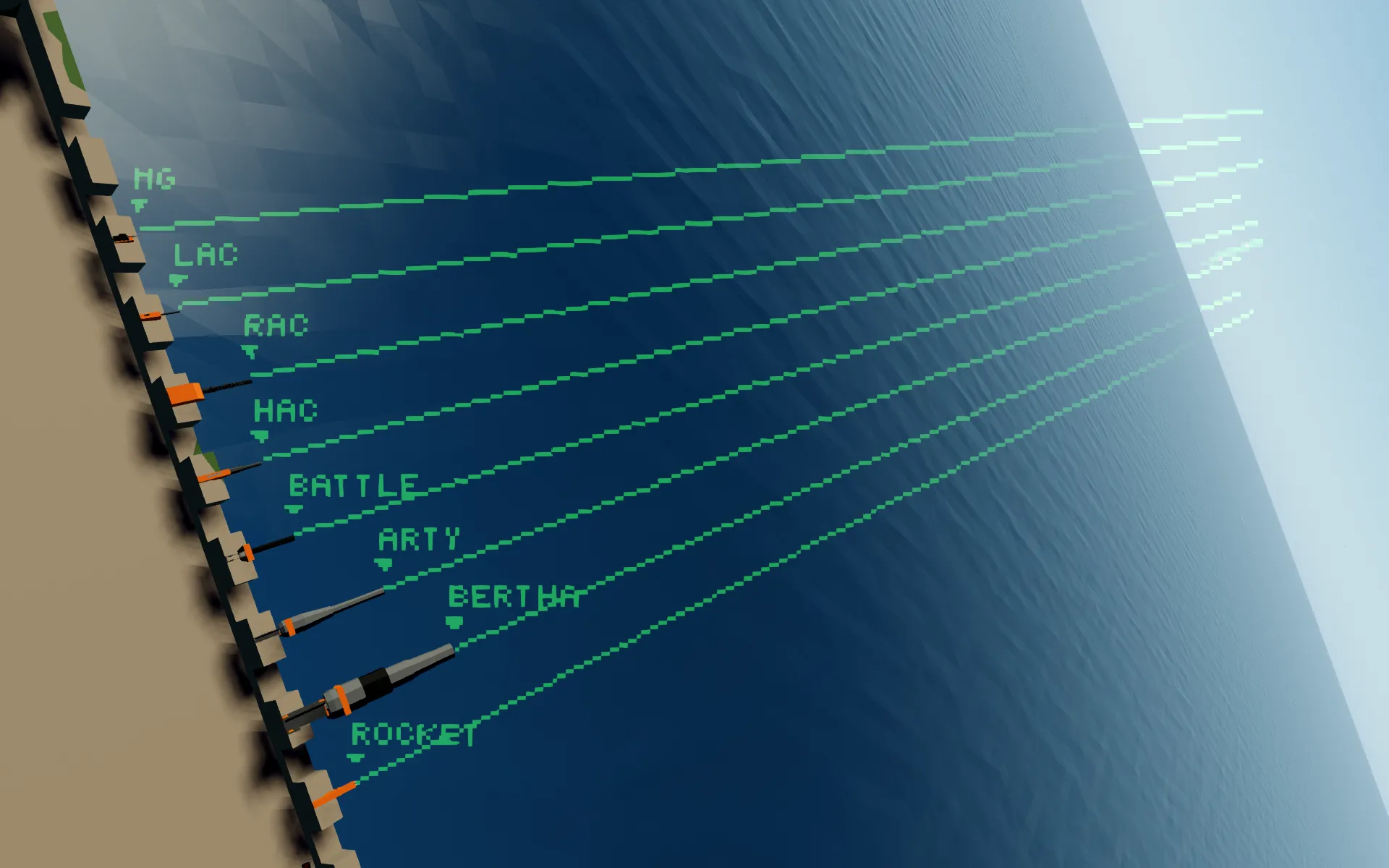
- Ballistic prediction for the following weapons, MG/LAC/RAC/HAC/Battle/Artillery/Bertha/Rocket.
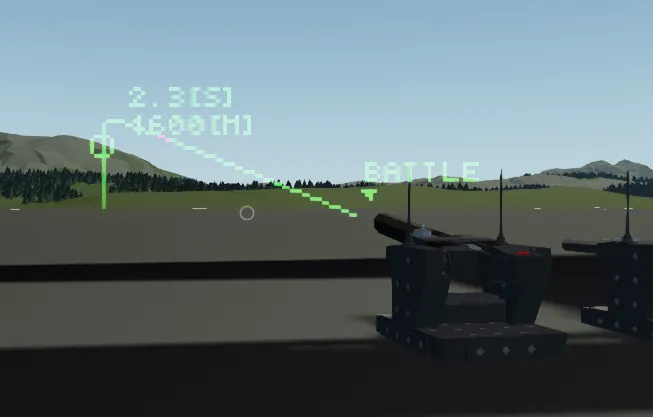
- Display of target markers at specified distances on the ballistic trajectory.
- Lead computing sight.
Unimplemented features
- Prediction of air density and gravity variations at high altitude.
- Prediction under water.
- Prediction of side wind.
- Predicting the weapon's RNG.
- Rocket's dispersion is probably large.
Installation
 HMD Gun Sight
Main microcontroller.
Inputs & Outputs
- Seat phys. sensor
Connect the physics sensor, which must be attached to the same body as the seat you want to use. - Look X/Look Y
Connect to the look direction node of the seat to be used. - Gun data
Receives data from the weapon side microcontroller. - HMD
Connects to the video input of the seat. - video input
Multiple weapon displays can be supported by daisy chaining to this input. - Distance [m]
Input of distance to target. A target marker is displayed at the specified distance of the ballistic trajectory.
Entering a minus distance will display the target marker at the predicted position in the high-angle fire.
This is the distance from the weapon, not from the seat. - Target size [m]
Sets the width of the ‘Trajectory Grid’ described below.
This input is optional, if not entered, refer to the property ‘Default Target Size [m]’. - Lead Computing Toggle
Toggles the lead calculation on and off.
Settings
- phys. to head X/Y/Z [voxel]
Set from the physics sensor to the position of the head. - HUD Color R/G/B/Alpha
Set basic display color - HUD Accent Color R/G/B/Alpha
Set highlight colour
Used for Trajectory Tracer/Trajectory Grid. - Trajectory only
Show ballistics only. - Decimation Rate [m]
Thinning rate of ballistic rendering. - Trajectory Tracer
Rendering of virtual tracer bullets on the ballistic trajectory. - Trajectory Grid
Displays horizontal lines on the trajectory at specified intervals. The length varies with the input to Target Size. - Trajectory Grid Interval [m]
- Default Target Size [m]
- Target Marker offset X/Y
Set the display position for the specified distance and the number of seconds reached. - Gun Marker
Display arrows and their names on the weapon. - Off-Screen Gun Marker
Setting whether Gun Marker is displayed at the edge of the screen when the weapon leaves the screen. - Lead Computing Sight
- Lead Smoothing
Smoothing of vehicle movement acquisition. (0to0.99)
Disable at 0. Do not set to 1. - Max Prediction Ticks (-1 for no limit)
Setting how many ticks to predict the movement of the vehicle.
Do not set the value too high as this will cause lag.
HMD Gun Sight/Gun sensor and settings
Microcontroller on the weapon side. Sends information to the main microcontroller.
Inputs & Outputs
- Gun phys. sensor
Connect the physics sensor attached to the same body as the weapon. - Data to main mc.
Connect to the main microcontroller (HMD Gun Sight). - Distance to target [m]
Input the distance to the target.
Settings
- Gun type
Select the type of weapon. - velocity magnification (for XML edit)
For XML-edited weapons, multiply the initial velocity of the bullet.
Usually does not need to be changed from 1. - Muzzle offset X/Y/Z [voxel]
Sets the position from the physics sensor to the muzzle.