BACKGROUND & CHARACTERISTICS
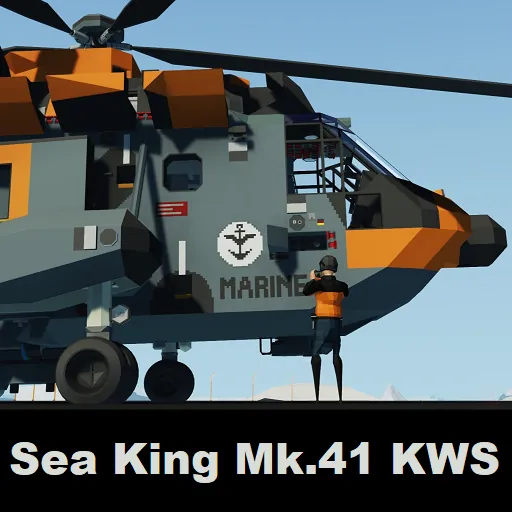
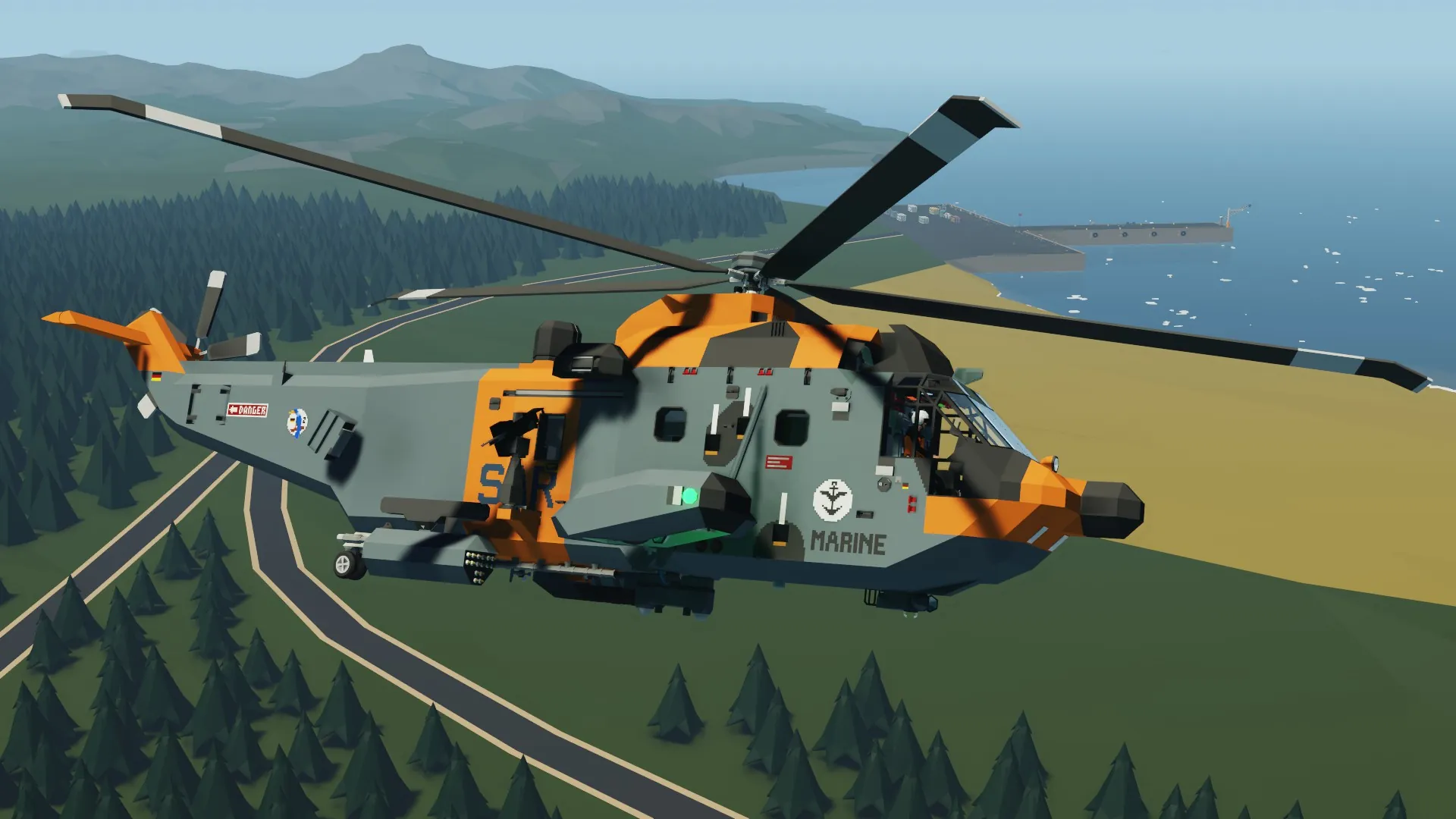
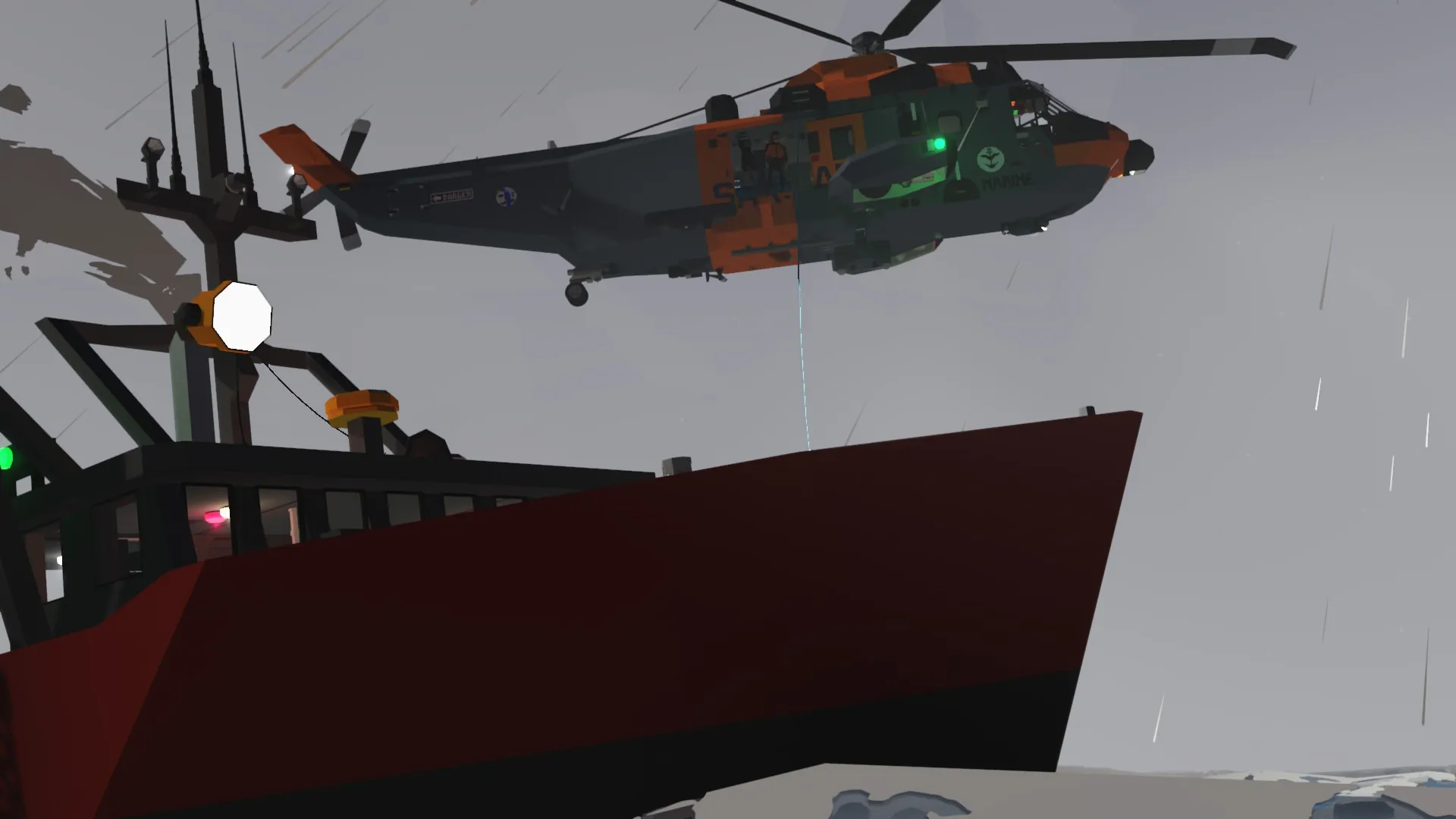
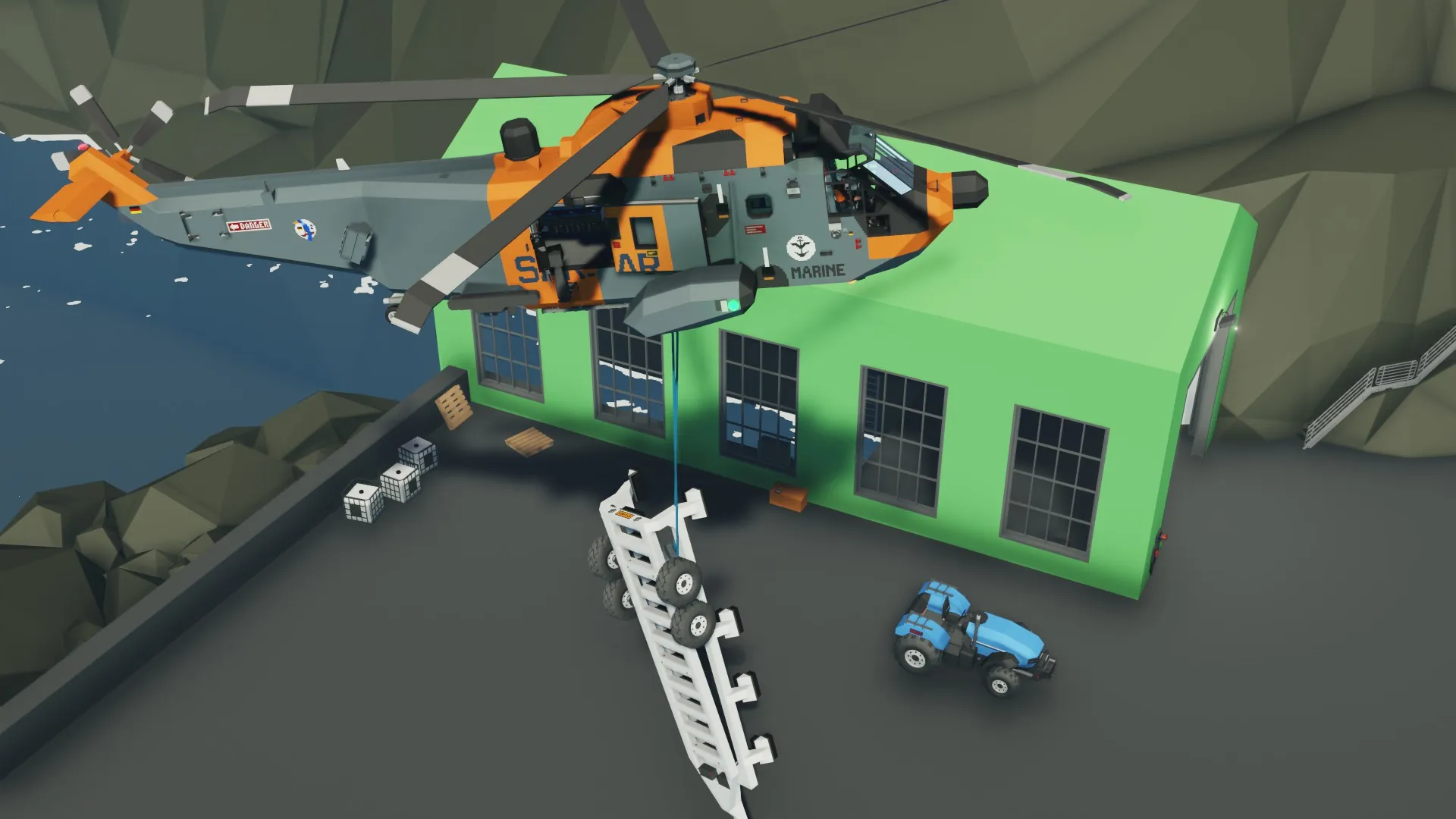
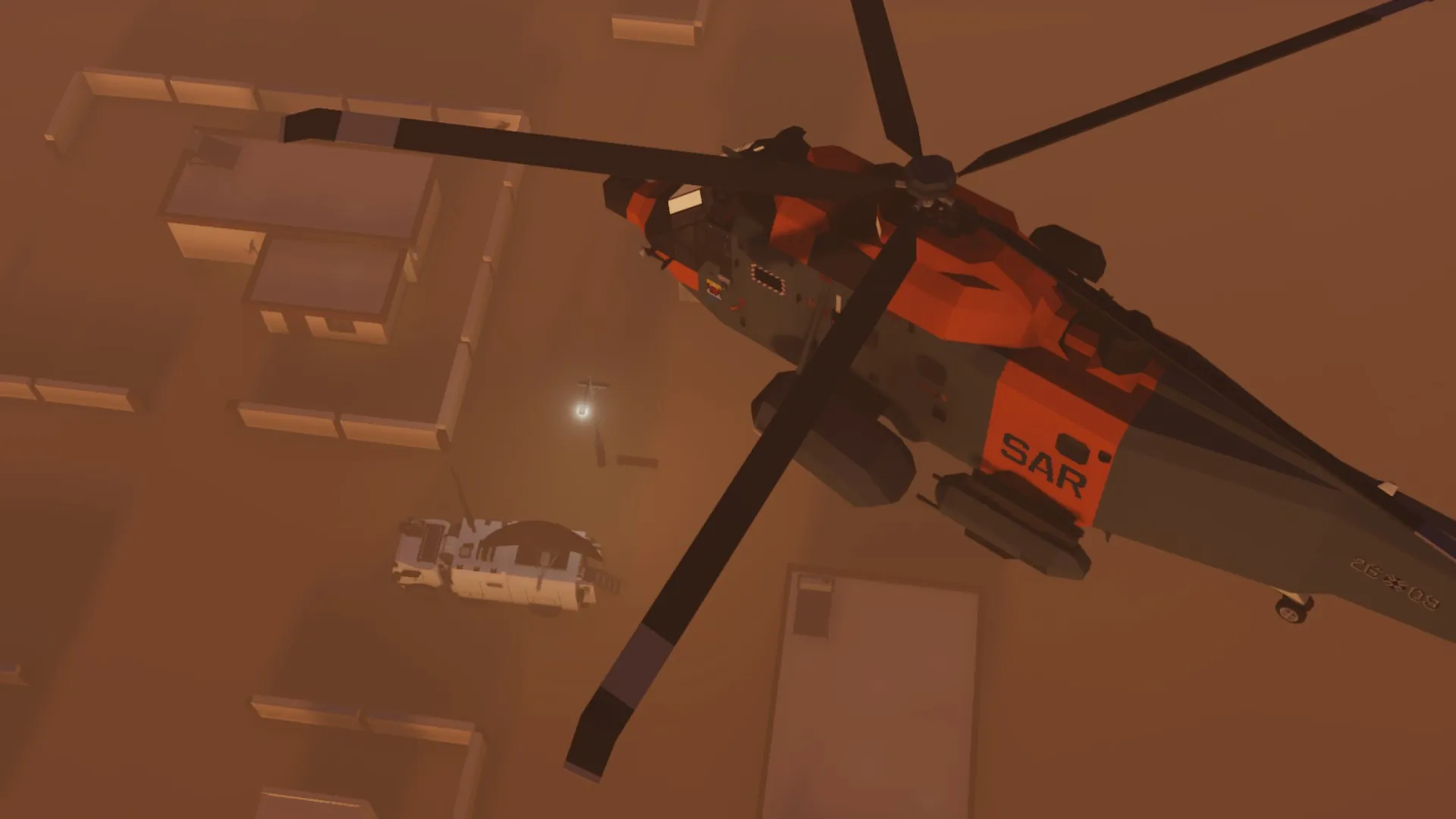
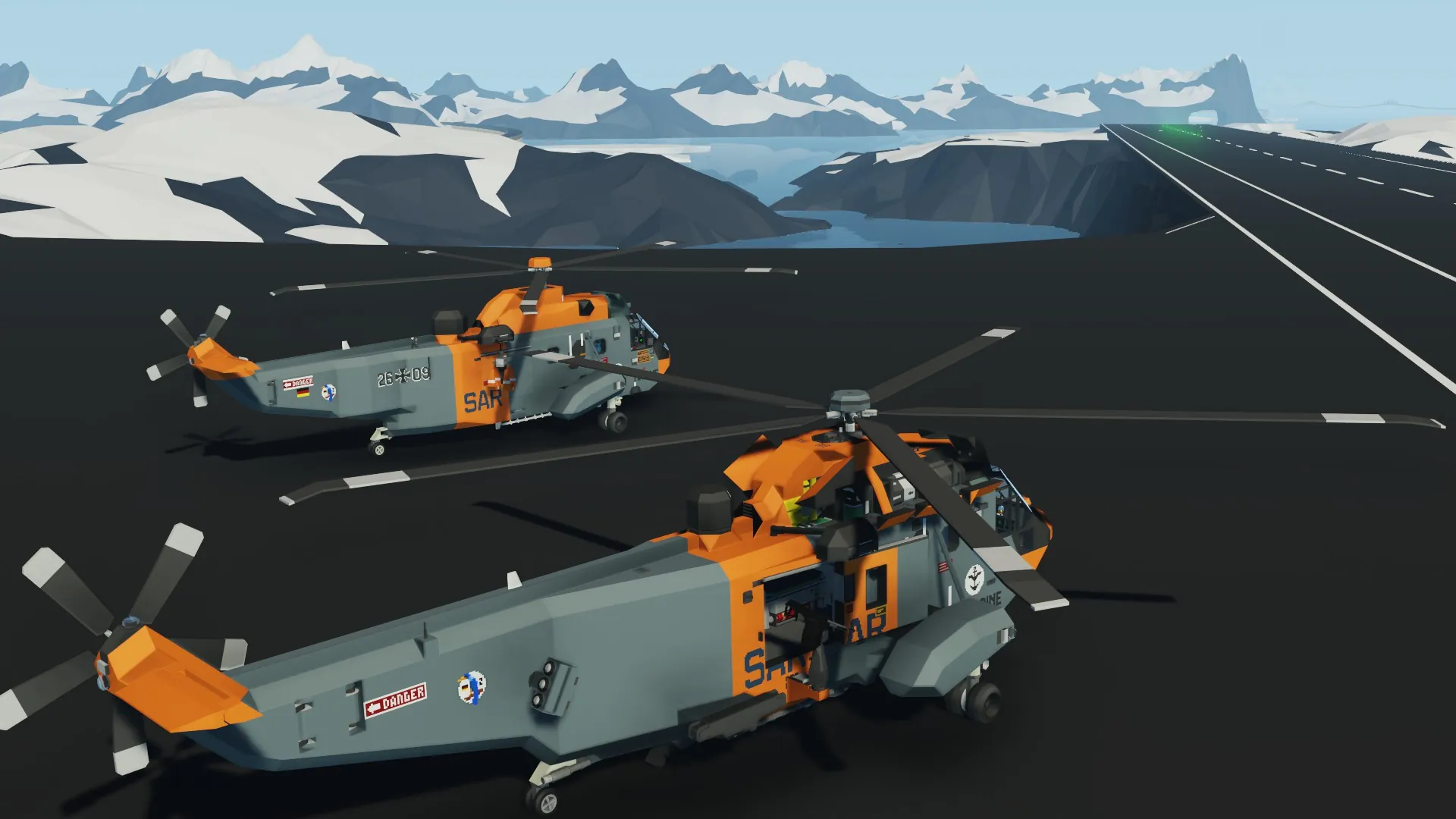
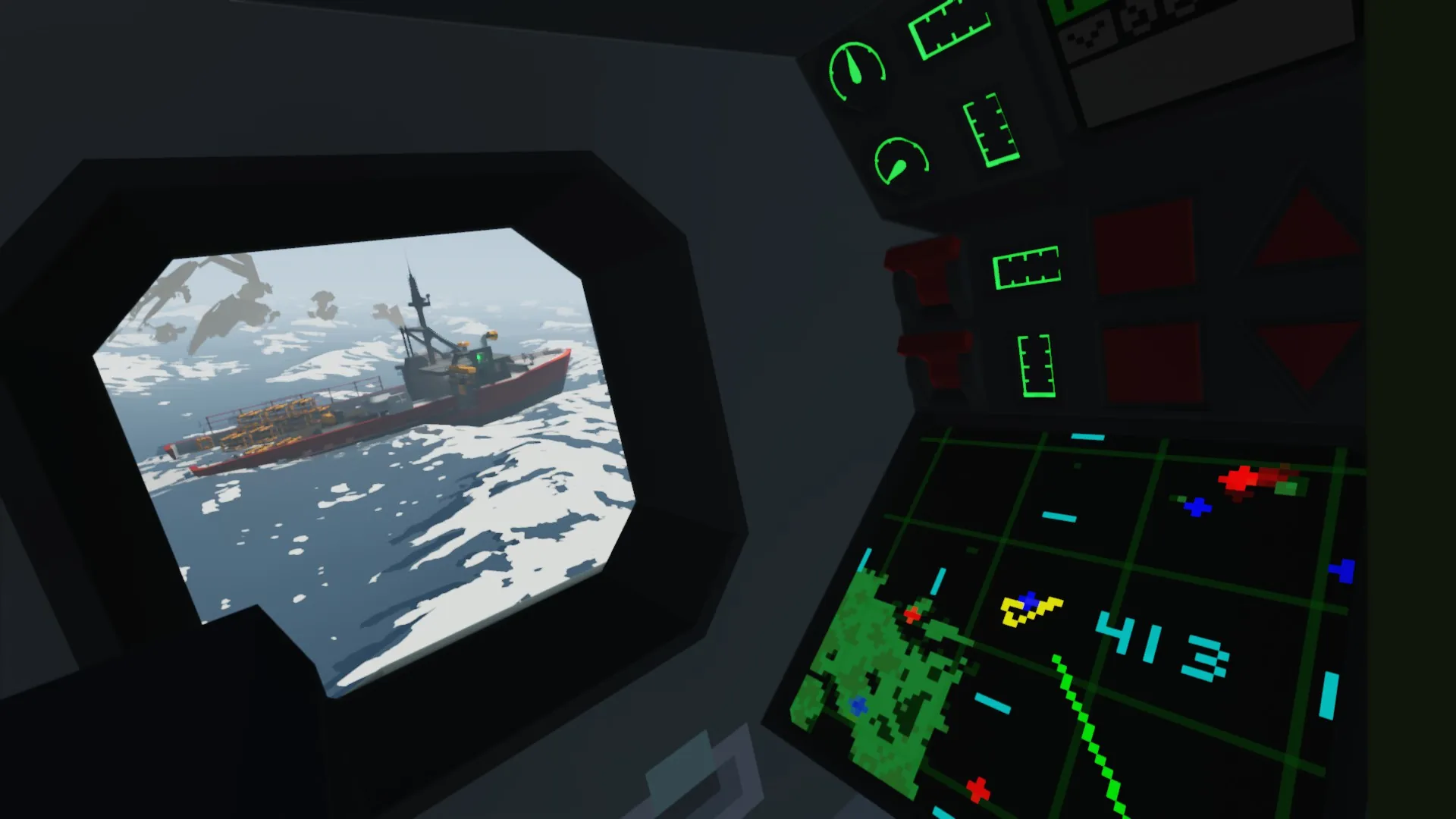
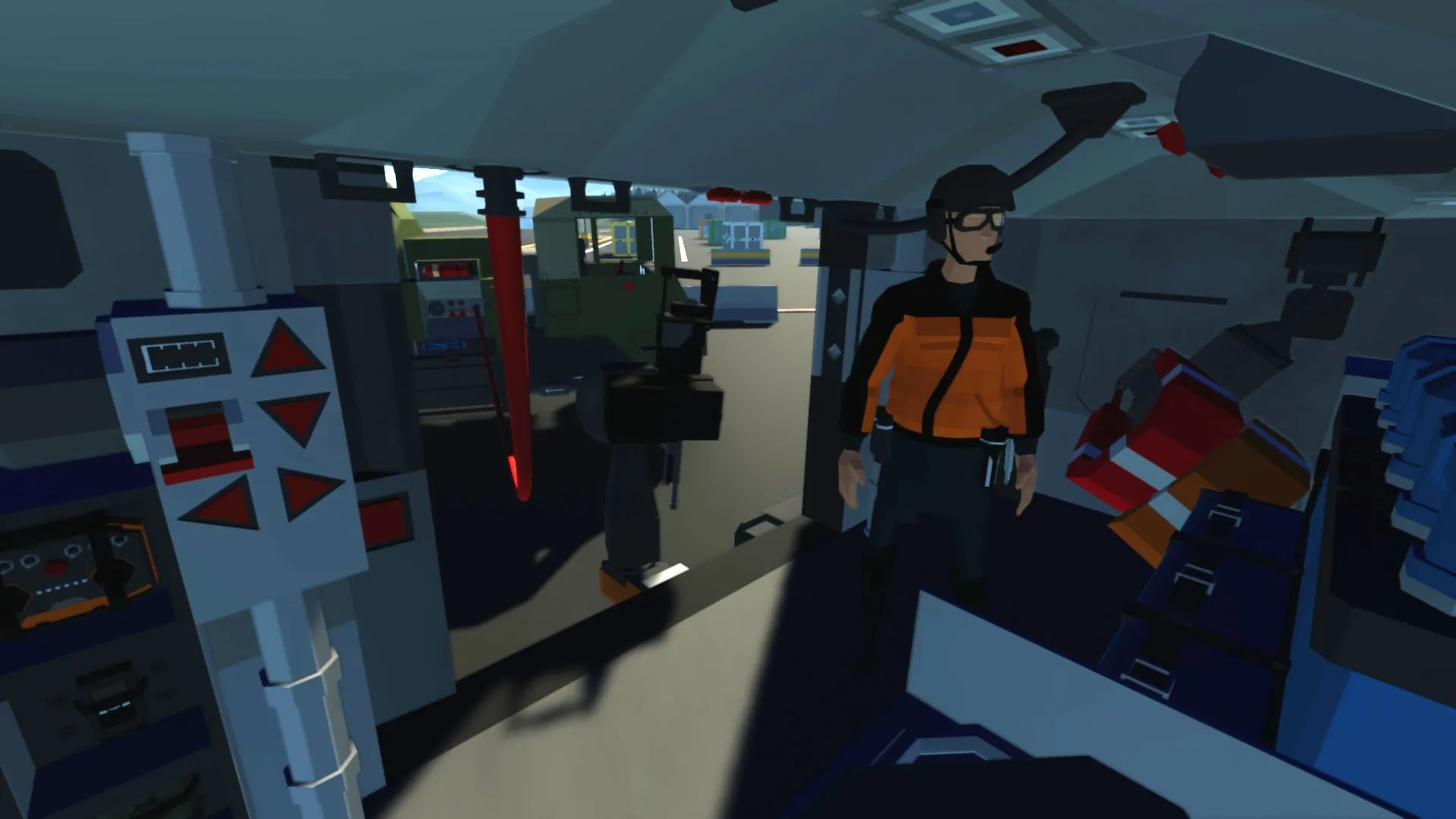
The Combat Effectiveness Upgrade (KWS) program was aimed to expand the capabilities of the German Navy's Sea King Mk.41 helicopters. Contemporary radars allowed a much longer detection range than previously possible. At the same time, the new rotor system enabled the helicopters to cruise longer and faster at a more comfortable attitude. Other upgrades included the installation of weapon pylons and slingload systems, expanding the helicopters' duties beyond air-sea rescue missions.
Empty Weight: 5800 kg
Top Speed: 165 kt
Endurance: 60 min at 140 kt
START UP
--Overhead Panel--
Main Battery
ON
Forward & Aft Fuel Tank
ON
Engine 1 & 2 Master
ON
Engine 1 & 2 Throttle
POSITION 2
Hydraulics Pump 1 & 2
ON
Generator 1 & 2
ON
- For Single Engine Operation:
Non-functioning Engine - Master Switch OFF,
Functioning Engine - Throttle POSITION 3,
Run ONLY ONE Generator
AUTOPILOT MODES
-WAYPOINT-
1. Add a waypoint using the large keyboard or the pilot's map
2. Press and Hold the AP TOGGLE button to register the waypoint
3. Press the AP TOGGLE button to turn on the autopilot
4. (Optional) Add a standby waypoint by repeating step 1
- The standby waypoint will register automatically upon reaching the active waypoint
- Autopilot will hold course by turning into the wind
-COURSE HOLD-
1. Open the large keypad UI, type in "1" in SET A, and type in the desired course (0-360) in SET B
2. Press and Hold the AP TOGGLE button to register the course
3. Press the AP TOGGLE button to turn on the autopilot
- Autopilot will hold course by turning into the wind
-HEADING HOLD-
1. Open the large keypad UI, type in "0" in SET A, and type in the desired heading (0-360) in SET B
2. Press and Hold the AP TOGGLE button to register the heading
3. Press the AP TOGGLE button to turn on the autopilot
-GPS APPROACH ASSIST-
1. Register the runway center point as the active waypoint
2. Open the large keypad UI, type in "2" in SET A, and type in the runway heading (0-360) in SET B
3. Line up with the runway centerline
4. (Optional) Turn on the autopilot once manually lined up with the centerline
- Autopilot will hold course by turning into the wind
- "I" & "Y" -- relative position of the centerline
"<" & ">" -- relative movement of the centerline
"0-9" -- distance to runway center point (km)
PITCH TRIM
- Use hotkey 4 & 5 to adjust pitch trim
- Set pitch trim to -75 for cruise speed (140 kt)
- Set pitch trim to -1, then double tap hotkey 4 to switch to speed hold mode
POSITION HOLD
- Position hold will not engage if pitch trim is active, or if the helicopter is travelling faster than 10 kt
- When engaged, press and hold WASD to maneuver to a new hold position, release WASD to register the new position
- Turn the helicopter into the wind for maximum effectiveness
CARGO SLING
-LOWER-
Winch Arm -- ON
Cargo Winch/Rescue Hoist Select -- OFF
Winch Up/Down Select -- ON
Press Trigger to Lower
-RAISE-
Winch Arm -- ON
Cargo Winch/Rescue Hoist Select -- OFF
Winch Up/Down Select -- OFF
Press Trigger to Raise
-MAG ALL-
Slingload Function A -- ON
-RELEASE CARGO-
Slingload Function A -- OFF
OR
Slingload Release Select -- ON
Press Hotkey 2 to Release Cargo
CREDITS
Westland Sea King Mk.41
Radio, Transponder, Heading Display & Artificial Horizon
3D Map
Radar Map
Sweeping Radar
Beacon Locator & Transmitter
ZE Helicopter Gyro
ZE True Wind Data
Radar Warning Receiever
HUD Parallax Corrector
KO Digital Clock