There is an English translation at the bottom.
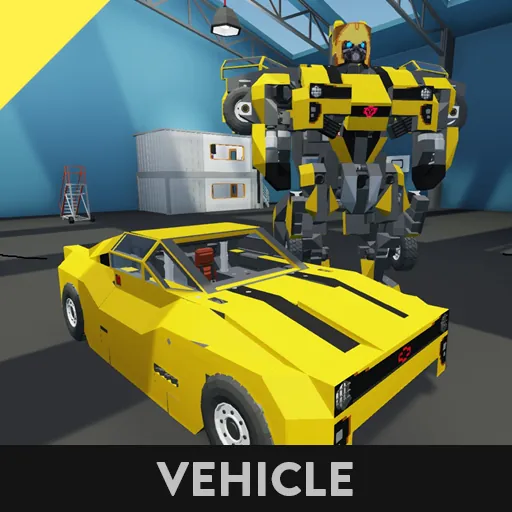
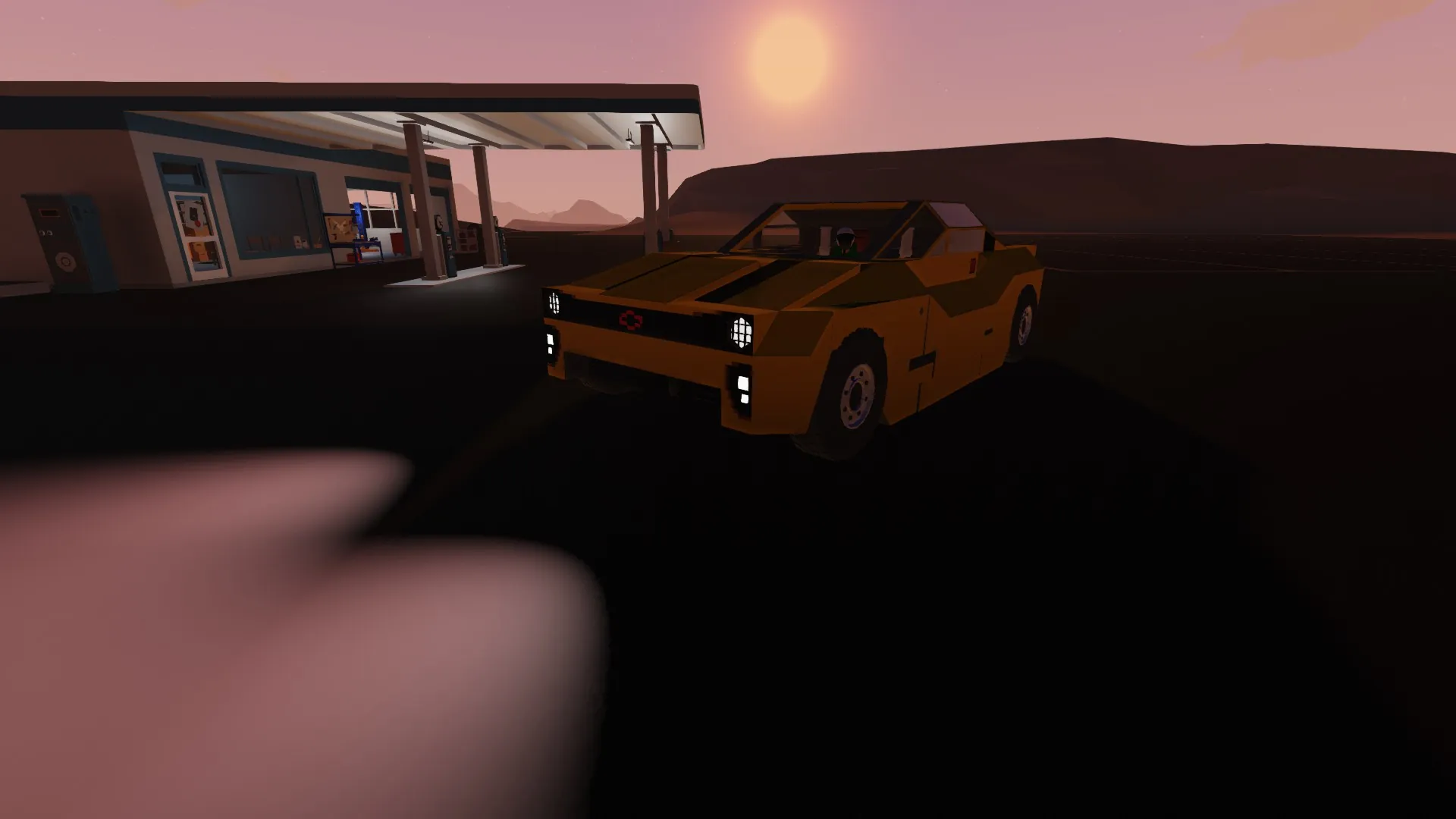
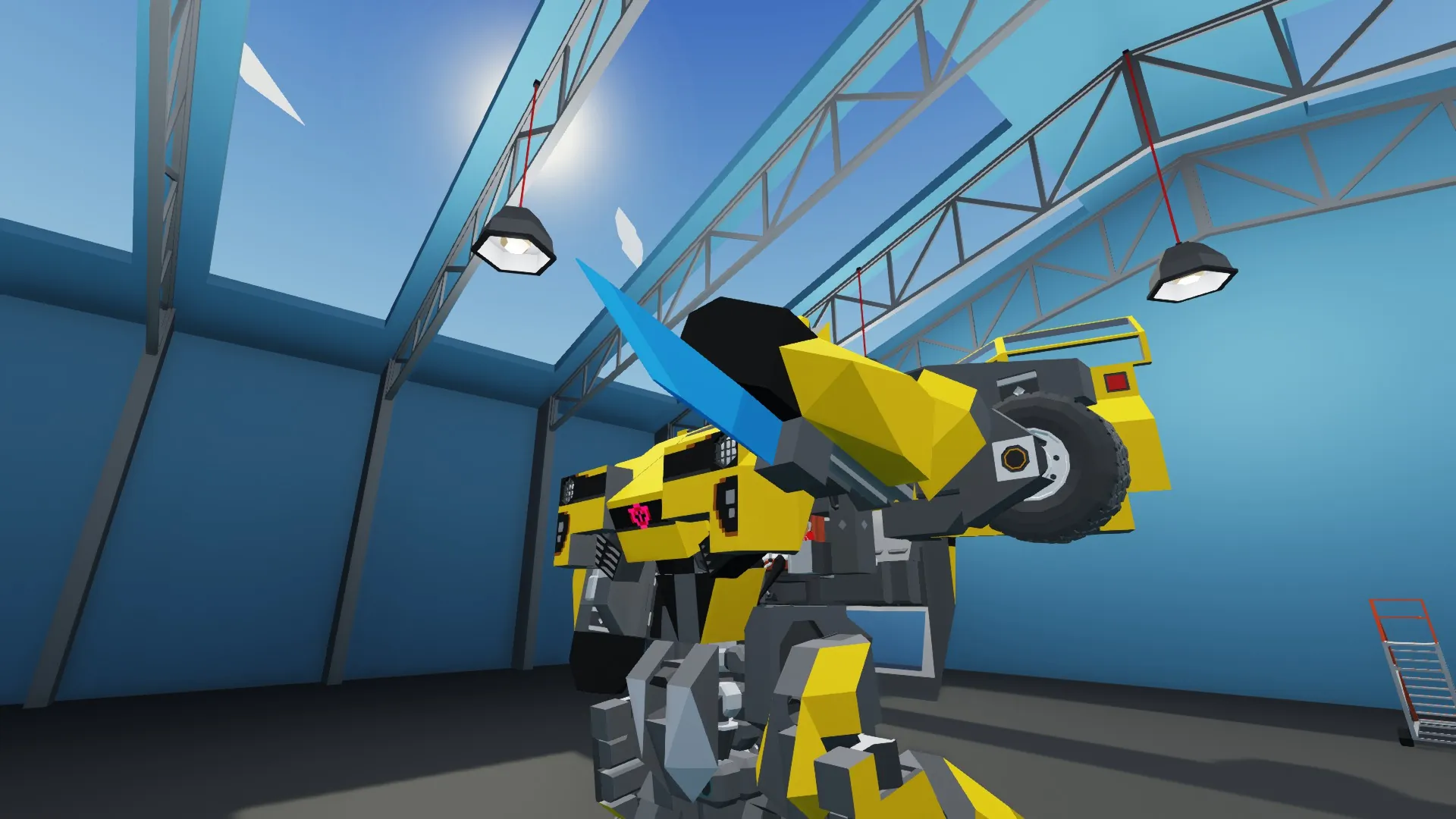
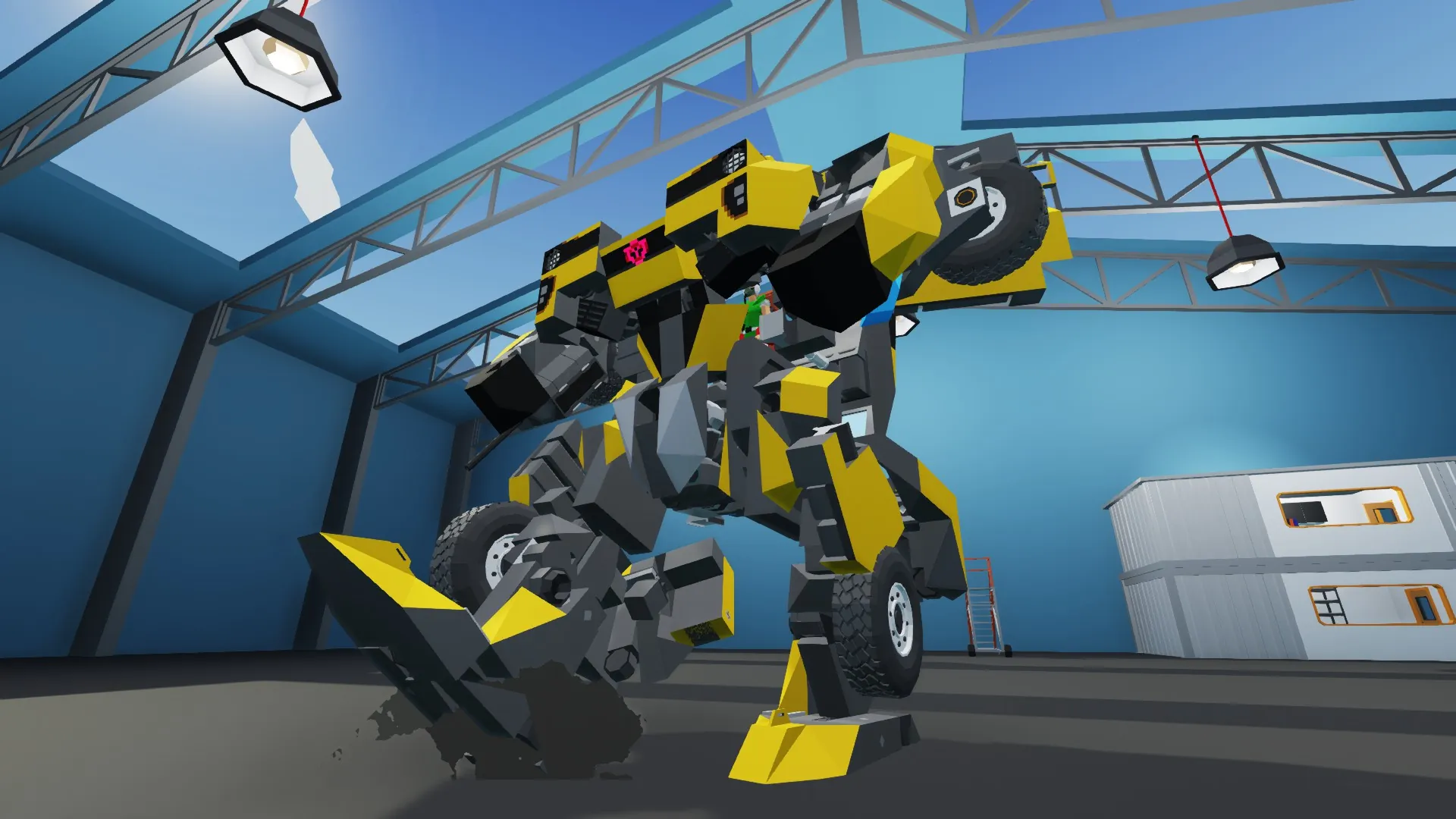
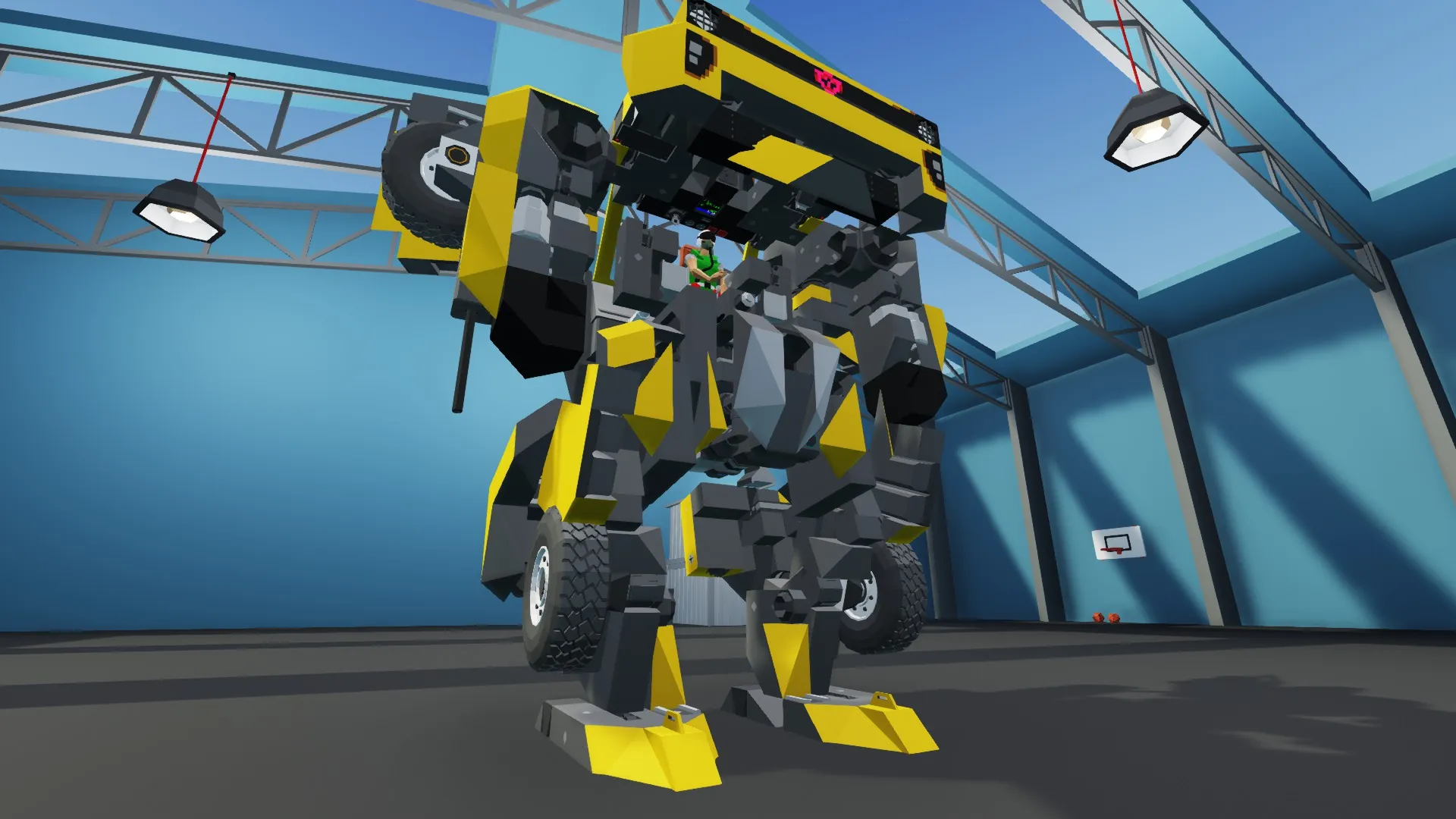
トランスフォーマー実写映画1作目のバンブルビー
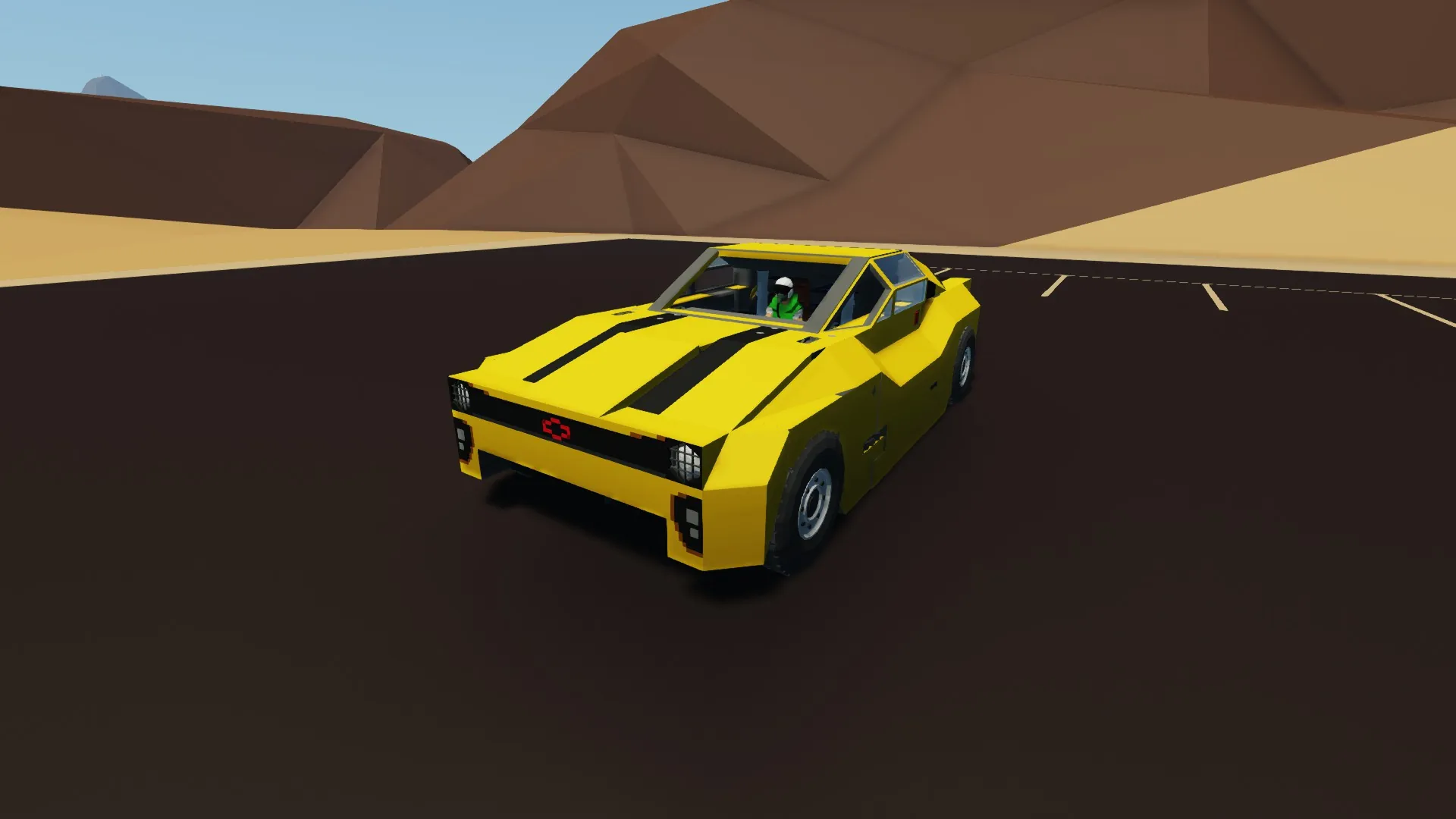
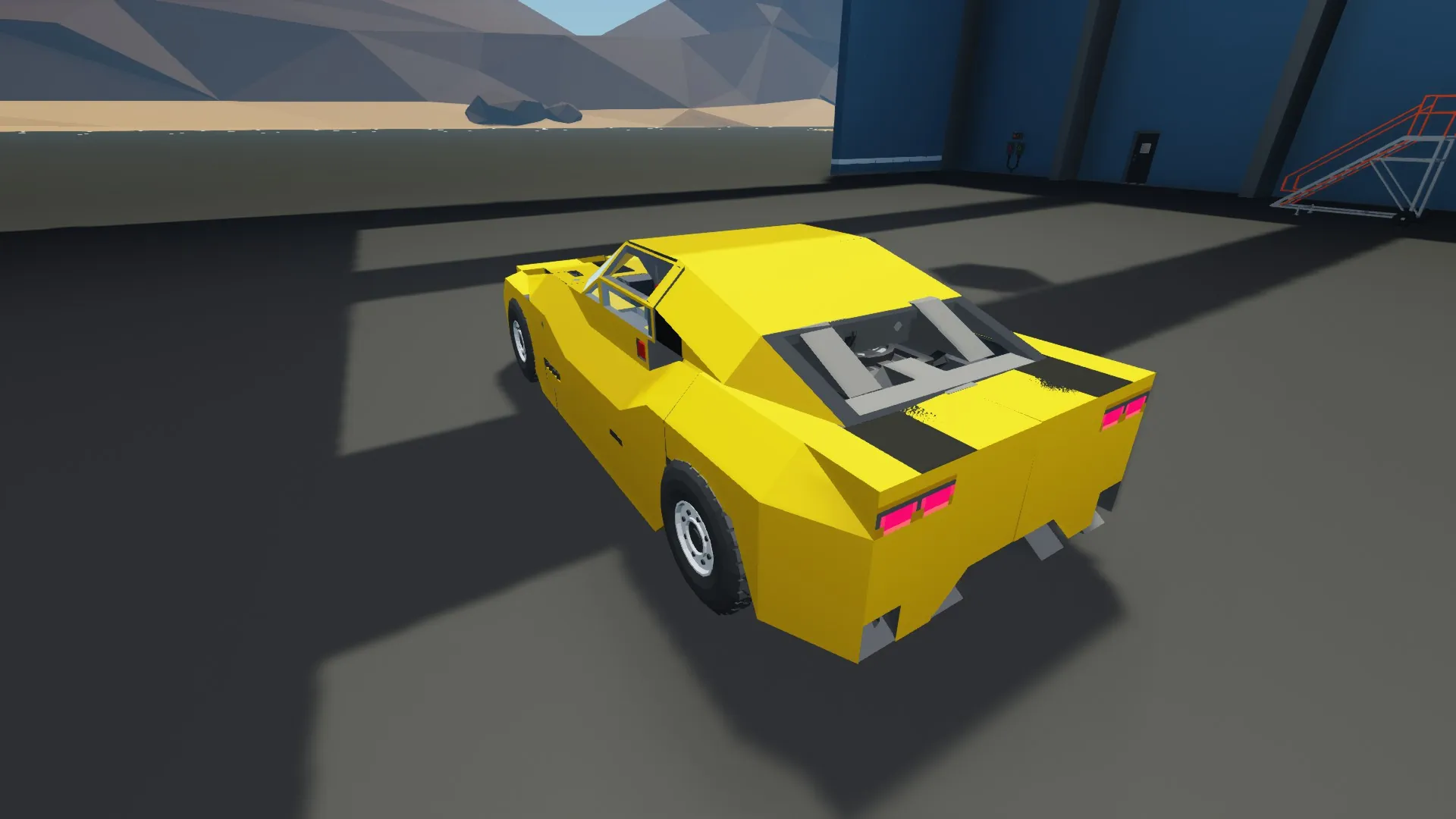
再スキャニング後のニューカマロのバージョンです
物理演算設定は「高」推薦
電力収支が悪いので無限設定推薦
ビークルの操縦
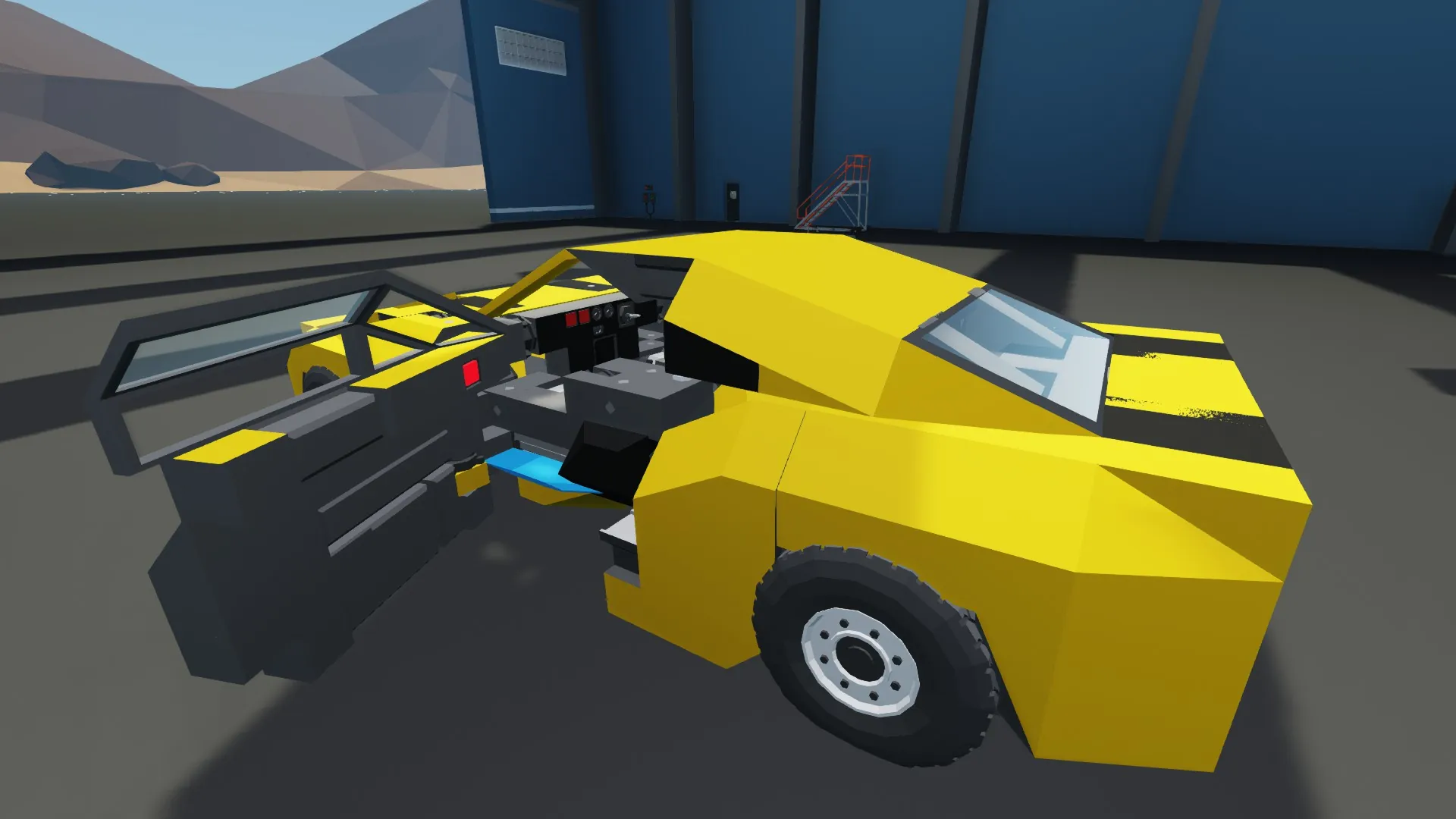
運転席のキースイッチでエンジンスタート
ただし車輪はモーター駆動のためエンジンはオフでも動きます
[A][D][W]で操作します
今回車高が低いため、走行中に地面に引っ掛かることがあります
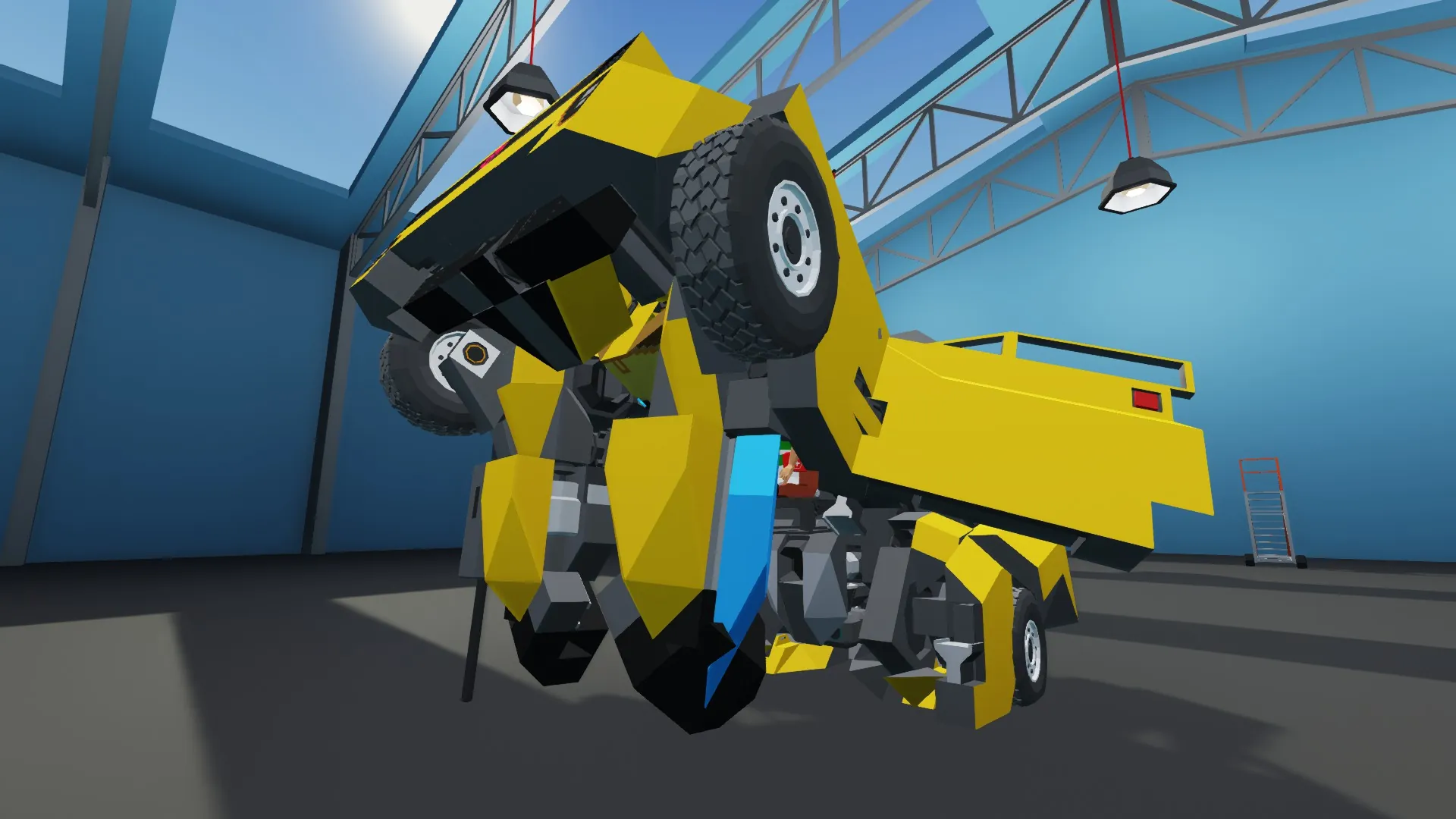
[Button4]でトランスフォーム
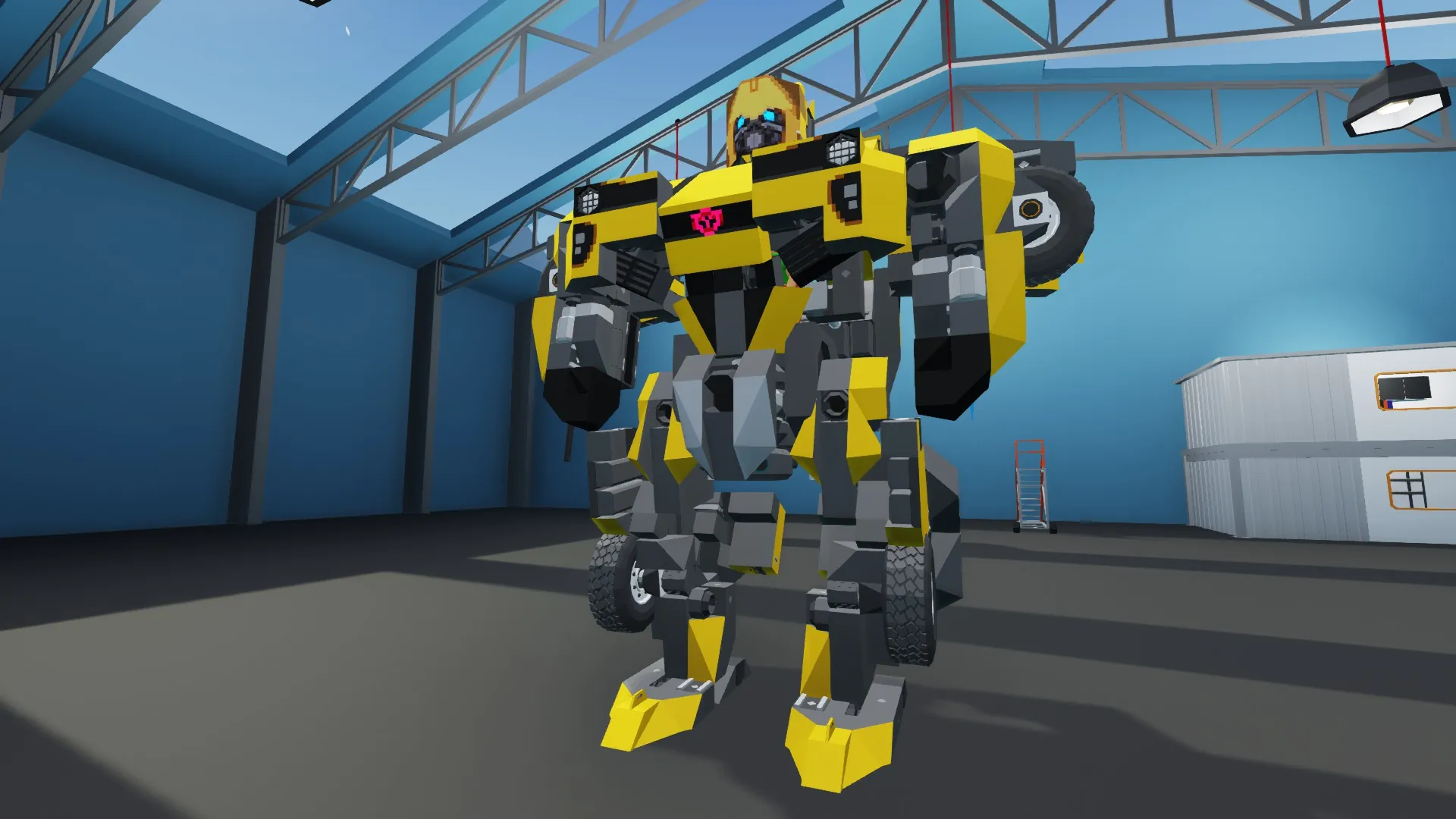
ロボットの操縦
[A][D][W]で移動操作
[Button6]を押しながら[W]で走ります
[Button2]を押すと足が縮み、離すとジャンプします
キックは[Button 1]を押しながら[A]で左足、[D]で右足の攻撃をします
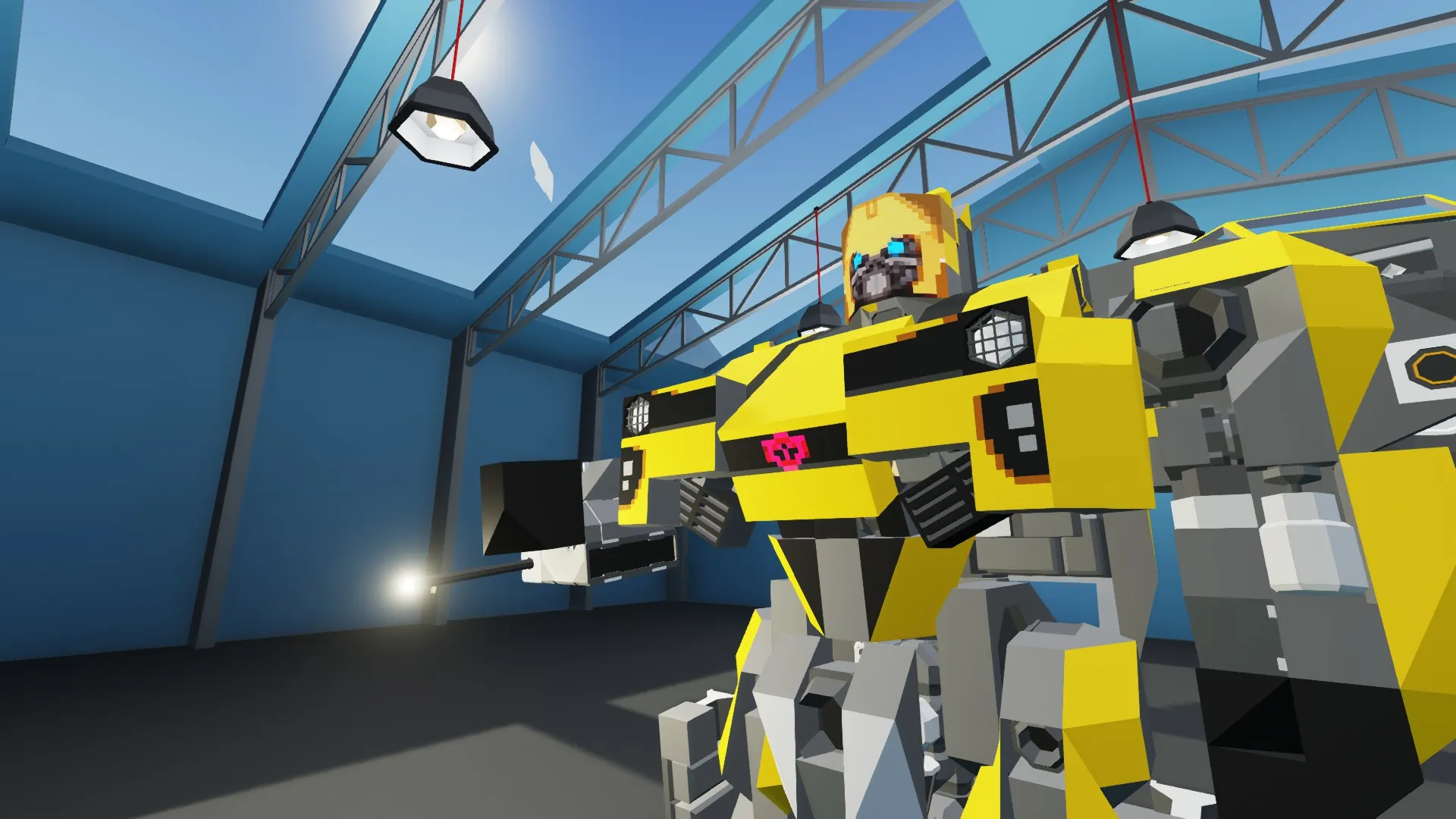
[Button 3]で機関砲と剣を切換、[Trigger]で攻撃(剣には攻撃力はありません)
機関砲選択時に[up][down]で右腕を上下します
改造版の再アップロード等は禁止
動画での使用はかまいません
[axis 1] Steering
[axis 2] Forward and back
[axis 4] Gun pitch
[Trigger] Attack
[Button 1] hold & [a]/[d] : Kick
[Button 2] Jump
[Button 3] weapon changed
[Button 4] Transform
[Button 5] Brakes
[Button 6] hold & [w] : Run
Bumblebee from the Transformers movie first
This is the new Camaro version after rescanning
Physics settings recommended to be set to "high"
The electric power balance is poor, so infinite electric power setting is recommended.
Vehicle operation
Engine start with the key switch in the driver's seat
However, the wheels are motor-driven, so they will still move even if the engine is off
Operate with [A][D][W]
This time, the vehicle height is low, so it may get caught on the ground while driving
Transform with [Button4]
Robot operation
Move with [A][D][W]
Press [Button6] and run with [W]
Press [Button2] to retract your legs, and release it to jump
Kick by pressing [Button 1] and [A] to attack with your left leg, and [D] to attack with your right leg
[Button Press [3] to switch between the machine gun and the sword, and press [Trigger] to attack (the sword has no attack power).
When the machine gun is selected, press [up] and [down] to raise and lower the right arm.
Re-uploading modified versions is prohibited.
Use in videos is OK.