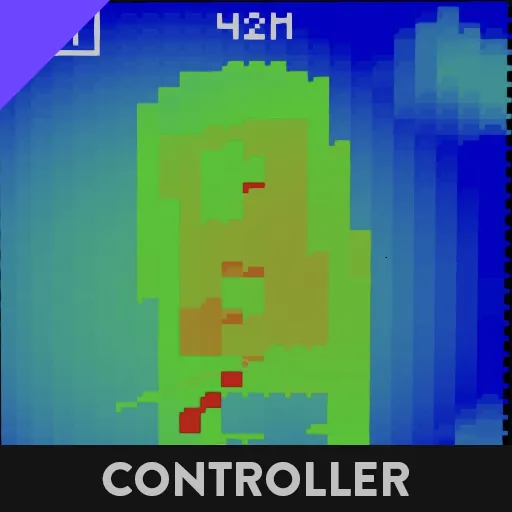
Connect to Laser Distance Finder.
Holding E, dragging and pressing Q will zoom on the selected area. clicking off and on resets zoom.
Touch Screen to show and set Range to target. (Displayed at top.)
Bottom Slider determines subject size/scale. ie at 200m Range, if scale slider is set to 100m, 50m behind subject displays as blue (250m distance.), and distances 50m closer display as red. (150m)