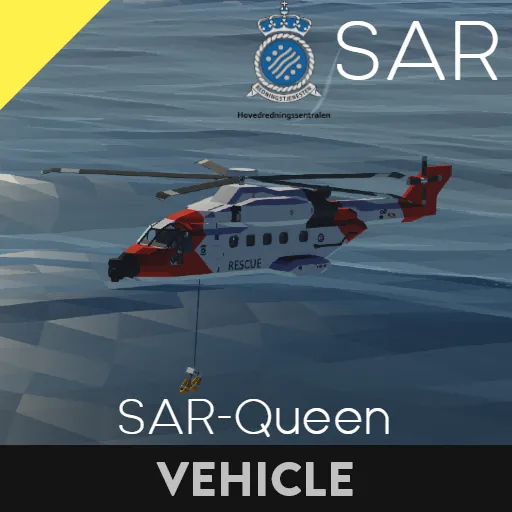
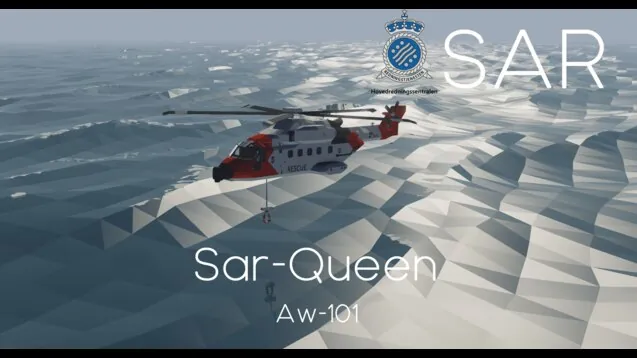
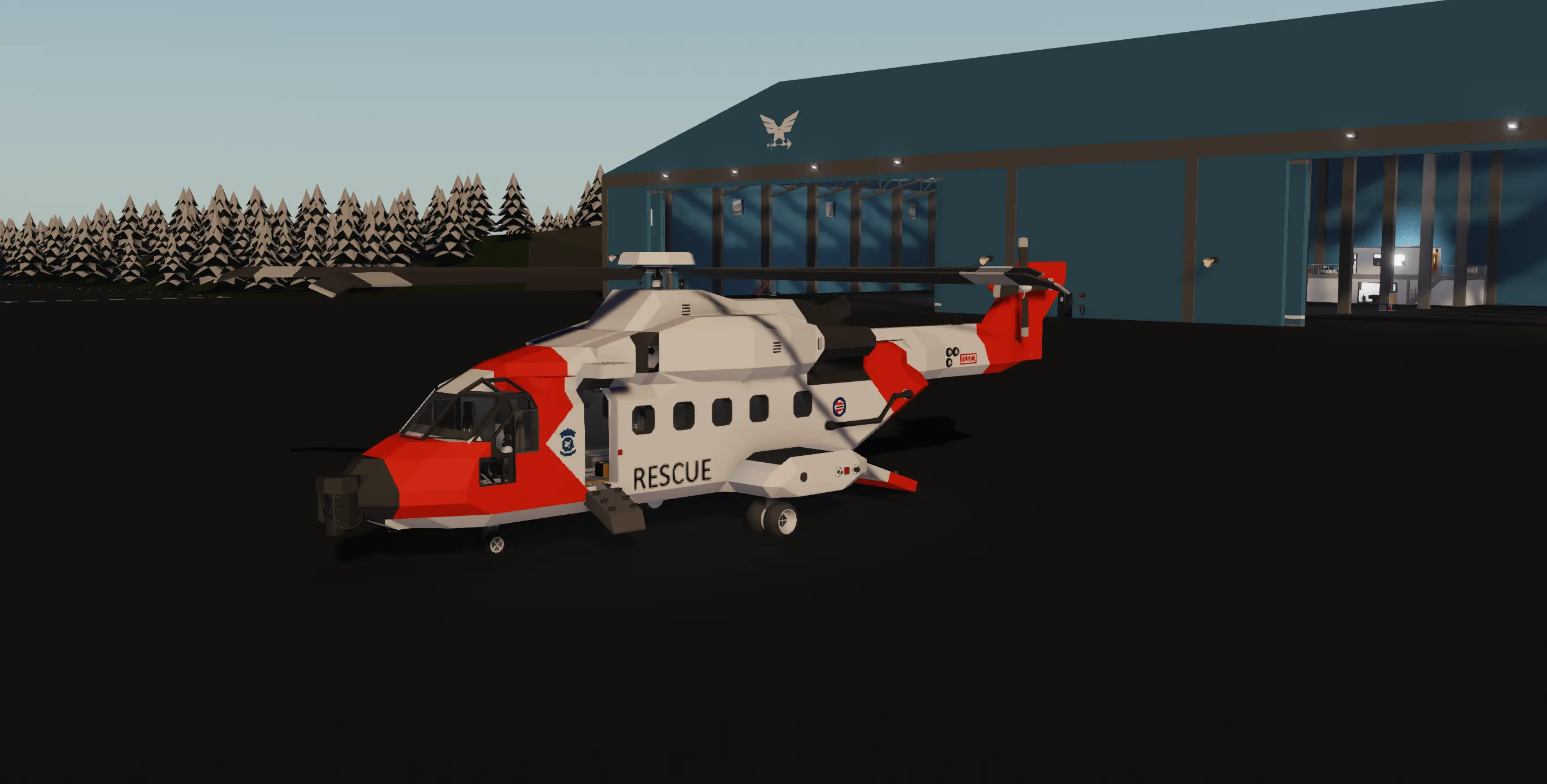
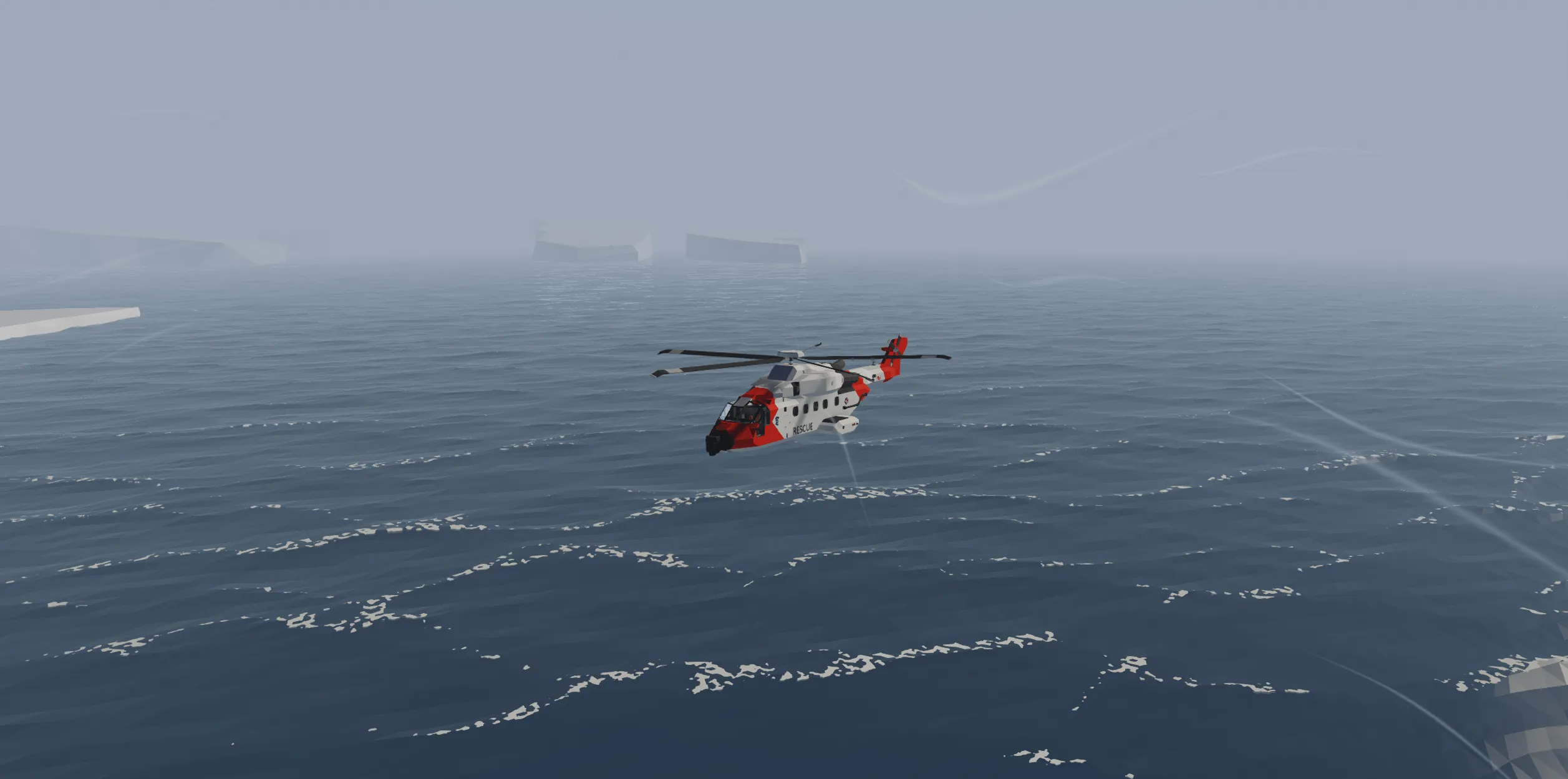
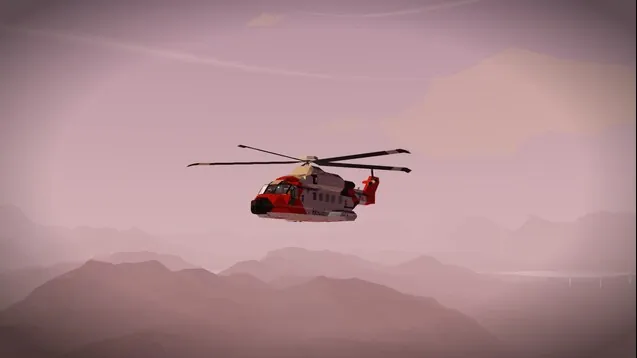
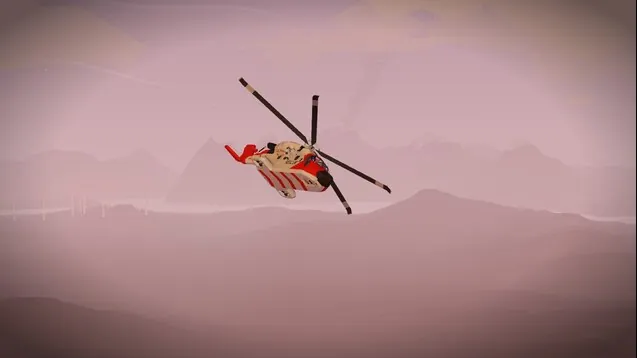
Sar-Queen (AW-101)
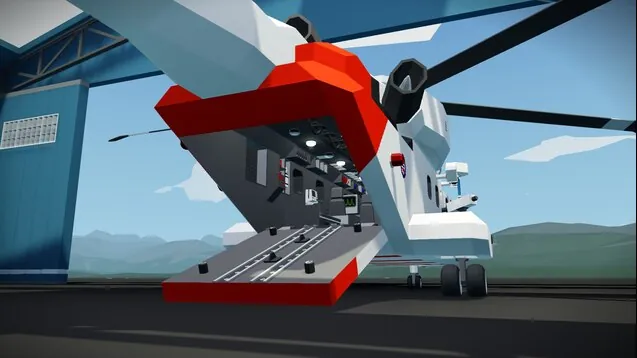
The SAR Queen is Norway’s dedicated search and rescue helicopter. It’s based on the AW101, a powerful aircraft originally developed by Agusta (Italy) and Westland (UK).
This helicopter first appeared in the 1990s as the EH101, and was later renamed AW101. It’s built for tough missions, including rescue and military operations.
Norway chose the AW101 to replace its old Sea King helicopters. The SAR Queen version was specially upgraded with modern technology and medical equipment.
Operated by 330 Squadron, it flies across Norway’s long coastlines and rugged mountains. It became fully operational in the 2020s and plays a key role in saving lives.
The name “SAR Queen” reflects its important mission — a true queen of the skies and seas.
Systems
Advanced transponder locator system, Side winch with harness, Stabilized camera with markers, Artificial horizon with altitude and speed indicator.
Manual
Map and transponder system
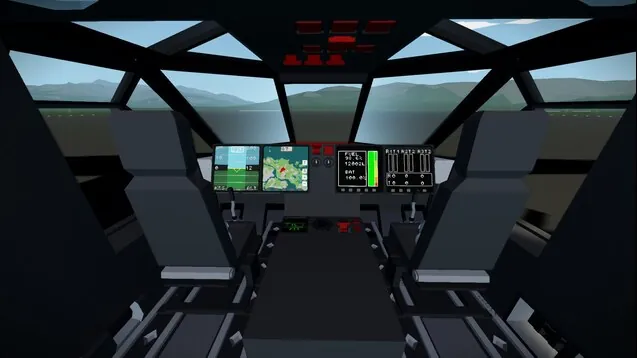
On the MFD screens in the front of the plane it's the first square in the bottom that toggles the map, click anywhere on the map to move the map around + or - to zoom and R to reset the movement.
To turn on the transponder system you click the T on the map screen and it will show distance to transponder (0 if no target) if it finds a target it will draw a circle on the map you might have to zoom out to see the circle but somewhere on the edge of the circle the transponder is fly in a direction to see if the distance increases or decreases use that to find the right direction and find the transponder
Artificial horizon
To toggle the Artificial horizon click the second square on the bottom of any of the MFD displays it will show the Artificial horizon on the top of the Artificial horizon it will show the compass heading on the sides it shows the altitude and speed
Camera system
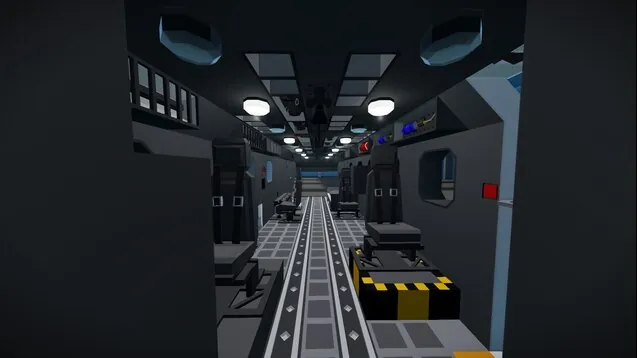
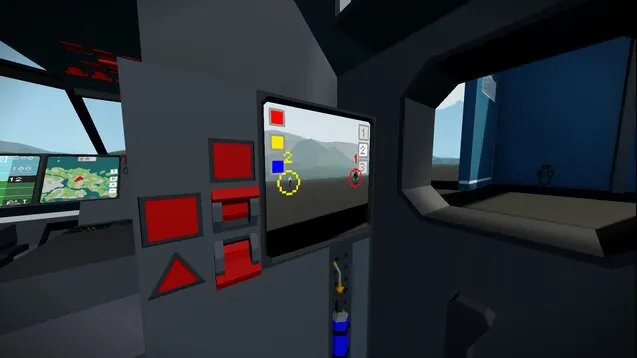
In the back of the aircraft is the camera operator seat turn on the power and use WASD to move the camera around,
if you click on the screen it will draw a circle to mark something on the screen you can draw up to 3 circles at the same time you can also change color on the circles
My Other Creations
tikopoti
https://steamcommunity.com/sharedfiles/filedetails/?id=3425477833 Concorde
https://steamcommunity.com/sharedfiles/filedetails/?id=3486390847 Bombardier Dash-8 Q200
https://steamcommunity.com/sharedfiles/filedetails/?id=3489915925 Saab 340-2000
https://steamcommunity.com/sharedfiles/filedetails/?id=3527298512 SNCF BB-67400 (Train)
ote069
https://steamcommunity.com/sharedfiles/filedetails/?id=3486382174 Saab 29 Tunnan
https://steamcommunity.com/sharedfiles/filedetails/?id=3483633637 ATH-1 (Attack Helicopter 1)