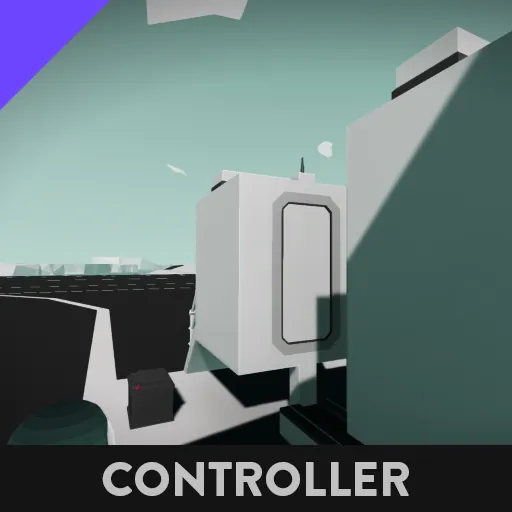
Ever wanted to connect two things in space? or maybe underwater? well look no further than the Remote Docking System! The docking controller will allow you to use a single radio RX to toggle the magnets on the other vehicle and to lock the docking door with a single press of a push button on an instrument panel.
///////////SETUP
To connect the controller, you will need a docking door/docking hatch, a minimum of one instrument panel, and one Radio RX of any size. The channels on the instrument panel are as follows:
\\\ 1: Open/Close docking door (push button)
/// 2: Toggle docking magnets (push button)
\\\ 3: Lock Dock (toggle button)
Open/close is pretty self explanatory, it opens or closes the docking door or hatch. If pressed when the door is closed, it opens it; if pressed when the door is open, it closes it.
Toggle docking magnets controls the magnetic connectors that connect the two vehicles together. If pressed when the magnets are enabled, it disables them. If pressed when the magnets are disabled, it enables them.
Lock Dock is a bit more complex. The Remote Docking System can enable or disable the magnets on another vehicle (whichever one is in range of your radio rx). Thus, there is a way to stop just anyone from coming along, turning on your magnets and docking to your vehicle without your consent. The "Lock Dock" toggle button will enable transmit mode on the RX for as long as the button is toggled, thus preventing any communication from another vehicle.
[Note, in your component inventory, this controller is called "Docking Controller"]
As always, do not re-upload, and don't ask if you can; the answer will be no.