Description
Hi there!
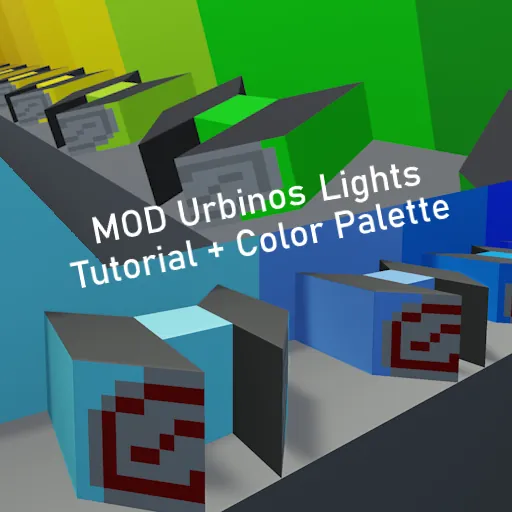
I made this palet to make making of your own liveries easier!
There are a few colors on the palet, Some are based on bus liveries that you can see here in Poland, which will have a "(name of the city)" in the color name.
I also would like to give you guys a tutorial on how to make a corner lights for my Urbinos Family.
Tutorial
First go to the back of the palet, there will be two paintable indicators.

Copy them with selection grid tool and save it.

Now go to that saved creation and paint it in a color you want the corner light to be colored in.
When you painted it like you wanted you need to go to your files.
Go to AppData --> Roaming --> Stormworks --> data --> vehicles and search for your creations .xml file.

Open it in text editor (notepad, notepad++ or Visual Studio Code) and look for r="1,0,0,0,1,0,0,0,1".

There will be 2 values like that. now what you need to do it change these values to the following and then save:
First: r="1,0,1,0,0,2,0,-1,0"
Second: r="1,0,-1,0,0,2,0,-1,0"
If that does not work right you will need to change them the other way around, in this case:
First: r="1,0,-1,0,0,2,0,-1,0"
Second: r="1,0,1,0,0,2,0,-1,0"
Boom, you should have a working corner light!

Now all you need to do is just paste them in their designated places on the bus, merge them with it and connect them to logic and electricity.