Autopilot Panel Overview
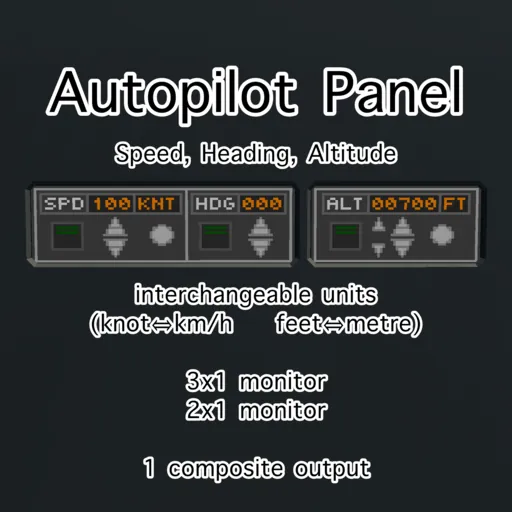
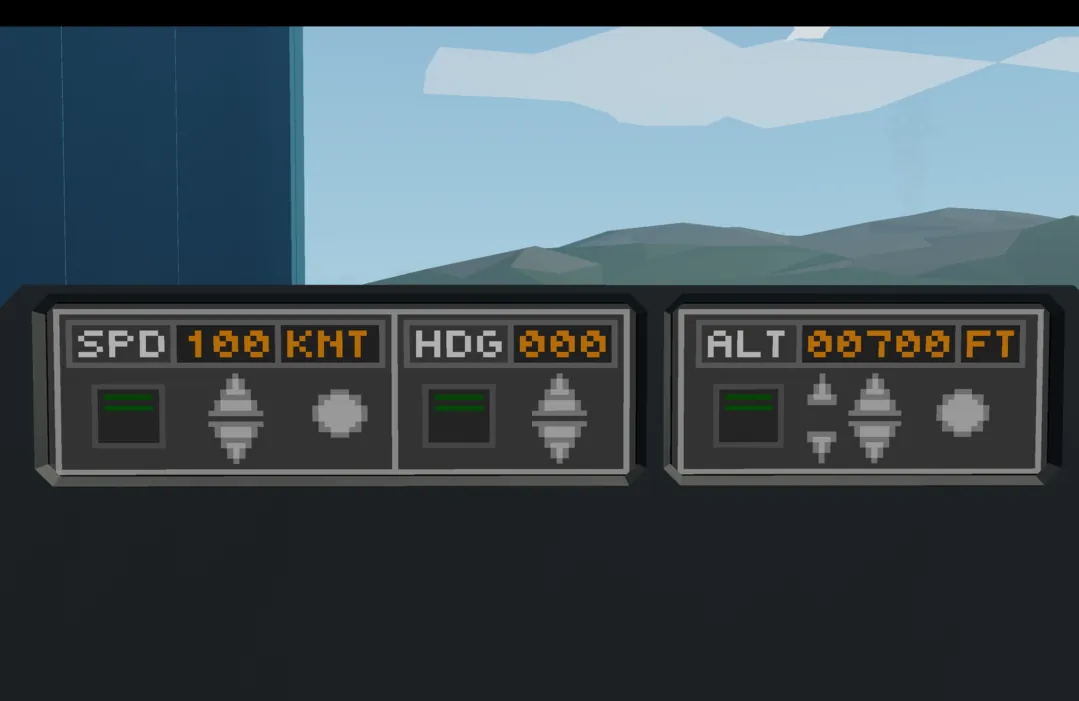
This is a simplified autopilot panel designed for integration into modern airliners. It provides user controls for setting and managing autopilot parameters related to Speed, Heading, and Altitude.
Please note that this interface represents only the autopilot panel and does not include the autopilot system.
Composite Outputs
Bool:
1) Speed AP on/off
2) Heading AP on/off
3) Altitude AP on/off
Number:
1) Desired Speed value (m/s)
2) Desired Heading value (deg)
3) Desired Altitude value (m)
Buttons
・Arrow Buttons:
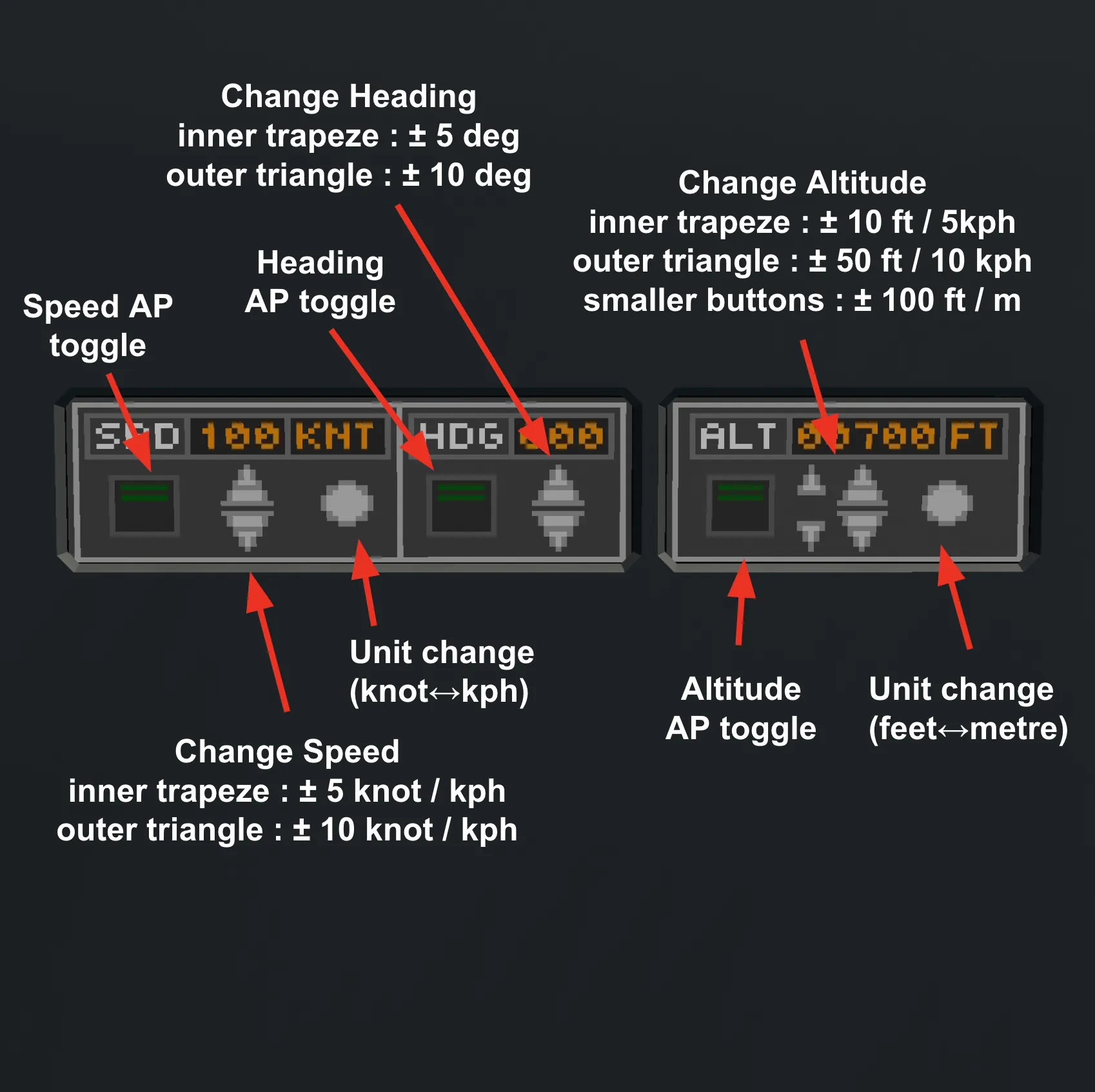
Each control section (Speed, Heading, Altitude) features a pair of arrow buttons.
The inner trapezoidal region of each button adjusts the value with smaller increments.
The outer triangular tip adjusts the value with larger increments, allowing for both fine-tuning and rapid adjustments.
・Unit Toggle Function:
A dedicated “Unit Change” button allows switching between imperial and metric units.
Upon switching, values are automatically converted and rounded:
Speed (both knots and kph) and Altitude (in metres) : to the nearest 5 units
Altitude (in feet) : to the nearest 10 feet