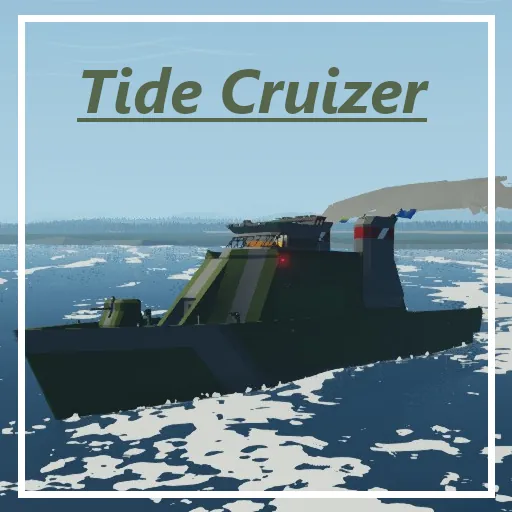
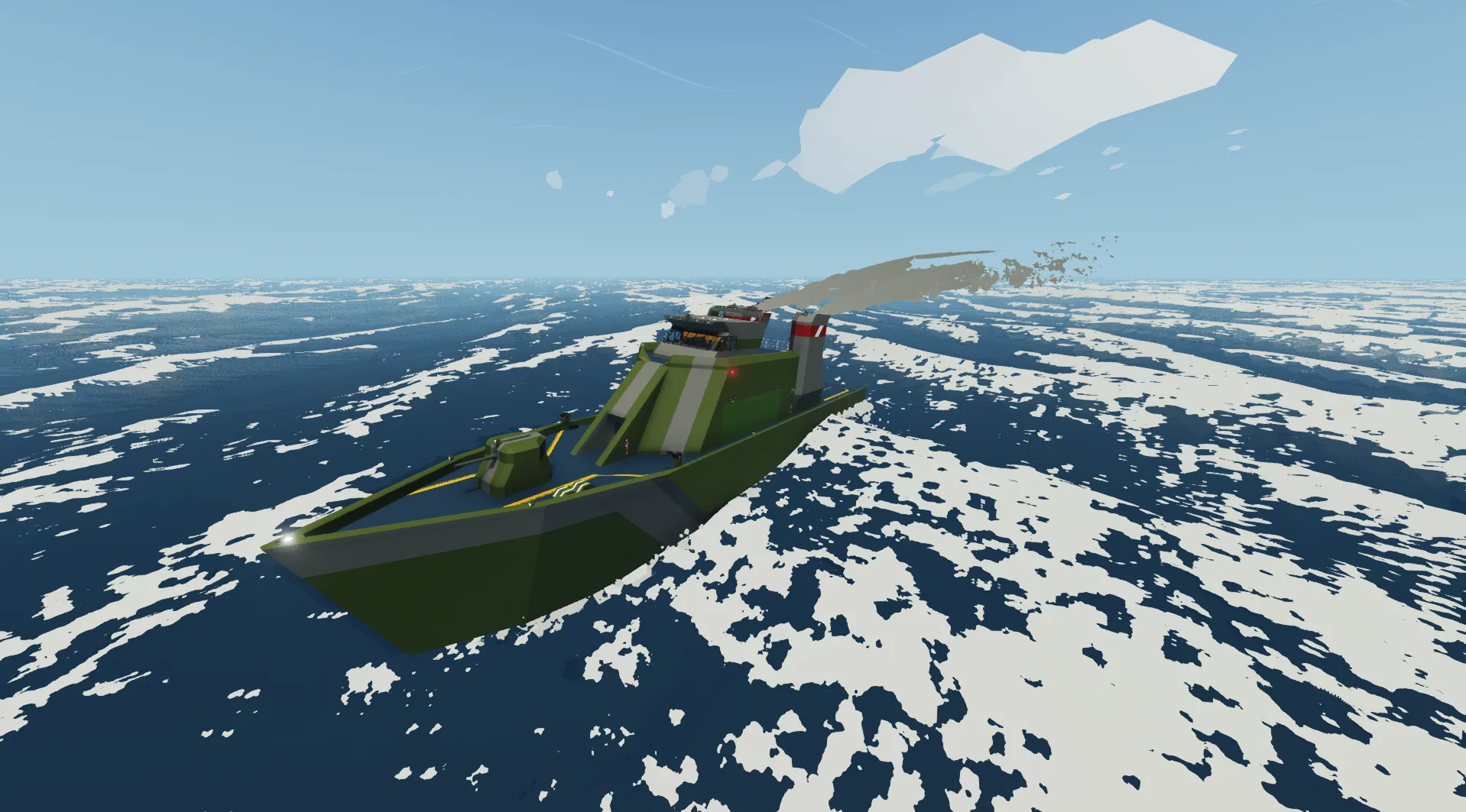
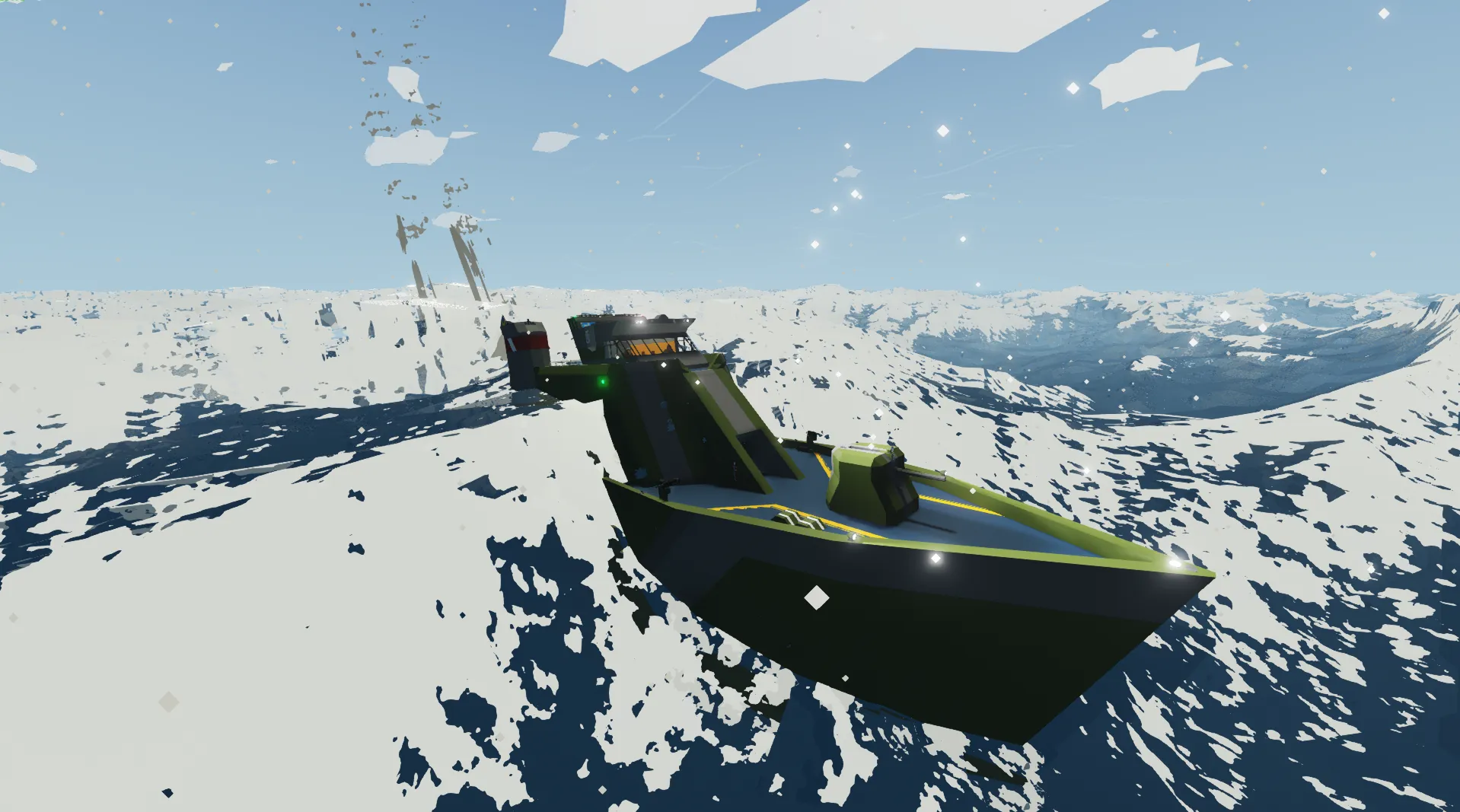
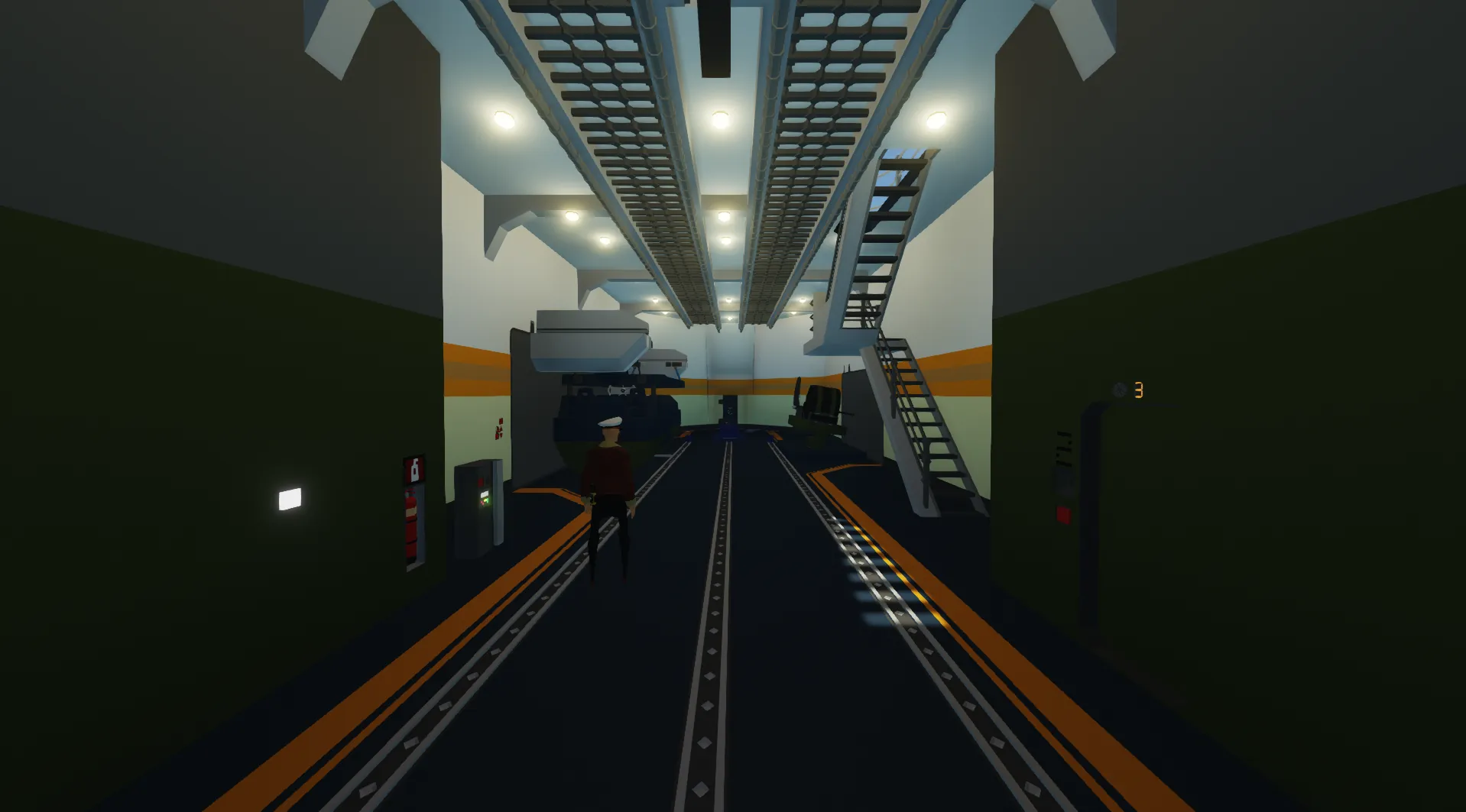
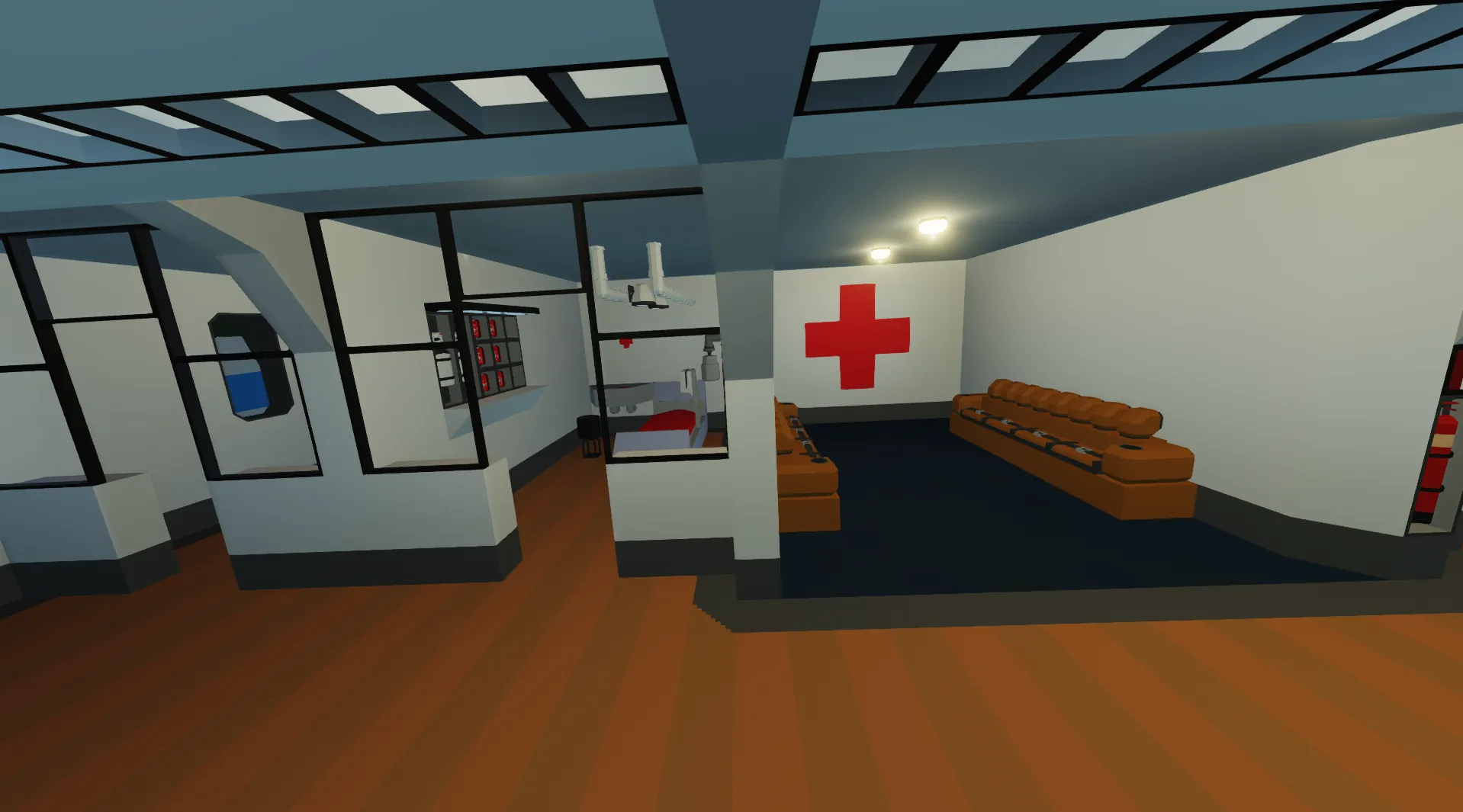
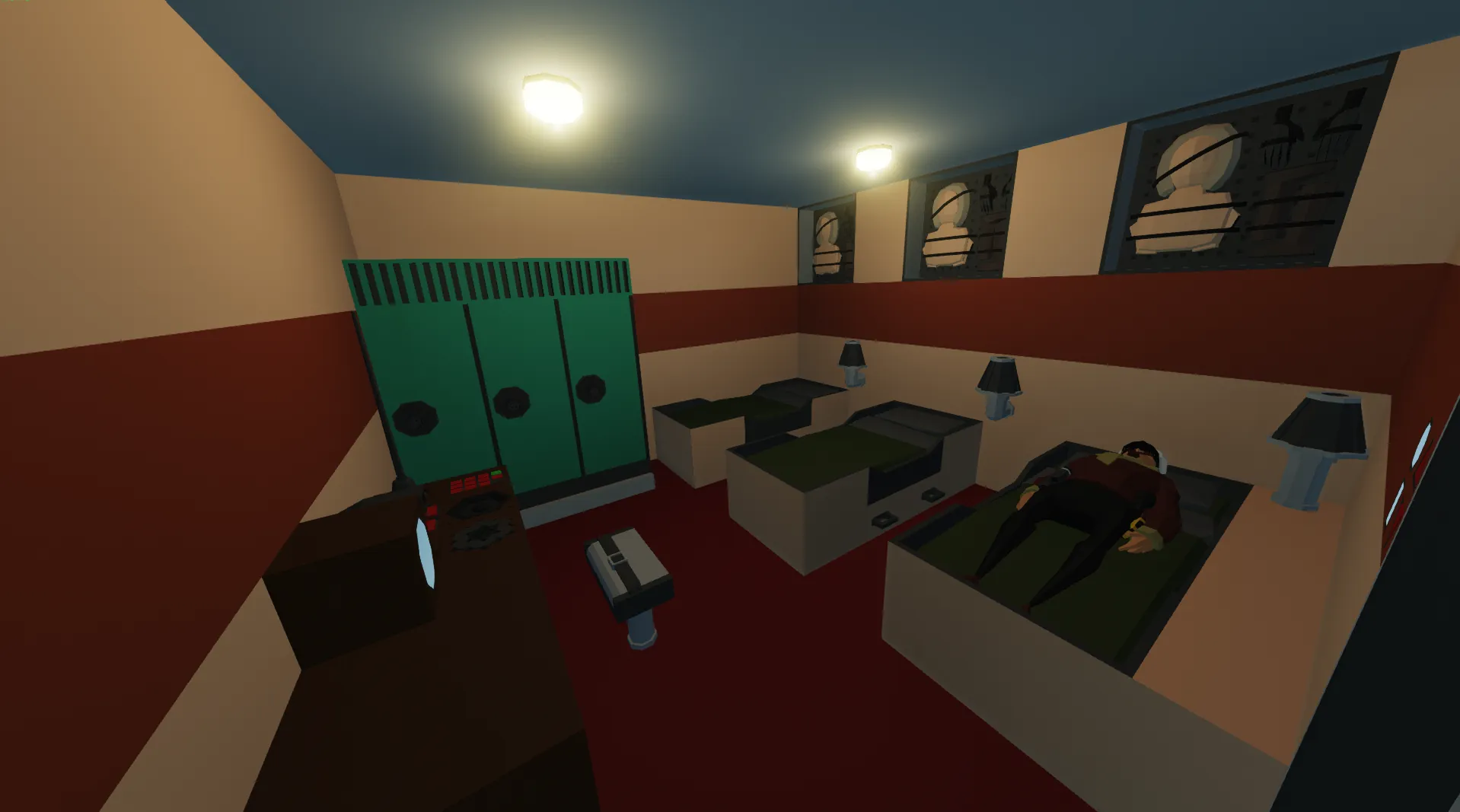
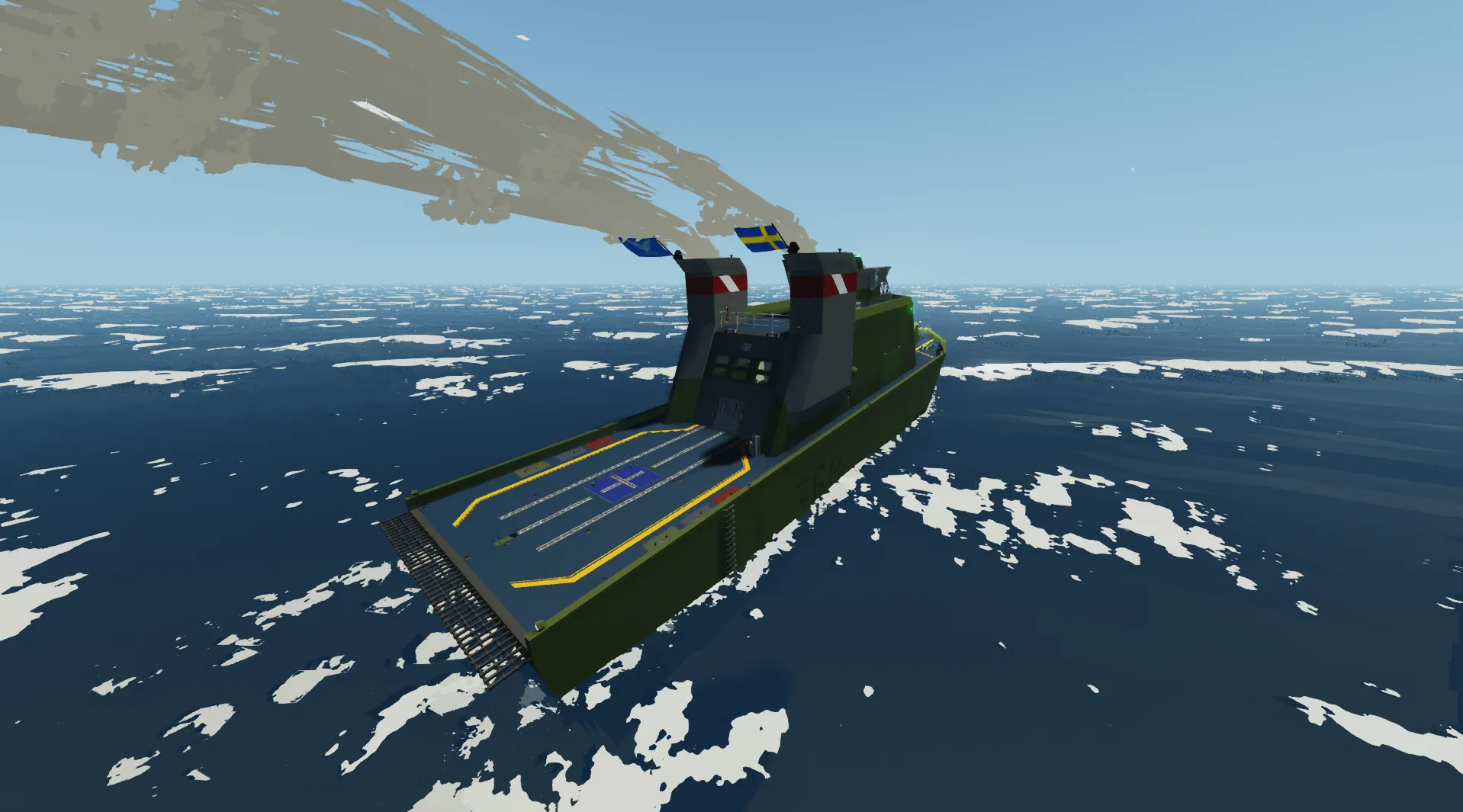
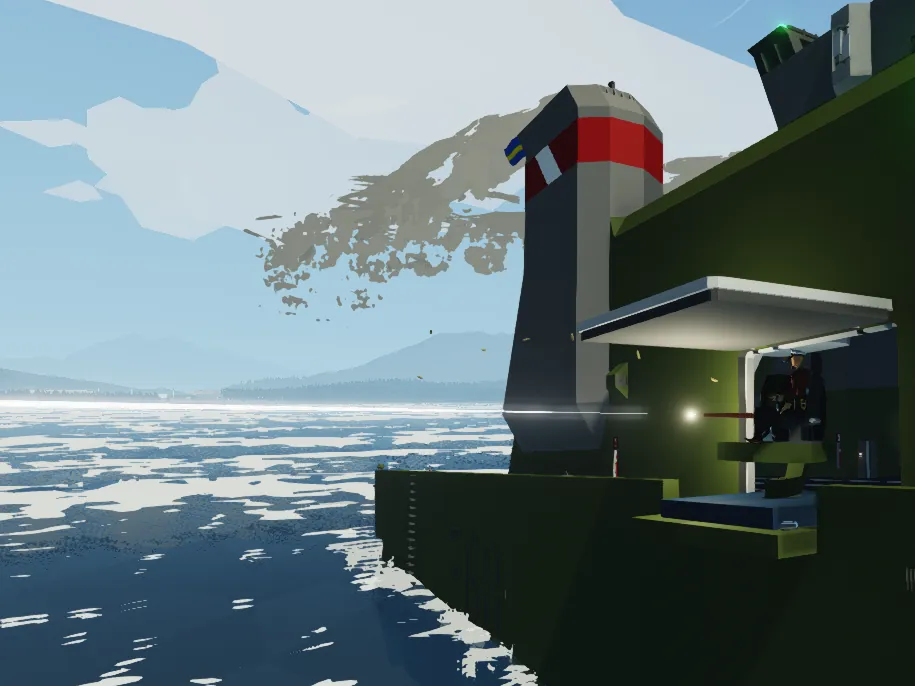
The Tide Cruiser is a very capable high speed ship designed for transporting large vehicles/cargo. It is equipped with powerful weapons systems and many more rifles on board. The hangar is made to hold smaller helicopters or vehicles. The ship can hold a crew of 12 but requires only one to control it.
Operation
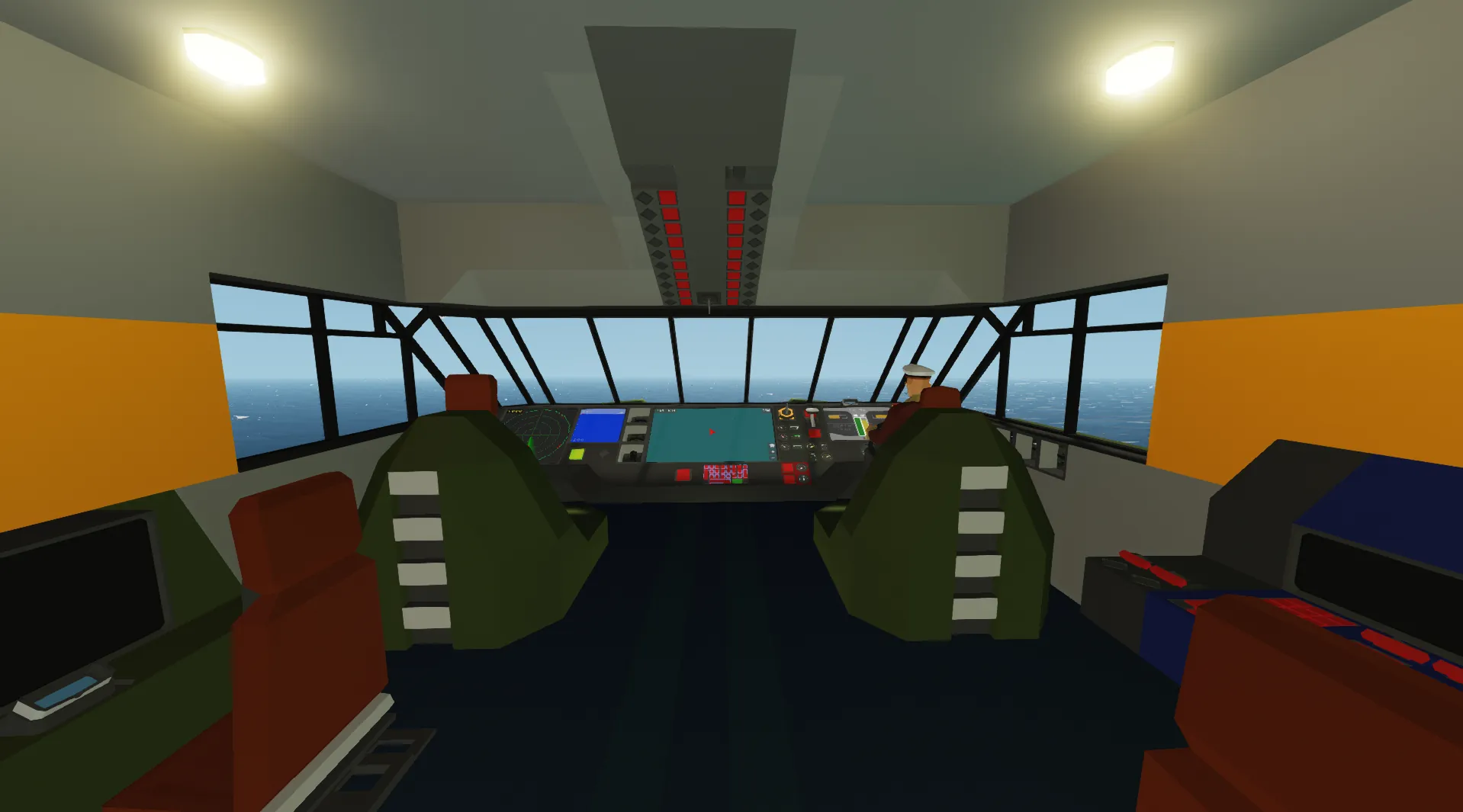
To start the ship you must make your way to the bridge. To get there you must first enter the hangar and either take the stairs or the elevator up the the top deck. When there, enter the bridge, locate the helm on the right side and take a seat. You must first turn on the ignition located to the left side of the dashboard. After turning the ignition on you need to start all three engines by using the three buttons on the bottom right side of the dashboard. Hold the buttons until the respective indicator shines green. Then you can use wasd to control the movement of the ship.
The ship has active stabilisation using fins in the rear of the ship. This means it requires the ship to be in movement for it to have any affect.
Technical specifications
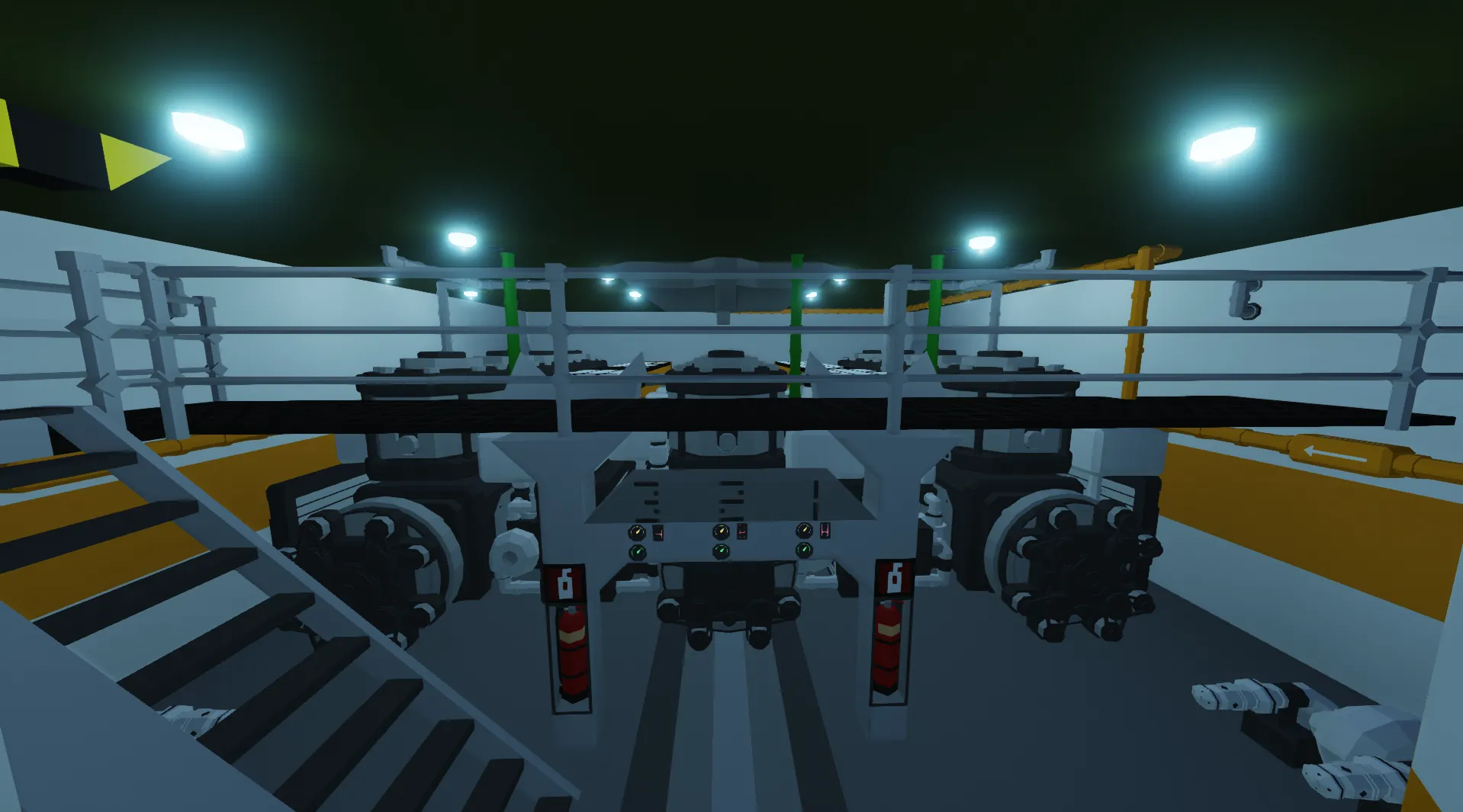
- Triple inline 4 large(5x5) modular engines
- Large radiator cooling by GrumpyOldMan
- Top speed: 46 knots
- Diesel capacity: 315 000 L
- Estimated range: 400 km
- Crew: 12
- Crew cabins: 4
- Dimensions: 52,75 m x 10,75 m
- Cost: $587'700
- Weight: 83'100 kg
Screens
Starting from left to right on the dashboard:
- Radar
- Depth
- Map
- Dash/Vehicle info
Radar
Push the button to the right of the radar screen to turn it on. Then you can press the screen to change the range of the radar system.
Depth
This screen updates once every second with the current depth of the vessel. It displays a visual representation of your depth up to 200 m. The exact depth is printed on the top left of the screen and on the dash.
Map
The map is can be interacted with to adjust the zoom. Using the three buttons in the bottom right you can zoom in/out with the plus/minus buttons and then reset the zoom using the home button. Your speed and compass direction are printed on top.
Dash
On the dash you can read important vital vehicle information such as:
- Speed
- Engine rps
- Engine temp
- Gear (D/R)
- Depth
- Generator output
- Fuel level
- Battery level
- Clock
The dash is meant to give you a quick understanding of you current situation and does not include precise values. More specific vehicle information can be obtained by looking at the dials around the screen.
Credits
- Modular engine cooling loop: GrumpyOldMan https://steamcommunity.com/sharedfiles/filedetails/?id=2488618797
- AFR controller: Adester https://steamcommunity.com/sharedfiles/filedetails/?id=2386277437&searchtext=afr+controller