If you liked the vehicle, give it a thumbs up

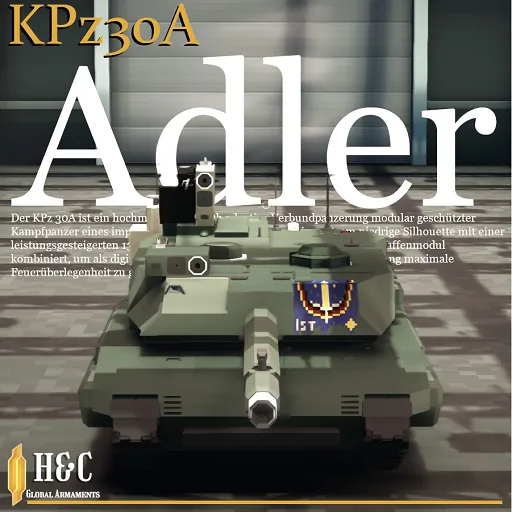
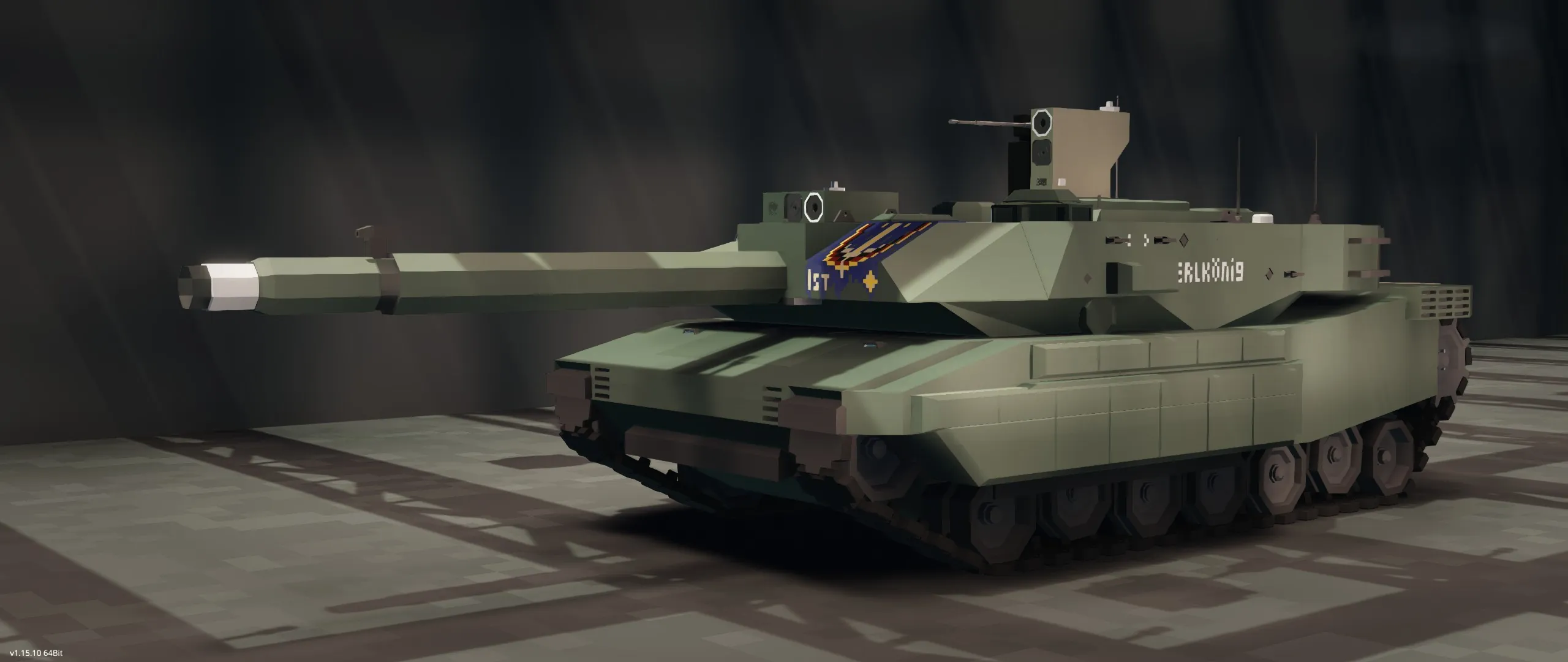
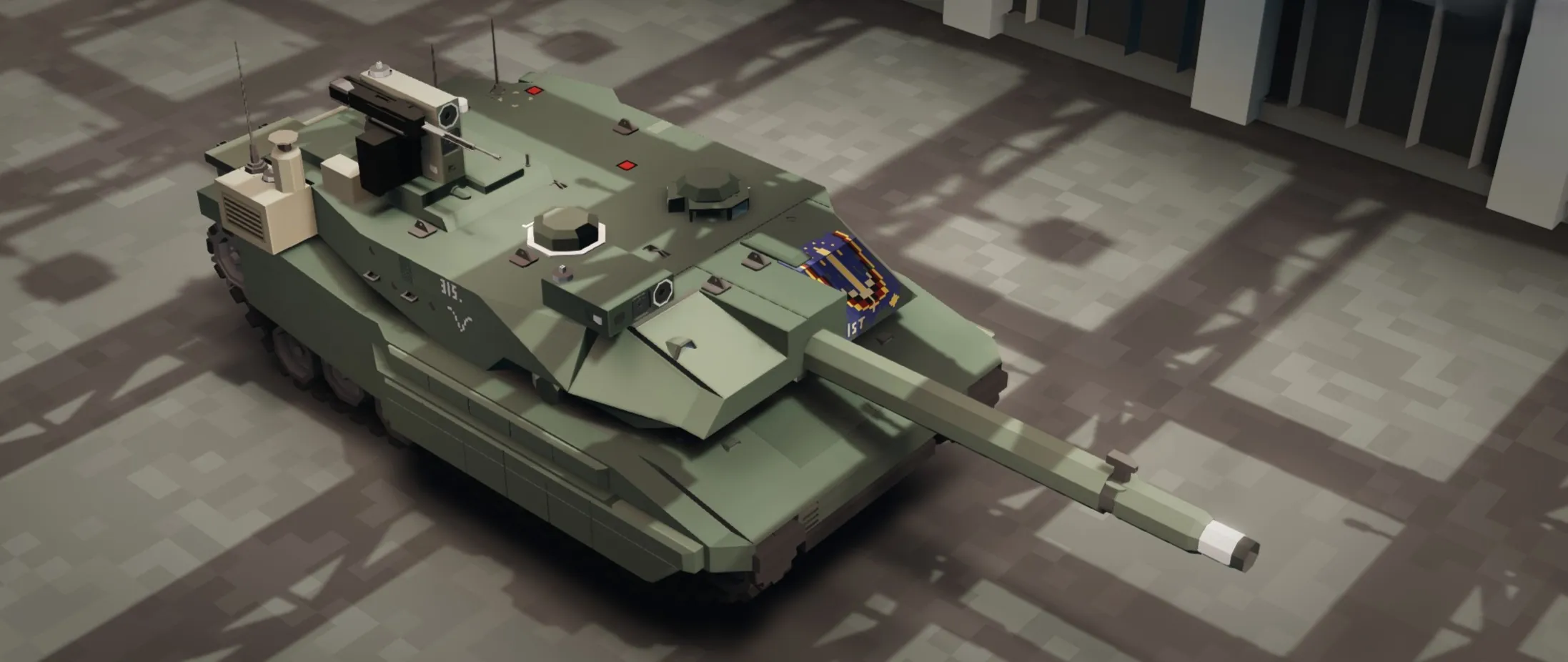
KPz30A "Adler" | Federation of Reiss MBT
Unit: 1st Panzer Division, 3rd PzBrig, 1st Regiment, 5th Company.
Conflict: Second Aethelian War (Year 933).
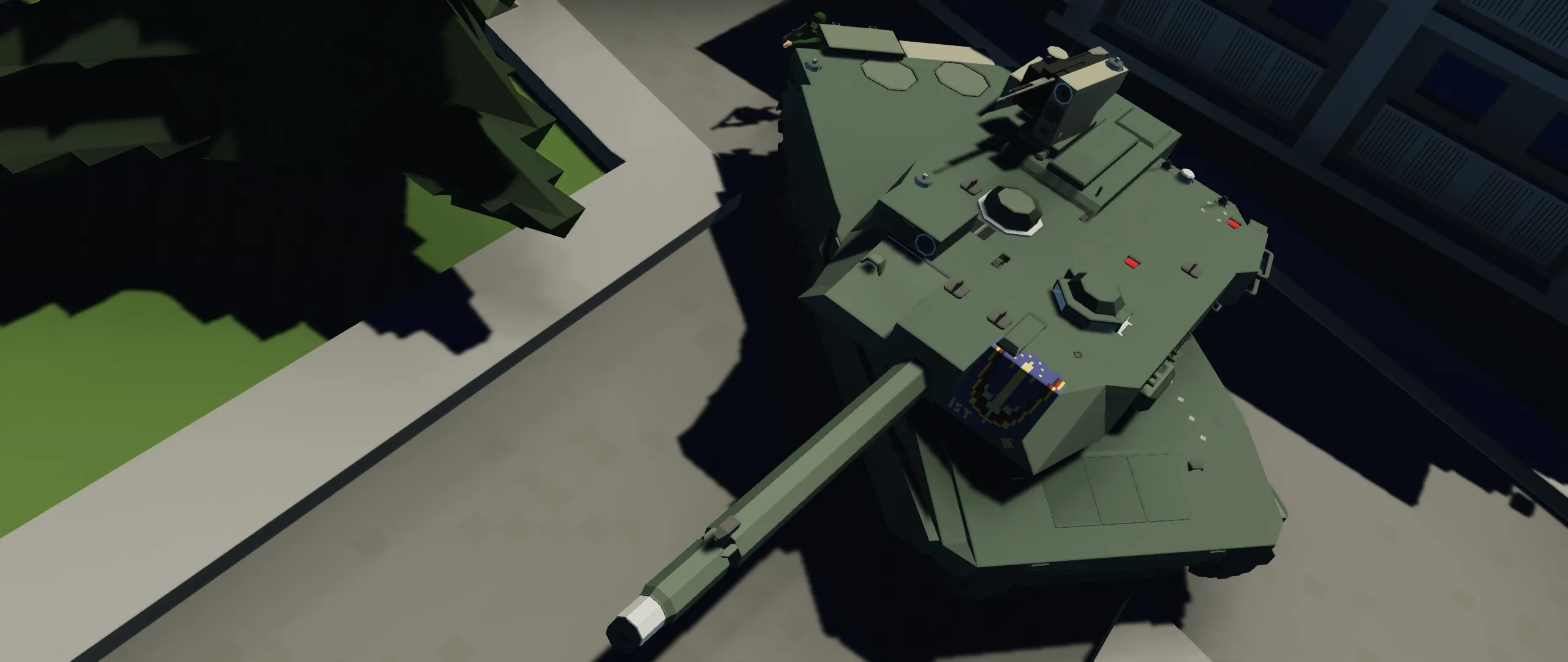
Historical Note: During the intense urban combat for the city of Waldreich, the crew of this machine maintained the 1st Panzer Division's banner on the turret for several days, serving as a means of raising the morale of the Federation soldiers.
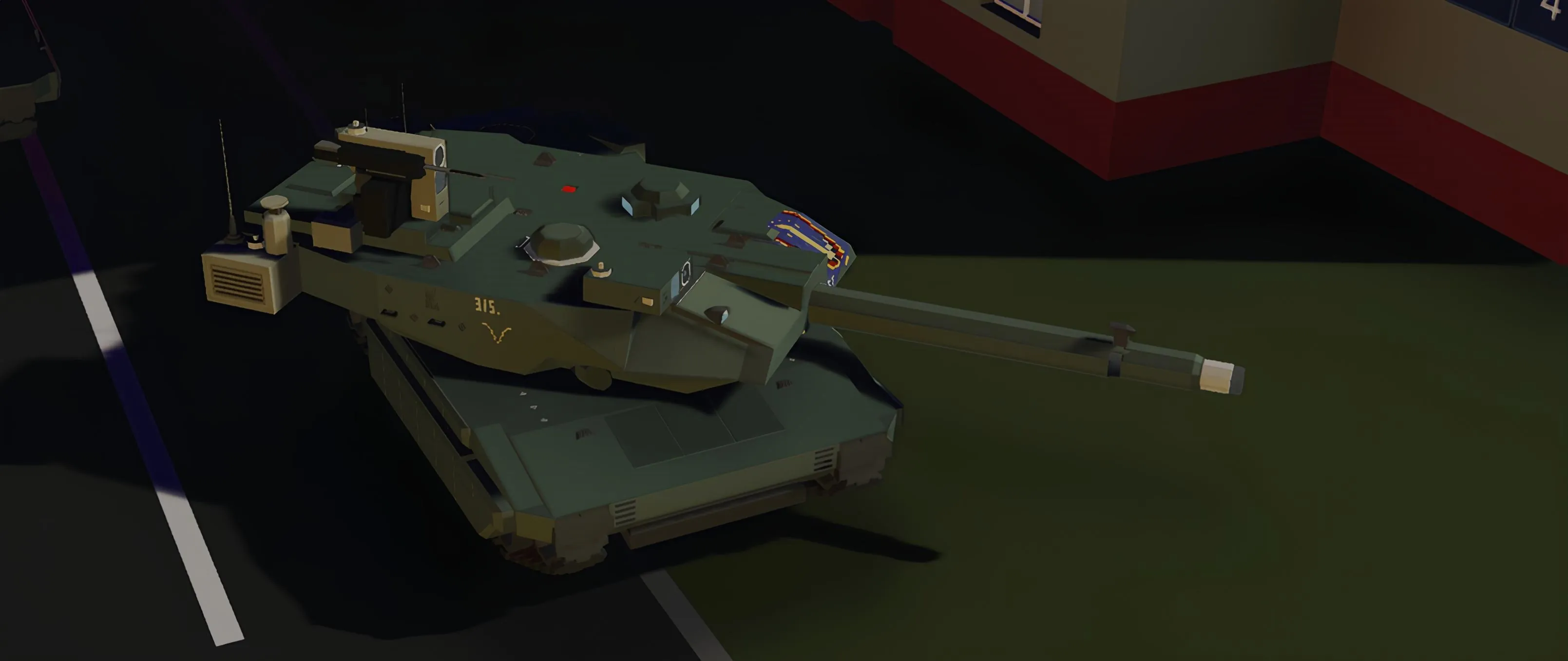
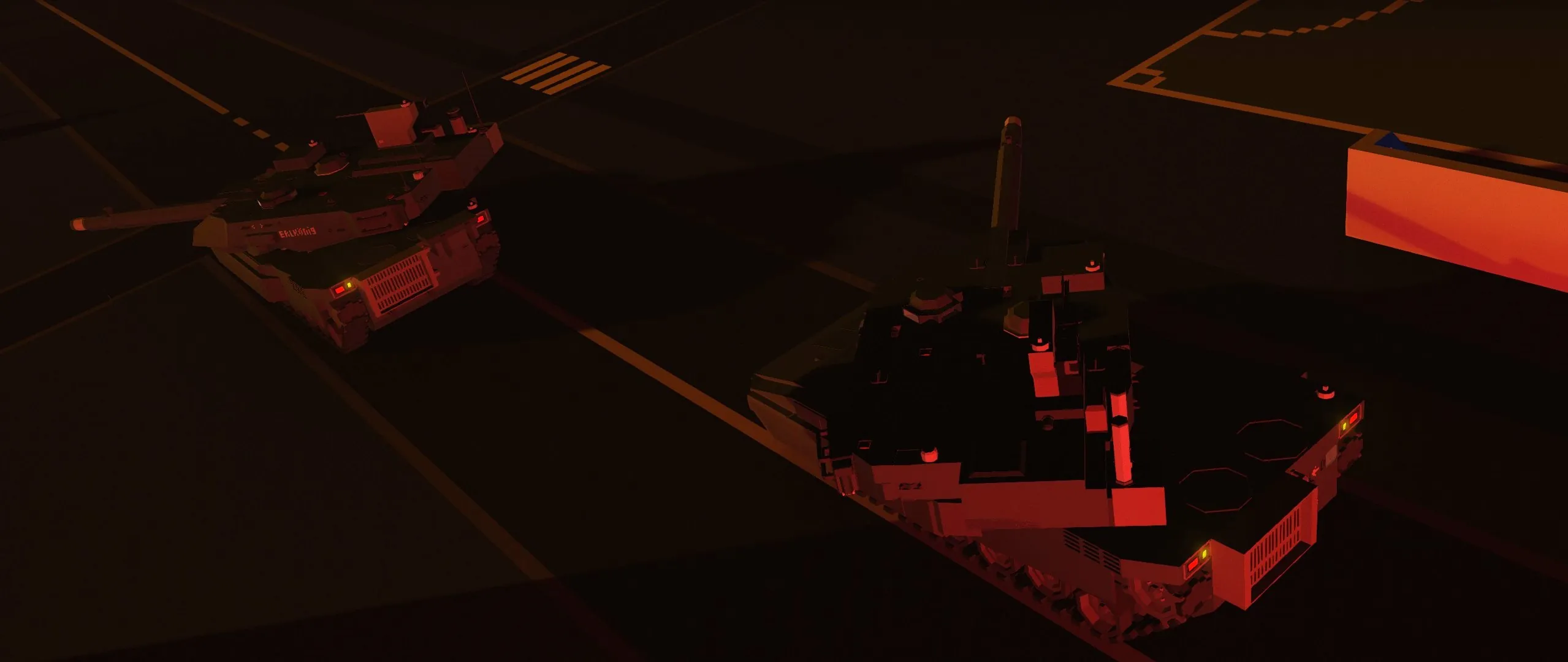
The KPz30A "Adler" is the definitive Main Battle Tank of the Federation of Reiss, introduced in the year 930. Combining a low-profile silhouette with a high-caliber 130mm smoothbore cannon, the Adler is designed for high-mobility warfare and network-centric combat operations. This modification features the "Waldreich 5th" livery and the iconic division banner.

Armament & Combat Systems
- Main Caliber: 130mm Smoothbore Cannon.
- Coaxial Armament: 7.92mm Machine Gun.
- Remote Weapons Station (RWS): Roof-mounted 13mm heavy machine gun for anti-infantry and anti-air defense.
- Autoloader: Dual-mode autoloading system configured for 17x APFSDS and 25x HE rounds.
- Munitions:
25x High-Explosive (HE) shells.
17x Armor-Piercing Fin-Stabilized Discarding Sabot (APFSDS) shells. - Countermeasures: 15x Chaff Launchers for radar/missile disruption.
- IRSS (Infrared Spoofing System): Active infrared countermeasure suite (IR spoofer) for deceiving IR-guided threats and disrupting thermal tracking.
- Soft-kill APS: Chaff-based countermeasure automation (commander-controlled modes described in the manual).
 Fire Control System (FCS)
Advanced digital targeting suite available for both Gunner and Commander:
- Radar Tracking: Directional radar highlights all targets directly on the gunsight display.
- Auto-Lead: Fully automatic target tracking and ballistic lead calculation based on radar data.
- Laser Rangefinder: Precision distance measurement integrated into the ballistic computer.
- Commander RWS: The remote turret utilizes a duplicate FCS loop, allowing independent target engagement with full radar support.
Sensors & Communication
- KDS 360° Surveillance: A 4-radar array provides complete situational awareness around the vehicle.
- DPKK Datalink System:
- Real-time map positioning of all allied units.
- Visualization of allied DCC laser designator marks.
- Capability to broadcast own DCC marks via the RWS to the rest of the squad.
- SEM-21 Radio: Long-range voice communication transceiver for coordinated maneuvers.
 Mobility & Safety
- Top Speed: 105 km/h.
- Range: 60 km.
- Suspension: Hydropneumatic suspension.
- Crew: 3 (Commander, Gunner, Driver).
- Safety: Automatic Fire Suppression System (AFSS) in the fighting compartment.
User Manual / Instructions
To start all systems, you must switch the ignition ON! (The key is at the driver’s feet).
1. Driver
- 1.1. Main panel:
 (1) Current speed (km/h)
(2) Current engine RPM
(3) Current gear
(4) Fuel remaining (liters)
(5) Remaining driving range - 1.2. The gearbox has automatic and manual modes; in manual mode, shift using the Up/Down arrows. Reverse is engaged with Button 1.
- 1.3. The hydropneumatic suspension stabilizes the hull so the turret is always parallel to the horizon. To activate, enable Parking with Button 3, then enable the system with Button 4. Recommendation: use it when you lack sufficient gun elevation/depression angles.
2. Gunner
- 2.1. Main panel:
 (1) Switch the shell type to be loaded next.
(2) Manual loading mode (activates all feeders).
(3) IR spoofer.
(4) Ammo counter reset. Use only when the ammo load is fully replenished. - 2.2. Radio:
(5) Increase current frequency by 1
(6) Current frequency
(7) Decrease current frequency by 1
(8) Voice transmit (PTT). Receive does not work while PTT is held. - 2.3. If one shell type is completely depleted, switch to the other shell type, then toggle (2) Manual loading mode. After one second, return the switch (2) to its original state.
- 2.4. If the entire ammunition is depleted, enable (2) Manual loading mode, load 25 FRAG rounds into the hatch on the turret roof and 17 AP rounds into the rack behind the gunner’s seat. After a full reload, reset the counter with (4) and disable Manual loading mode (2).
- 2.5. The Anti-chaff mode button allows you to ignore all chaff deployed by the target (radar lock mode only).
- 2.6. Activating the laser ballistic computer (Seat Button 4) automatically enables full turret stabilization. Hold it to reset the range and disable full stabilization.
3. Commander
- 3.1. Soft-kill APS control panel:
 (1) APS Active mode. Evaluates the speed and direction of all nearby targets and fires chaff when a threat is detected. (Currently, it only works reliably against very slow targets.)
(2) Disable the audible warning tone.
(3) Enable 360° search radars. Data for all targets within a 1 km radius will be shown on the gunner’s display.
(4) APS Auto. Fires chaff every 5 seconds. - 3.2. The commander’s remote turret controls are fully identical to the main turret controls.
- 3.3. DPKK control:
3.3.1. Control the map by pressing the D-pad on the display. The R button resets the map position. Adjust zoom with the slider on the right side of the screen.
3.3.2. Pressing an allied unit marker shows the allied unit type and its ID. Pressing anywhere else on the screen clears the text.
3.3.3. Pressing the DCCTX button starts broadcasting the coordinates of the point currently designated by the commander’s turret laser. - The standard configuration supports communication with up to 10 units simultaneously. For larger numbers, the upper frequency threshold must be configured in the datalink microcontroller property.
Credits
Datalink protocol by STFU
ZE Kalman filter
Beautiful photoshoot scene by T
Ivanivka
Obruchevskiy district