<Description>
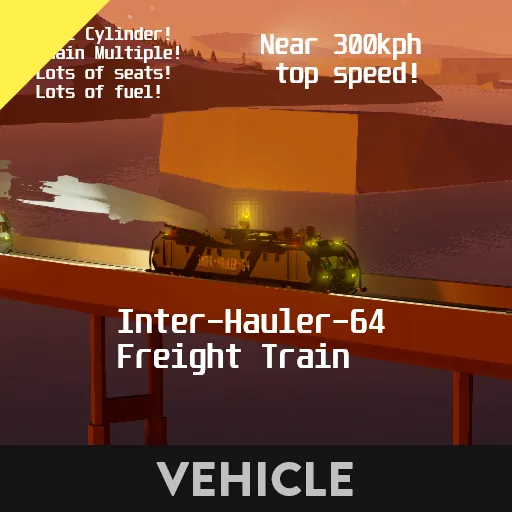
This was a Freight Train I made a long time ago (almost two years ago!) Meaning a lot of systems this uses are older.
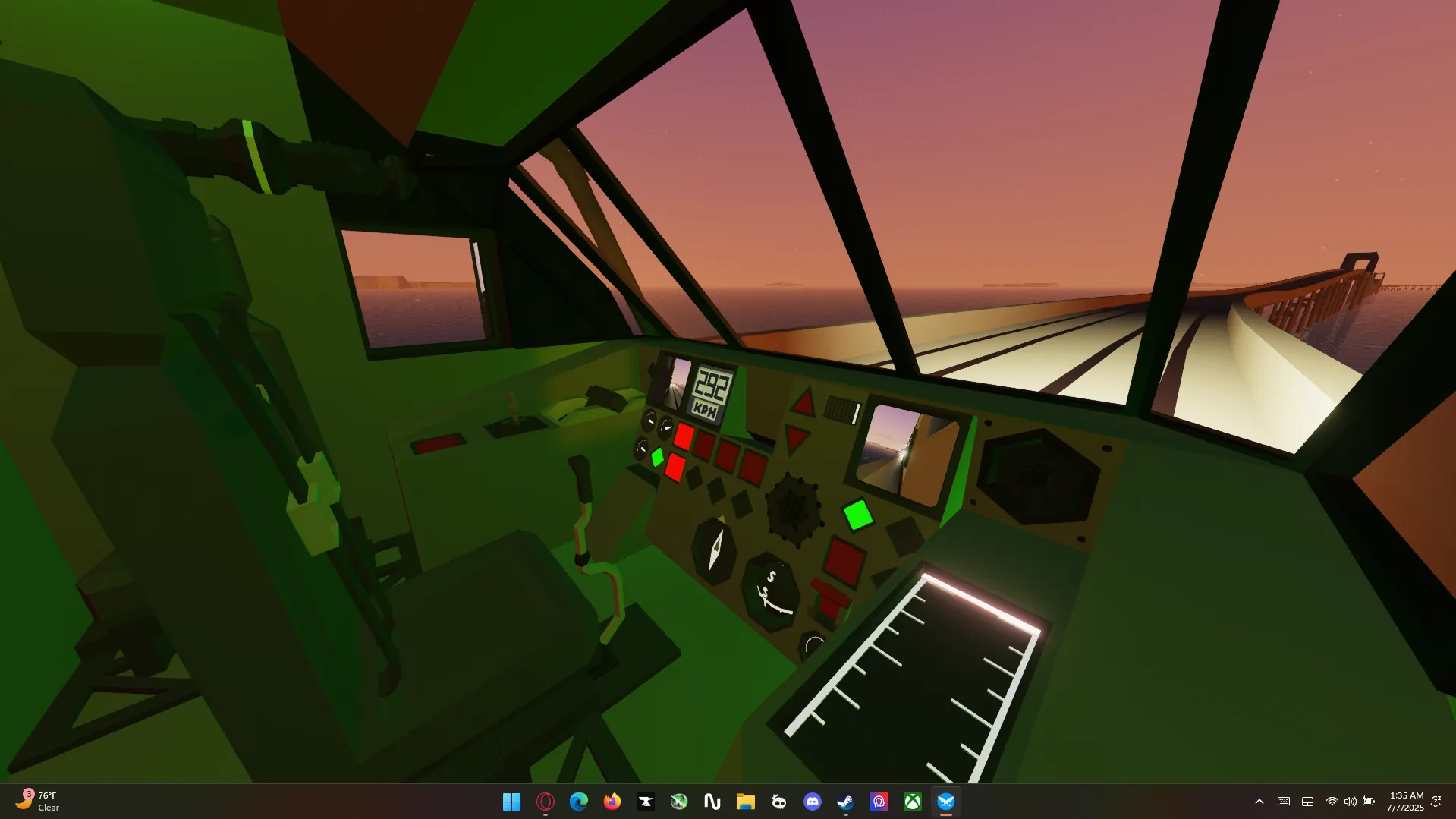
There is nothing else to say- aside from the rear compartment not being controllable- since I did not expect this to have so many controls- so sharing them between two controller modules would be difficult.
Features
Solar Panel
Track Switch button
Multiple light Modes
Multiple Indicators
Cruise Control
8 Throttle Levels
Water Cannon
Pressurized Cabins
Mirrors
Microphones
Speakers
Indicators
Light Modes
1. Front + Rear
2. Front + Rear + Roof
3. Front + Rear + Roof + Side Facing
4. Front + Rear + Roof + Side Facing + Furthermost Side Facing +
5. Front + Rear + Roof + Side Facing + Furthermost Side Facing + Innermost Side Facing
Hauling Capacity
>88,700kg of weight (No brakes on cart) > 30 KPH
>88,700kg of weight (Max brakes on cart) - < 8 KPH
The Inter-Hauler can haul more than the maximum rated towing weight but is not recommended.
Mechanical Specifications
3x3 Dual Cylinder
Three-Twin-Axle setup for more hauling speed / traction
Basic Specifications
5,187 Liters of fuel
24 Passenger seats
1 Driver seat
$85,388
6,657 Kilograms (kg (Rounded))
Hauling More Than One
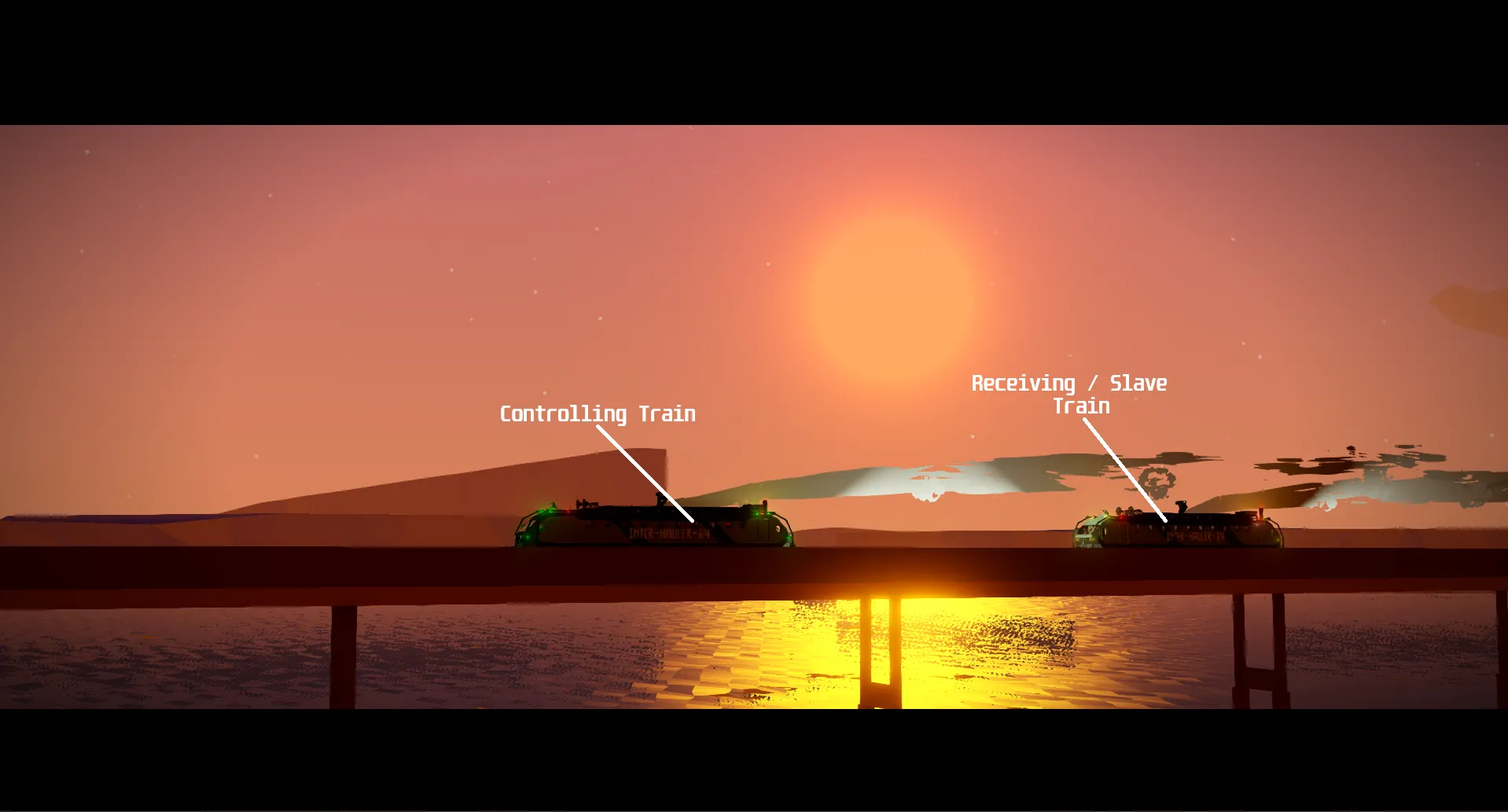
On default, every Inter-Hauler train's Train Mode is set to MAIN Lights will be GREEN
To change this, click the, "Change Train Operation System" button.
You should now be in the HELPER State. Lights will be YELLOW
Click again to go into the STANDBY State. Lights will be RED
TM: MAIN
The indicator, labeled "Main" means that the train you are currently in, will control other trains You must be on the same frequency of a HELPER train for this to work
Any control you hit, the train in-front, behind, or beside will copy the same thing It is recommended to have all lights OFF before chaining, or else the controlls will be behind
TM: HELPER
The indicator, labeled "Helper" means that the train you, and others are currently in, will be controlled by a train set into MAIN You must be on the same frequency of a MAIN train for this to work
TM: STANDBY
The indicator, labeled "Standby" means that the train you are currently in, and only this train, will NOT be controlled by any input what-so-ever. Engine will automatically raise it's RPS to 7 to turn, and keep, the generator ON. The brakes will ALSO turn ON. All instruments will also turn OFF to conserve power (To turn the Engine and Automatic Locking (100%) Brakes OFF press hotkey TWO).
Help
Q- I have a train in MAIN and a train in HELPER but the HELPER train is not following the MAIN train.
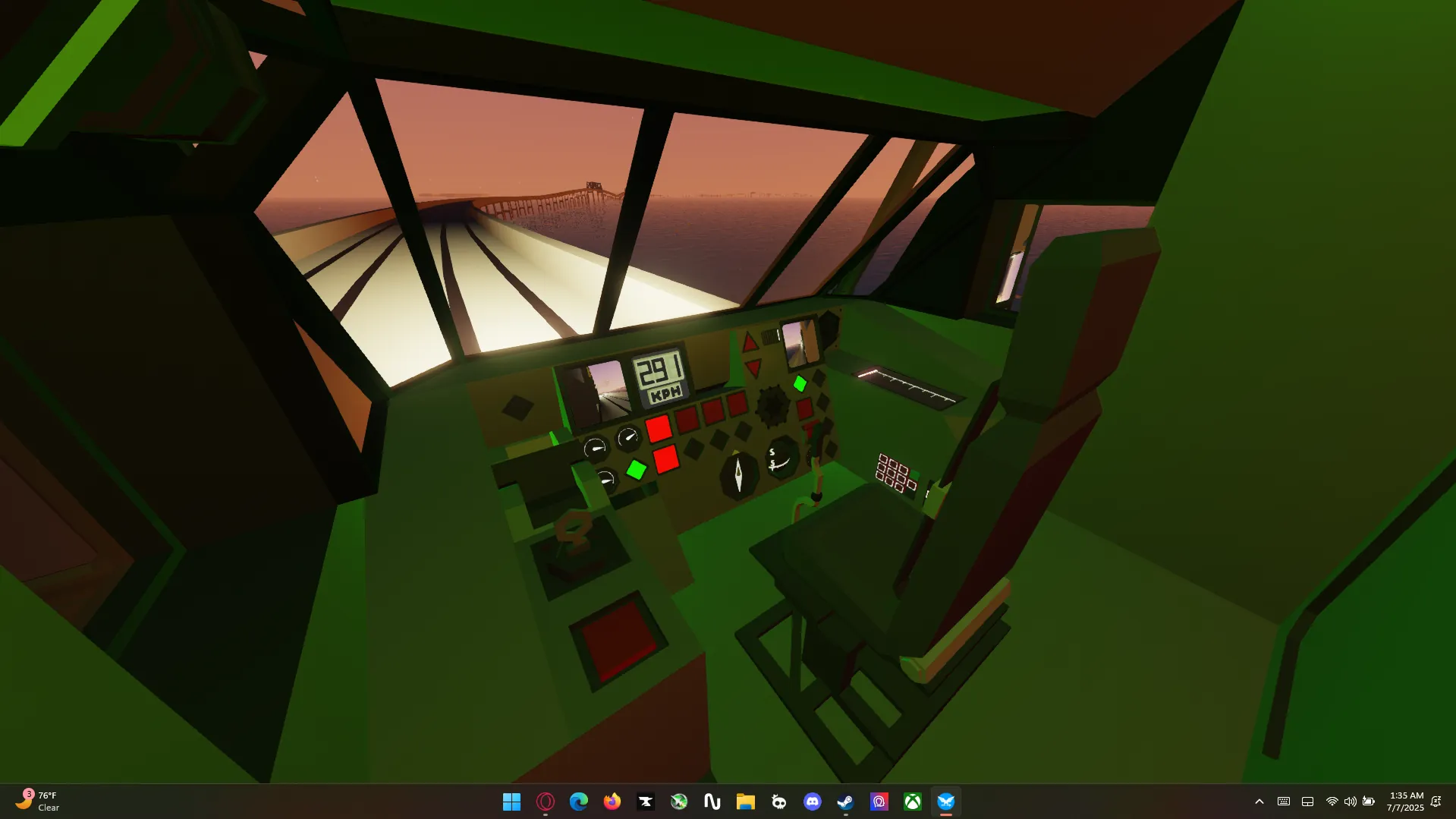
A- ensure both trains have their power ON- ensure both trains have sustainable power to turn the engine ON- ensure both trains are in the same frequency to allow chaining-- Also: The frequency that you need to change is on your FAR RIGHT, it is the keypad labeled: " -REQUIRED- Radio Frequencies"
Q- The train isn't moving, lights outside the train are red, and all the instruments are OFF.
A- You are most likely in STANDBY mode. Click the "Change Train Operation System" button to go into the desired mode you want.
Links