THIS WILL NO LONGER BE UPDATED
As I stopped using the Facial Animations mod myself in 1.5, I have no interest in updating this anymore. Since there is no assembly anyway, it should be easy to take over for other modders. If anybody else decides to take this up and continue/expand its support, they have my blessing.
----------------------------------------------------------------------------
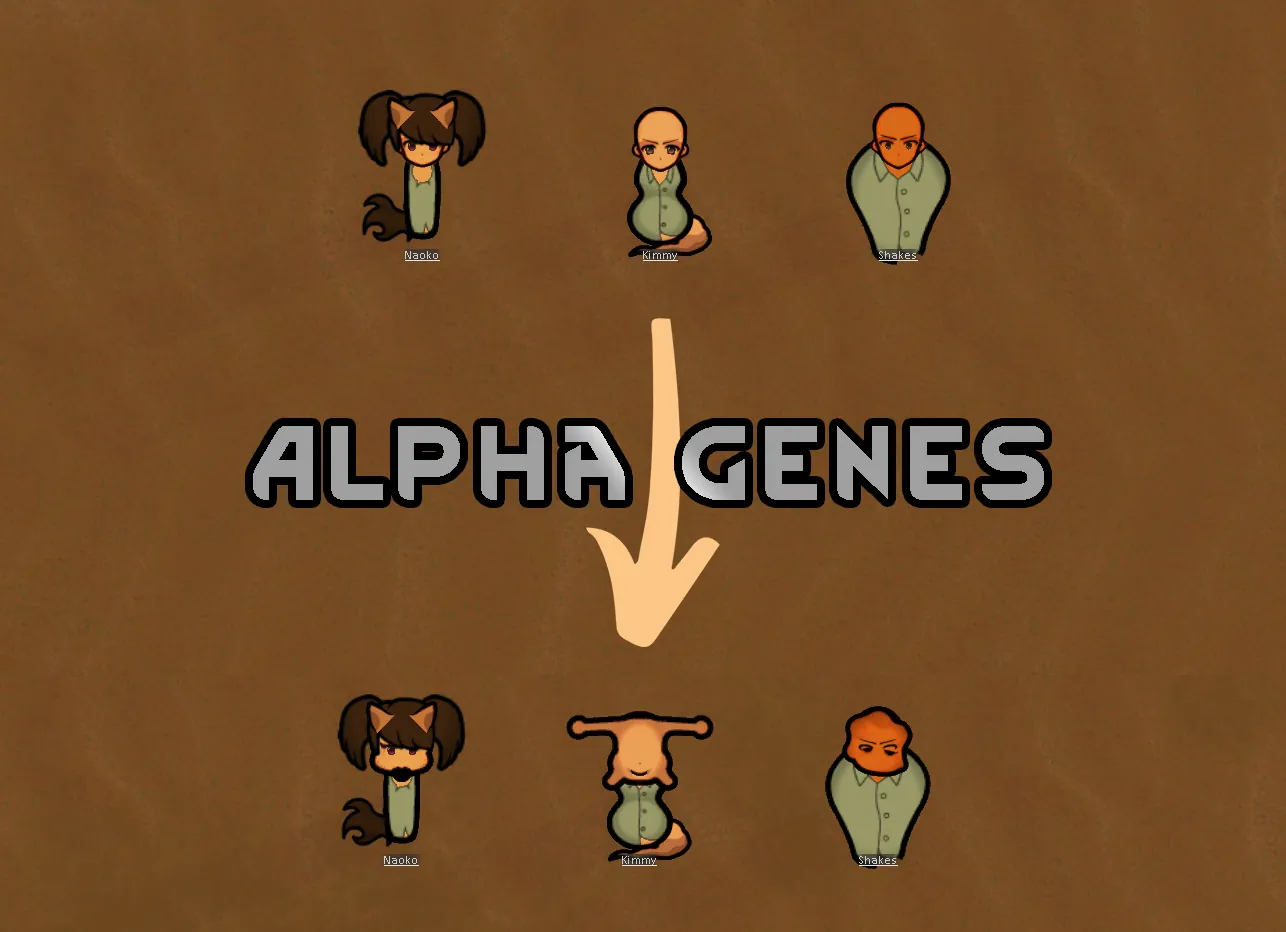
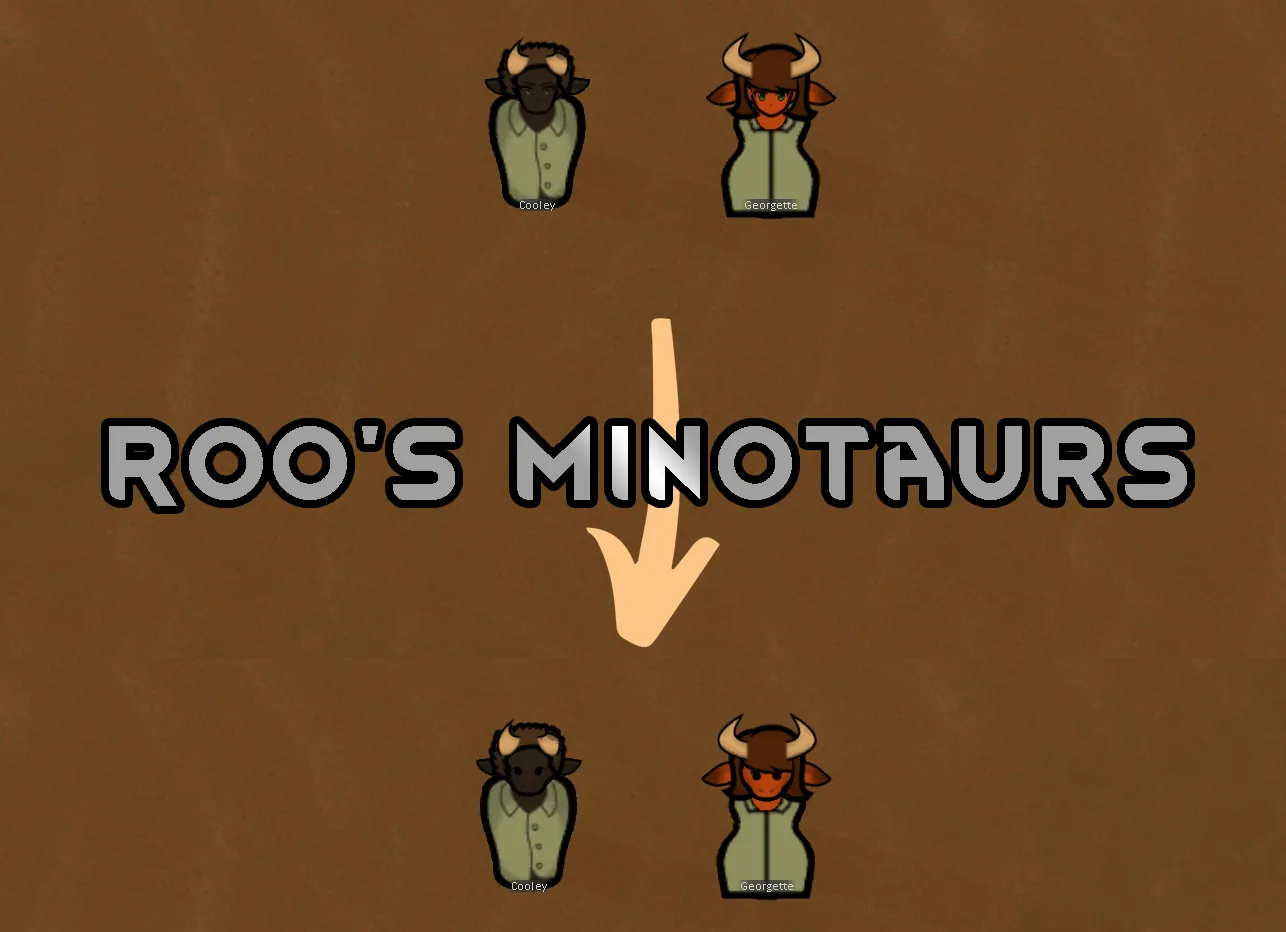
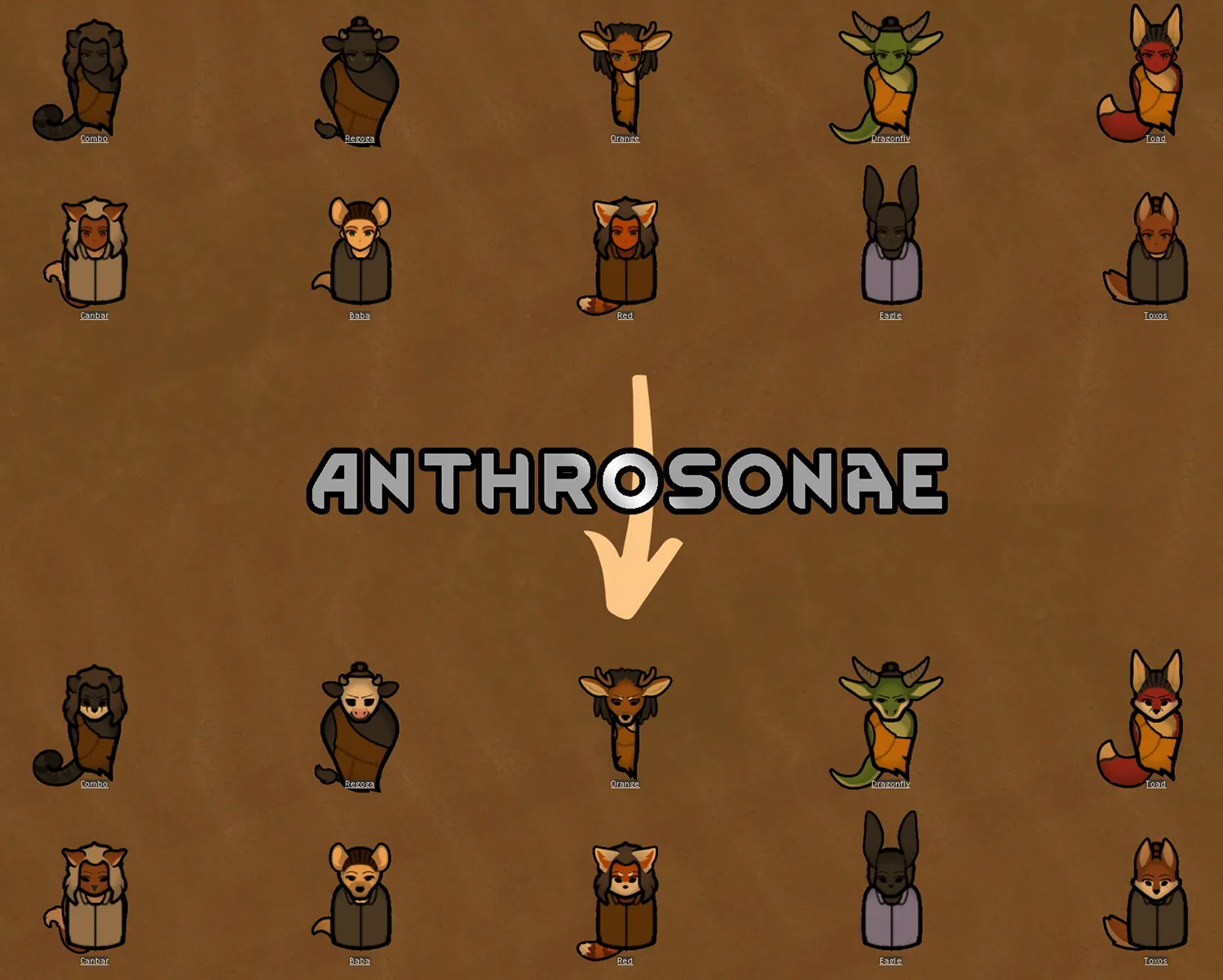
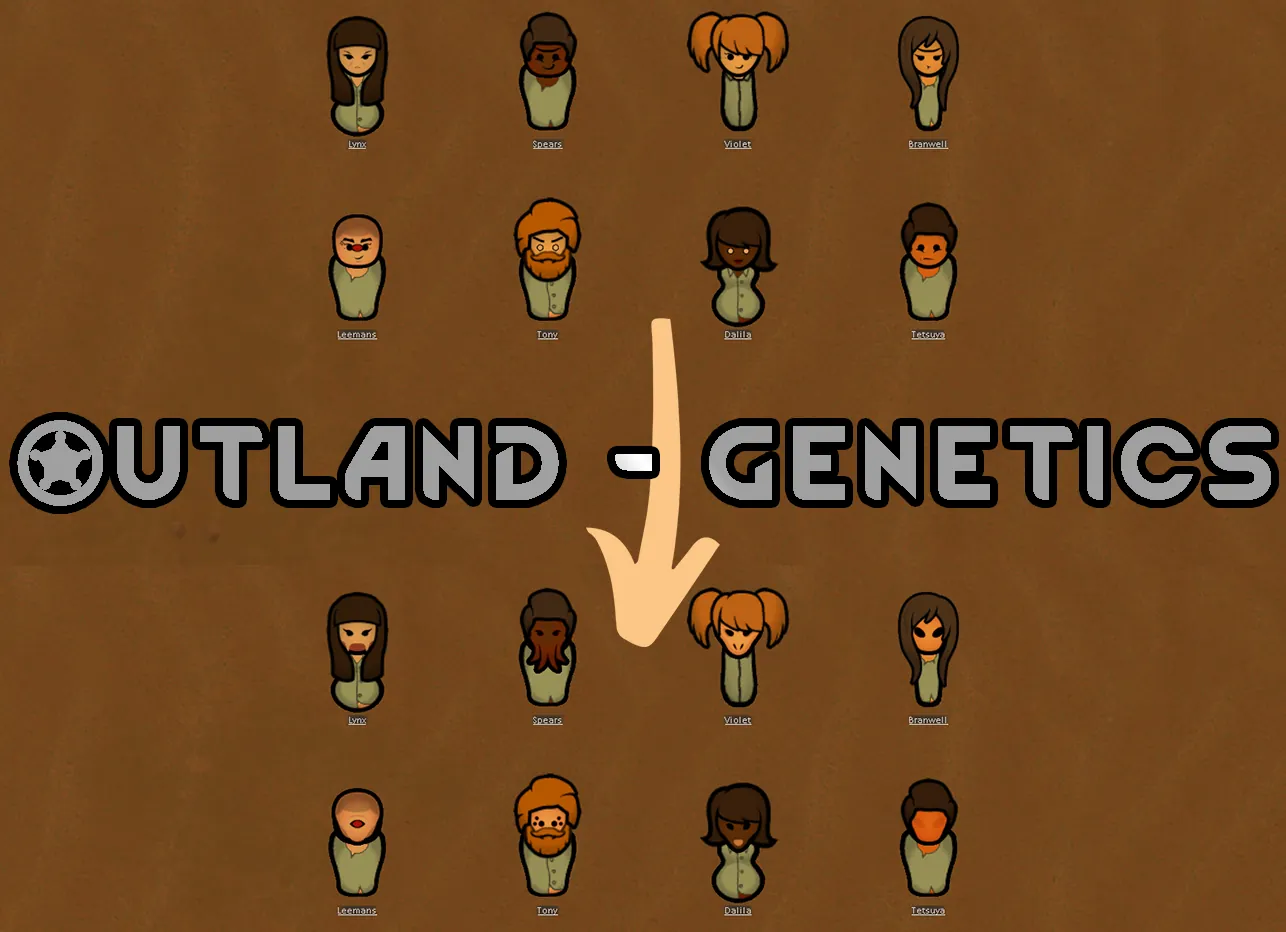
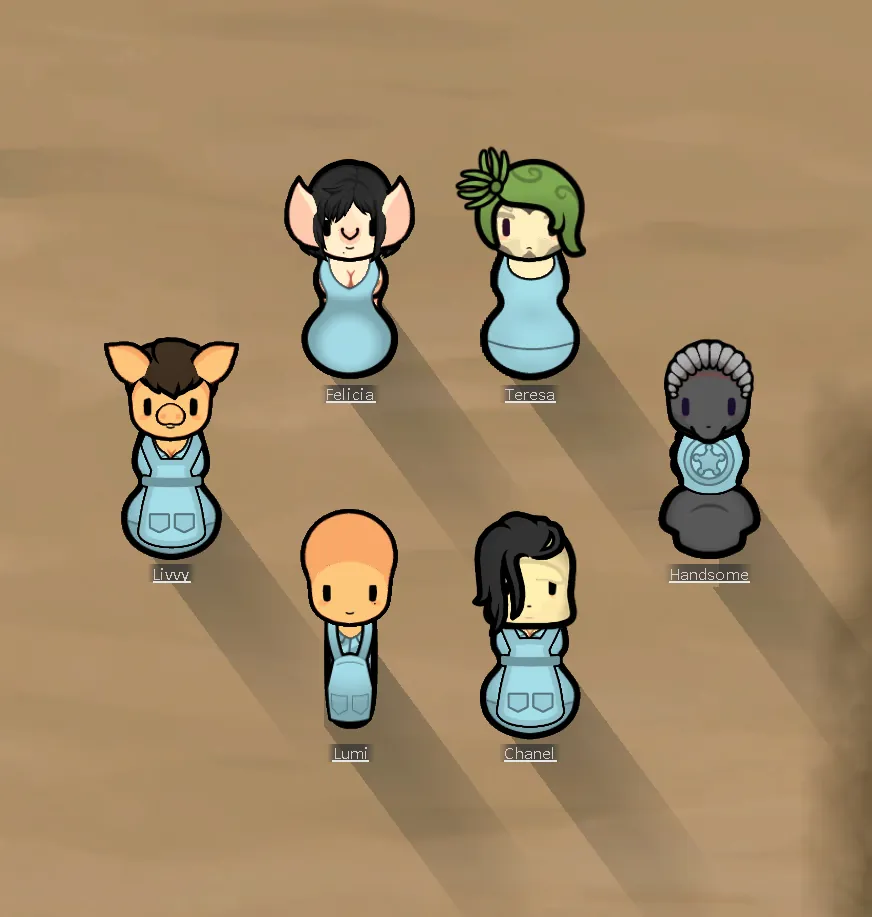
This patch ensures a basic level of compatibility between Facial Animations and certain xenotypes that use custom heads. Until we get true support for Biotech, this makes the custom heads work in a rather hacky way. Xenotypes are limited to one head type per gender, and in most cases there will be no actual animations (which is mostly a good thing, as with Animusen for instance, the mouth is drawn OVER the snout, which looks horrifying). This is not "true" support of custom head types, but rather uses the custom head as a "mask" over the default animated head (but under the animated eyes and mouth, where it makes sense). Note that this fix does not, and will not have anything to do with HAR - those are supported natively already; this ONLY deals with xenotypes, not HAR races.
IMPORTANT: the way this patch works paints the custom head OVER the default one. Depending on the custom head's shape, the default one can still be visible underneath.
FIX: you can fix it manually by going to Facial Animations pawn editor tab (a button in the main buttons tab on the bottom of the screen, added by Facial Animations mod; can be turned on/off in that mod's options with "Enable MainTab") and selecting "empty" or "blank" head shape for the pawn in question; they have been added to specifically address this issue, one totally empty and the other providing a bit of backdrop for the heads with transparency around eyes. Unfortunately, this has to be done manually for each pawn in question.
Currently supported mods:
Separate post as the list got too long
Please note that due to a need to almost totally rewrite the patches, currently not all mods that were in 1.4 are supported. Please be patient, I will work through that list.
The fix should be loaded AFTER all the affected mods.
Incompatibilities: no known "hard" incompatibilities
[NL] Facial Animation - Experimentals: unsupported. I am not testing for compatibility with it, and I won't be replying to any reports about interactions with it, as it was introduced specifically for things that might break stuff. May or may not work well at any given moment; don't report if it doesn't, as I won't be addressing it.
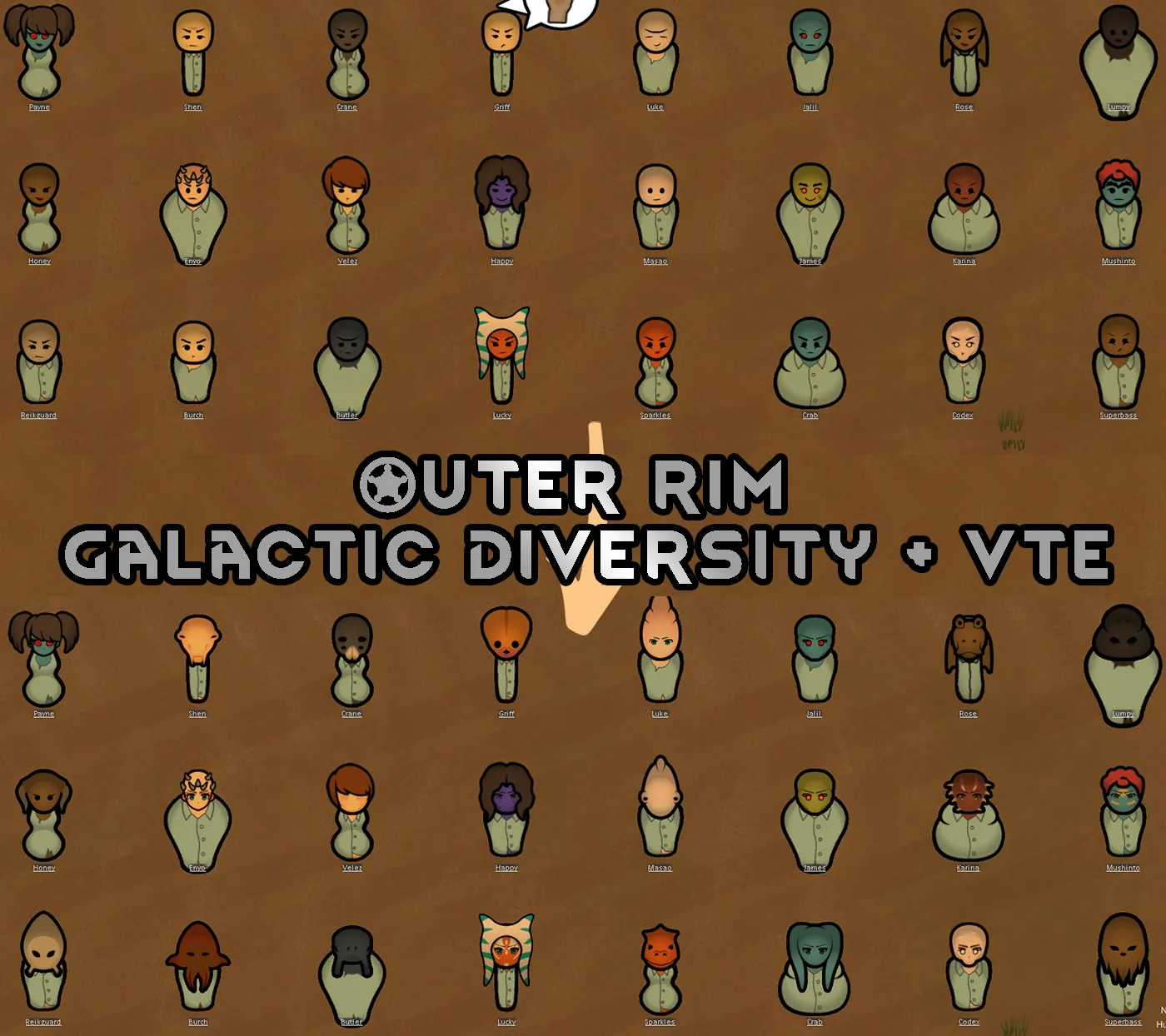
Works well with Vanilla Textures Expanded - Facial Animation (actually subjectively better than without it)
Honorary mention to the original mod that gave me the idea for the fix: Furskin fluff for [NL] Animation; recommended to use that mod alongside mine, as I don't touch Yttakin furskin (I feel this mod has the perfect solution for that one).
Feel free to use the code and/or the technique used in your own creations.
IMPORTANT, READ BEFORE REPORTING ANY ERRORS:
This works by adjusting layers of body parts in relation to each other. All the supported mods have been tested to work with the barebones setup (all dlc, facial animations, vanilla expanded framework, XML extensions, alpha genes, camera+, respective mod) and work without errors. Other mods can introduce additional layers / mess with rendering order. There is no way for me to know which ones do, there are probably a lot of them out there. Before reporting anything, make sure that either the error you're trying to report is reproducible on a similar "barebones" setup, or if it is not you've isolated the mod that causes the error. I will NOT troubleshoot the hundreds of mods in your mod list.