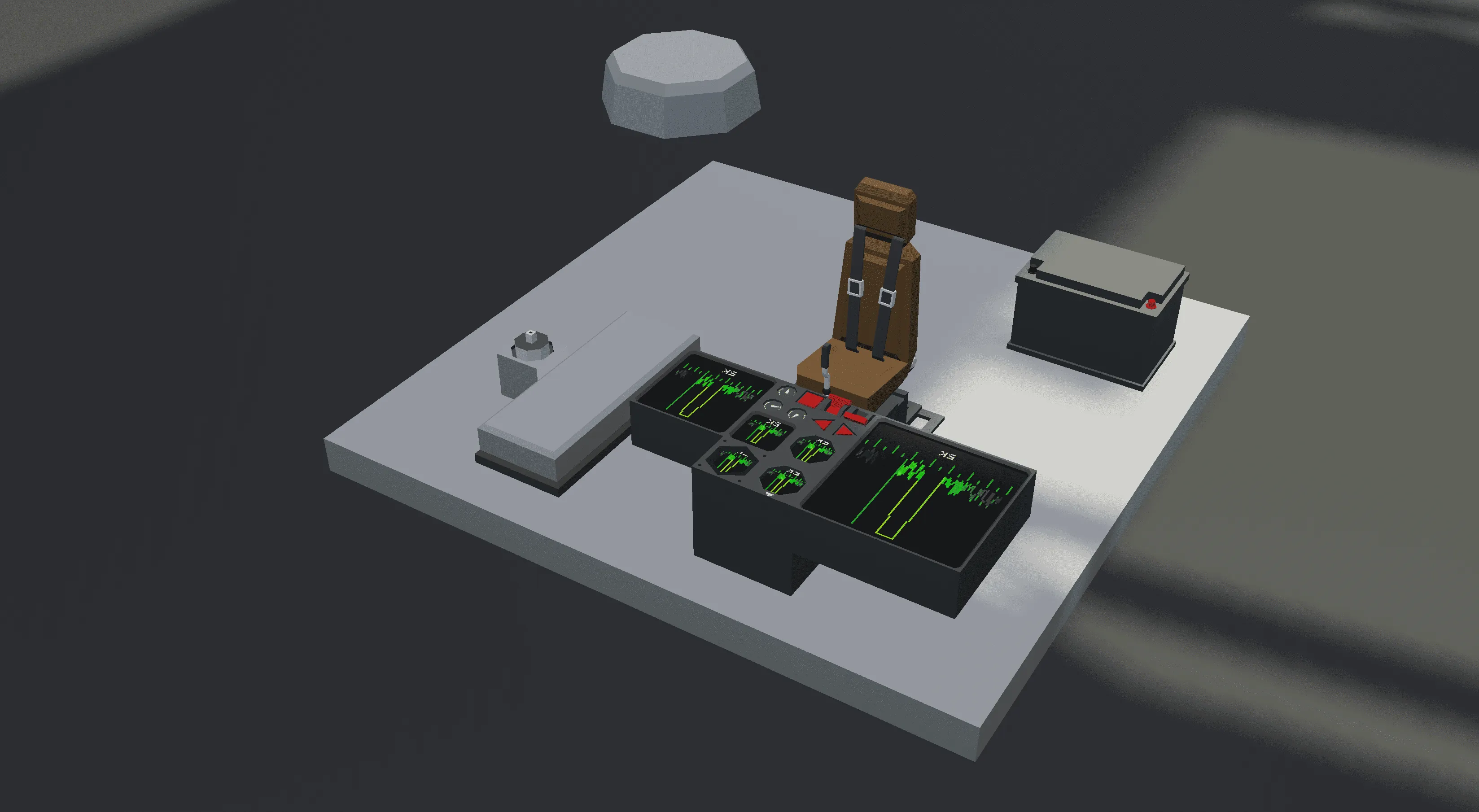
Introduction:
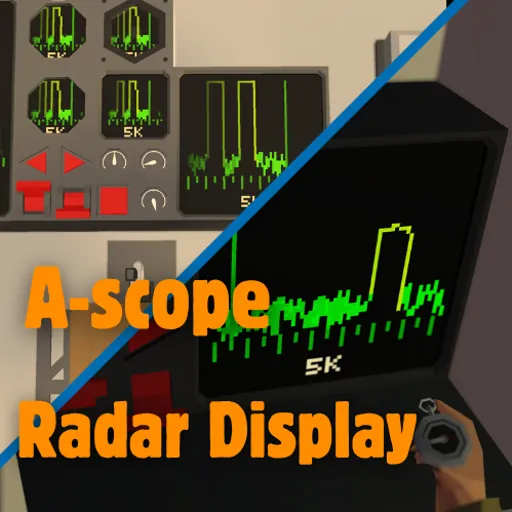
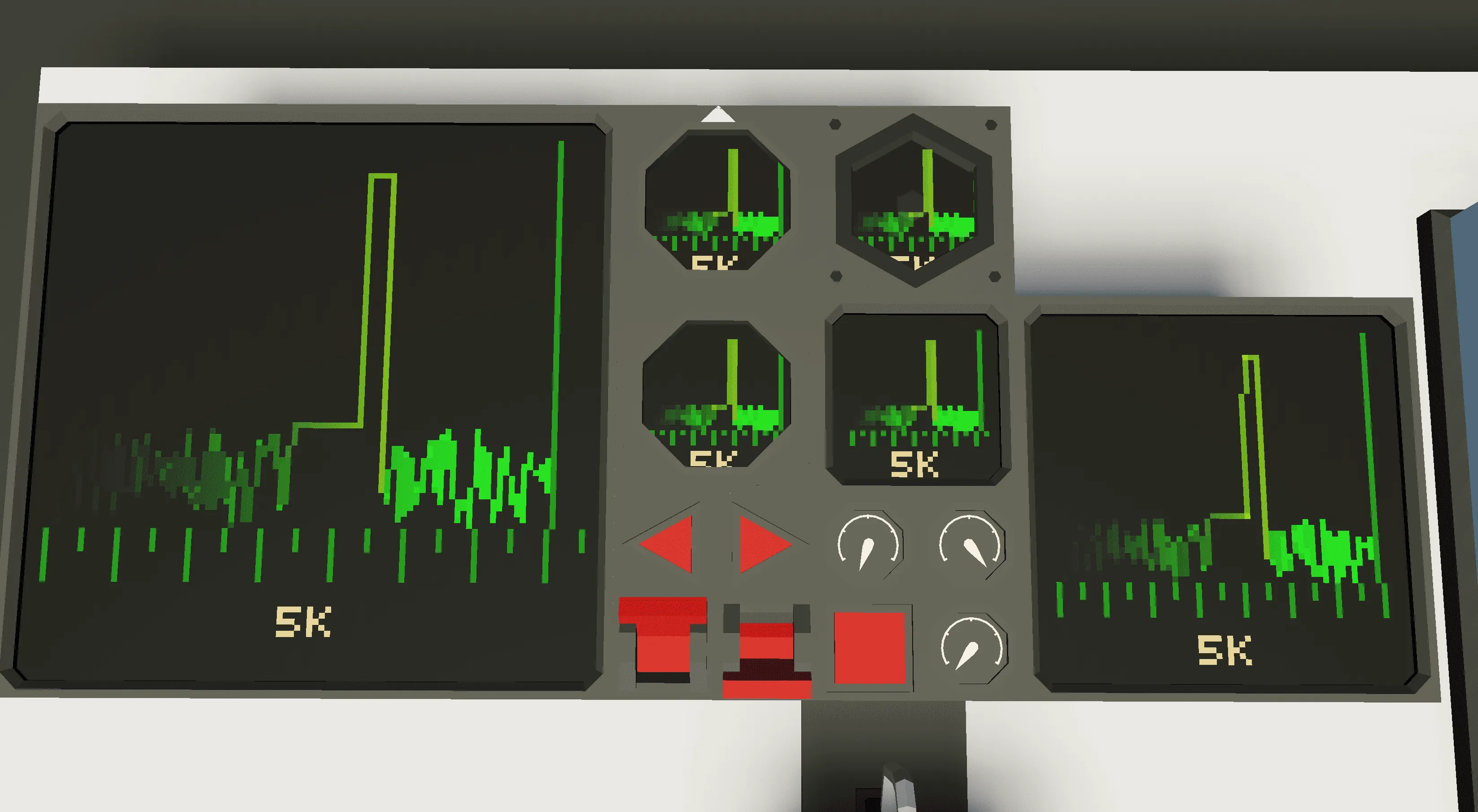
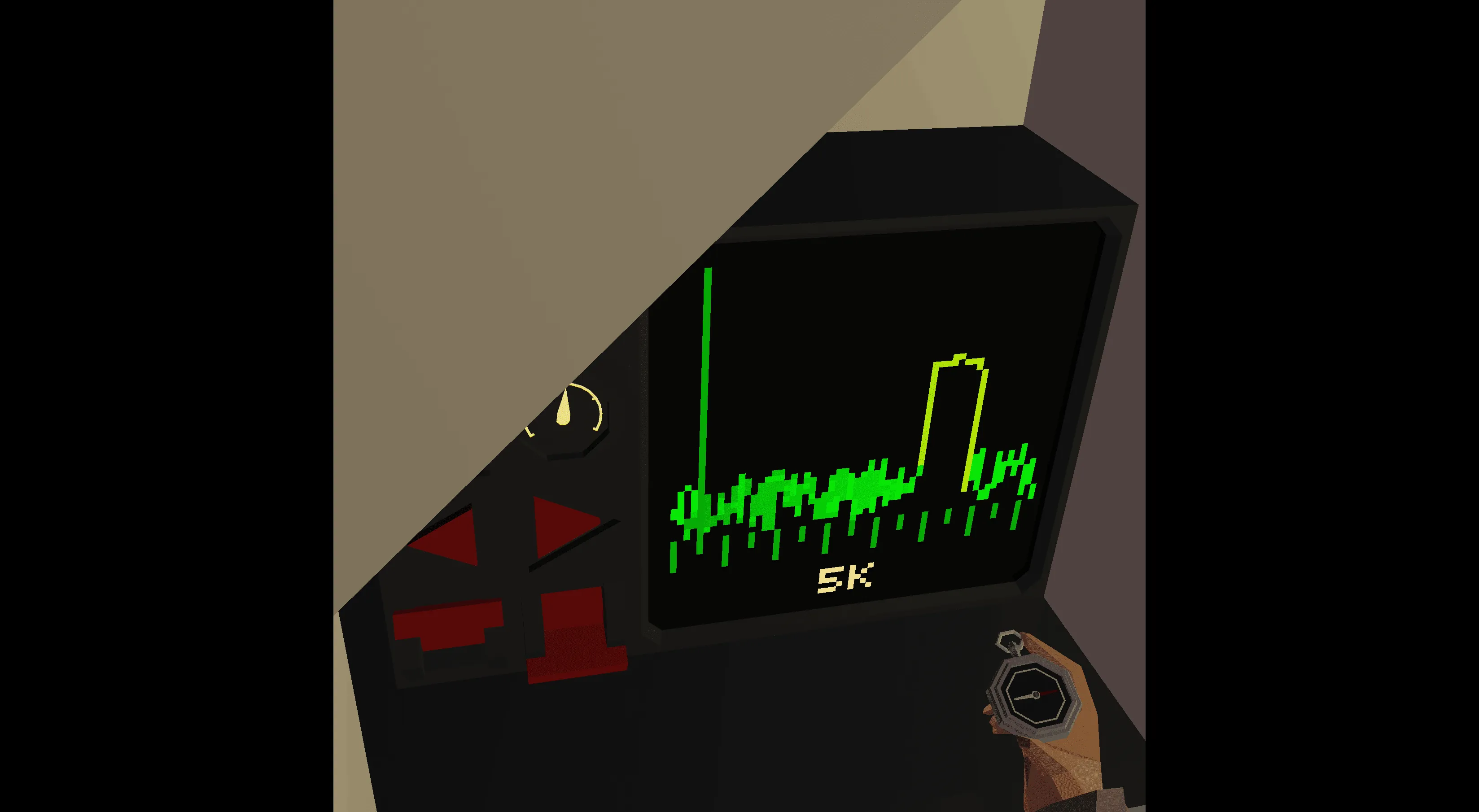
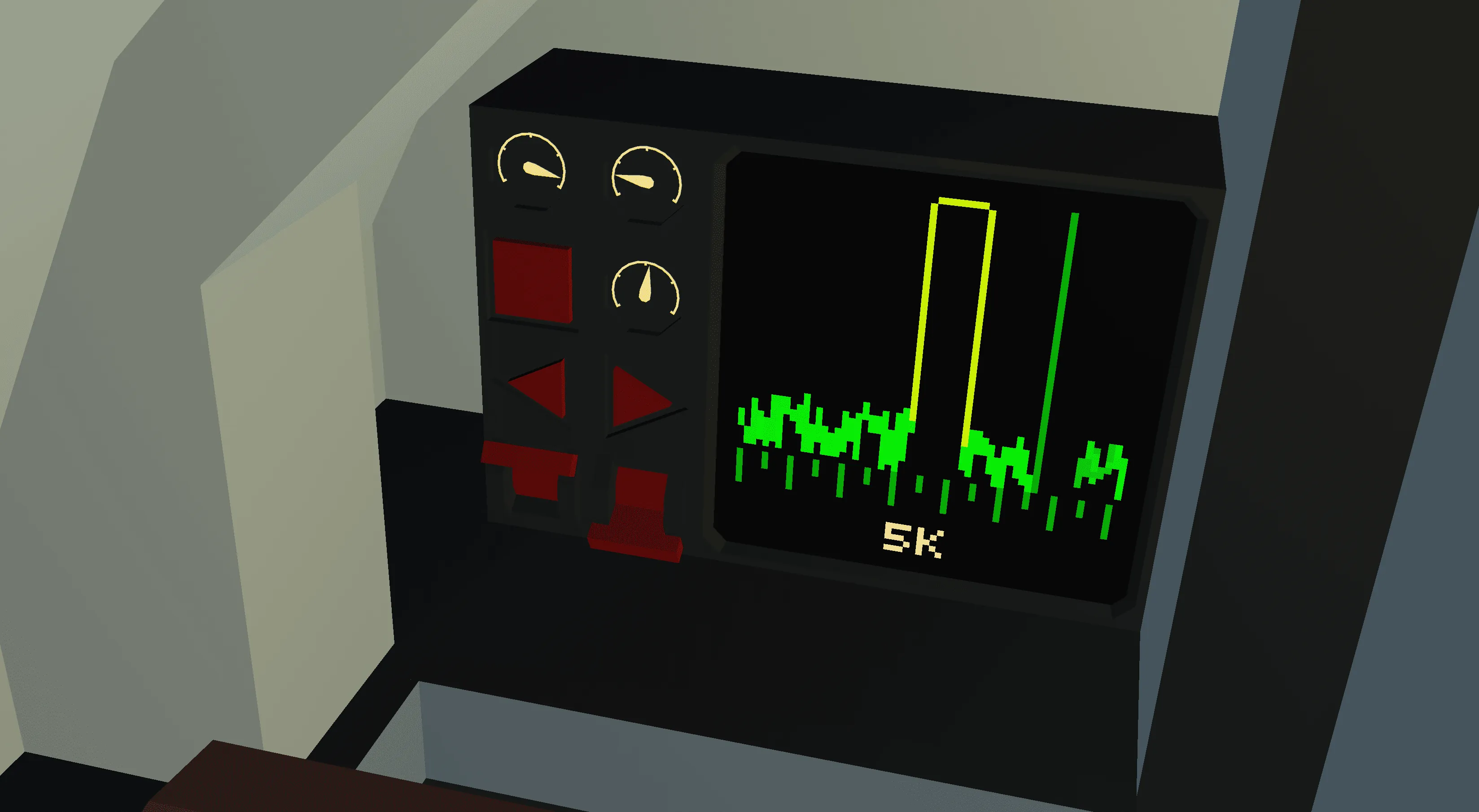
This A-scope Radar Display is a compact, performance-optimized recreation of the early WWII-era vertical-line radar display. Designed for realism and clarity, it features a manually or automatically controlled sweeper that rotates a full 360° and visualizes target returns as signal spikes along a baseline. This system replicates the historic A-scope feel while displaying useful data like range, elevation, and bearing. Fully display-compatible, it works seamlessly on all screen sizes with identical performance impact, making it ideal even for multiplayer builds.
Features:
- Fully display-compatible — works on all screen sizes and types
- Manual/Automatic sweep modes
- 20km maximum detection range
- 360° radar coverage
- Displays elevation (°), range (m), and bearing (°)
- Performance-optimized — same draw cost at all sizes
- Radar noise simulation for visual realism
- Dynamic FOV system: lower FOV = finer bearing accuracy
How to use:
- Flip the Radar System ON switch
- Flip the Manual Control ON switch to take control
- Use the instrument panel or seat controls to rotate manually
- Press the Cycle Range/FOV button to increase range and narrow field of view
- Use the narrowed FOV to pinpoint precise direction (0.125 at 5km to 0.01 at 20km)
Note: Target detection is subtle — small signal spikes among noise indicate contacts. When the needle trail slightly changes color, you're on a return!
Advanced Adjustments:
Screen width and height adjustments (pixels):
This setting adds a border around the screen for use on smaller scopes and displays (pictured above). Set to 0 so it reaches all sides of the display.
Exponential Adjustments:
This adjusts how smoothly the manual controls move. Increase for more smoothness.
New: Minimum Radar Distance:
This setting is the minimum radar detection distance (m), below which targets are not detected. For example, if set to 50m, anything < 50 will not be displayed.
Super Duper Advanced Adjustments:
In the lua script, you can adjust the screen colors, placement of various lines, line lengths, auto/manual movement speed, and much more.
[Warning: Only for those who know what they are doing.]
Disclaimer:
This creation is my own, original work and may not be redistributed, modified, or reuploaded without credit. Please respect the effort that went into this.
Enjoy! 🎯📡