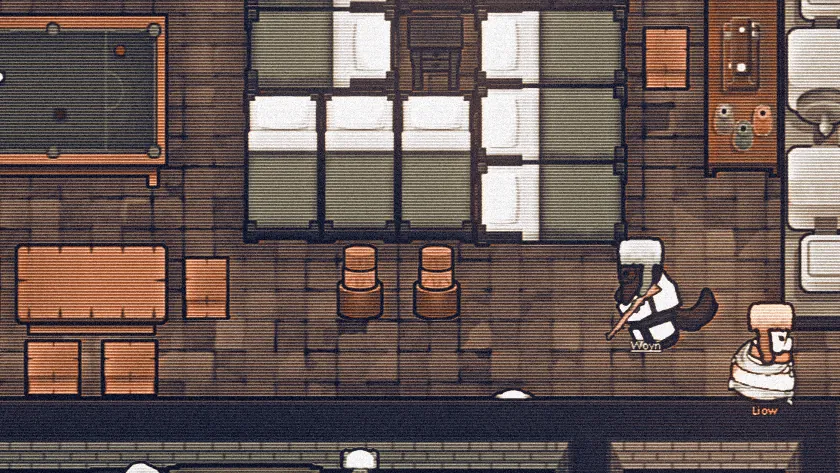
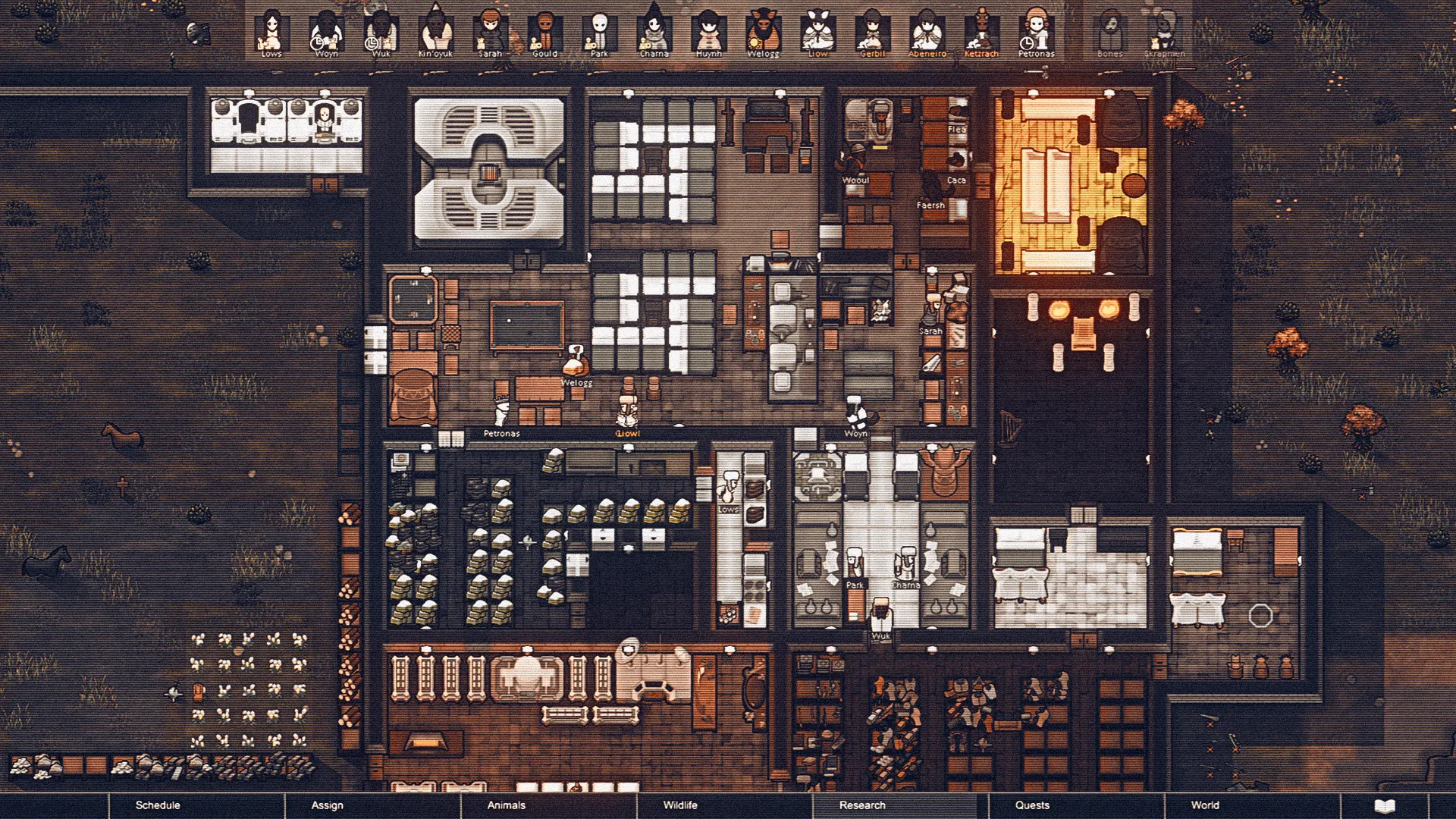
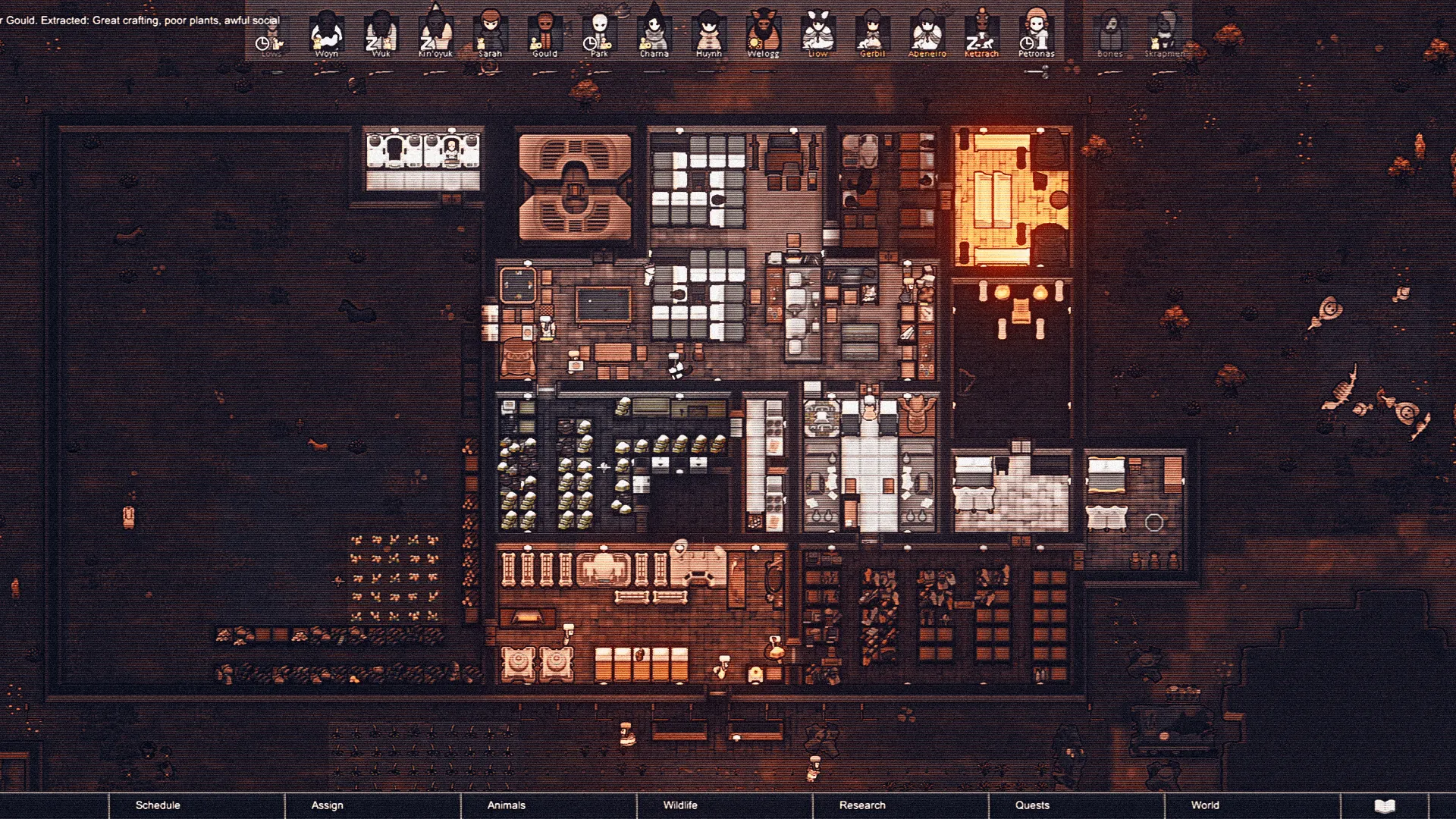
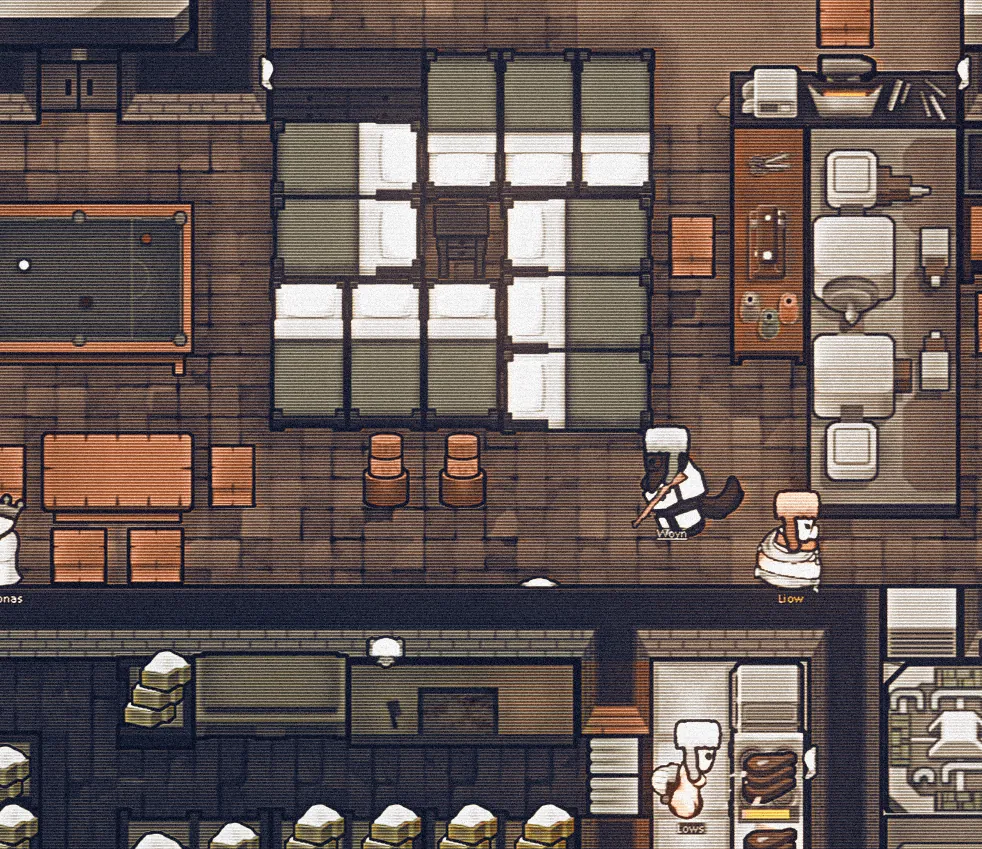
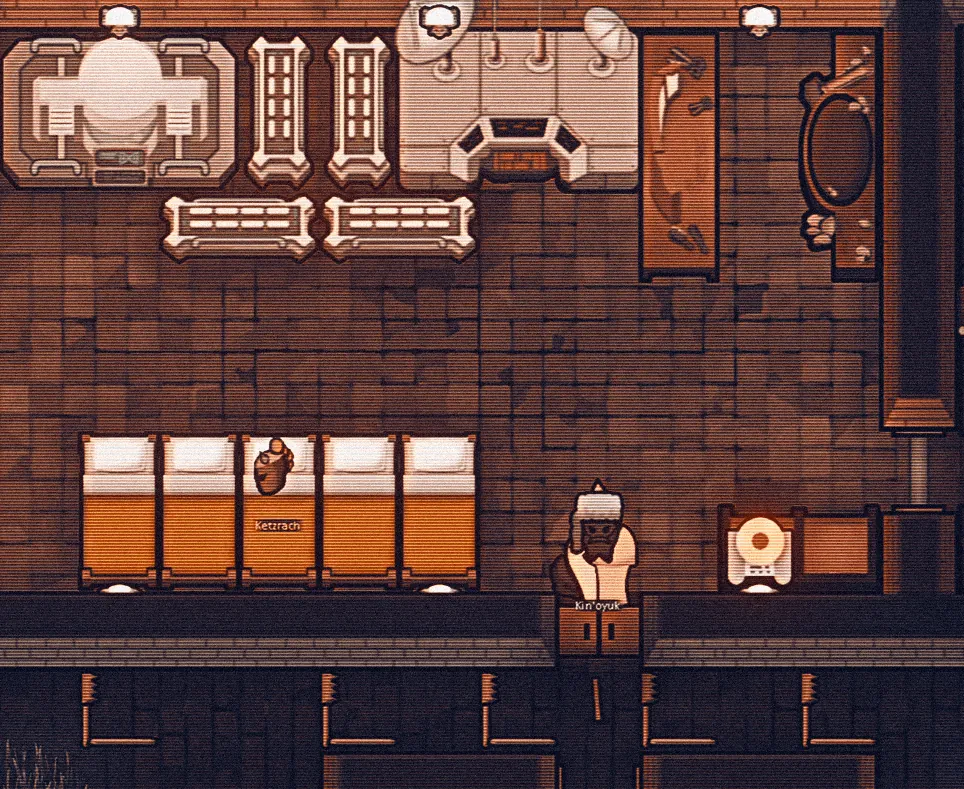
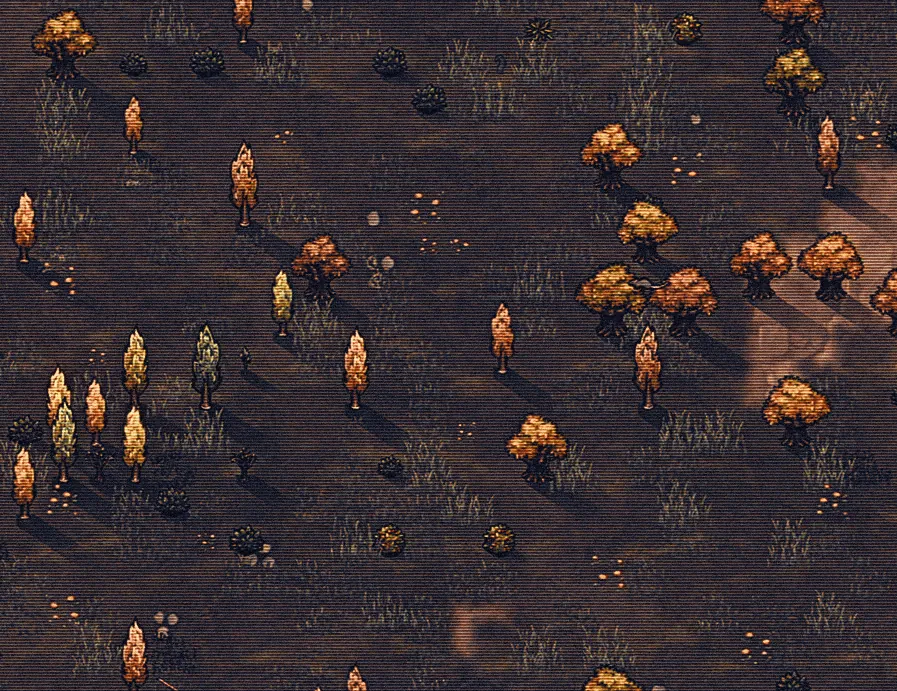
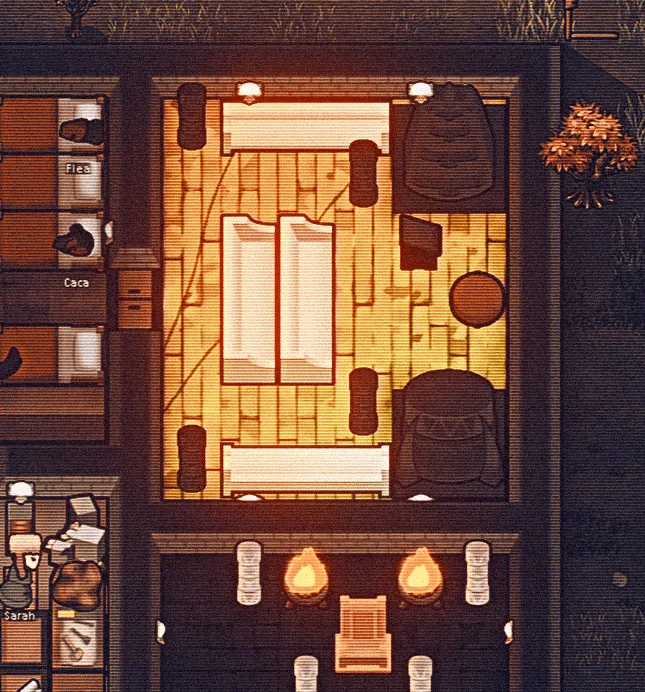
Added a second preset ini that I've been using lately.
--
I added a video of me playing with reshade, but I recorded in 2560x1080 and it seems the quality on youtube is kind of poor, I will try to record another on 1920x1080 later.
---
This is a preset you can use when installing reshade 6.01.
To have the effects shown in the screenshots you need to install reshade after subscribing to this mod.
This mod by itself won't do a thing, but it has the file with the pre configuration to achieve the same result.
The last images show screenshots about how to install.
You can download reshade here:
https://reshade.me/#download
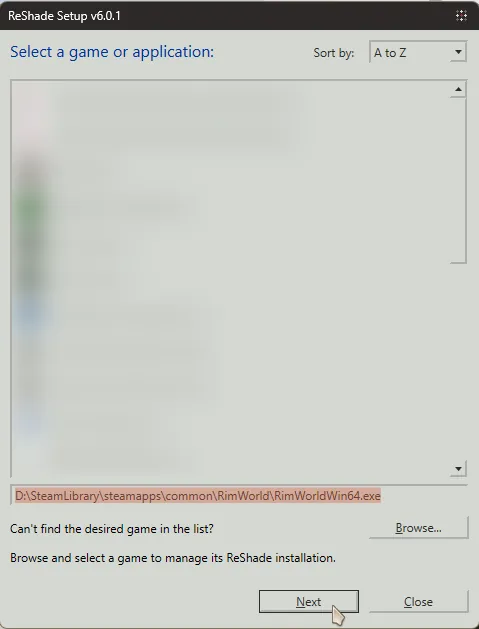
1. When you click to install it, it will show you a list of game you can install reshade into.
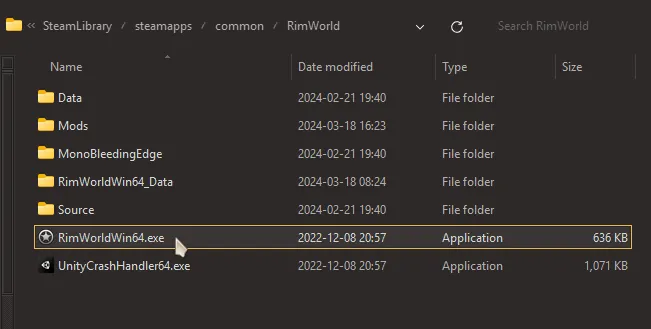
If Rimworld does not appear you can click "Browse..." and choose the RimWorldWin64.exe file yourself.
It will be probably here, usually it is installed by default on C:\SteamLibrary\.. :
..\SteamLibrary\steamapps\common\RimWorld\RimWorldWin64.exe
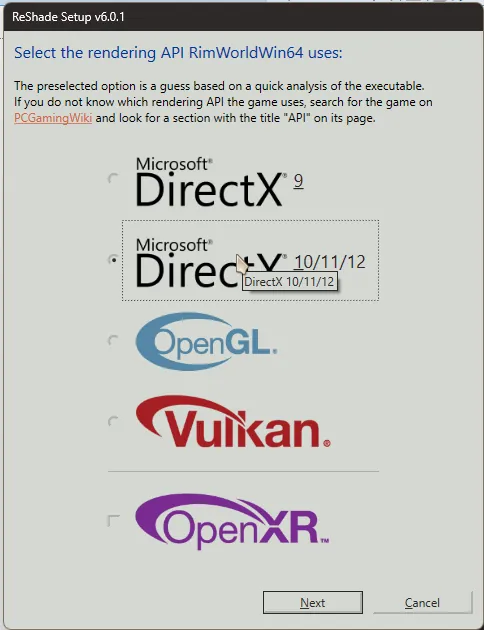
2. Click Next and choose Directx 10/11/12, click next again.
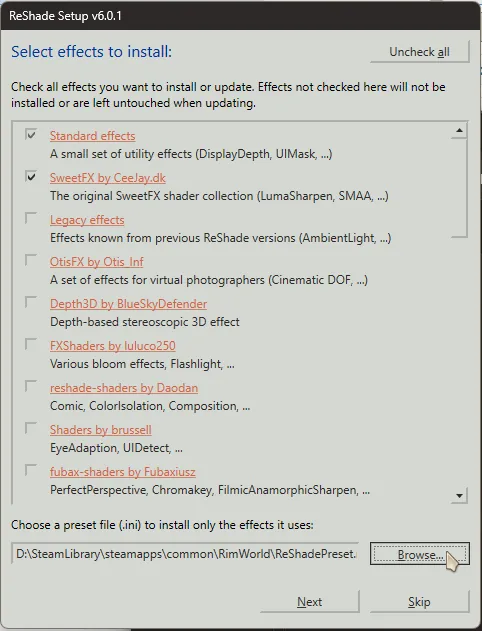
3. When it says "Select effects to install" you can select the option below "Browse...".
It is right next to "Choose a preset file (.ini) to install only the effects in uses:" and choose the path below:
..\SteamLibrary\steamapps\workshop\content\294100\3190528627\presets\ReShadePreset.ini
You may however choose what you want to install, install everything or select my preset and then add things to it.
Everything not from my preset will be turned off but you will be able to turn them on inside the game later.
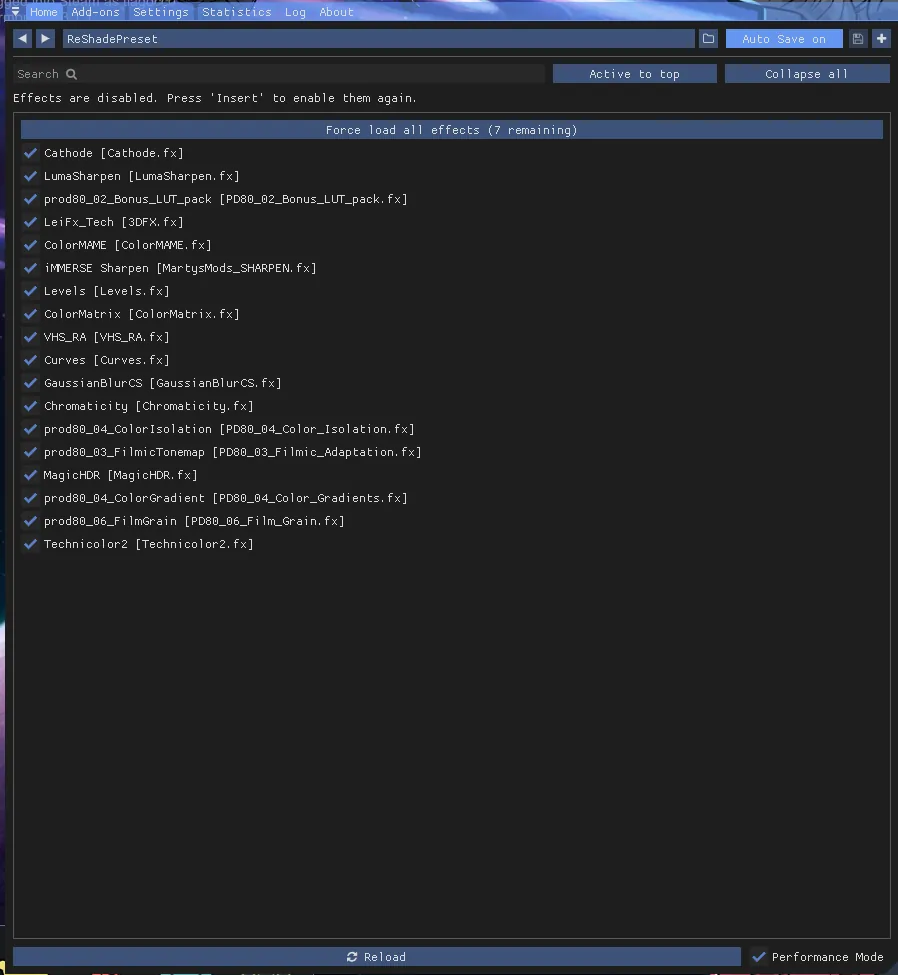
After it finishes installed just run Rimworld normally and when it finishes loading the game press the "Home" button.
I configured "Insert" to turn the effects On or Off quickly. You may need to configure a button yourself on settings.
If the settings from reshade appears, then you installed it correctly.
You may want to make a copy of the default preset because it may be updated via mod and would overwritte your configuration.
To do this press the "Plus" button and select "Inherit current preset", to duplicate it, give it a new name.
I may add more presets later, if I do you will be able to cycle between them and your presets as well.
You can then select which effects to turn on or off, also if it is in "Perfomance Mode" you won't be able to reconfigure them individually, just deselect it and it will reload the shaders so you can modify their settings.
If not all shaders are appearing, there is a button called "Force load all effects", just click on it and they will appear.