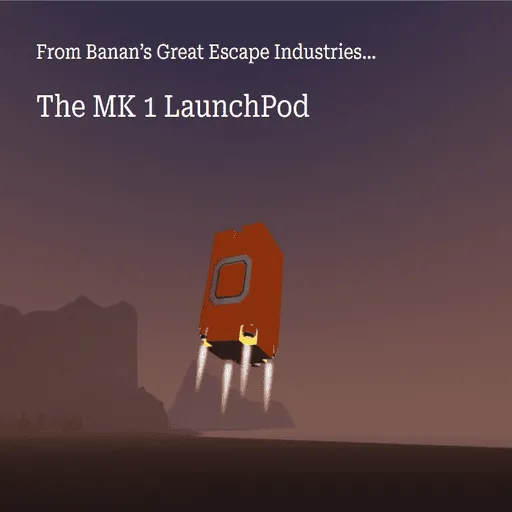
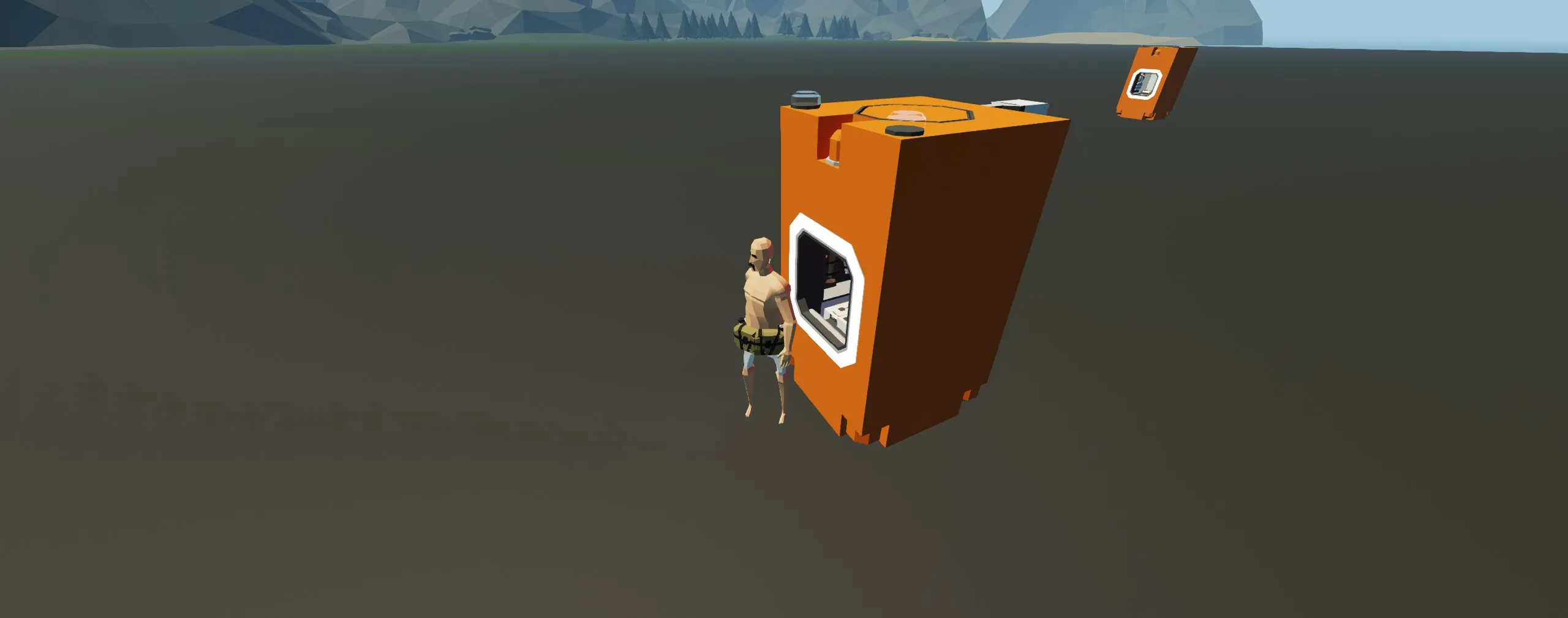
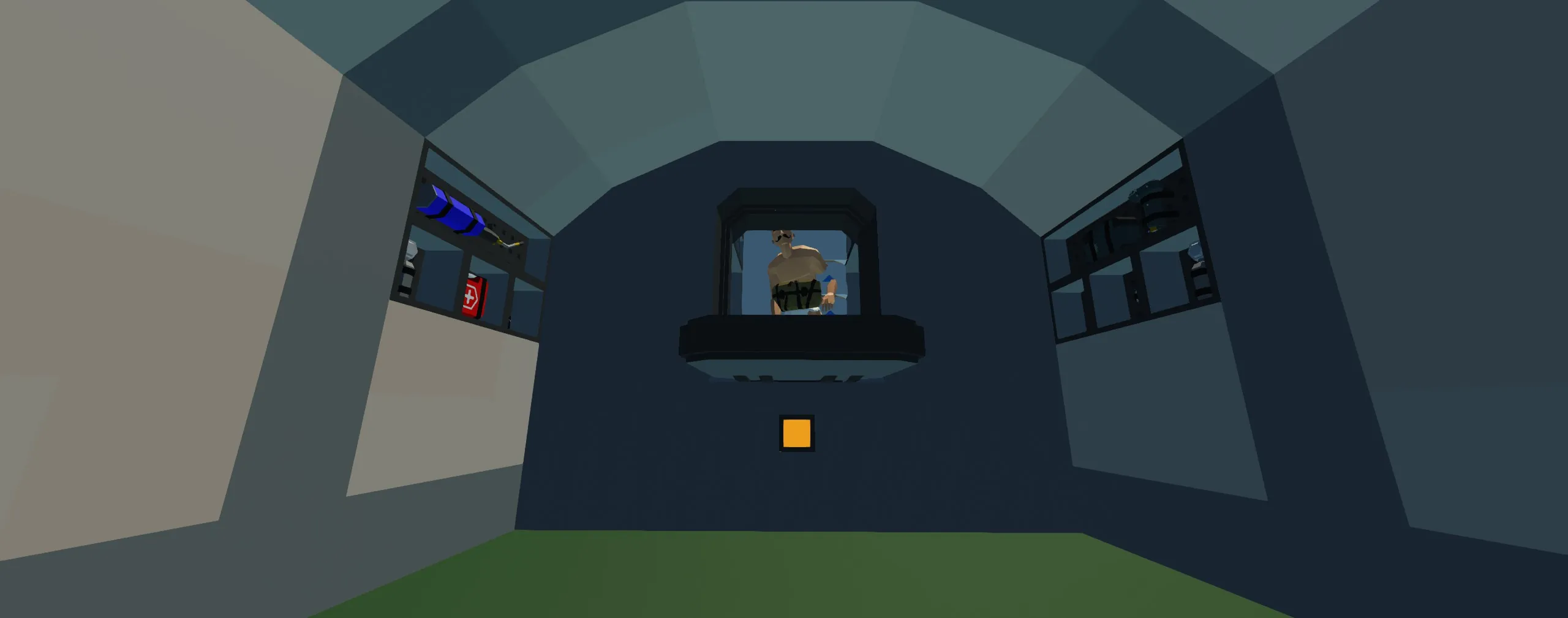
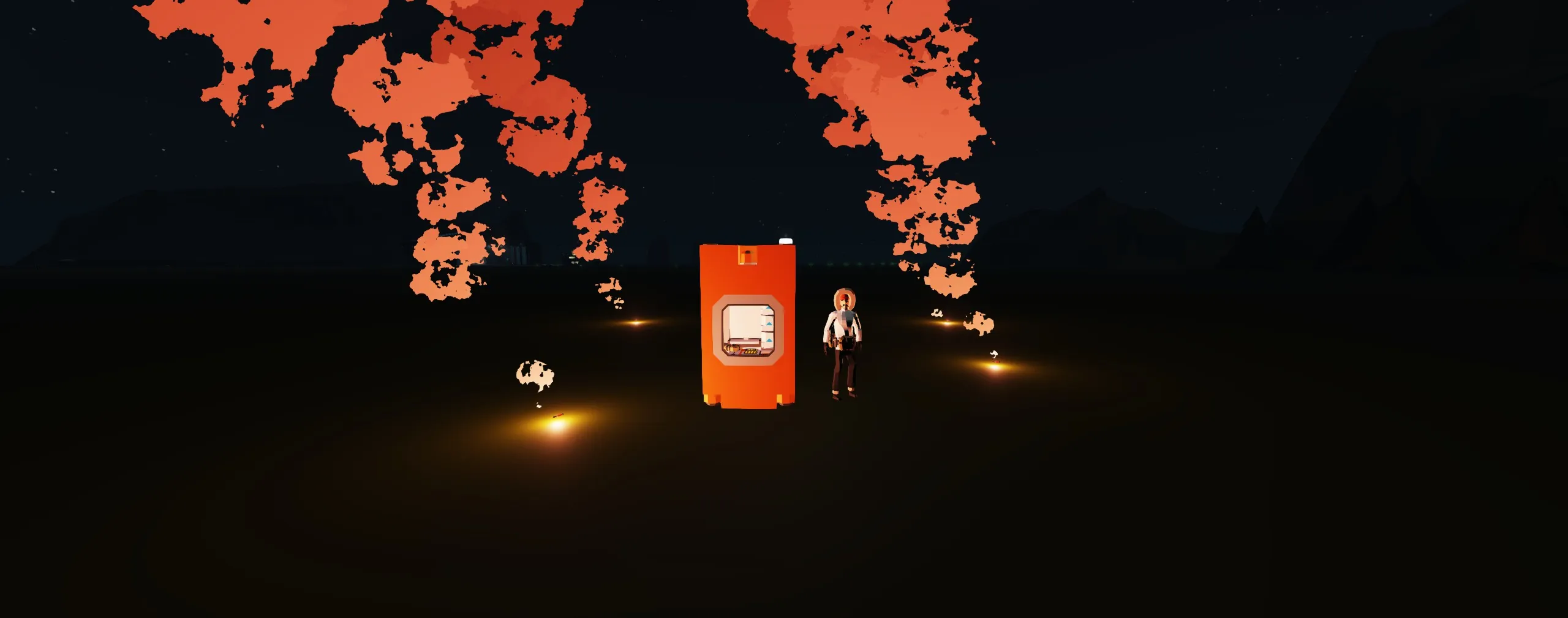
The MK 1-R LaunchPod:
This is an escape pod designed for easy use, simple attachment, and rapid exit from an emergency, while supplying any equipment for survival when you land.
1. Specs:
Cost: $4,870
Weight: 251
Capabilities:
Rocket powered launch
Automatic parachute system
Full launch is automated
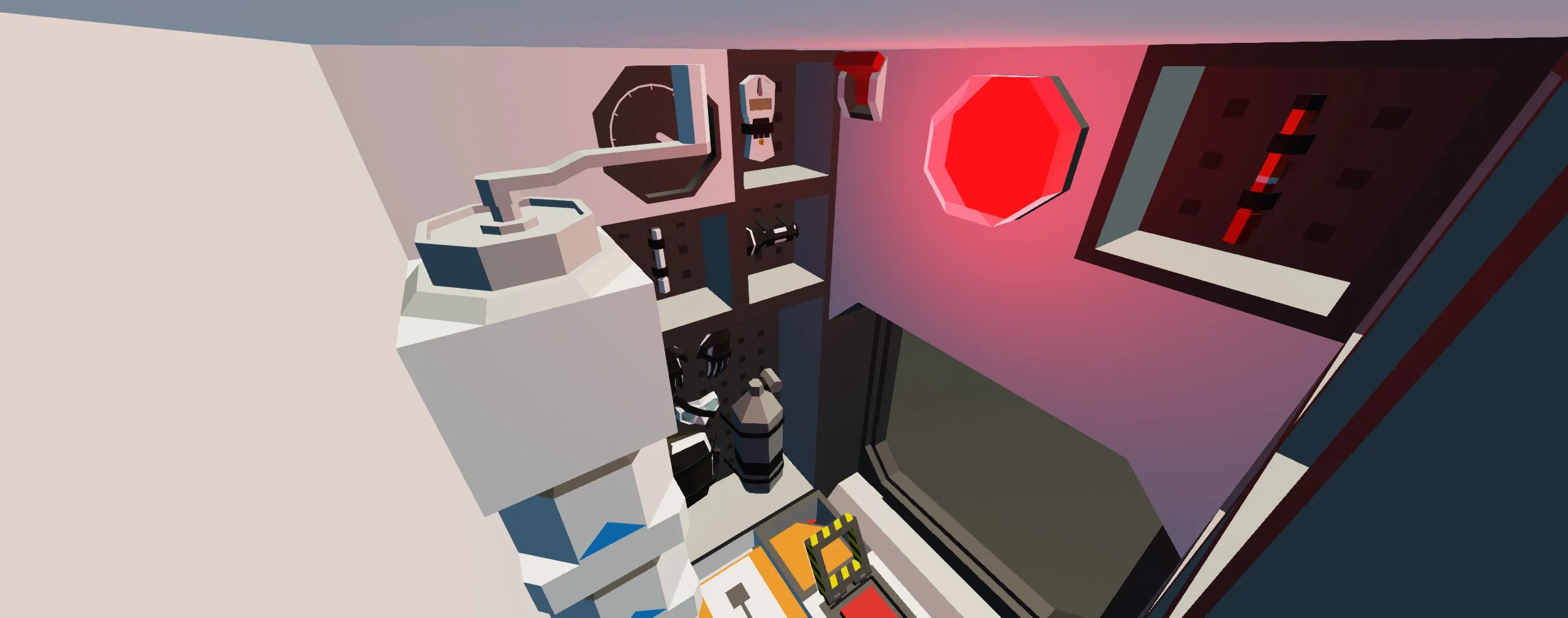
Hand crank generator
Pod transponder
Pod lights (Normal and Infrared)
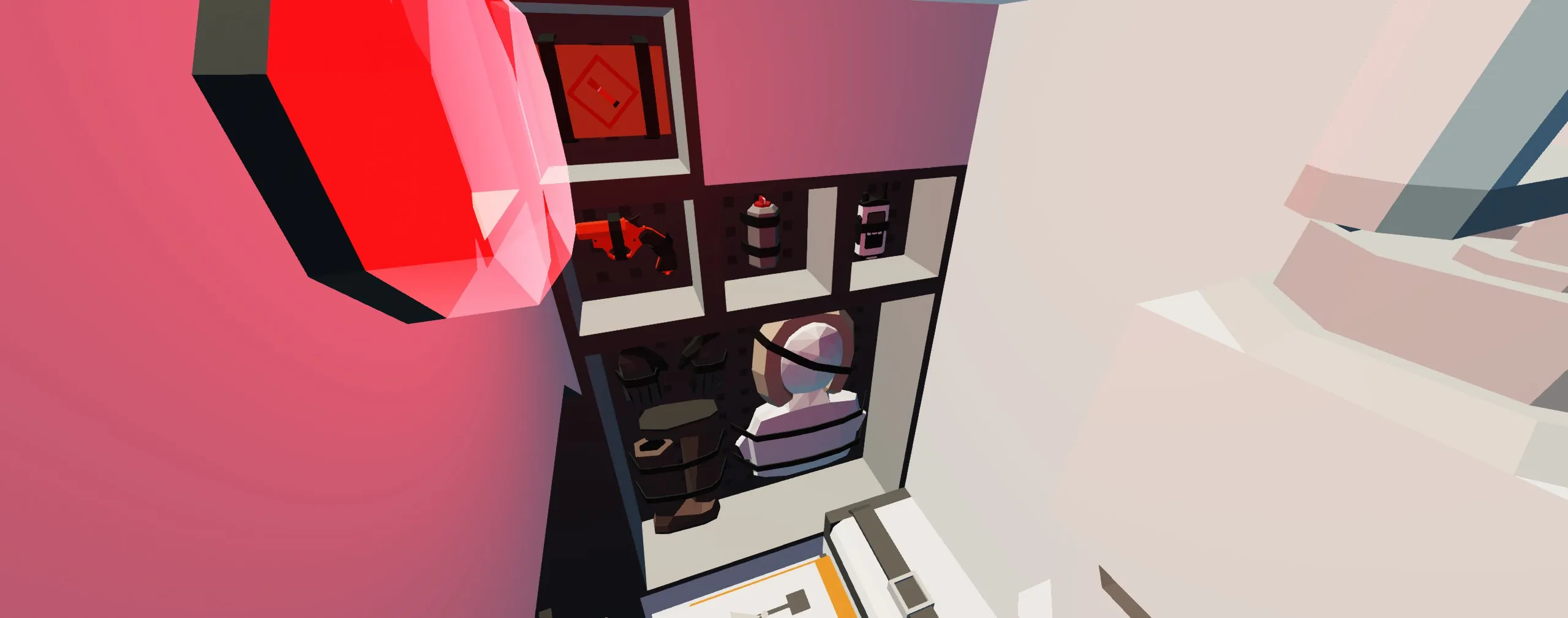
Equipment:
First Aid Kit
Glowsticks
Flashlight
Radiation detector
Handheld flare
Flare gun and ammunition
Handheld transponder
Handheld radio
Scuba gear
Winter gear
2. Installation:
1. Spawn your vehicle
2. Go to "Selection Grid" and load the pod, line it up with where you want it, but do not paste it yet
3. Clear the area the pod takes up, and one additional block space on all sides to ensure a clean launch (except the bottom and front of the pod, see the MK 1 LaunchPod Base linked below for an example). Then clear the area straight above what you removed to make the launch tube
4. Place a "Hinged dock hatch" on your vehicle flat against the pod, make sure the magnet is active and add some way for it to open and close as the pod is connected or launched
4a. Ensure the hinge on the hatch is lined up with the hinge on the pod's hatch
4b. Connect the electric logic between the docking hatches, consider connecting the vehicle's hatch and any buttons for that hatch to only the pod's electrical system, and an electric charger leading into it. This way, if power goes out, the pod will power itself, the hatch it is connected to, and it's launch systems without being drained by the power outage
5. Paste the pod, merge the white launch rail to the vehicle (not the pod), and extend the rail up to the top of the launch tube for a clean launch
Optional: If you want anything else to happen when launch is activated, like a door to open and close above it to allow launch, the pod has a built in system for it. Connect a "Hardpoint Connector Attachment" to your vehicle lined up with the "Hardpoint Launcher" on the pod, then connect it's "launched" logic to whatever you want to happen (for an example, see the MK 1 LaunchPod Base linked below). This will activate the moment launch does. If you need more time for anything, go to "Selection" mode and choose the large Microcontroller on the back of the pod, then change its "time until launch" as needed (standard value is 1.5 seconds)
3. Usage:
1. Have an emergency
2. Go to the pod and enter the seat, the door will close automatically, the light switch is above the door on the left
3. When ready, hit the LAUNCH button below you
4. Launch will happen automatically, use the hand crank generator to your left as needed. Gather supplies for when you have landed
5. When ready to exit, simply leave the seat. The door will open automatically. The pod's transponder and lights will already be active
Other Vehicles, existing and future:
1. MK 1 LaunchPod Base (example)
https://steamcommunity.com/sharedfiles/filedetails/?id=3657066300
2. MK 1-W LaunchPod (weapon version)
https://steamcommunity.com/sharedfiles/filedetails/?id=3656309965
2. MK 1-R SUPPLY LaunchPod (planned)
3. MK 1-W SUPPLY LaunchPod (planned)
4. Ideas?
Submarine in images is the HMS Keres (link below), I have used this as a test bed for all of my pods, and am a big fan of it. Go give it a try!
https://steamcommunity.com/sharedfiles/filedetails/?id=3345477397
(credit me in any builds, but use this however you want!)
Tags: emergency, escape pod, escape, rescue, rocket, launch, survival