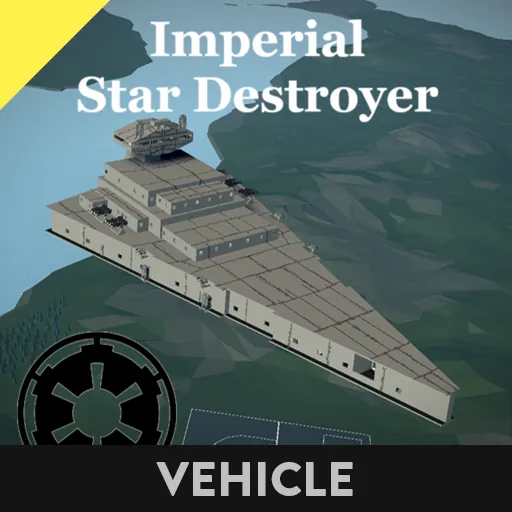
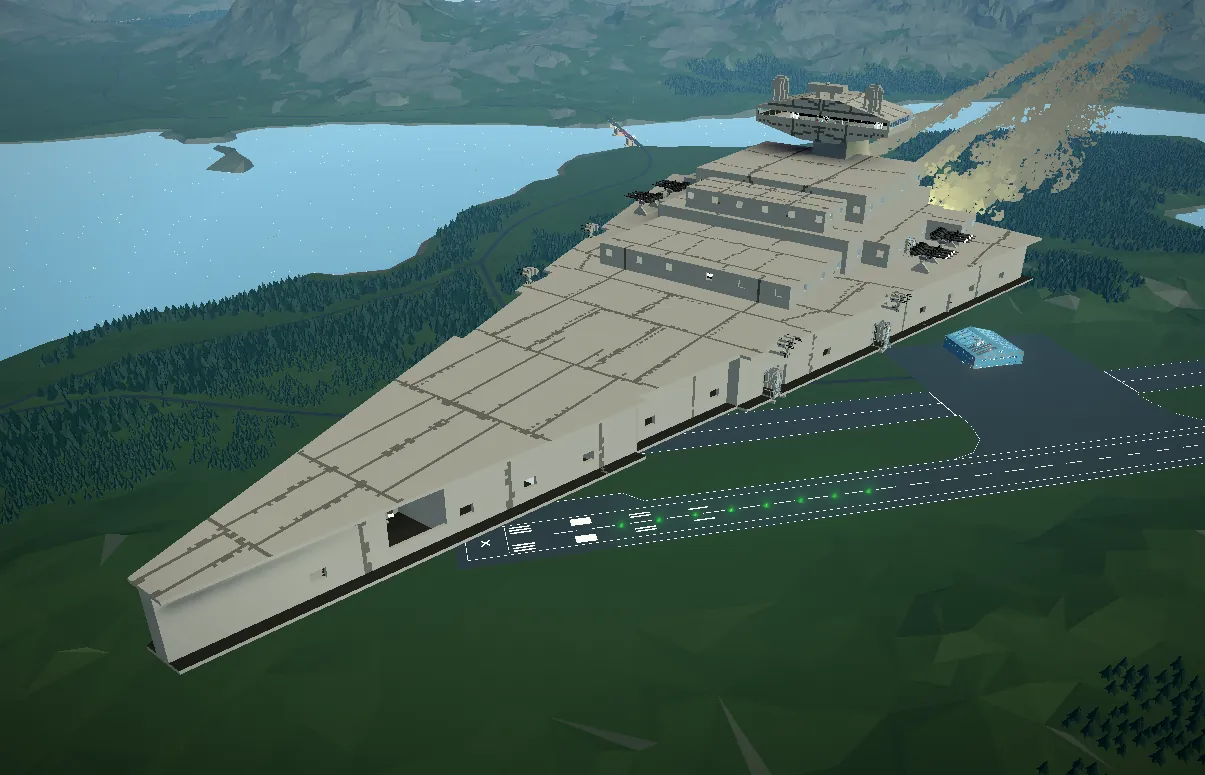
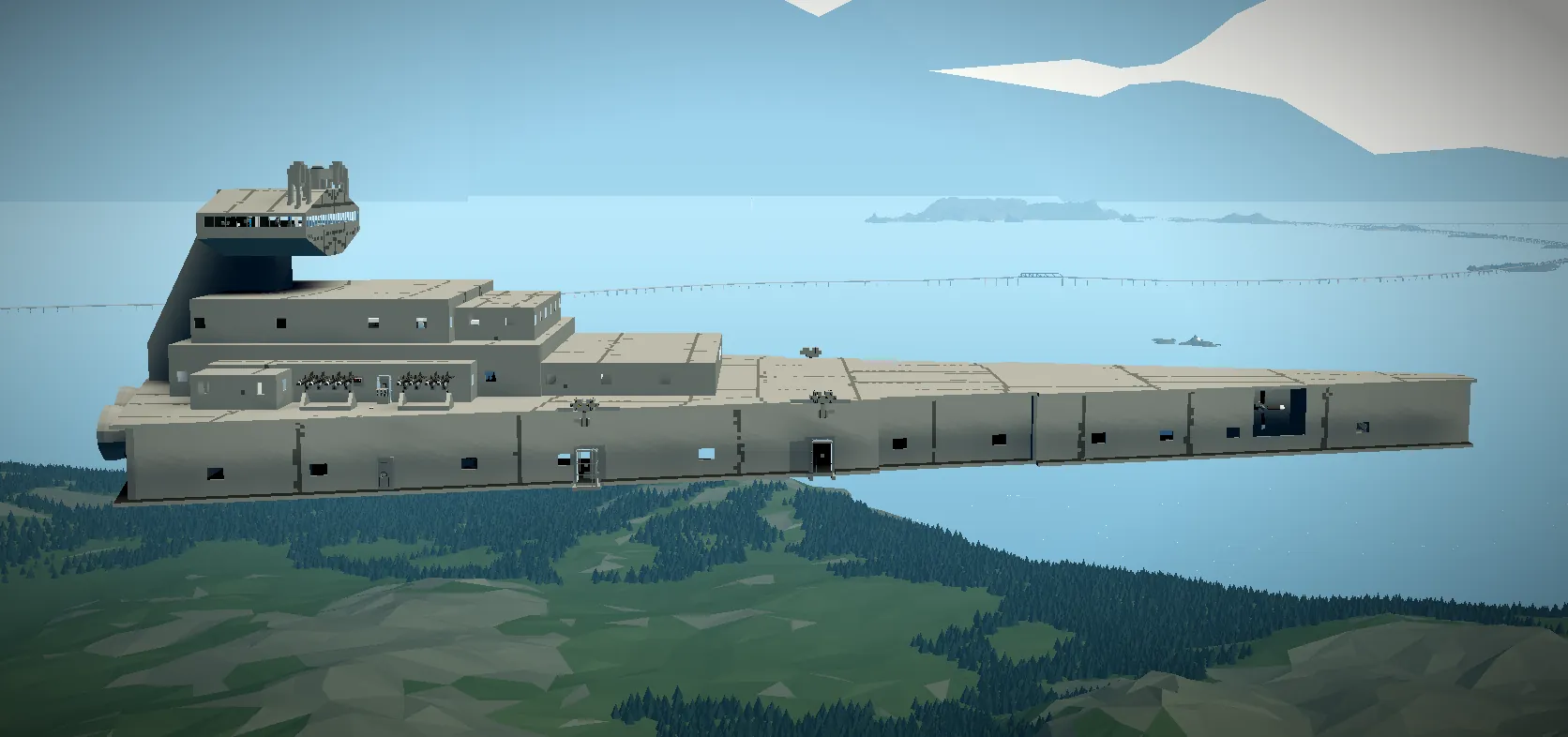
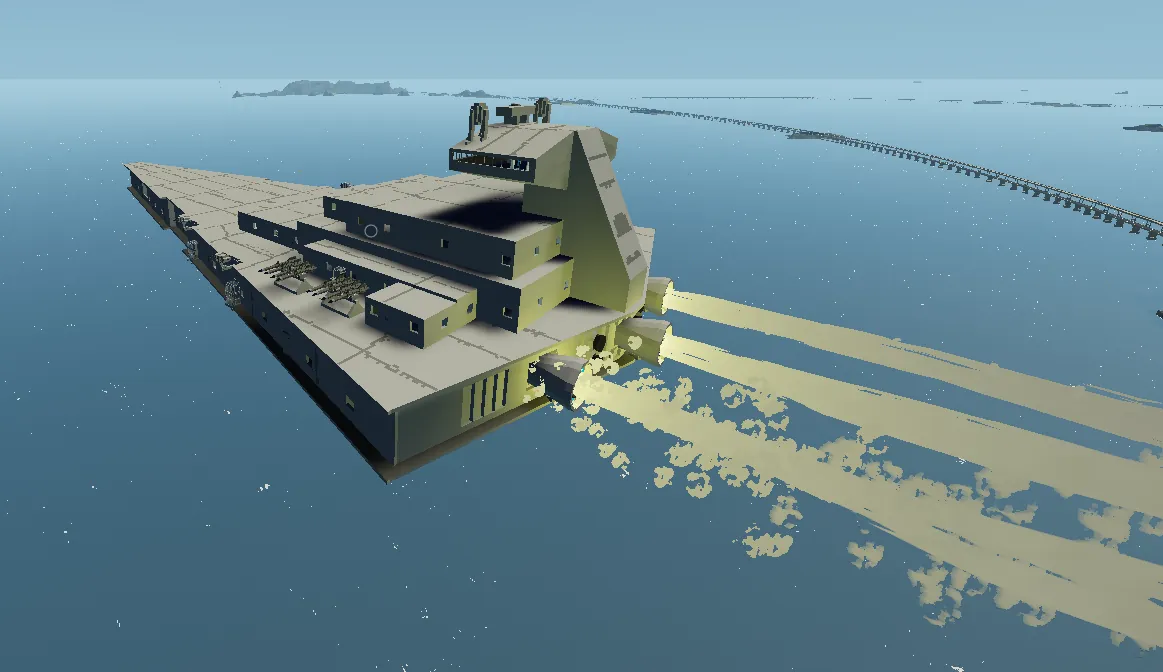
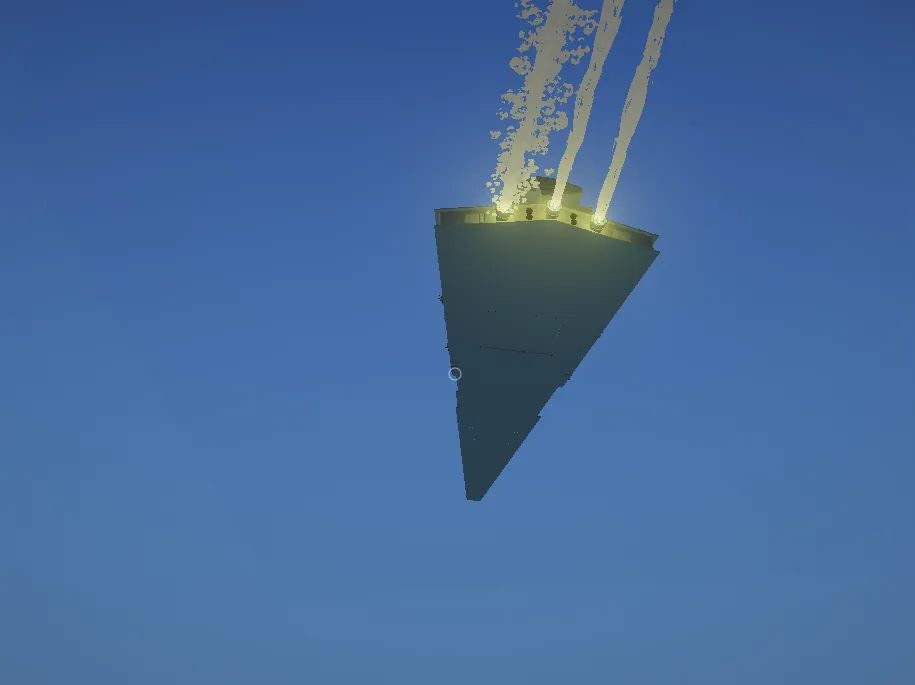
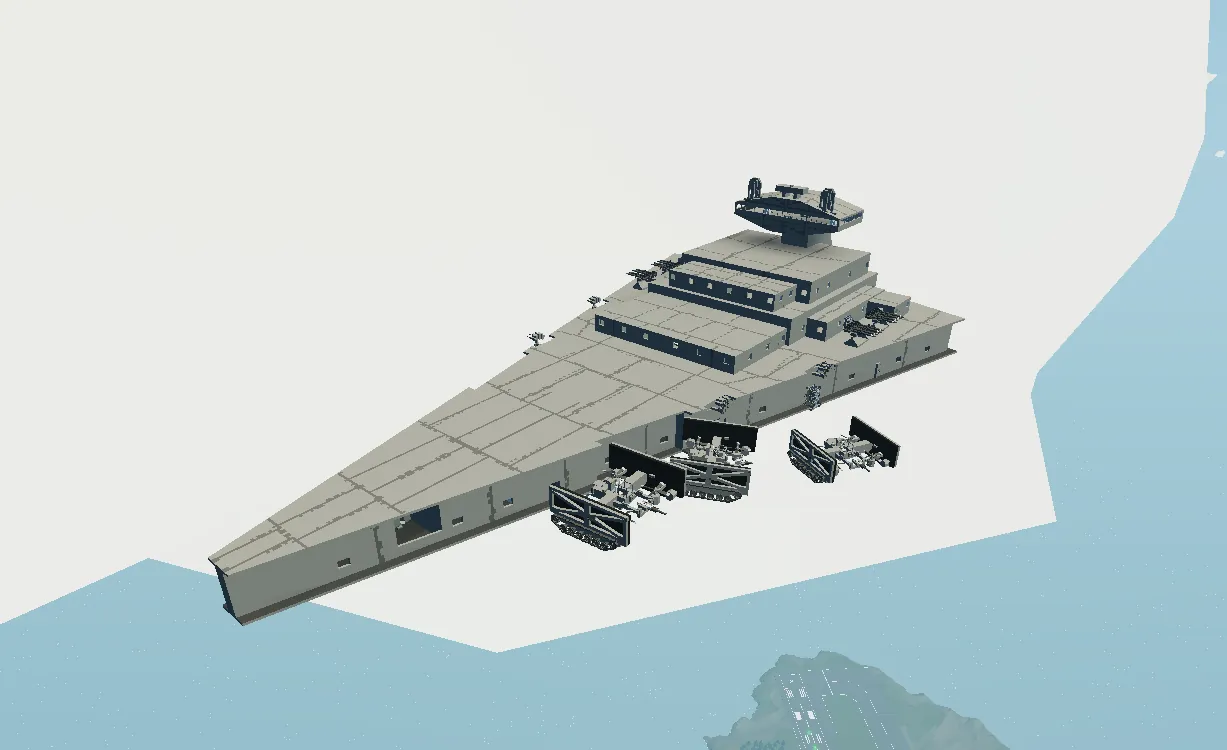
Imperial Star Destroyer (Designed For Combat)
INFINITE RESOURCES AND MODDED WORKBENCH REQUIRED
(Or spawn it using the mission editor)
Features
Hyperdrive with a top speed of 430 km/h
3 TIE Fighters (can be used as drones or tanks)
Anti-air missiles and turret guns
Easy-to-use controls
How to Use
Main Ship Controls:
Steering is controlled with the A and D key in the main helm.
Adjust altitude using the lever on the side of the helm.
In front of the helm, there’s a button to activate the Imperial Alarm (requires my mod).
On the right side, you’ll find the regular engine controls.
On the left side are the hyperdrive engines: start by increasing the RPS, then start the engines. When ready to jump to hyperspace, turn off the engine brake. You can steer while in hyperspace, but it’s best to orient your ship in the desired direction before jumping.
To exit hyperspace, either reduce RPS or engage the engine brake. The engine brake must be on to fully stop.
Anti-Air Control:
All turrets are camera-aimed. Use the trigger keybind to fire.
Missiles are radar-guided and more effective against air targets.
TIE Fighter Controls:
Two modes: Ground and Air.
To take off, disconnect from the magnet and drive out of the hangar. While falling, switch to Air mode. Fly like a helicopter; guns are camera-aimed and fired with the trigger keybind.
On the ground, the TIE Fighter drives like a tank but is very sensitive—handle with care!
To dock back, fly through the hangar opening and land on a connector in Air mode. If you’re not confident, you can secure it with ropes, but this will prevent hyperspace jumps without destroying the TIE Fighter.
Escape Pods:
Located near the bow, escape pods can be released with one button in emergencies.
They deploy parachutes for safe landings on both land and water.
If you have any questions or suggestions, please leave them in the comments!