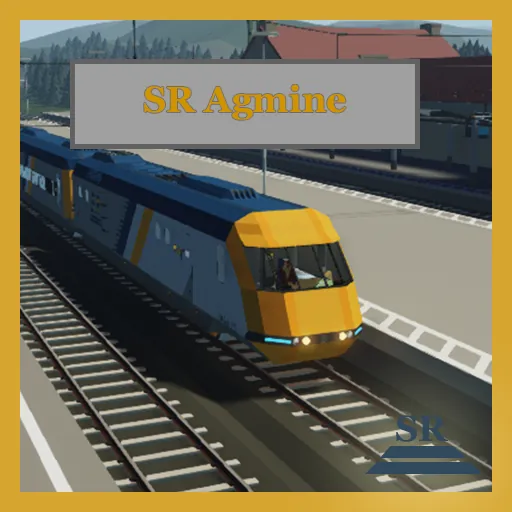
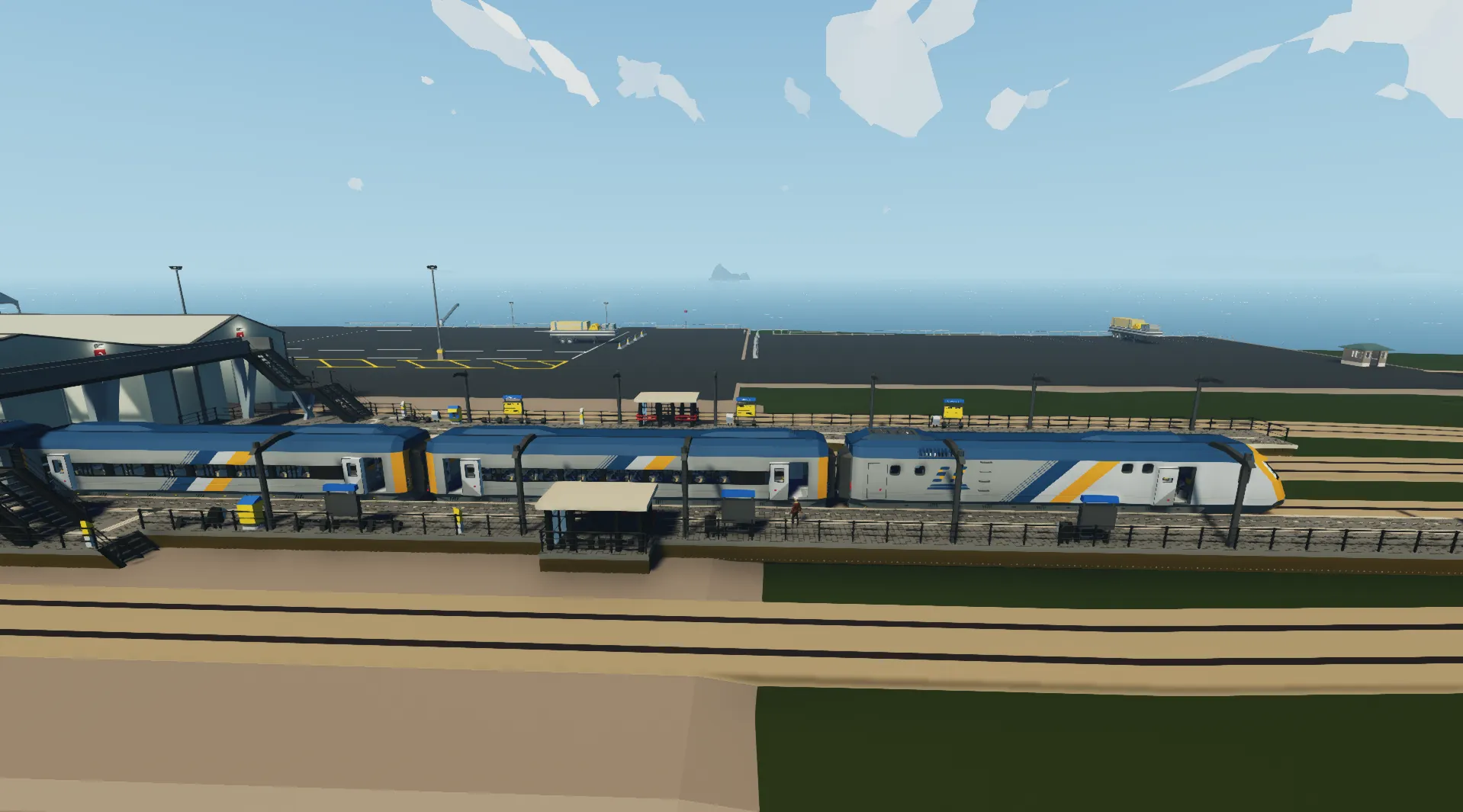
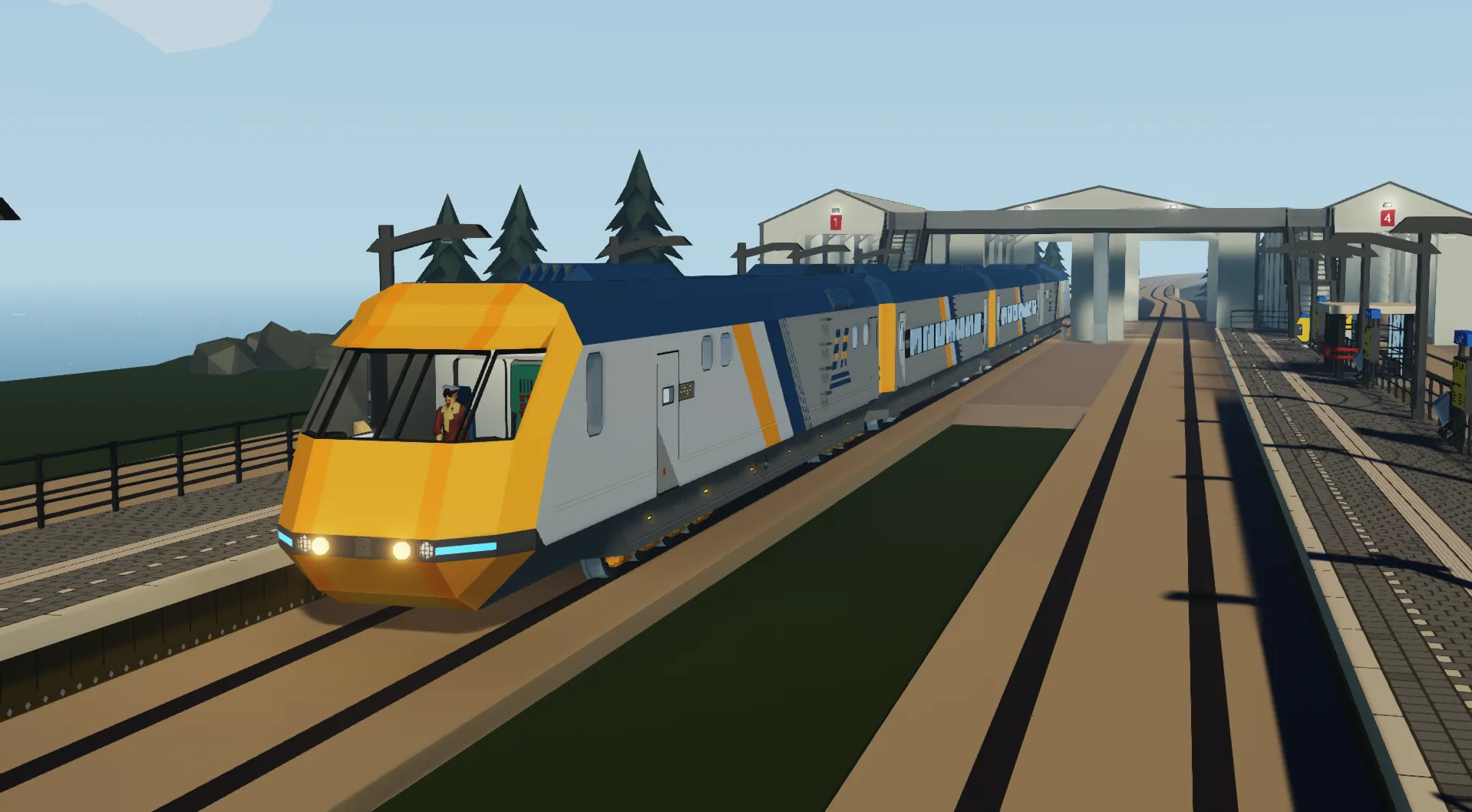
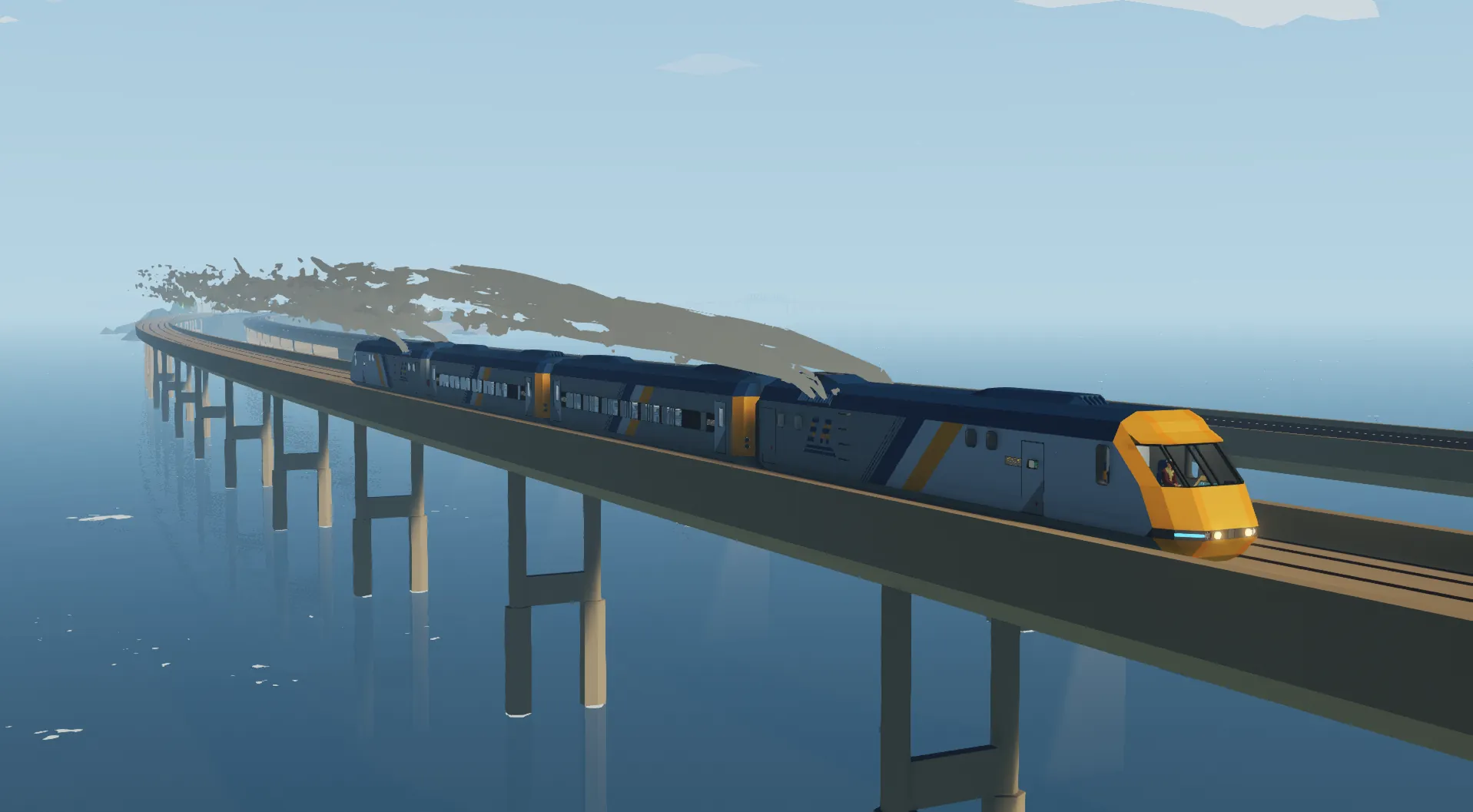
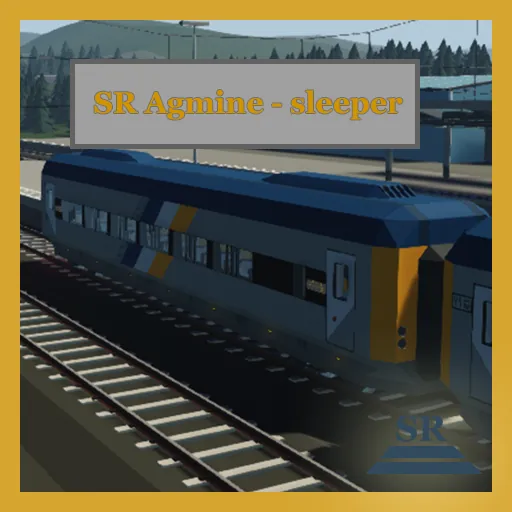
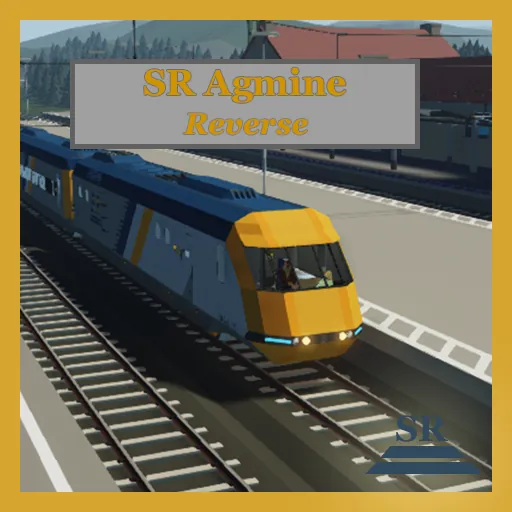
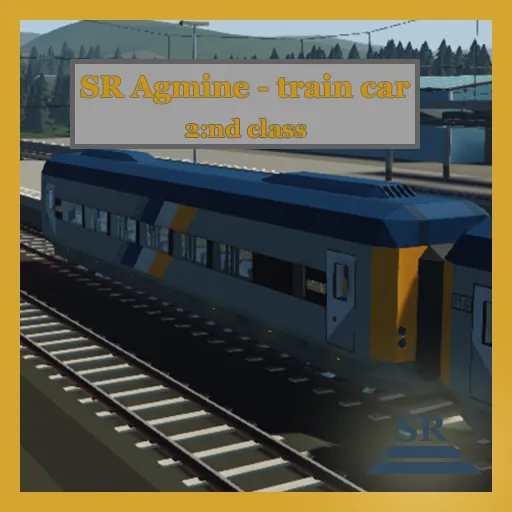
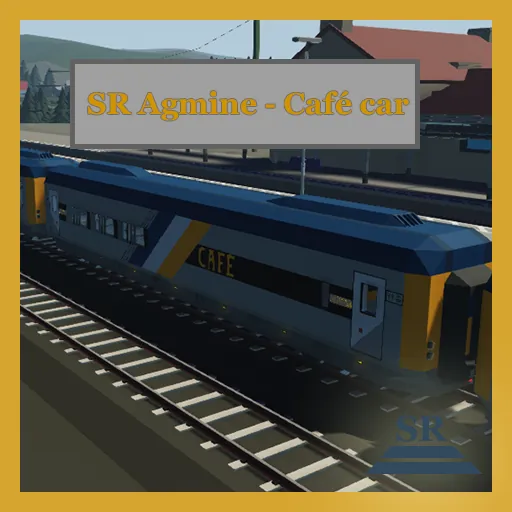
The SR Agmine is a diesel electric high speed passenger train made for high capacity and maximal comfort. The color and design are somewhat inspired by intercity rail in the UK and commuter rail in and around Amsterdam.
Note: Recommended max throttle when loaded to avoid wheel slip: 80%
Technical specifications
- Diesel Inline 3 large(5x5) modular engine. Capable of 2200 w + 100 w (100 w set aside for AUX systems)
- Tripple large electric motors
- Top speed(unloaded): 330 km/h
- Top speed(2 locomotives, 3 train cars): 260 km/h
- Top speed(2 locomotives, 8 train cars): 200 km/h
- Estimated range: 250 km
Operation
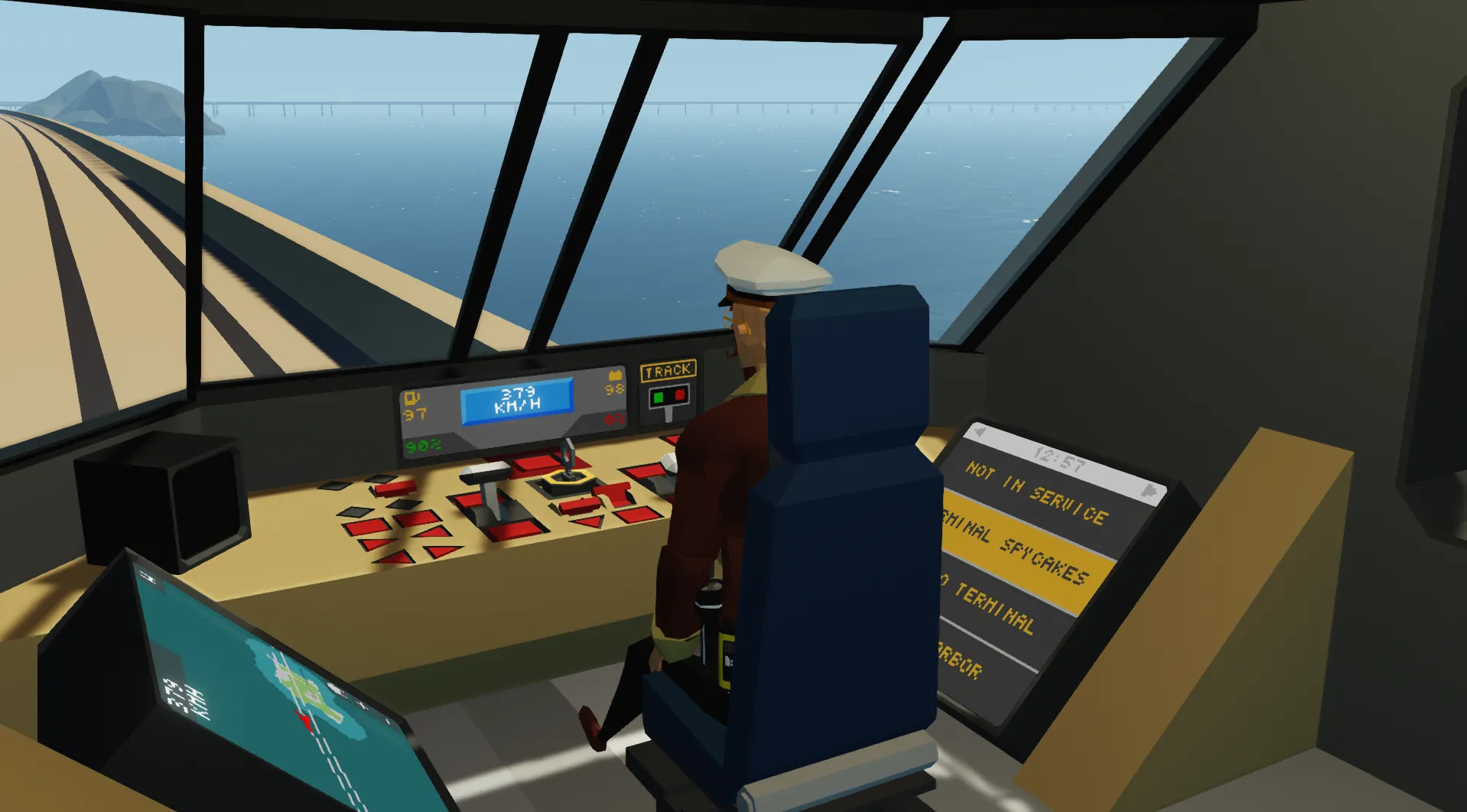
Operating the locomotive is simple. And it takes only a few seconds to start up.
- Enter through one of the side doors
- Flip on all switches on the breaker panel
- Enter driver's cabin
- Turn key to start systems and activate the generator
- Press request master to set the current locomotive as master. This gives you control over any connected train cars and any other locomotive.
- Use the to lever to control throttle(w/s) and brakes(up/down)
- Select a destination on the screen to your right to appear on the outside of the locomotive and train cars
Master/Slave system
The train is equipped with a master/slave system that synchronises the lead locomotive with train cars and following locomotives. The new system allows any amount of locomotives in any orientation. You will still have to start each locomotive manually, otherwise you will run out of power. Please do still make sure that the master locomotive is at the end of the train, otherwise you may encounter issues. This might be fixed in the future.
Latency
Since the master/slave system is a wired connection it does encounter latency when large amounts of train cars are connected. This is not a big issue but you might find that when trying to switch master locomotive that it will automatically neutralise all locomotives. To combat this you just need to press "request master" once more.
Operation
The Master/Slave system controls the information sent to train cars and rear facing locomotives through the coupler(electric connector)
The Master/Slave systems controls:
- Throttle/Brakes
- Door Controls
- Destination screens
- Automatic red rear lights
To activate the Master/Slave system:
- Enter Driver's Cab
- Press: "Request master" button
Press and hold to release master. And press the lock master button to prevent other locomotive of taking control.
If two locomotives that are both set as master are connected, they will both switch to a neutral state.
Destination systems
In the Driver's cab you will find a screen to your right. It lists different available destinations to display on the monitors of the locomotive and train cars. There are 11 destinations to choose from, including some from the second island from the industrial DLC.
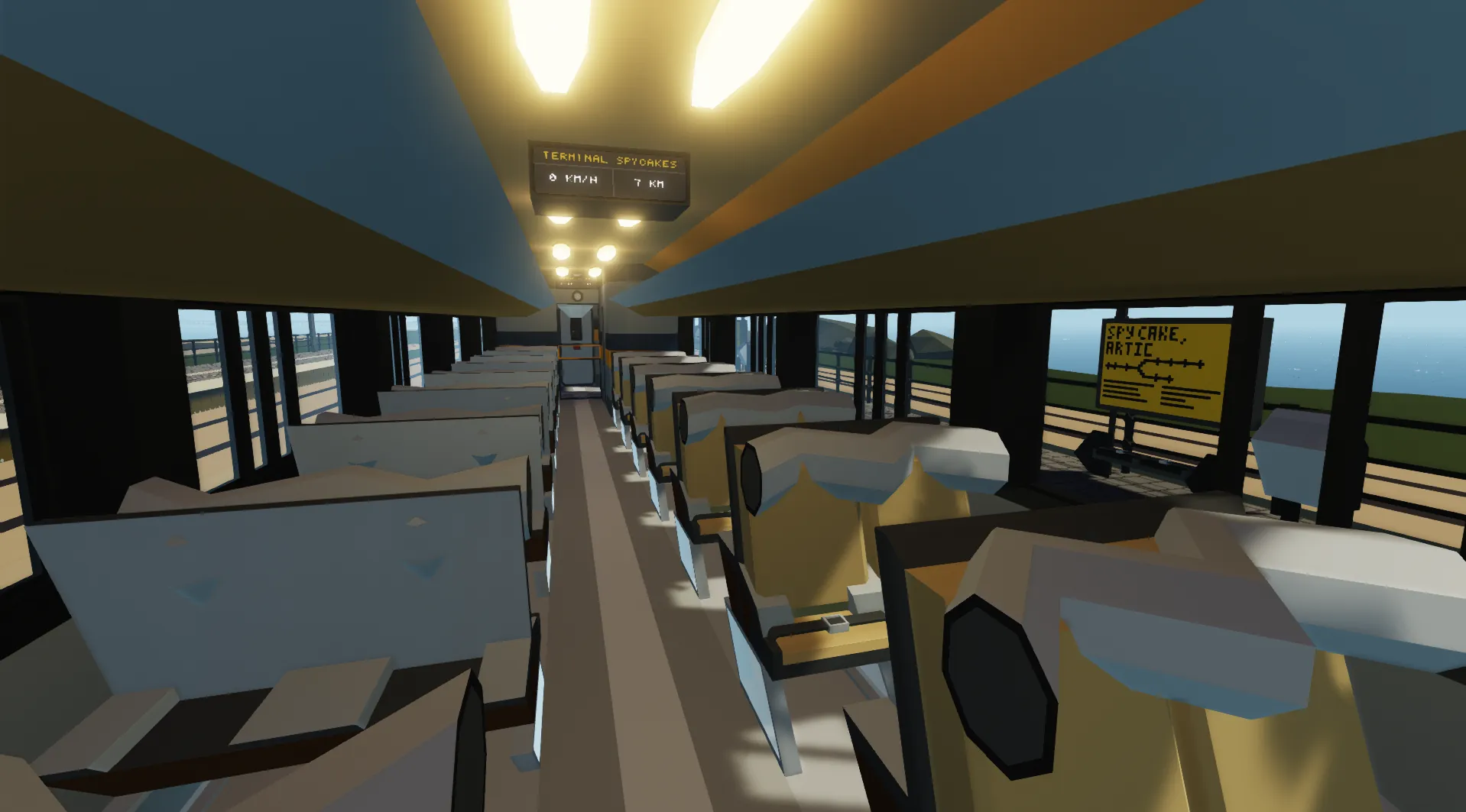
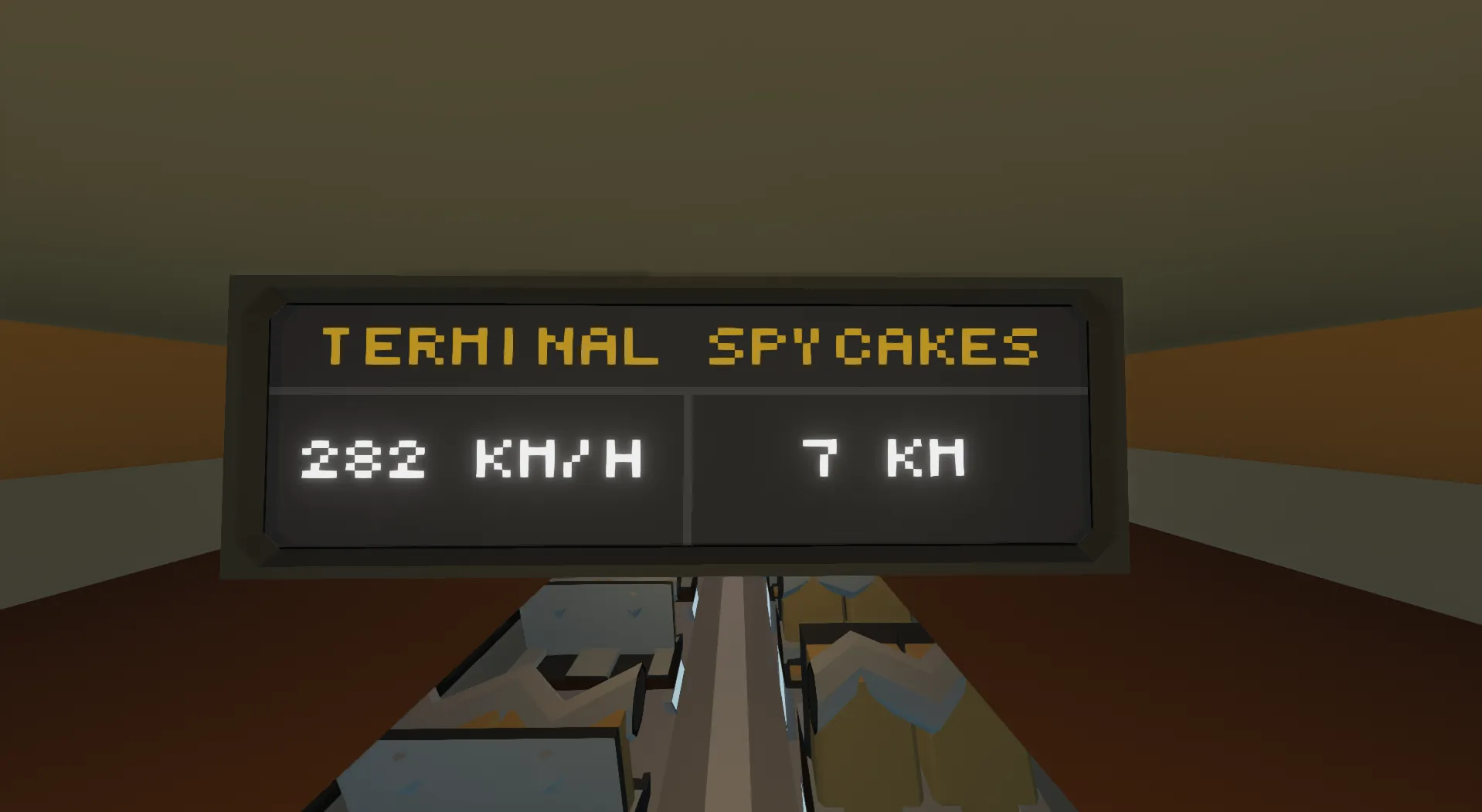
When a destination is selected it will appear on the screens on the outside of the locomotive and train cars. And also on the interior screens of the train cars. This does require that you set the locomotive as master for it to appear in or on the train cars. The interior displays of the train cars cycle through three different screens: Map, Speed/destination info and weather/clock.
The speed and destination info screen displays a distance in km. It is an approximate distance to the end destination calculated by your position and a few preset coordinates. All seeds in Stormworks are a little bit different, and the coordinates may vary. Therefore it may be a little bit inaccurate. The seed this system was designed on is: 20202. You can load onto that seed if you want the most accurate experience. The map screen also displays a small dot at your end destination that indicates the preset coordinates. That system might also be slightly inaccurate, just like the previously described one.
Track signal switch
In the Driver's Cab you will find a big button labelled: "Track switch". Press this to change the direction of nearby junctions. It has a range of 1 km. Above that button you will find a display, witch most likely displays "No signal" in big orange text. This display will show you witch way the closest track junction is set. This is not possible using the default track signal switches. Therefore I used thee track signal adon by ElfBossHog: SBS Replacement Railroad Signals - ADD ON
It gives an output on composite channel 2 (441 frequency) if the track is set to go left. Go to his workshop page and follow the instructions to download it if you want access to this system
Stormlink
The train cars in this set have now been updated to work with stormlink. Follow the link below to the workshop page to read more about how to use it.
Misc
- Might make this creation TCP compatible in the future
- Working on making more train car variants
Credits
- Cooling loop by GOM: GOM Cooling Loop 5x5
- Track signal by ElfBossHog: SBS Replacement Railroad Signals - ADD ON
- Train station used in pictures: Dutch style train station