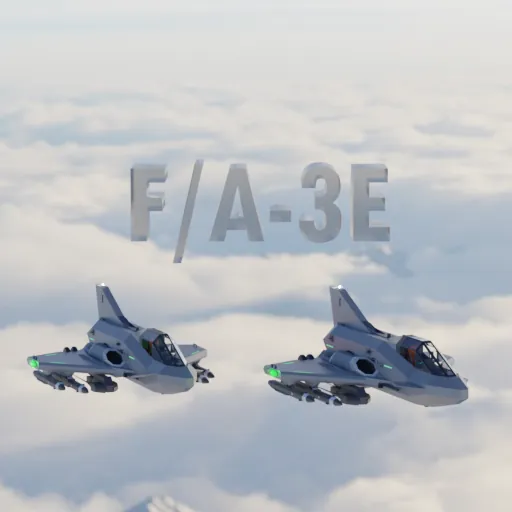
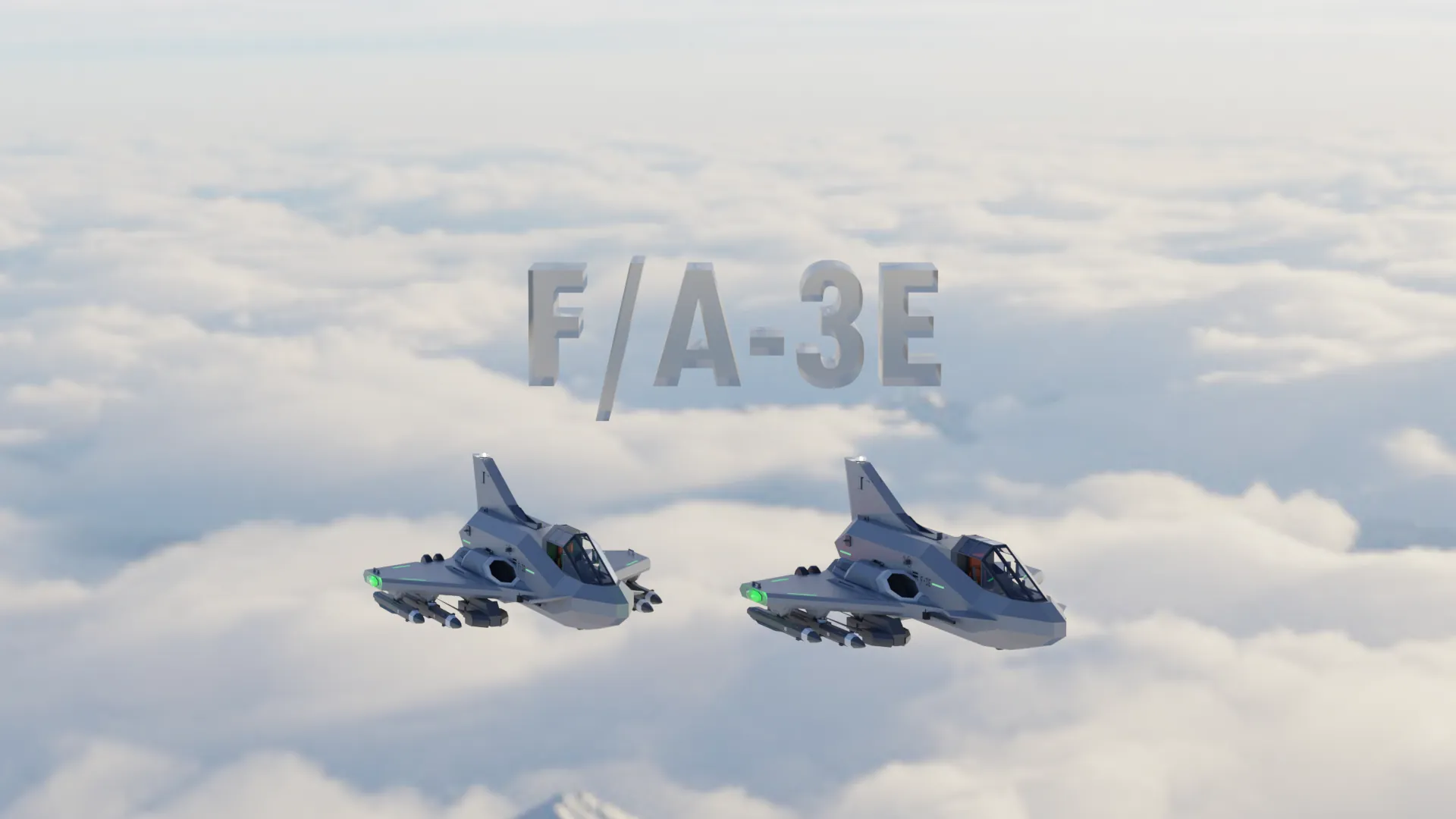
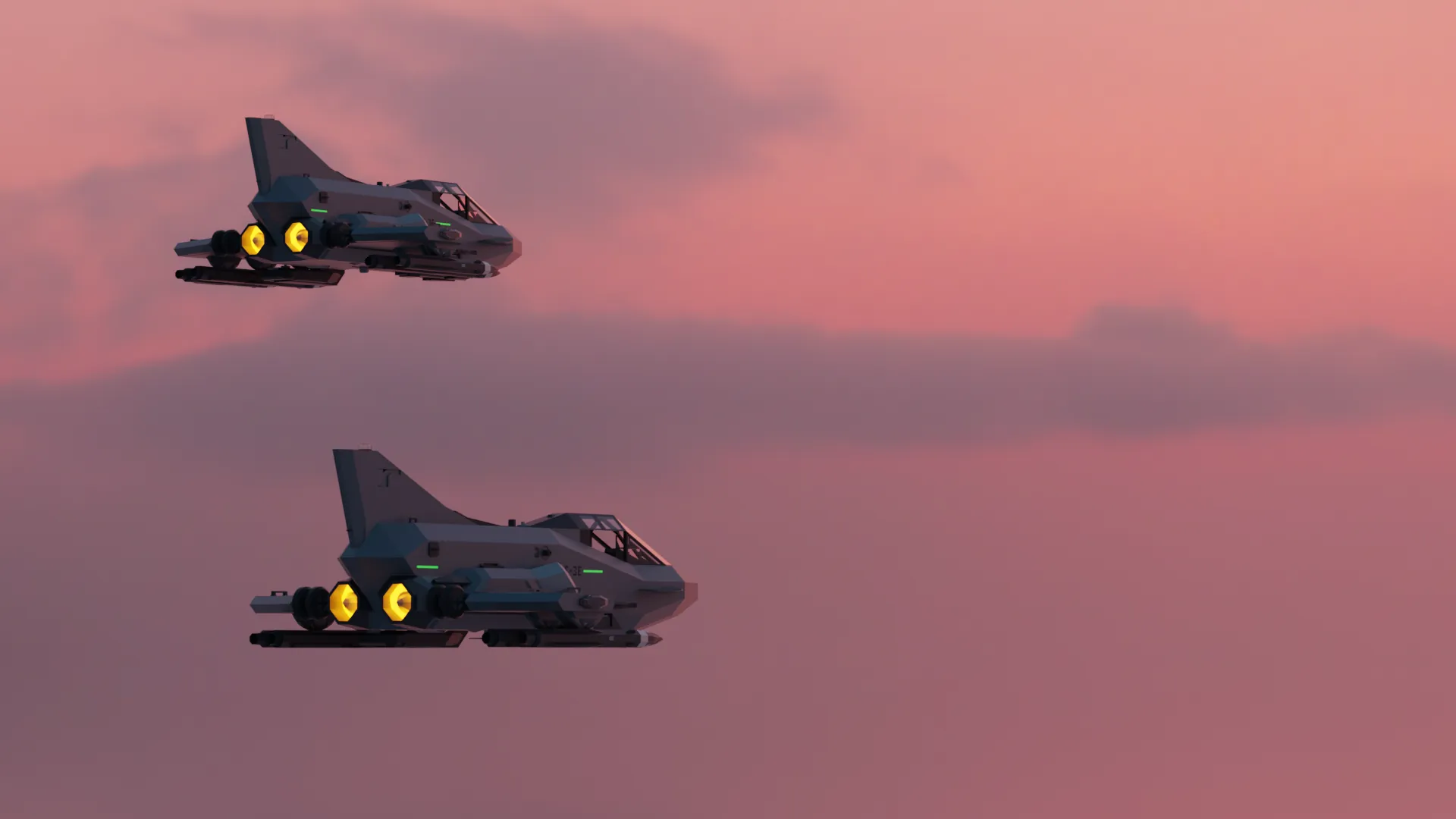
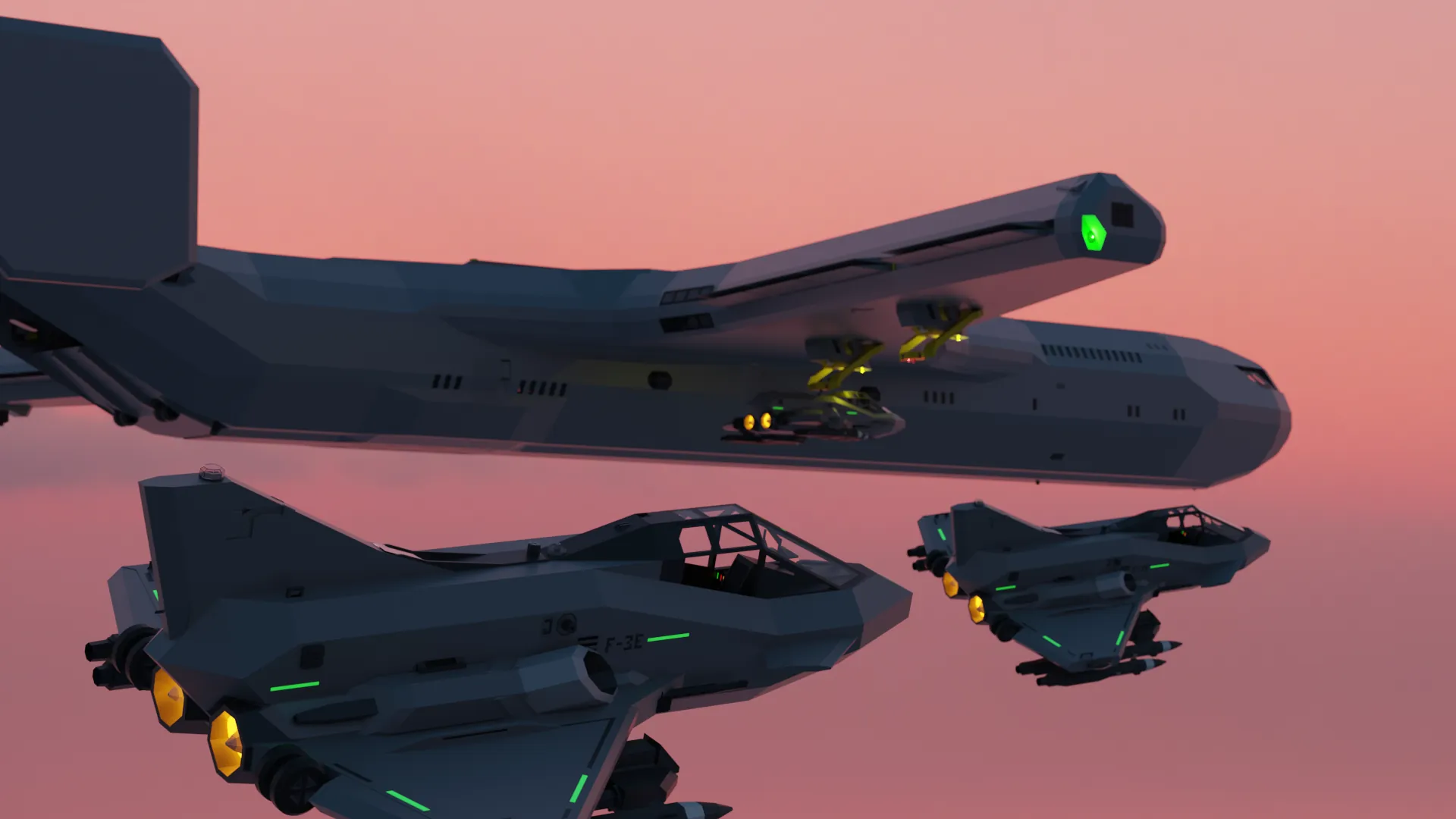
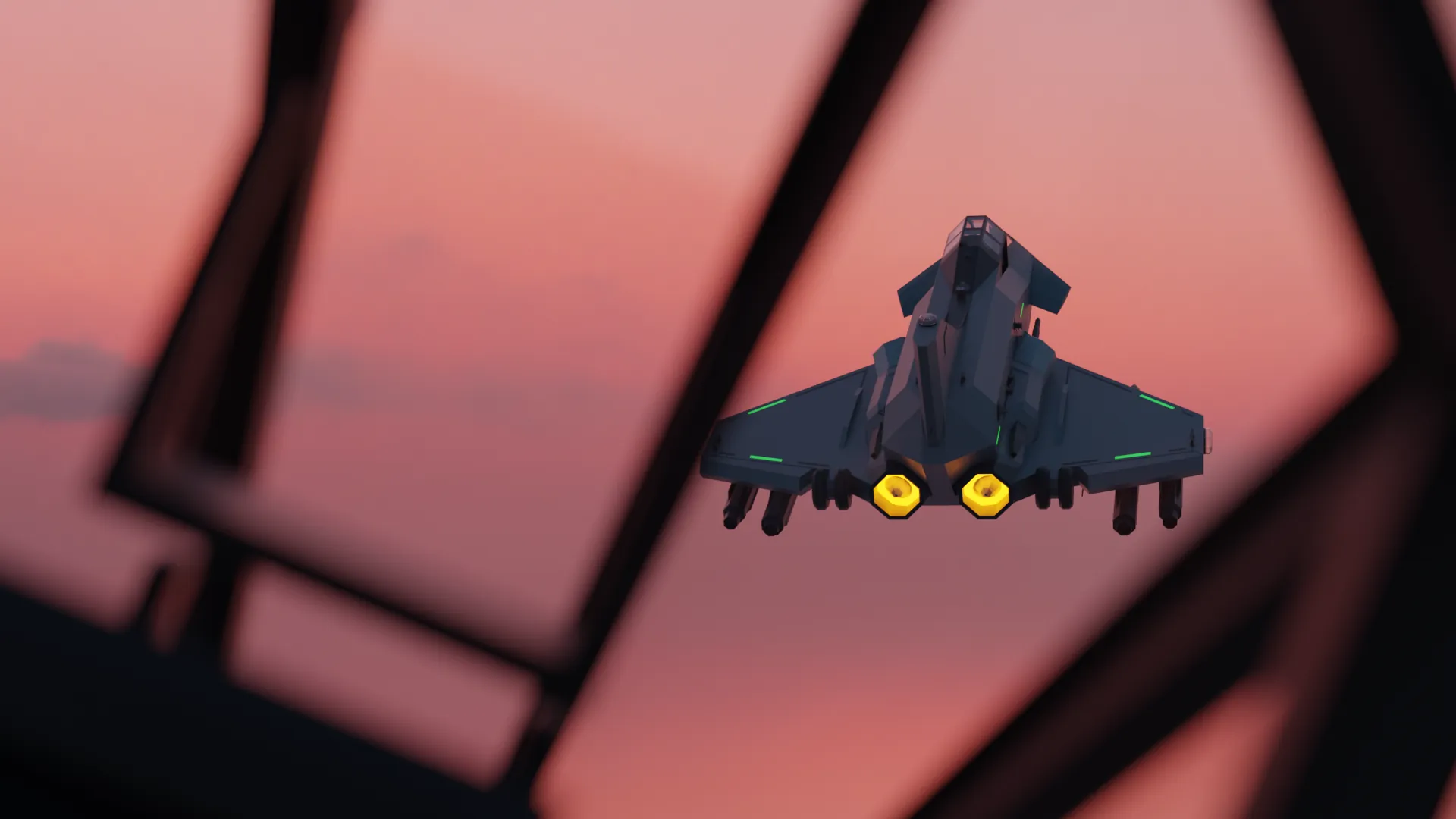
The F/A-3E Merlin is a Multirole Parasite Fighter made for the Whack Al Build Challenge. It is very small and nimble and features most of the features you would expect from a Fighter Jet.
!!! This Description will be expandeed on, this is just a placeholder !!!
Flying Carrier: https://steamcommunity.com/sharedfiles/filedetails/?id=3562191068

Aircraft Specification:
- Max speed of 330 knots
- ~1k Liters of Jet Fuel
- Single Jet engine attached to 3 ducted fans running at ~120 Rps
- Single Seater
Aircraft Equipment:
- Flight assistance computer
- Frontal radar
- ECU with easy controls
- Automatic Air to Air Docking
- Automatic Carrier Landing
- Electronic displays
- Targeting Pod
- Dual Radio Jammer Pod
- Heads up displays
- Great turn rate
Aircraft Weaponry:
- 2x HGCM Cruise Missiles
Min Range: ~1km
Max Range: ~18km
Terminal Radar phase
Great turn rate
GPS guided
- 2x Specter X1J
Max Speed: 170m/s
Max Range 1.5km
Radar guided
Auto Docking and Auto Landing:
The Auto Docking and Auto Landing features are made to work with Whack Als Flying Carrier and Micro Carrier.
These 2 Systems Guide you into the Docking station or the Landing strip on. To make sure that they work correctly follow these steps:
Auto Docking:
Setup in the Carrier:
- Set the Throttle to a number in the high 50s (do not go above 59.9 due to the afterburner engaging at that point)
- Engage the Altitude Hold
- Get in to the Docking Operators seat in the cockpit of the carrier.
- Select the Hardpoint to which you want to dock.
- Set the Radio Channel to 89
- Get out of the seat and lower the hardpoint that you want to connect to (The controls for that are on the roof of the cockpit)
In the plane:
!!! Disclaimer !!! This should be done at a min distance of about 400m and whilst flying behind the carrier and preferably facing the general direction of the carrier tho the system can account for these it doesnt miss as often when it has enough distance to stabilize and doesnt have to change as muchg about the planes attitude and heading.
-Enable Auto Docking
Once Docked:
- Make sure the Auto Docking has disengaged
- Turn Off the Engine
- Press the Raise/Lower Carrier Arm button which is close to the Auto Docking button
Now you should be docked to the plane and can exit the plane by pressing 2 which opens the canopy
Incase the Auto Docking misses:
- Disengage the Auto Docking fly around to behind the carrier and reenable it.
Auto Landing:
Setup on the Carrier:
- Set the throttle to its maximum.
- Enable the transmission of physics data
- Set the Radio Channel to 89 (both of these 2 controls can be found on the right side of the bridge)
In the Plane:
!!! Disclaimer !!! This should be done at a min distance of about 800m and whilst flying behind the carrier and preferably facing the general direction of the carrier tho the system can account for these it doesnt miss as often when it has enough distance to stabilize and doesnt have to change as muchg about the planes attitude and heading. The Auto Landing feature is still a WIP tho it did work when i tested it.
- Enable Auto Landing
- Enable Brakes
Once you have touched down:
- Immediatly turn off the engine
Incase the Auto Landing misses:
- Disengage the Auto Landing fly around to behind the carrier and reenable it.
If it constantly misses please go through the steps again and make sure that you didnt miss a step and if it still isnt working feel free to contact me.