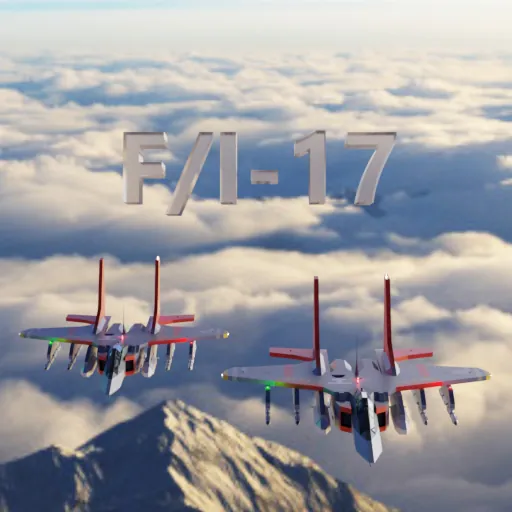
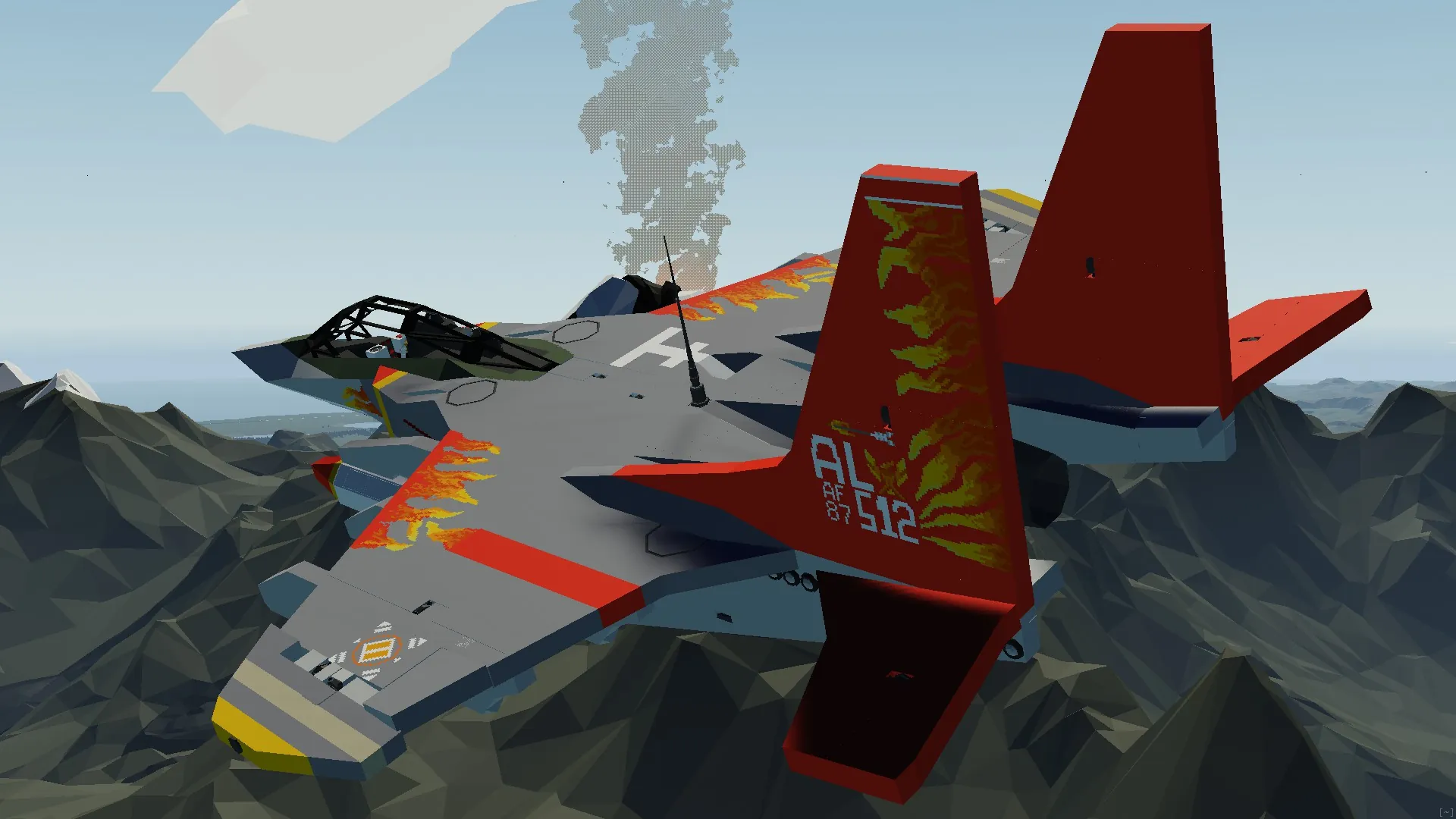
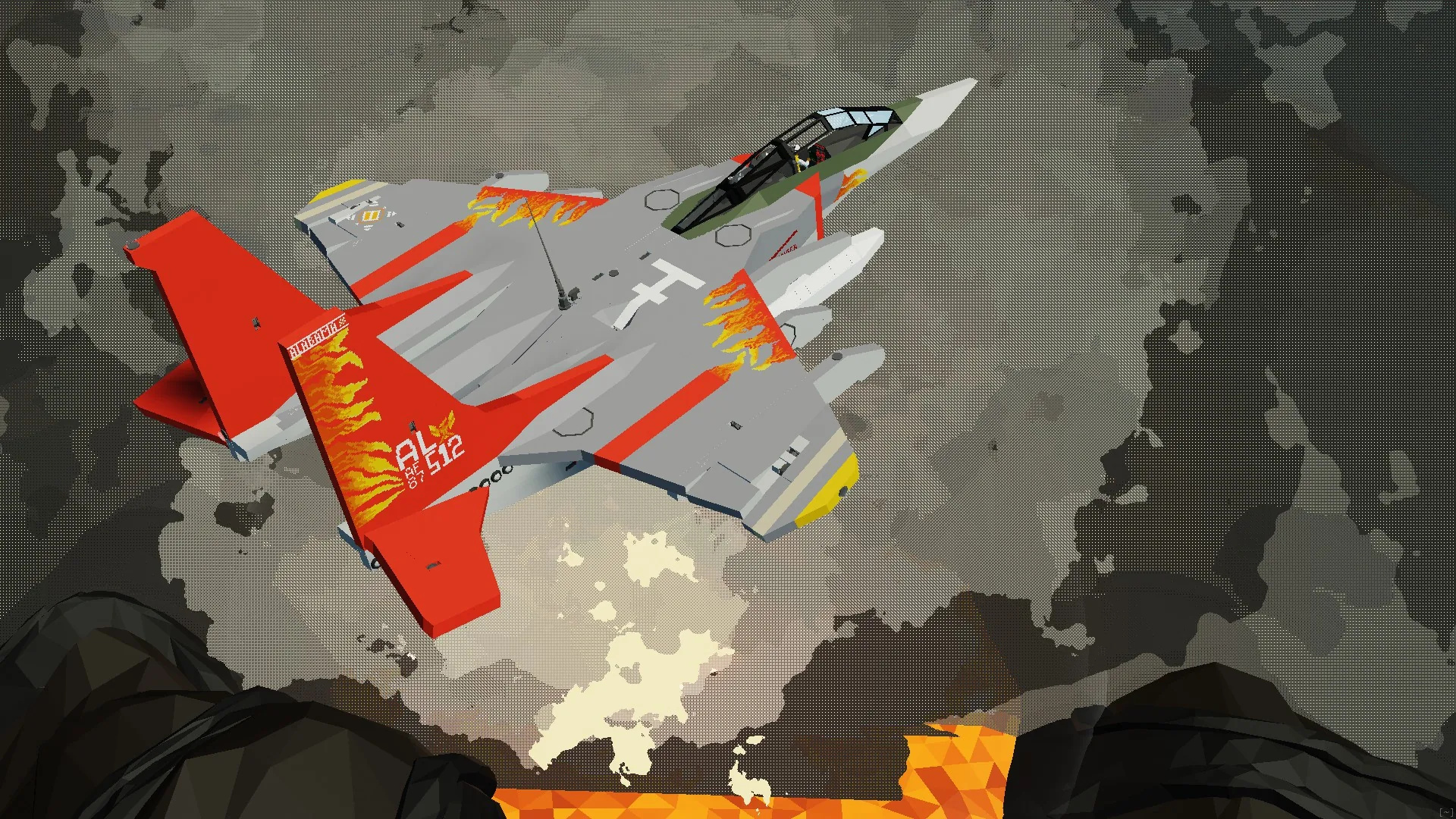
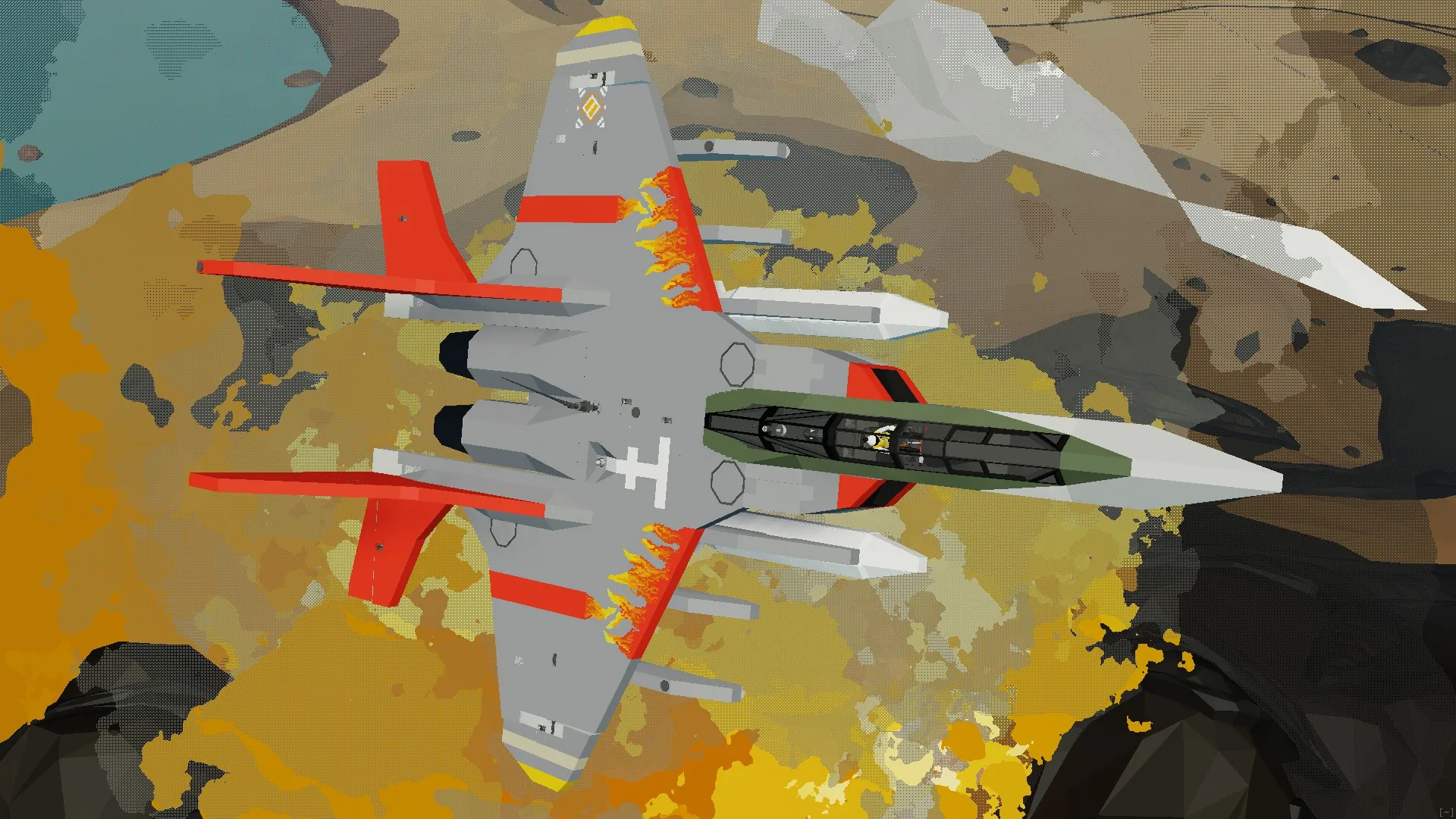
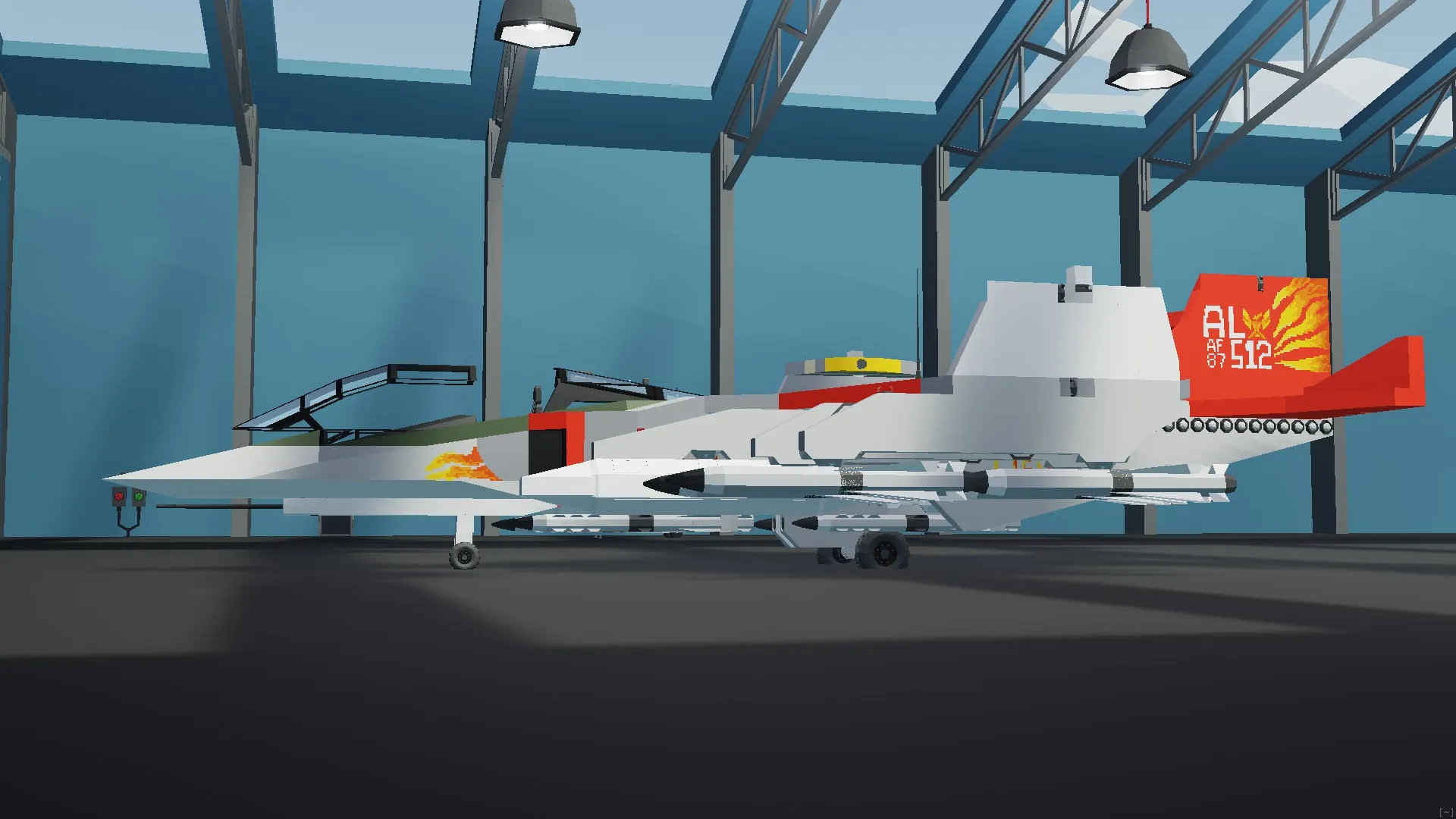
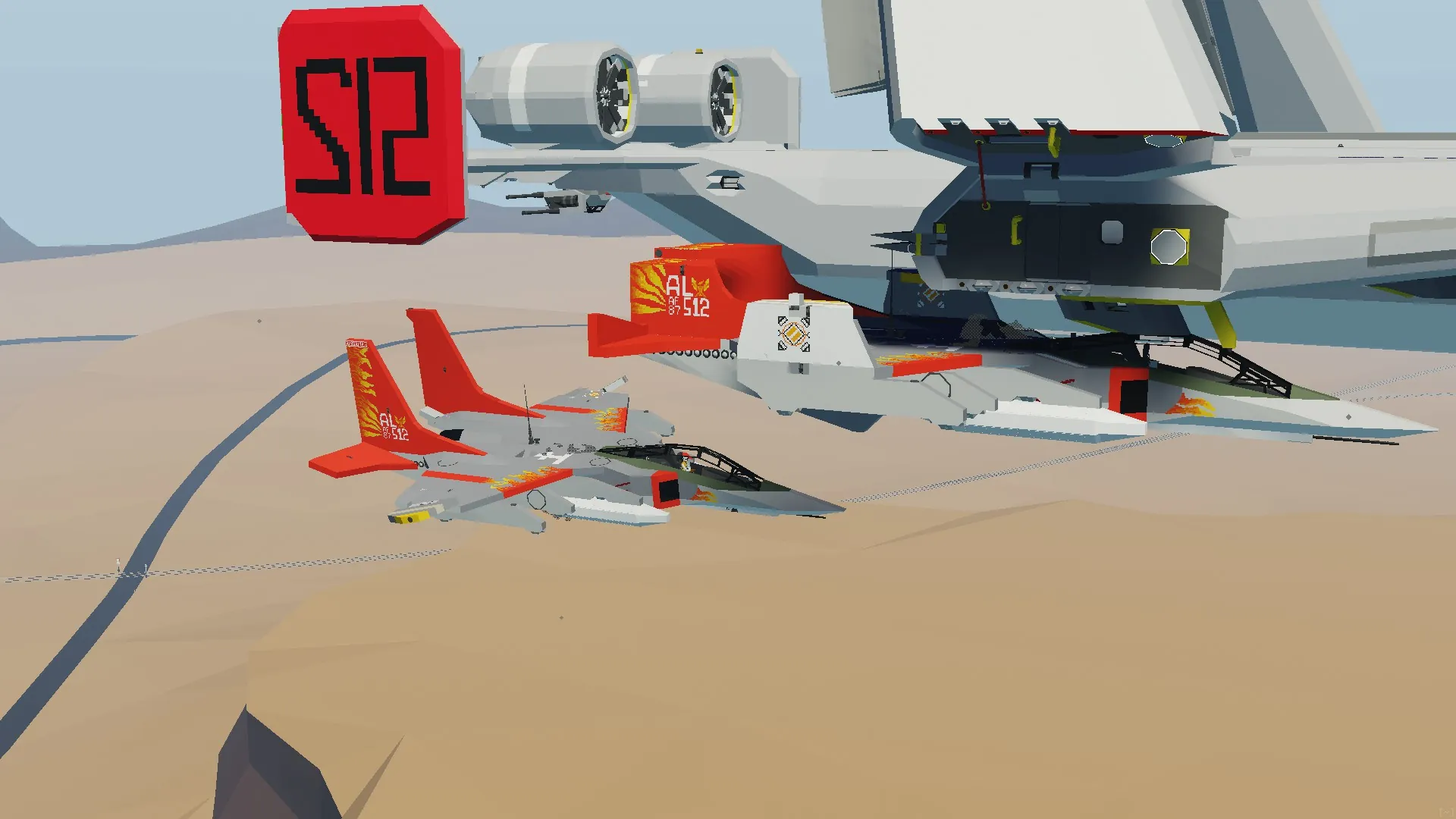
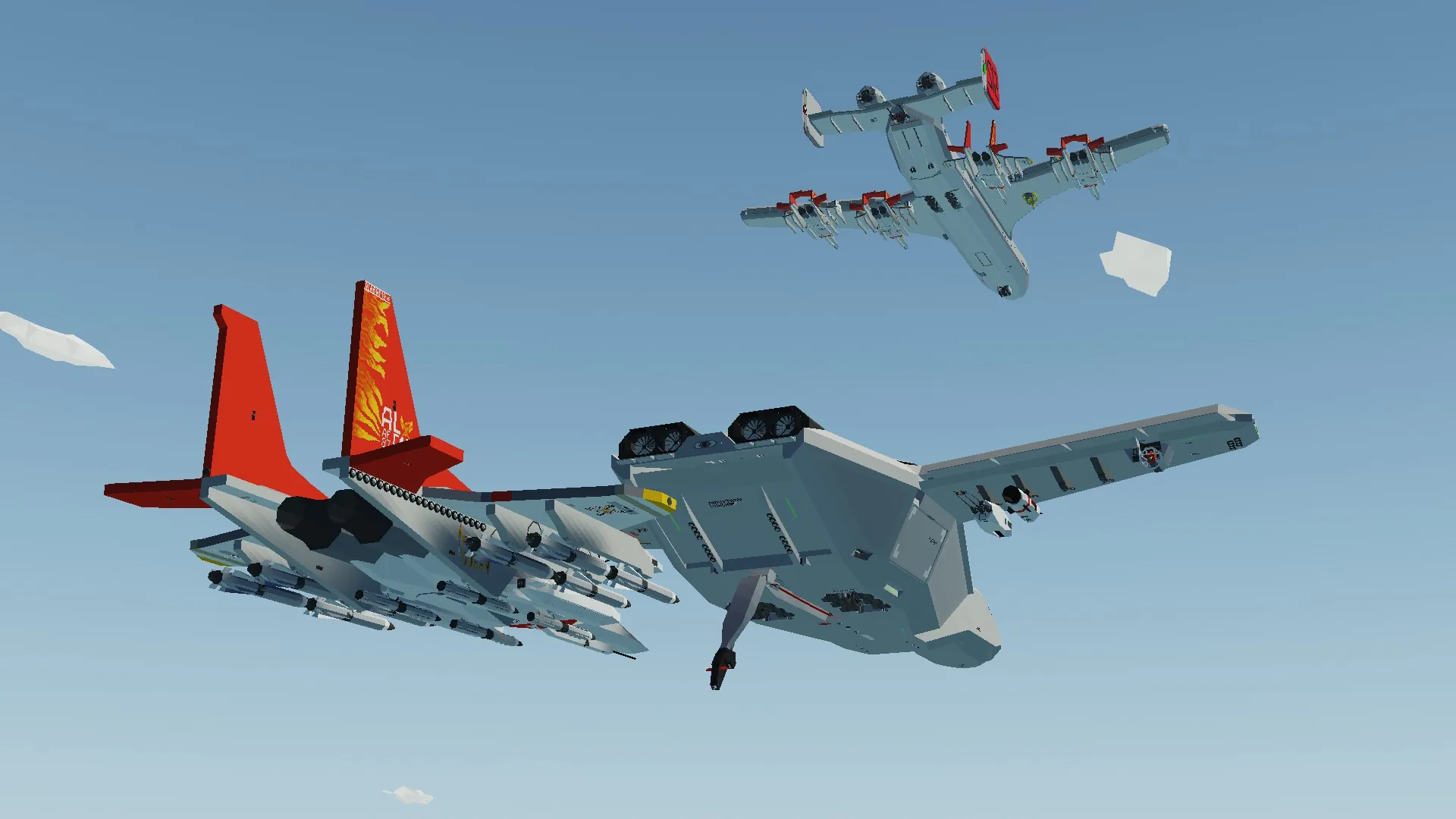
This is the F/I-17 Phoenix long range parasite fighter with it long range high speed and amazing turn rate makes it unmatched
start up procedure First turn on your engine NE-50 top left of the panel then you want to turn on your MFD center panel
then once those are on you want to unfold your wings as well as release the brakes then taxi to the runway use the taxi motors be careful as the plane can lean if you turn to hard but up down left right for taxing then you want to set her at 50% throttle pitch up then your off
Landing procedure find the runway you want to land on take the power to 36% then line it up turn on your brakes then bring her in gentle then set power to 0% once you hit the pavement then you should be set (best to use the gyro for landing)
Armament one 20mm auto cannon as well as 8x Aim 54 and 4X Aim 120C
Lore the F/I-17 is one of my Flyout builds i brought to Stormworks no it is not an F-15 but further more the paint job being based on the red tails from ww2
Auto dock System
Auto Docking :
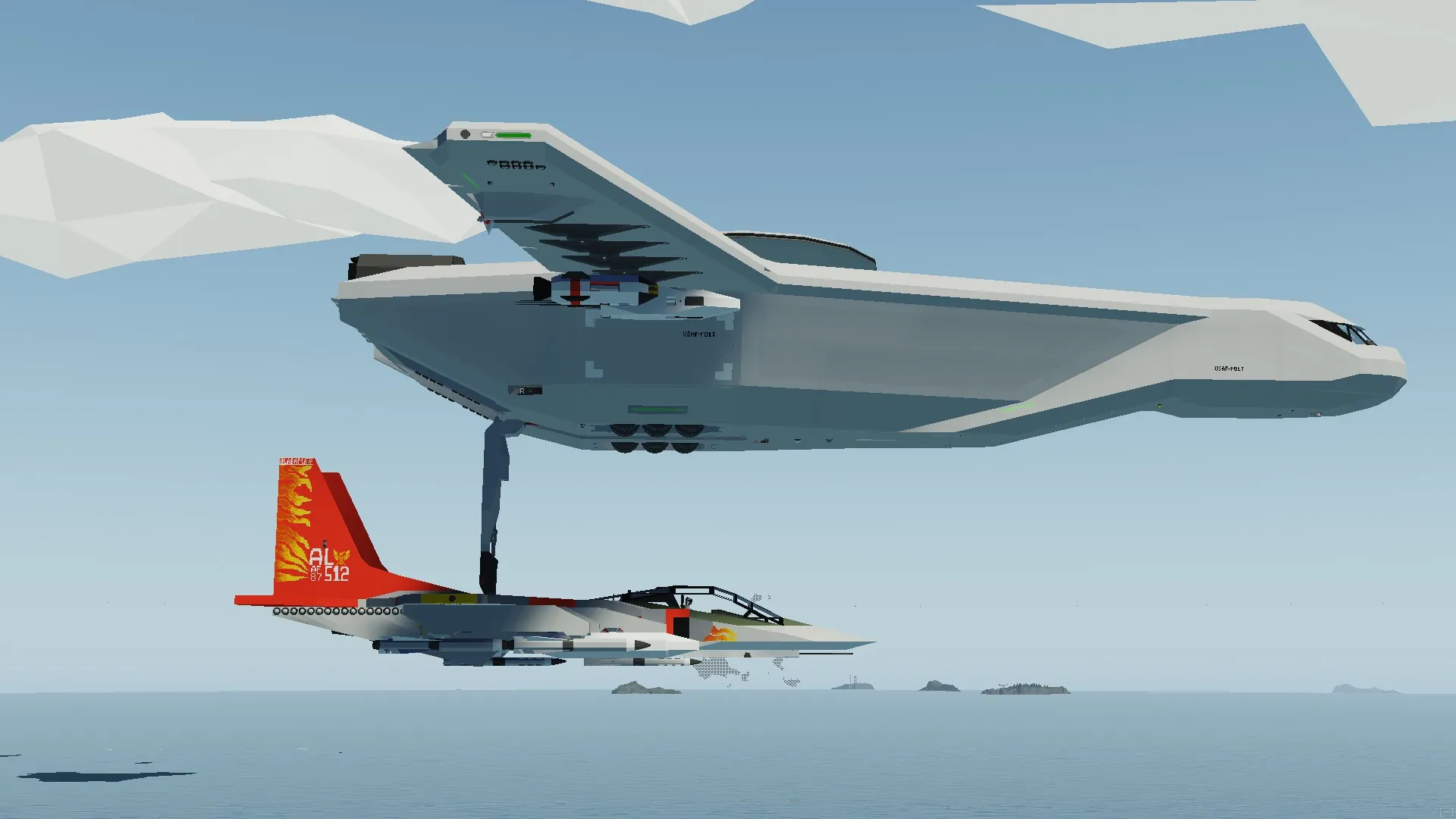
The Auto docking features are made to work with Whack Als Flying Carrier and
These 1 Systems Guide you into the Docking station or the Landing strip on. To make sure that they work correctly follow these steps:
Auto Docking:
Setup in the Carrier:
Set the Throttle to a number in the high 50s
Engage the Altitude Hold,
Get in to the Docking Operators seat in the cockpit of the carrier.,
Select the Hard point to which you want to dock.,
Set the Radio Channel to 89,
Get out of the seat and lower the hard point that you want to connect to (The controls for that are on the roof of the cockpit),
In the plane:
!!! Disclaimer !!! This should be done at a min distance of about 400m and whilst flying behind the carrier and preferably facing the general direction of the carrier tho the system can account for these it doesn't miss as often when it has enough distance to stabilize and doesn't have to change as much about the planes attitude and heading.
-Enable Auto Docking
Once Docked:
Make sure the Auto Docking has disengaged,
Turn Off the Engine,
Press the Raise/Lower Carrier Arm button which is close to the Auto Docking button,
Now you should be docked to the plane and can exit the plane by pressing 2 which opens the canopy
In case the Auto Docking misses:
Disengage the Auto Docking fly around to behind the carrier and re enable it.,
you might have to edit it a bit to fit your plane but generally these are the instructions
Features you have a hook you as well have chutes if your plane doesn't work mid flight Welders as well as nav lights as well as landing lights and a back light to boot
also when docking go to the 4th docking point
Credit to Jack for the Auto dock and cat for the Aim 54