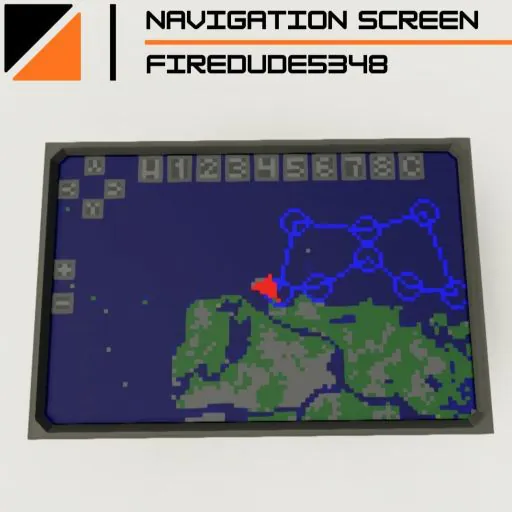
WARNING, THIS IS MEANT FOR EXPERIANCED PLAYERS.
Use Instructions:
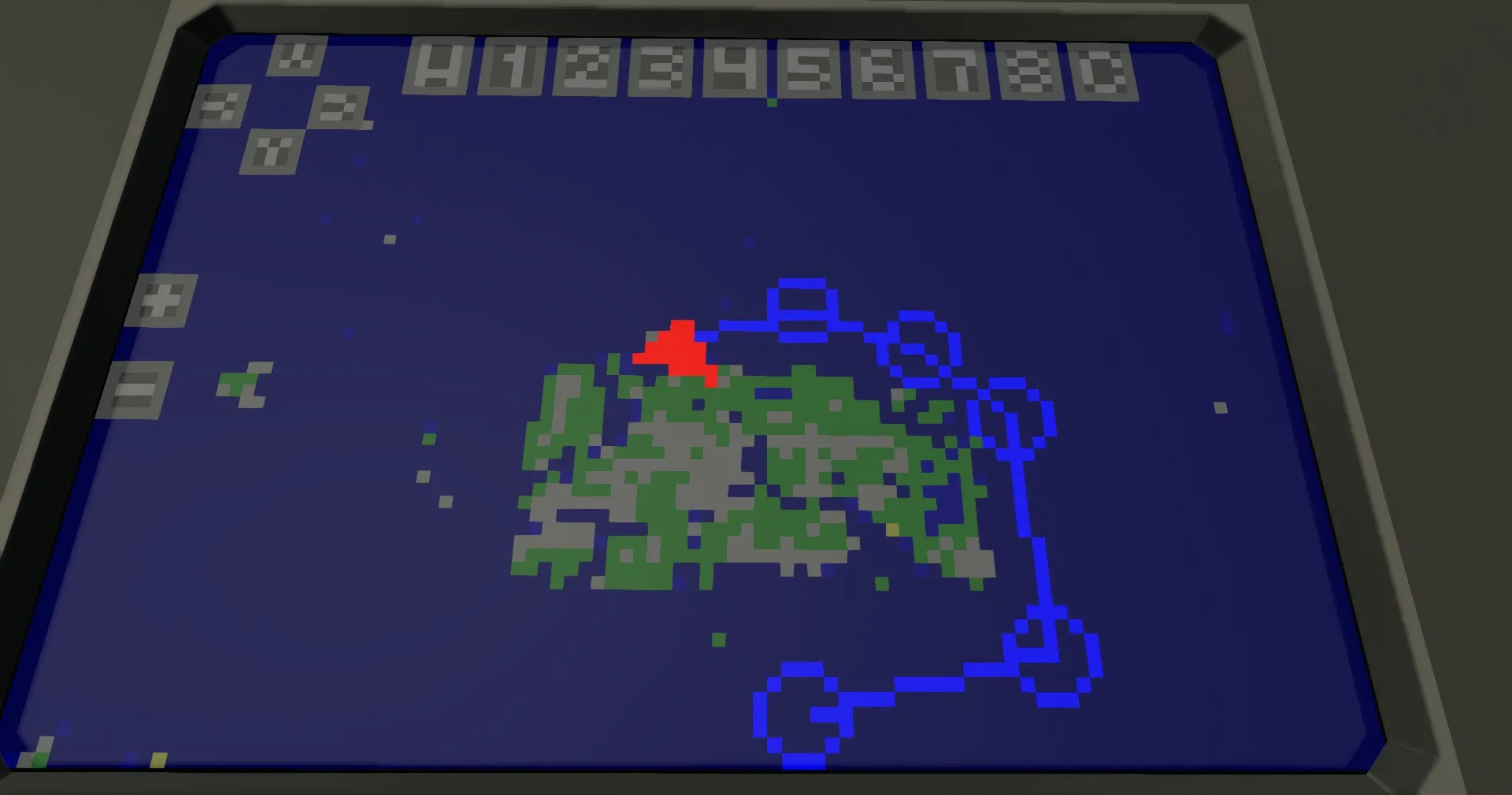
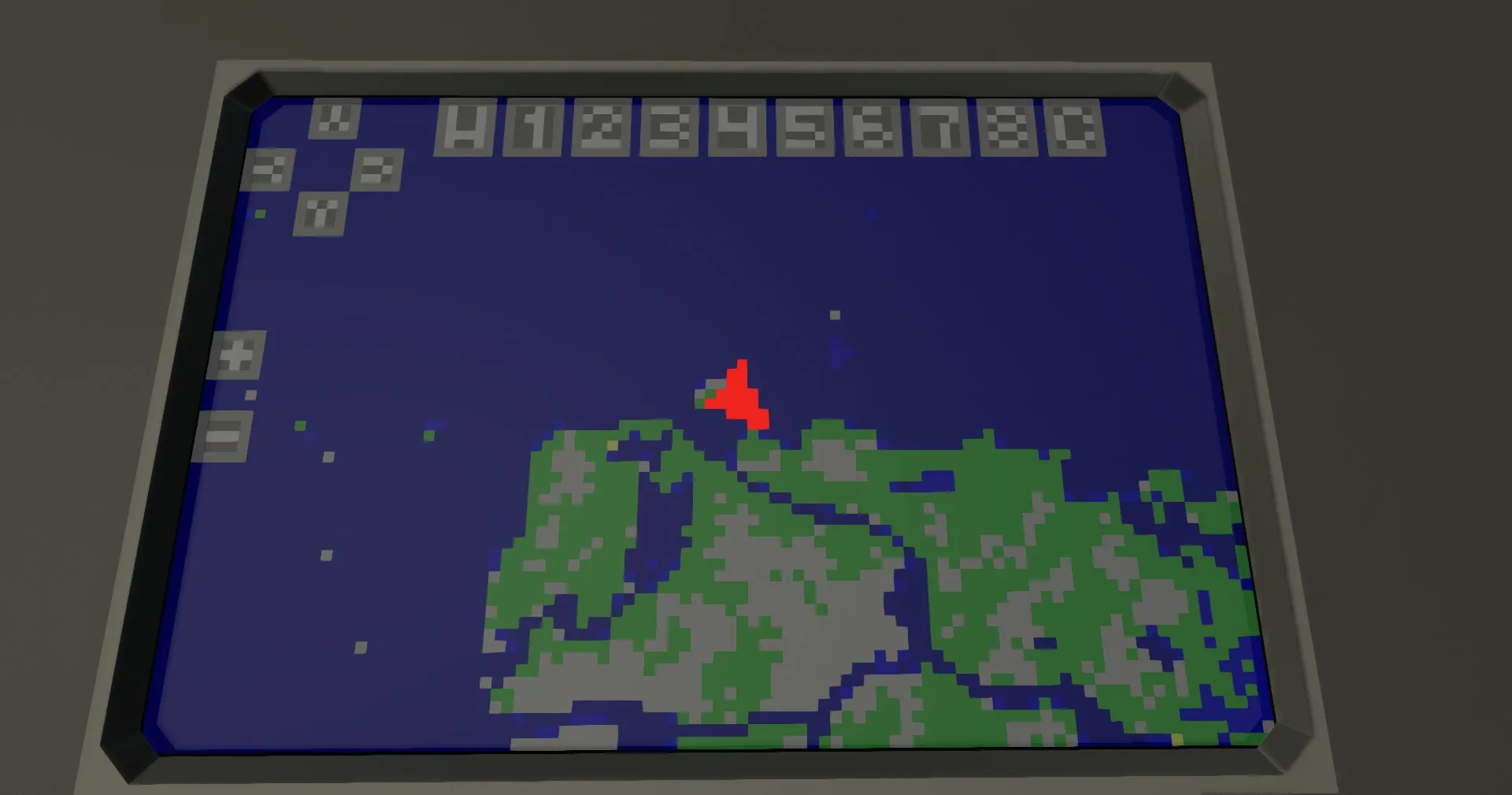
1. Select a waypoint to set. At the top of the screen, interact with one of the numbers to select a waypoint to set. You can move around using the arrows, zoom in and out, and center your screen by pressing the "C" in between the arrows.
2. Set the waypoint. You can tap anywhere on the map to set a waypoint, as well as entering coordinates into the keypad, and pressing the "W" button. You can clear a waypoint by pressing the "C" button. Waypoints you have set will link together, and waypoint 1 will link to you.
3. Navigate. Switch the steering signal to come from the controller. WARNING, you MUST use an external switchbox system. You will always navigate to waypoint 1. when you reach waypoint 1, all the waypoints will cycle, so waypoint 1 becomes waypoint 2, waypoint 2 becomes waypoint 3, etc, until waypoint 8 is deleted.
Setup Instructions:
1. place down the controller, and connect essential nodes, like video out, keyboard X and Y, touch Data, and the steering output. connect the physics sensor node to a physics sensor connected to electricity, orientated like this:
2. Tune the PID. This controller uses a PID to set the correct bearing of your vehicle. depending on your use case, you may need to select the controller in properties, and tune the P and D values.
Credit:
Feel free to use this on your creation, just please provide a link to this page in your description.