«Officer, how long have you been a mod developer for RimWorld?»
«Yesterday).»
Take Control of Your UI
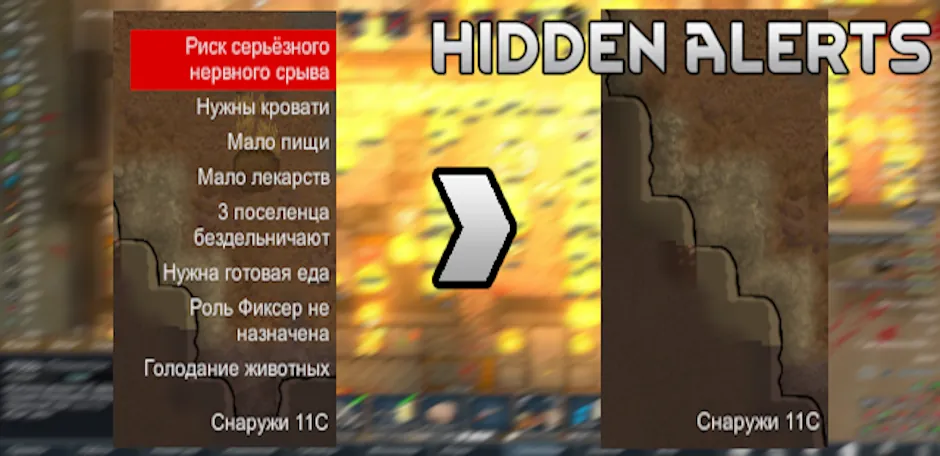
Hidden Alerts gives you full control over the right-side alert notifications. Tired of seeing "Tattered Apparel" or "Biocoded Weapon" cluttering your screen? Now you can hide them instantly.
Main Features
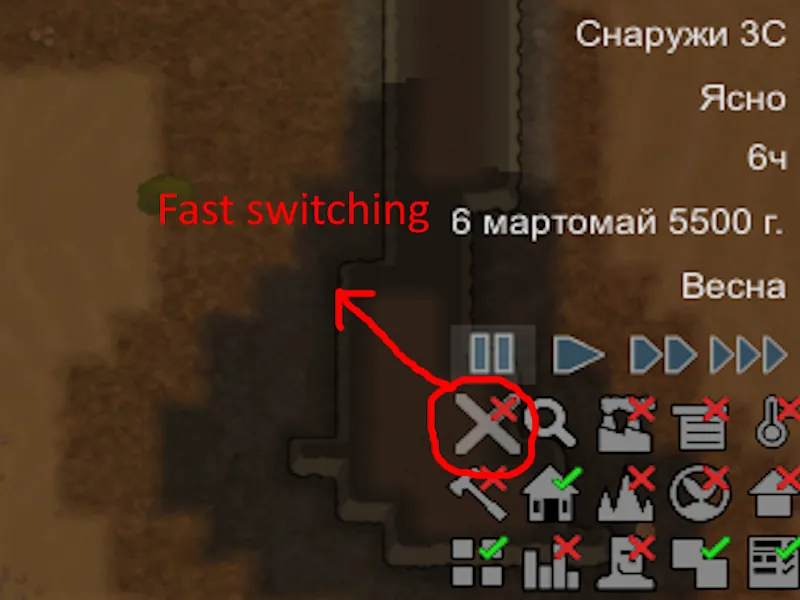
- Global Toggle Button: A convenient button in the bottom-right corner (play settings) allows you to turn the alert filter ON or OFF with a single click.
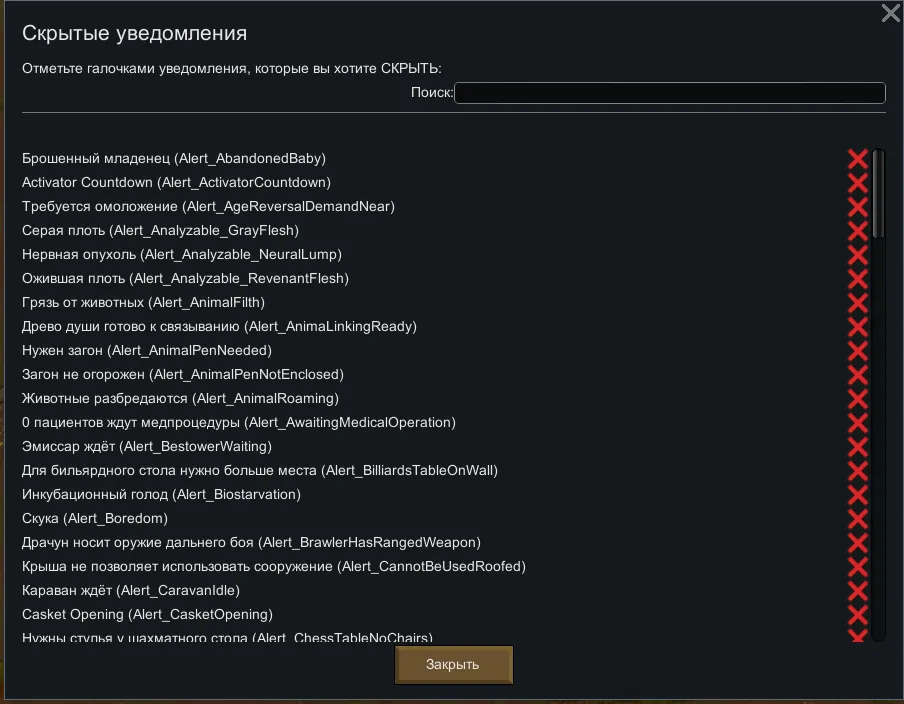
- Customizable Filter: Go to Mod Settings to choose exactly which alerts you want to hide. You can keep critical alerts (like "Raid") visible while hiding minor annoyances.
- Smart Search: Use the built-in search bar in settings to quickly find specific alerts by name.
- Mod Support: Works with alerts from vanilla RimWorld and other mods. If it's on the right side of the screen, you can hide it.
How to Use
Open Mod Settings.
Use the search bar or scroll the list.
Check the boxes for alerts you want to HIDE.
In-game, use the new "X" or "Check" icon in the bottom-right corner to toggle the filter.
Compatibility
- High performance (optimized caching).
- Compatible with UI mods.