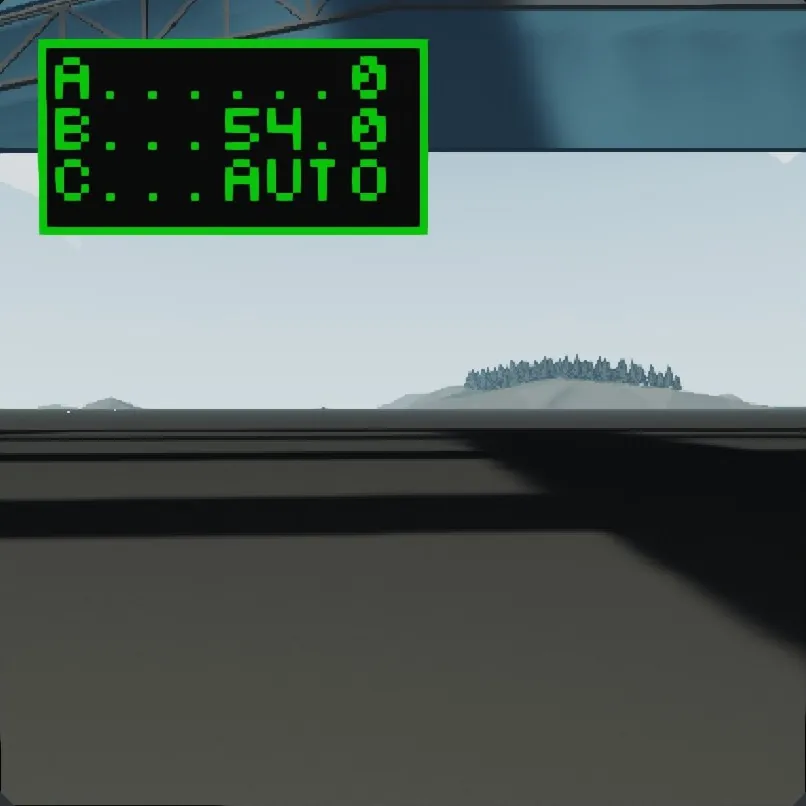
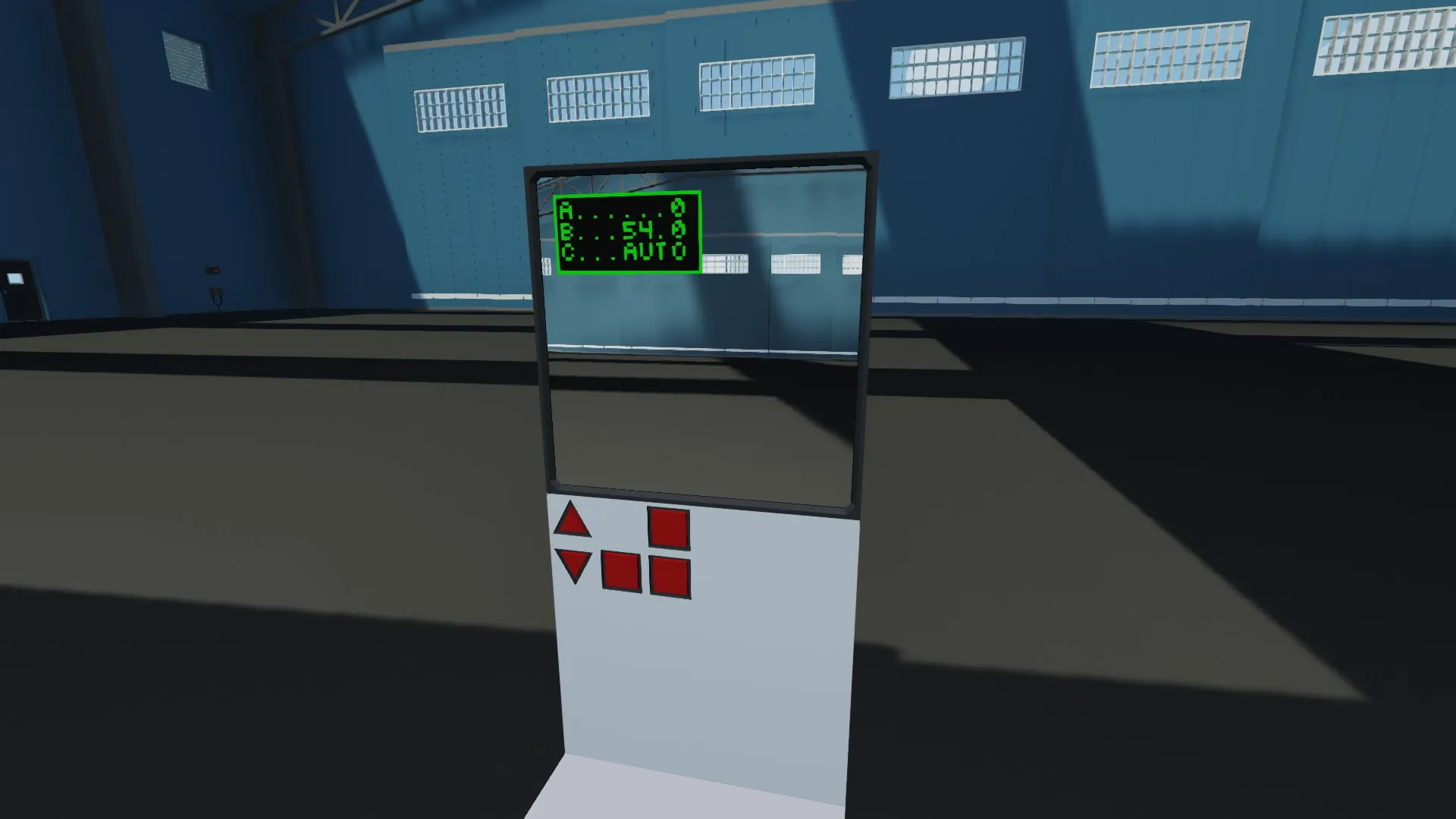
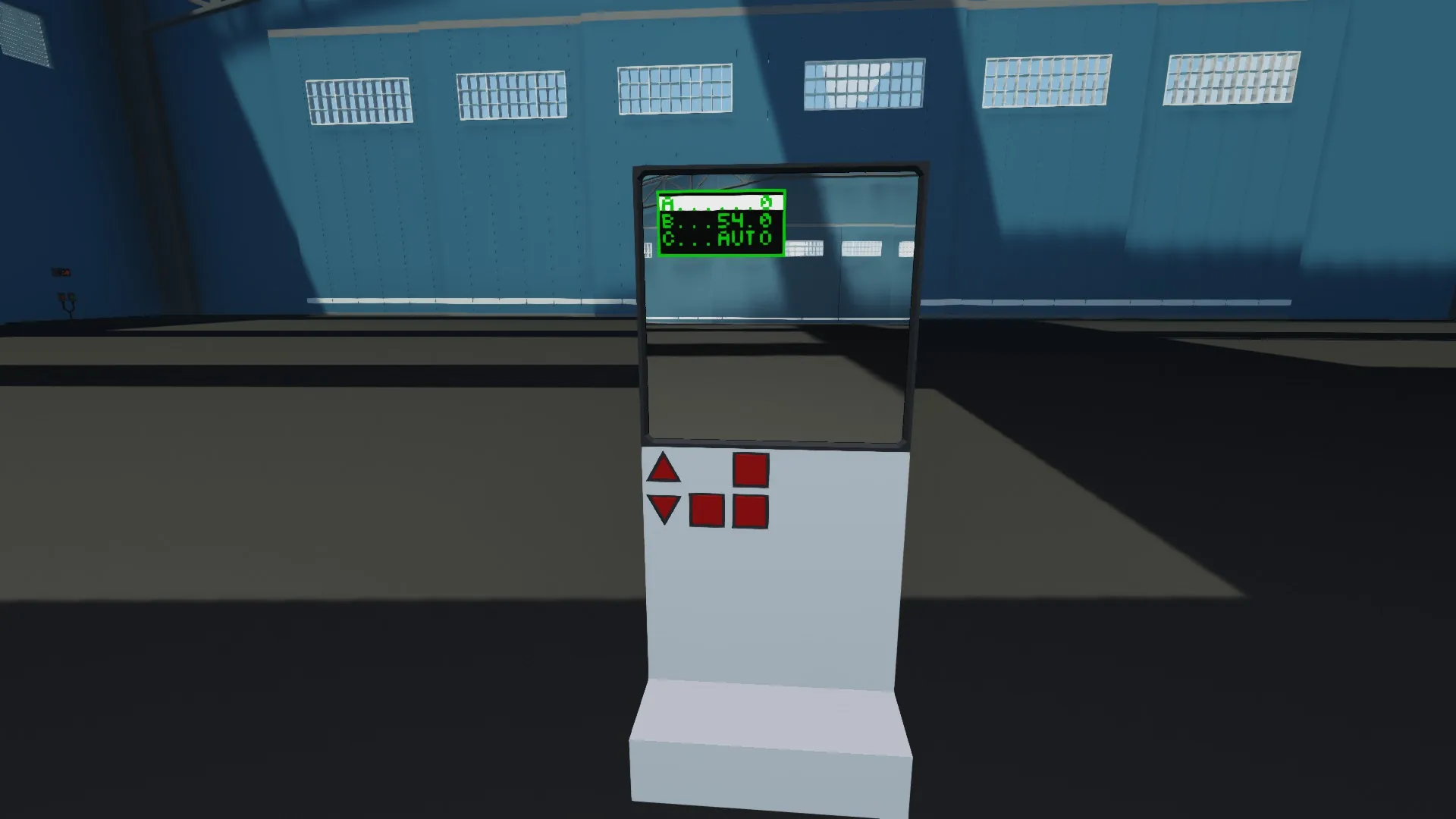
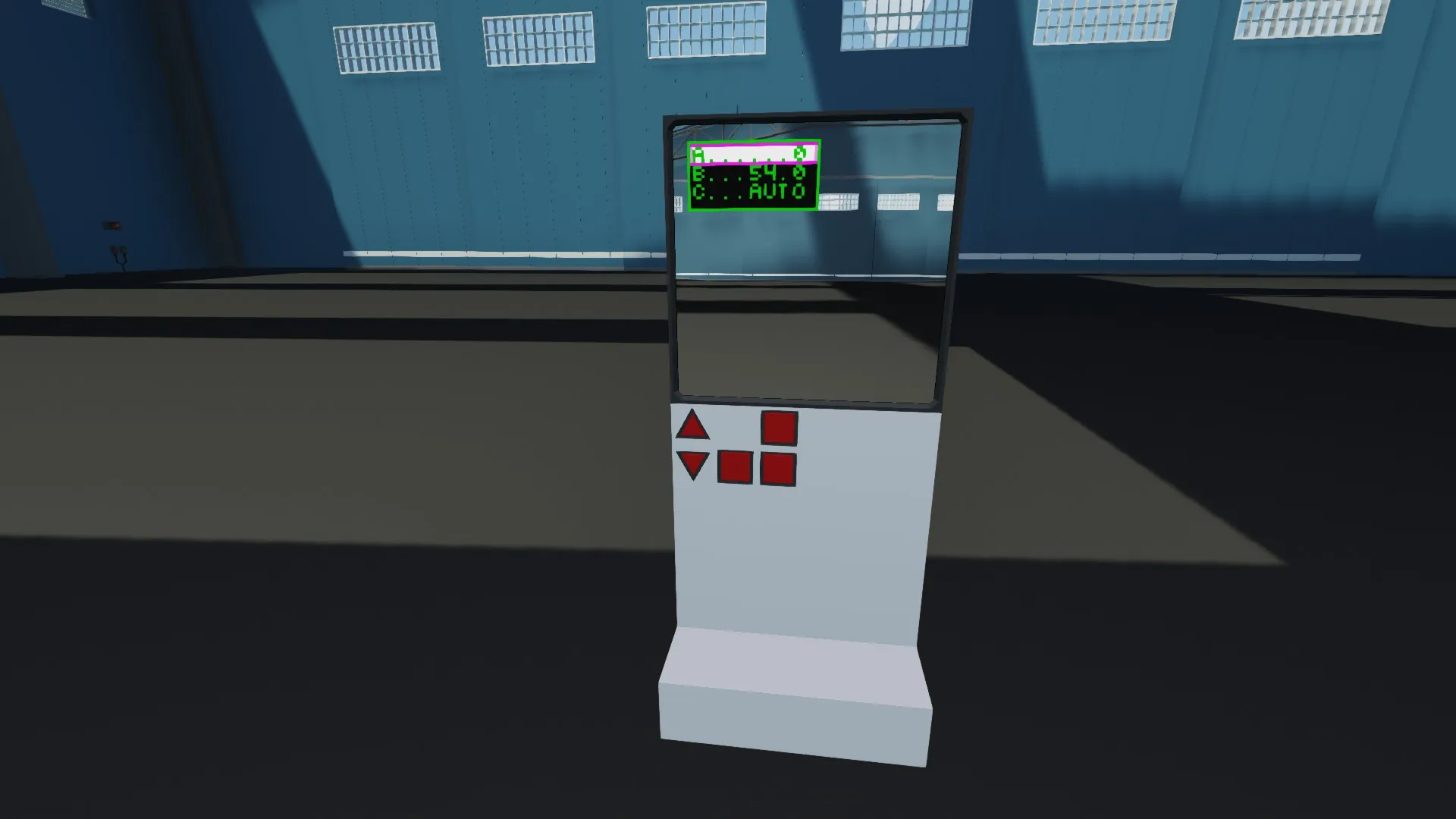
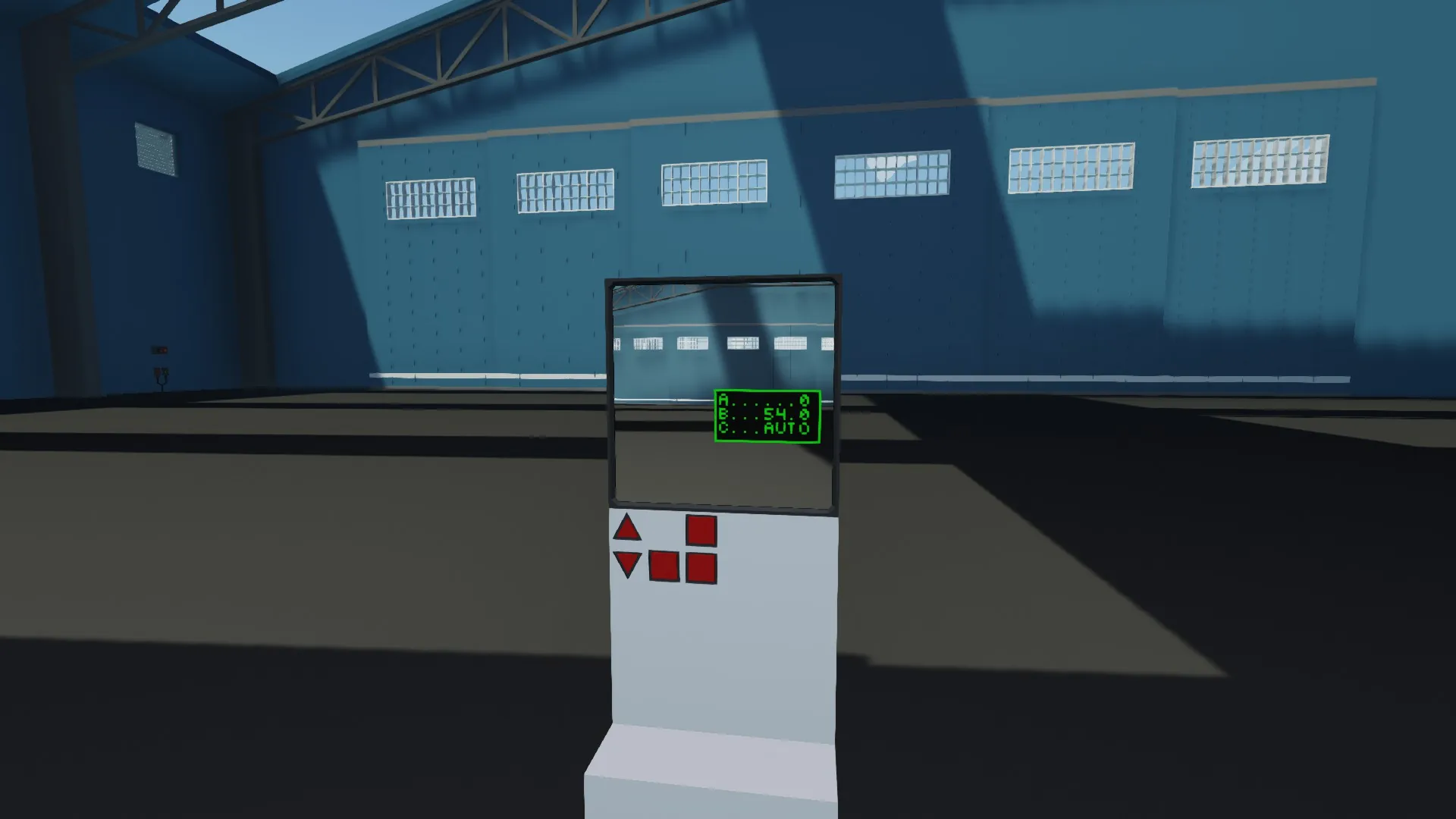
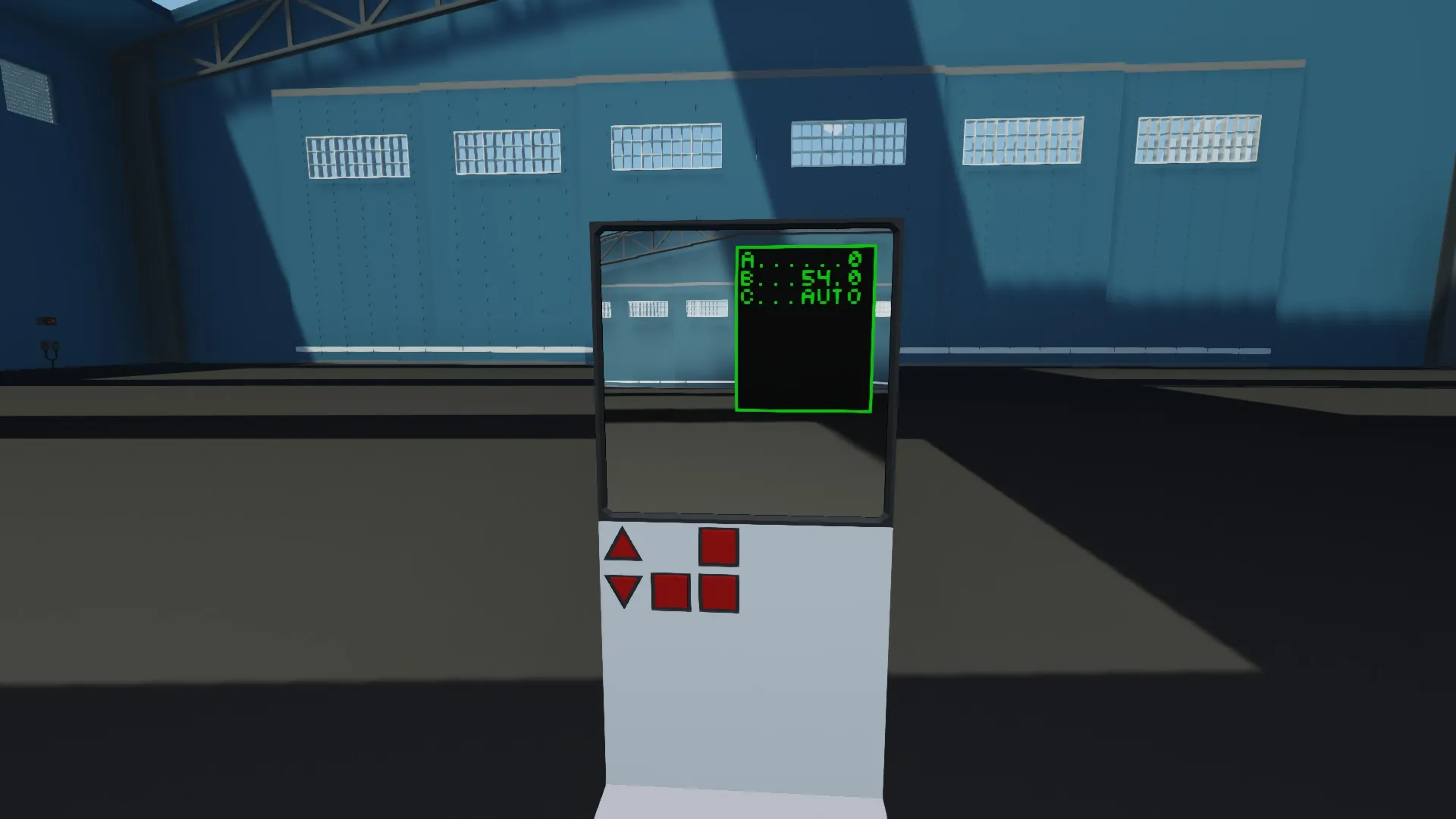
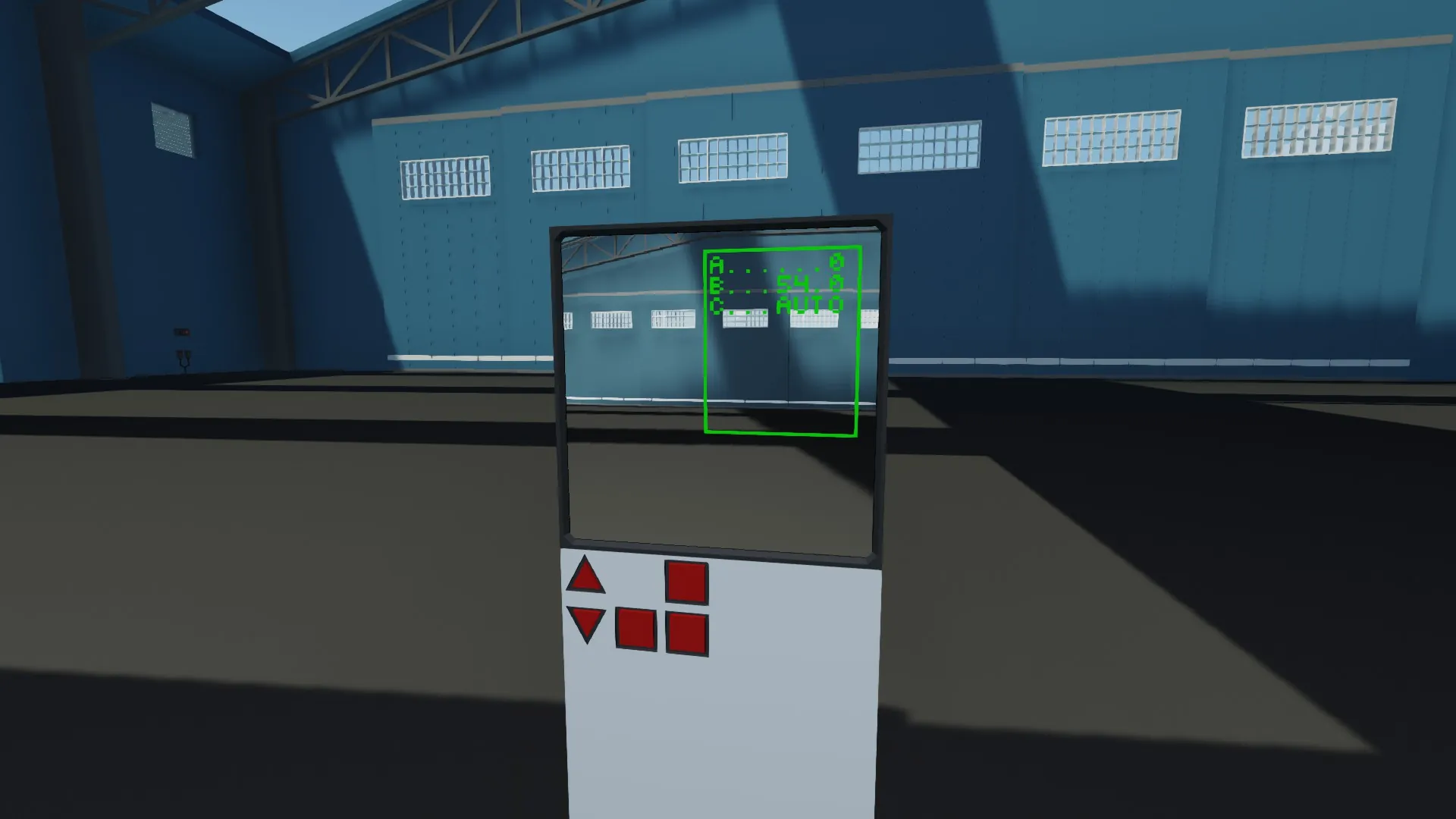
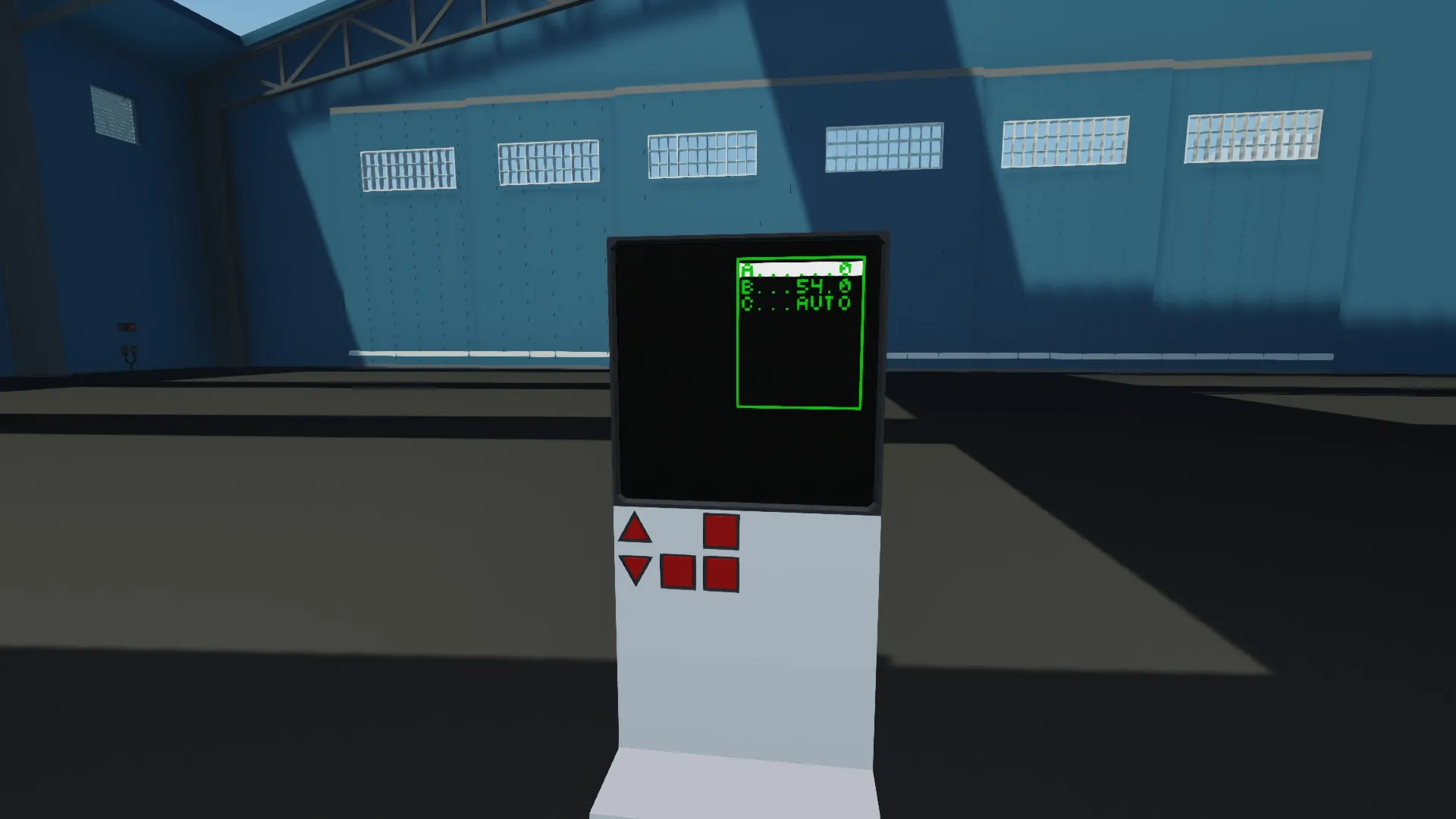
This is a modular menu system that can be adapted to your specific needs.
It supports numeric and boolean menu entries and outputs them via composite signals. It can have any number of pages and entries, but supports a maximum of 32 numeric and 32 boolean output values.
Configuration Properties:
X/Y - Allows pixel-based adjustment of the menu position relative to the center
Page and Entry - Enables hotkey functionality (0,0 = disabled). Enter the page and entry number of the item you want to control
Edge - Sets the border margin in pixels, which also determines the menu size
Always On - Determines if the menu is always visible or only when input is active
Height/Width - Sets the aspect ratio (height to width)
Background - Only relevant when "Always On" is enabled. Determines if there's a background or if the underlying image/material shows through
Menu Entry Structure:
For All Entries:
text (string) - The name/label of the menu entry (e.g., "A", "B", "Temperature")
value (any) - The current/initial value of the entry (can be number or boolean)
mode (boolean) - Determines the entry type:
false = Numeric value (editable)
true = Boolean/toggle switch
channel (number) - The output channel for the value
For Numeric Entries (mode=false):
max (number) - Maximum value (e.g., max=5000)
min (number) - Minimum value (e.g., min=0 or min=-50)
mul (number) - Step size/increment (amount added/subtracted per button press)
anzeige (number, optional) - Display multiplier (e.g., anzeige=360 shows value × 360 for degrees)
For Boolean/Toggle Entries (mode=true):
text_on (string, optional) - Text when value = true (e.g., text_on="AUTO")
text_off (string, optional) - Text when value = false (e.g., text_off="MAN")
Keyboard Control:
Short press = 1 step
Long press (>30 ticks) = continuous adjustment
The system organizes entries into pages, where each page is a table of entries. Navigation between pages and entries is done using the provided input controls.