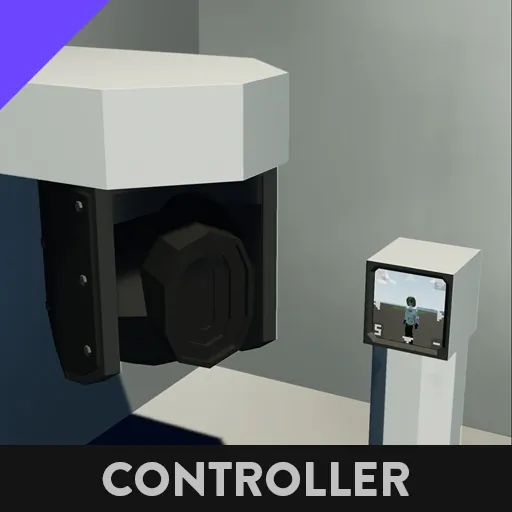
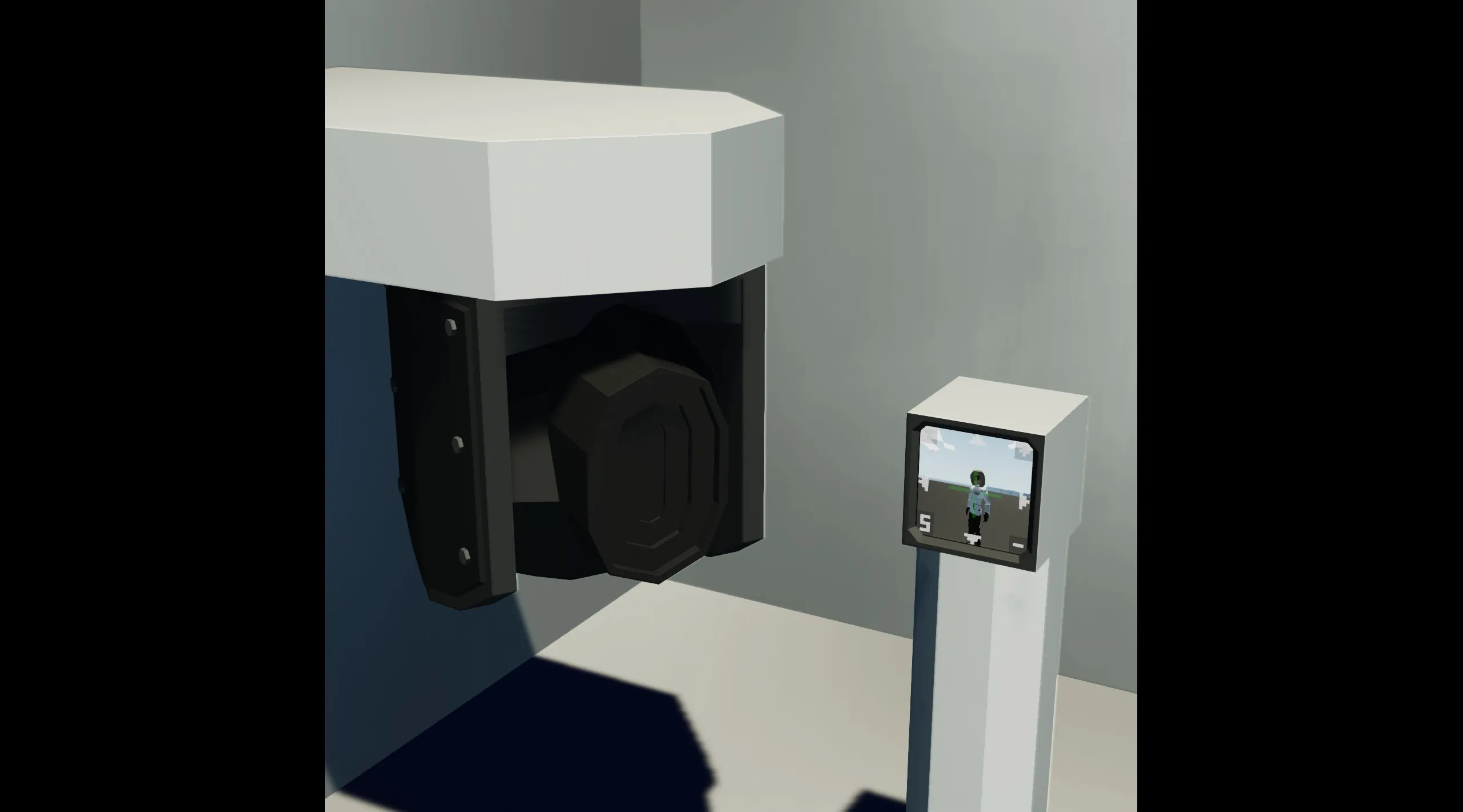
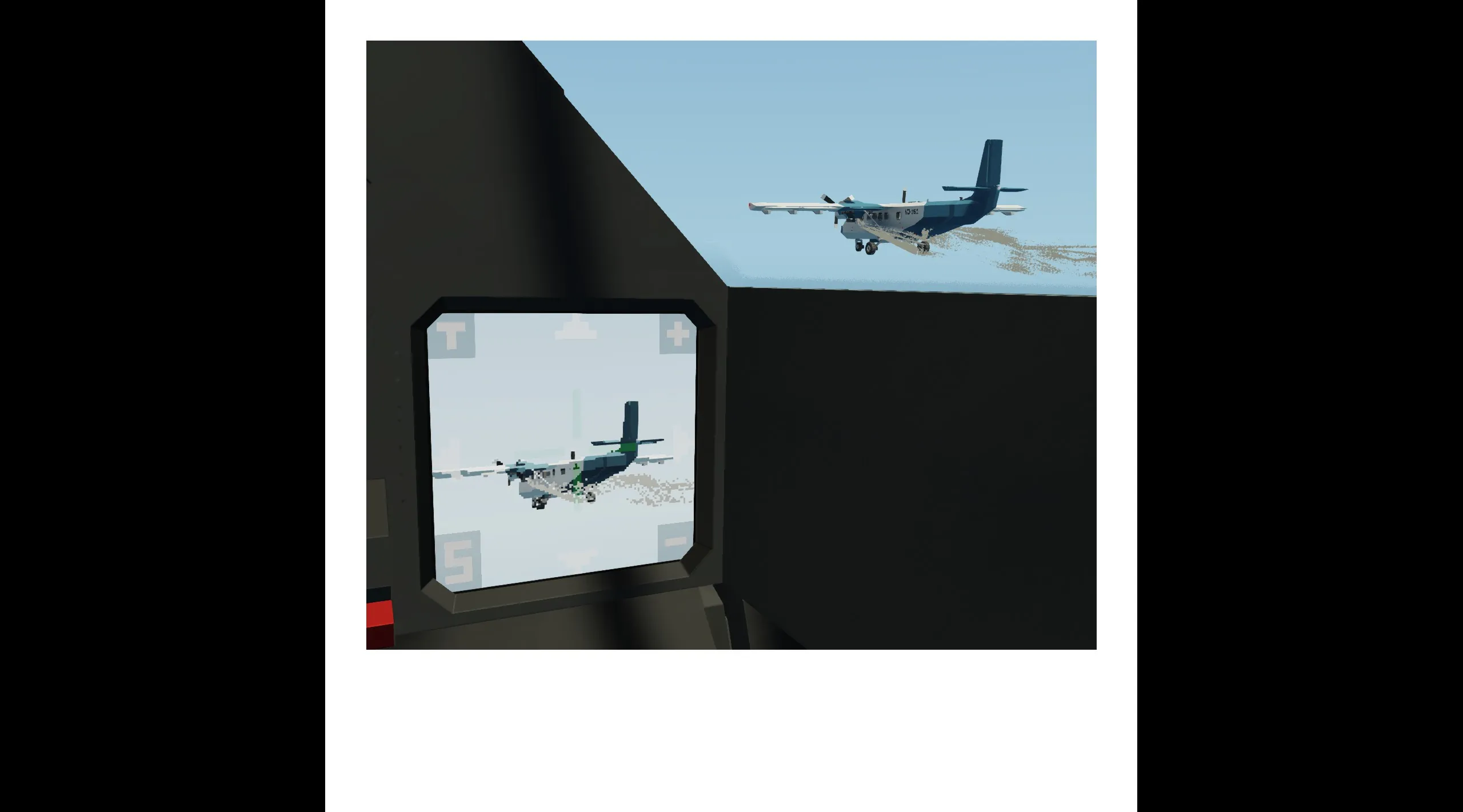
1x1 Monitor to Camera Gimbal
This Microcontroller Plugs into a 1x1 Monitor and into a Stabilized Camera.
It is Touchscreen controlled for ease of use.
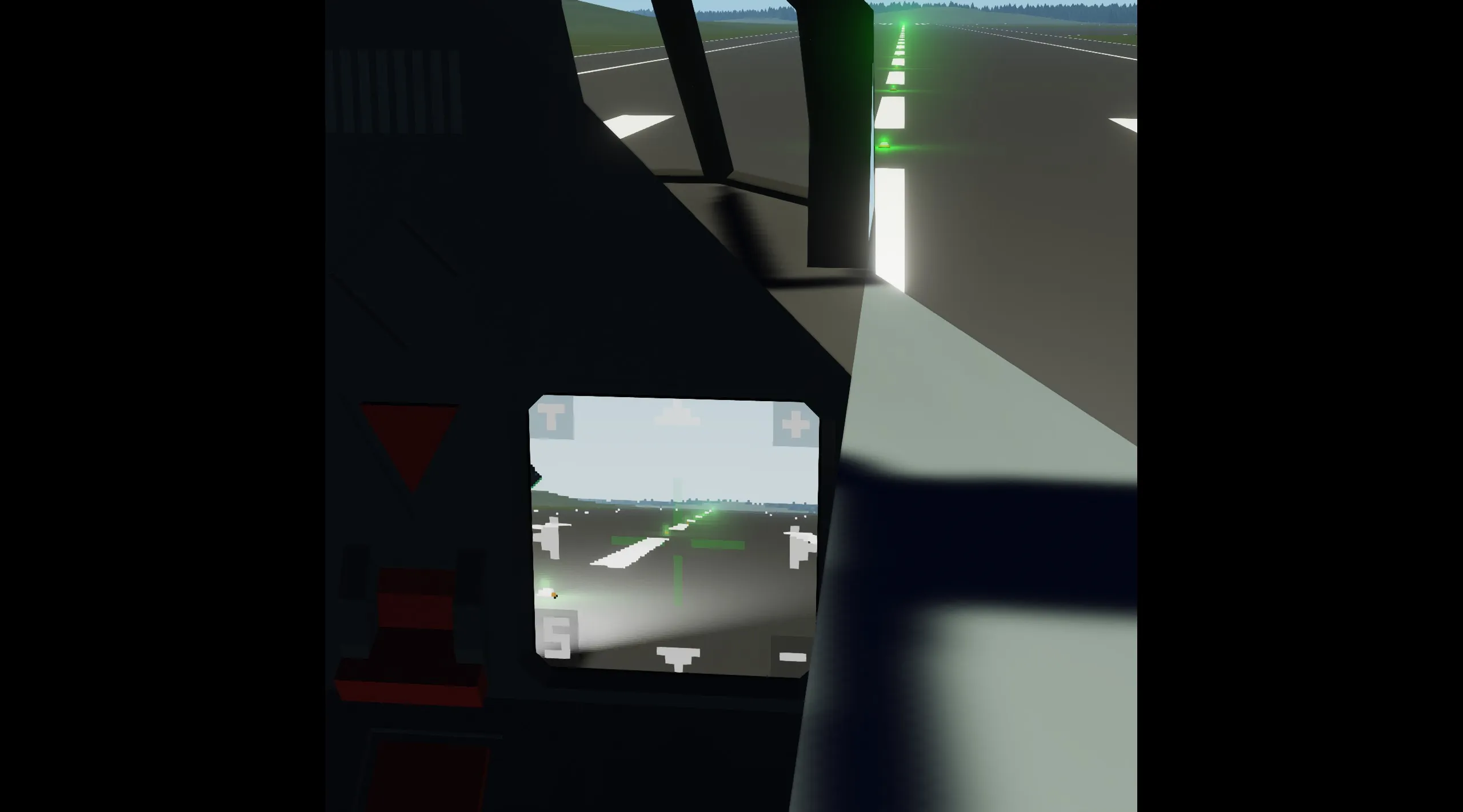
Controls:
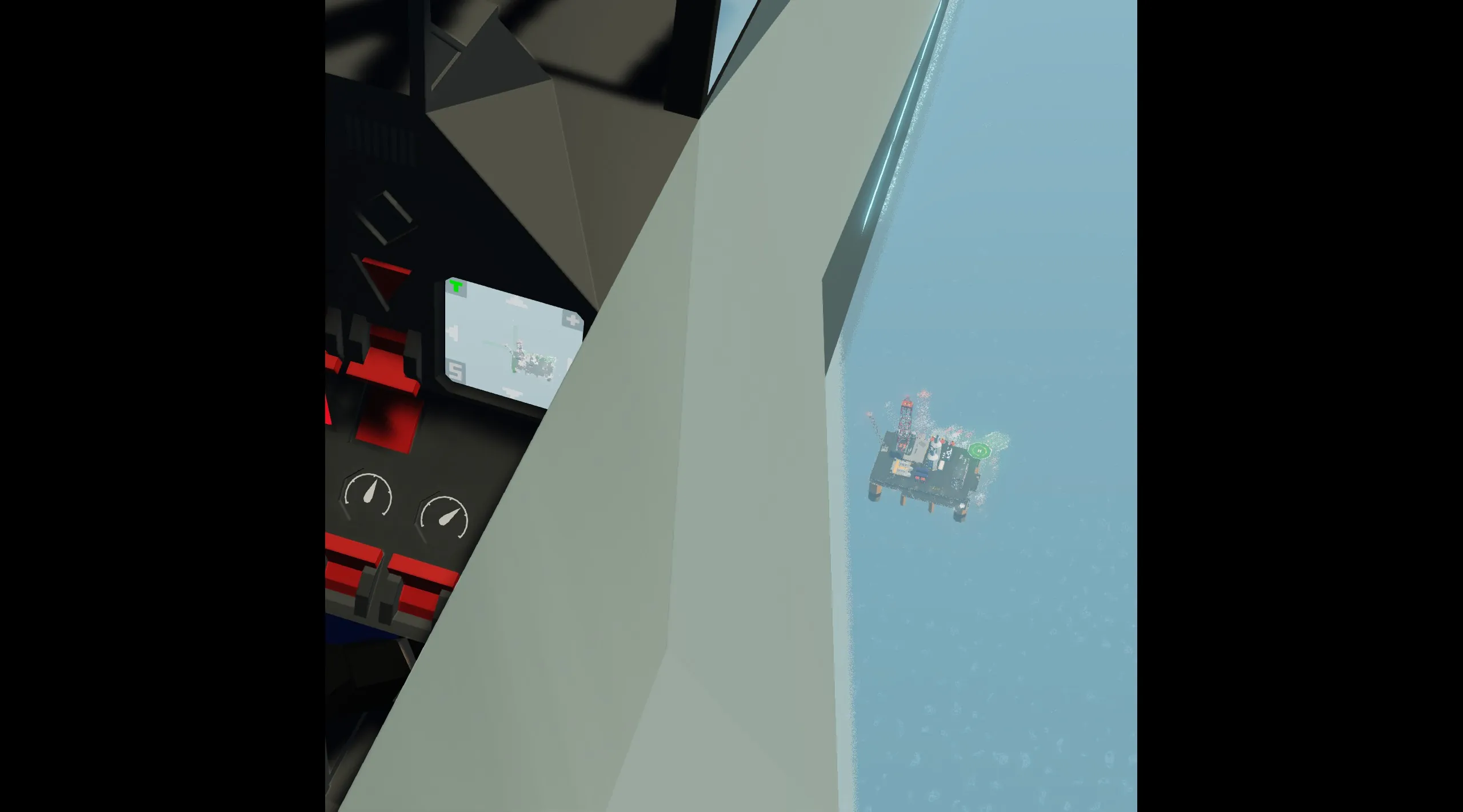
In the left corners of the screen are two icons a T and an S.
The T is to enable "Tracking Mode"
The S is to enable "Stabilized Mode"
In the righthand corners there is a + and a -
The + is to zoom in (decrease FoV)
And the - is to zoom out (increase FoV)
Furthermore there are the four arrows along each side.
Those are ofcourse to control the camera.
NOTE: Make sure the camera is placed facing the ground. (So for example under the belly or wing of an aircraft)
This is because otherwise the controls might not correspond correctly.
NOTE: This is a quite simple Controller and it uses the base game Camera Tracking.
Any Tracking Errors are due to the Camera Tracking, and not to do with the controller sadly.