Feel free to use this in your creations—credit is appreciated!
Do not reupload, even if modified. >:(
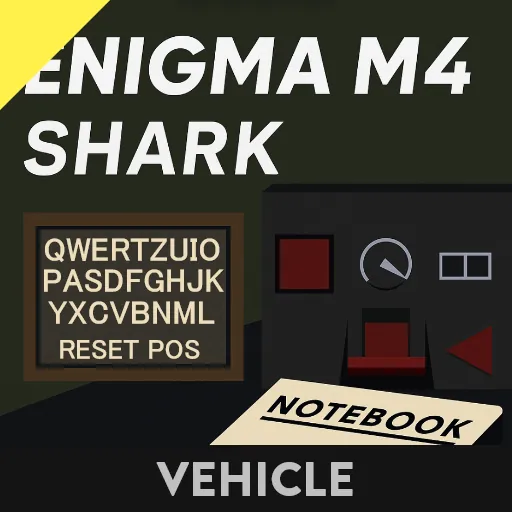
This is my recreation of the Kriegsmarine’s M4 Enigma Machine, used to encrypt and decrypt secret messages exchanged between U-boats and BdU (U-boat Command) during WWII.
The machine uses a set of 4 rotors that rotate with each key press. This means the encryption key changes every single time a letter is typed—making it incredibly difficult to crack without the correct configuration.
How to Use
The machine has 4 configurable settings:
Selected Rotors:
Rotors 1–3 can be selected from 8 options (labeled I–VIII). Rotor 4 (the Greek rotor) can be either Beta or Gamma. Finally, the reflector (a thin disc that sends the signal back through the rotors) can be set to B thin or C thin.
To input your selected rotors, find the keypad hidden in the table to the right of the machine.
Enter a string of five digits:
(reflector / rotor 1 / rotor 2 / rotor 3 / rotor 4)
Example: 26431 → C thin / VI / IV / III / Beta
Rotor Position:
Each rotor starts at a specific position.
Input a string of 8 digits (2 digits per rotor) using the A01Z26 cipher (A = 01, Z = 26).
Use the keypad labeled Rotor Position
Then press the Reset Pos button on the keyboard to apply.
Example: 01221208 → A, V, L, H
⚠️ IMPORTANT: You must press Reset Pos to apply these starting positions!
Ring Position:
Ring settings offset the wiring inside each rotor (not the rotor itself). This changes the encryption again.
Use the Ring Position keypad
Input another string of 8 digits (2 digits per letter) using A01Z26 cipher.
Example: 02130907 → B, M, I, G
Plugboard Settings
The plugboard allows you to swap letter pairs, adding yet another layer of encryption. Up to 10 letter pairs can be set.
The plugboard is located to the left of the machine
The 7-segment display shows which pair slot you're on (0–9)
To input a pair:
Navigate to a pair slot using the ⬆️⬇️ arrows
Enter a 4-digit number into the Plugboard Setting keypad
(e.g. 0102 swaps A and B)
Press the square Confirm button
Repeat to add up to 10 pairs.
To reset settings: go through each one manually and set them to 0.
🔐 To Encrypt:
Just start typing!
The key you press will glow white
The encrypted letter will glow yellow
The rotors advance after each key press, so you must not make a mistake
If you do mess up, press Reset Pos and start again from the beginning.
🔓 To Decrypt:
Type the received encrypted message using the exact same configuration and starting positions as the sender
Usually, the starting position is sent unencrypted beforehand
Example:
Sender encrypts: HELLO WORLD → IJRMK OACZT
You decrypt: IJRMK OACZT → HELLO WORLD
As simple as that!
Final Notes:
Encryption and decryption MUST use the exact same settings, including plugboard, rotor order, ring settings, and rotor start positions, take your time while setting it up!
If you got any questions, reach out on Discord or leave a comment here on Steam. I'm happy to help!