Hello,
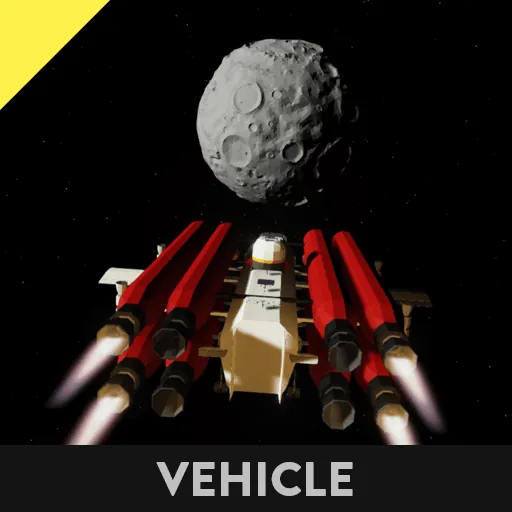
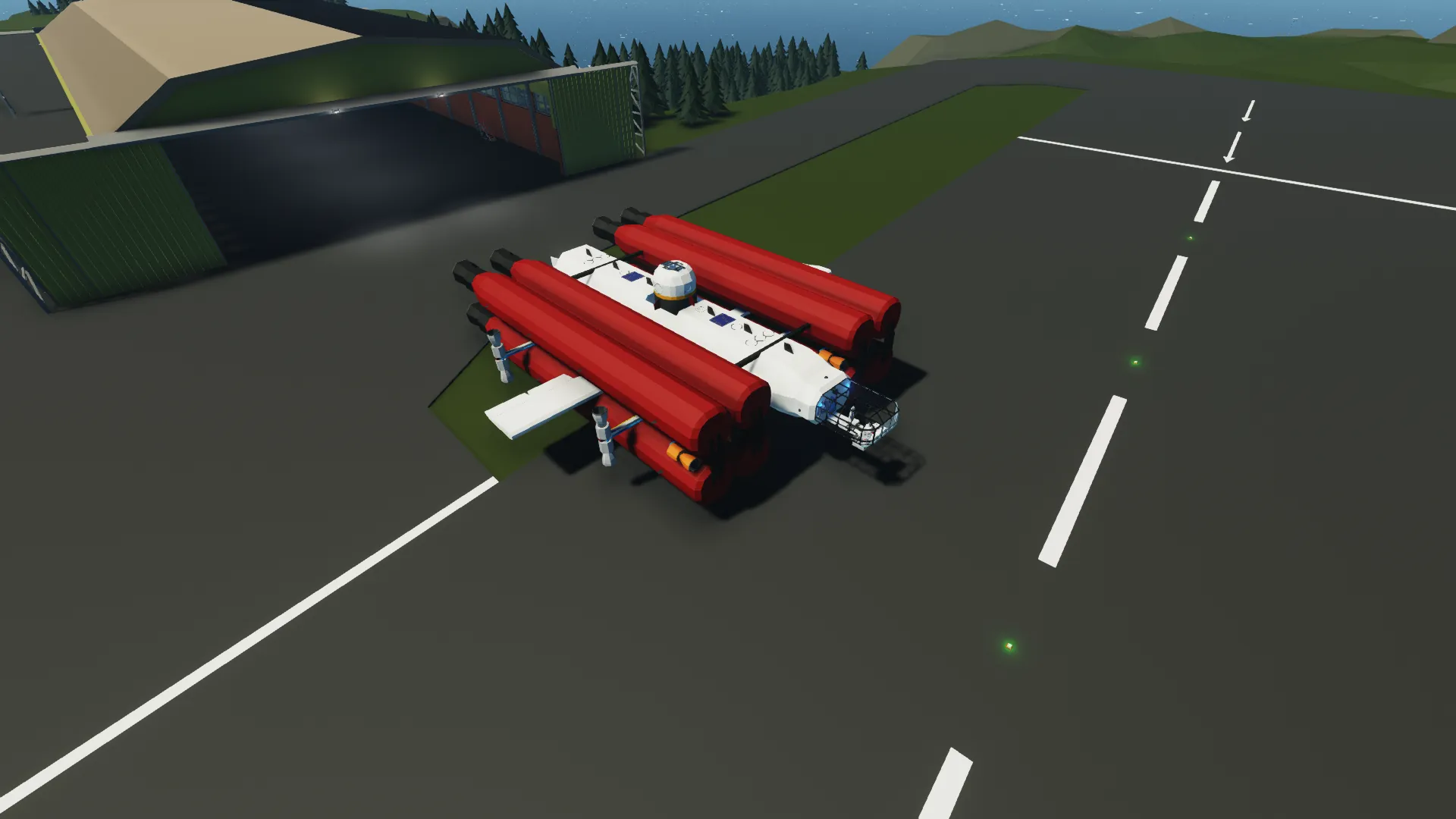
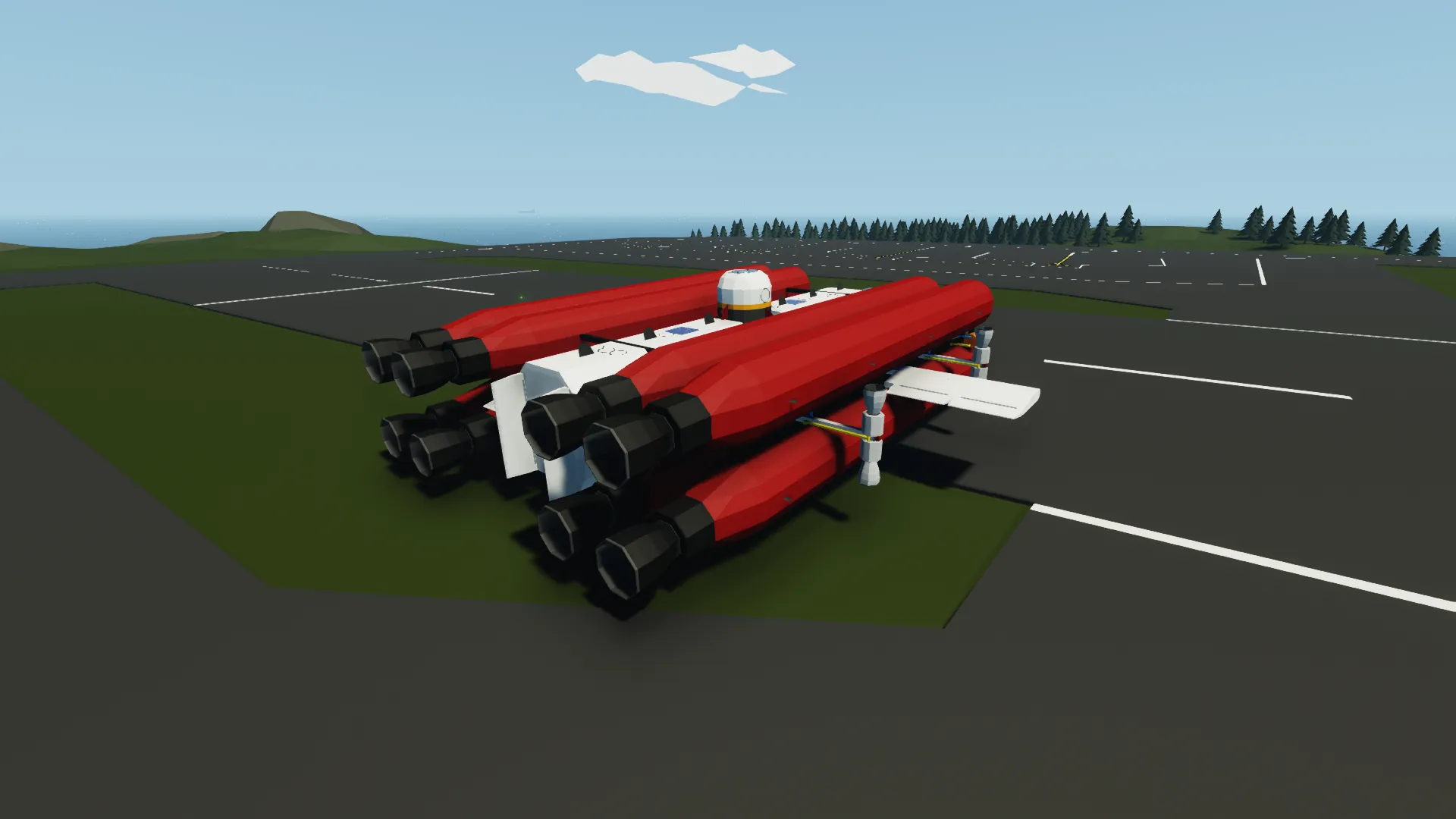
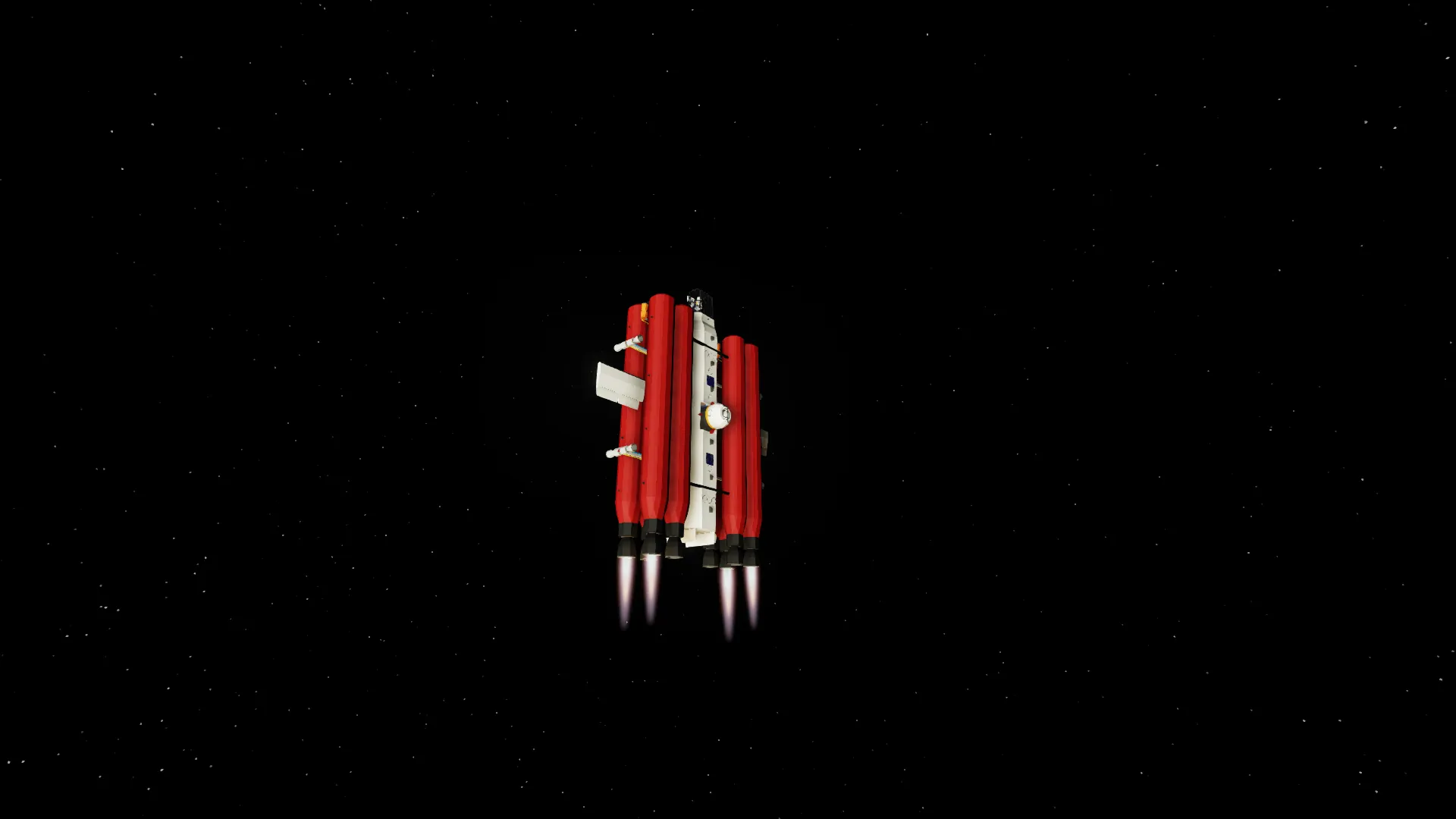
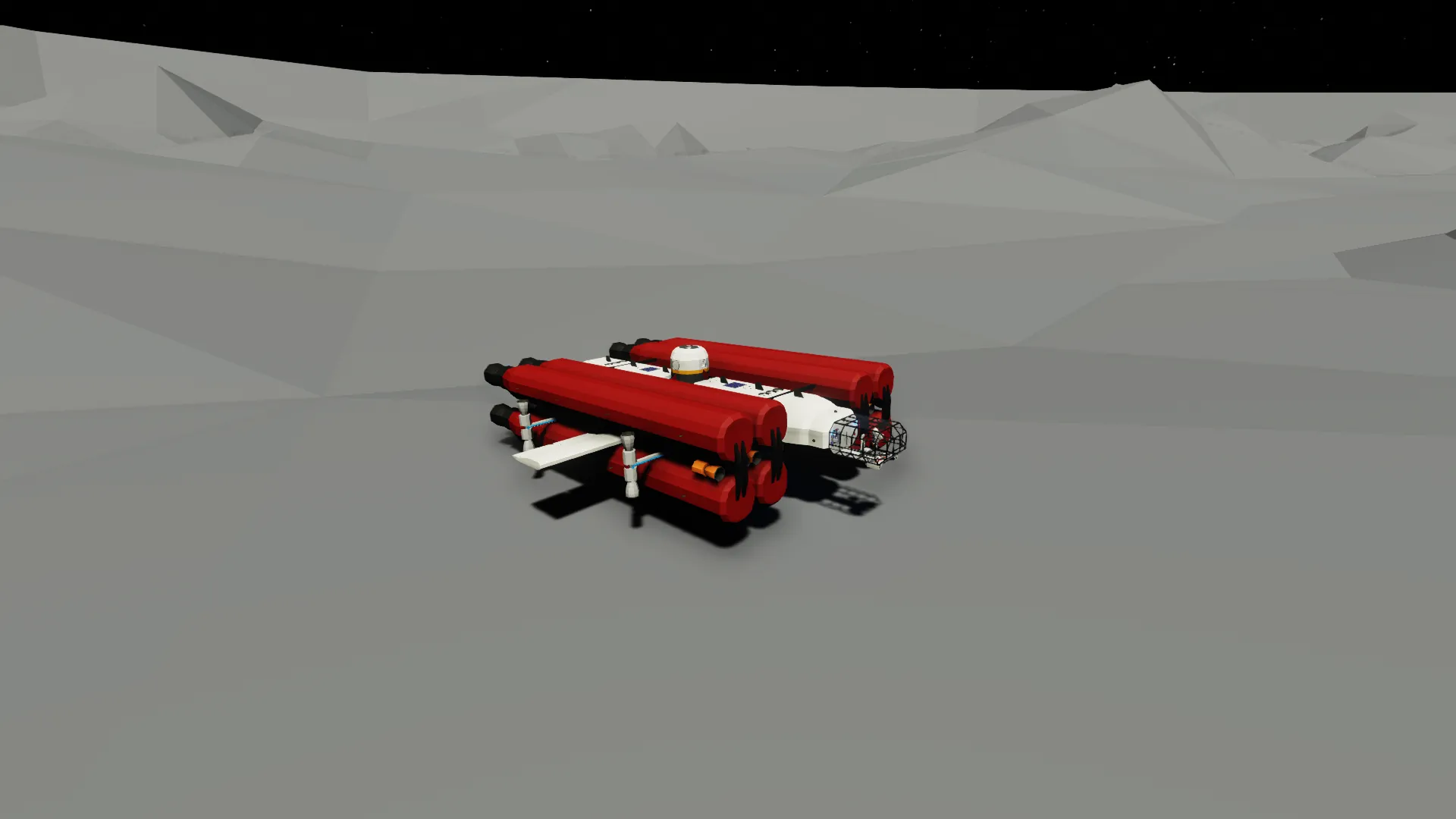
This is the first release of the Hybrid Spacecraft for Moon Landing and Earth Return (HSMLER).
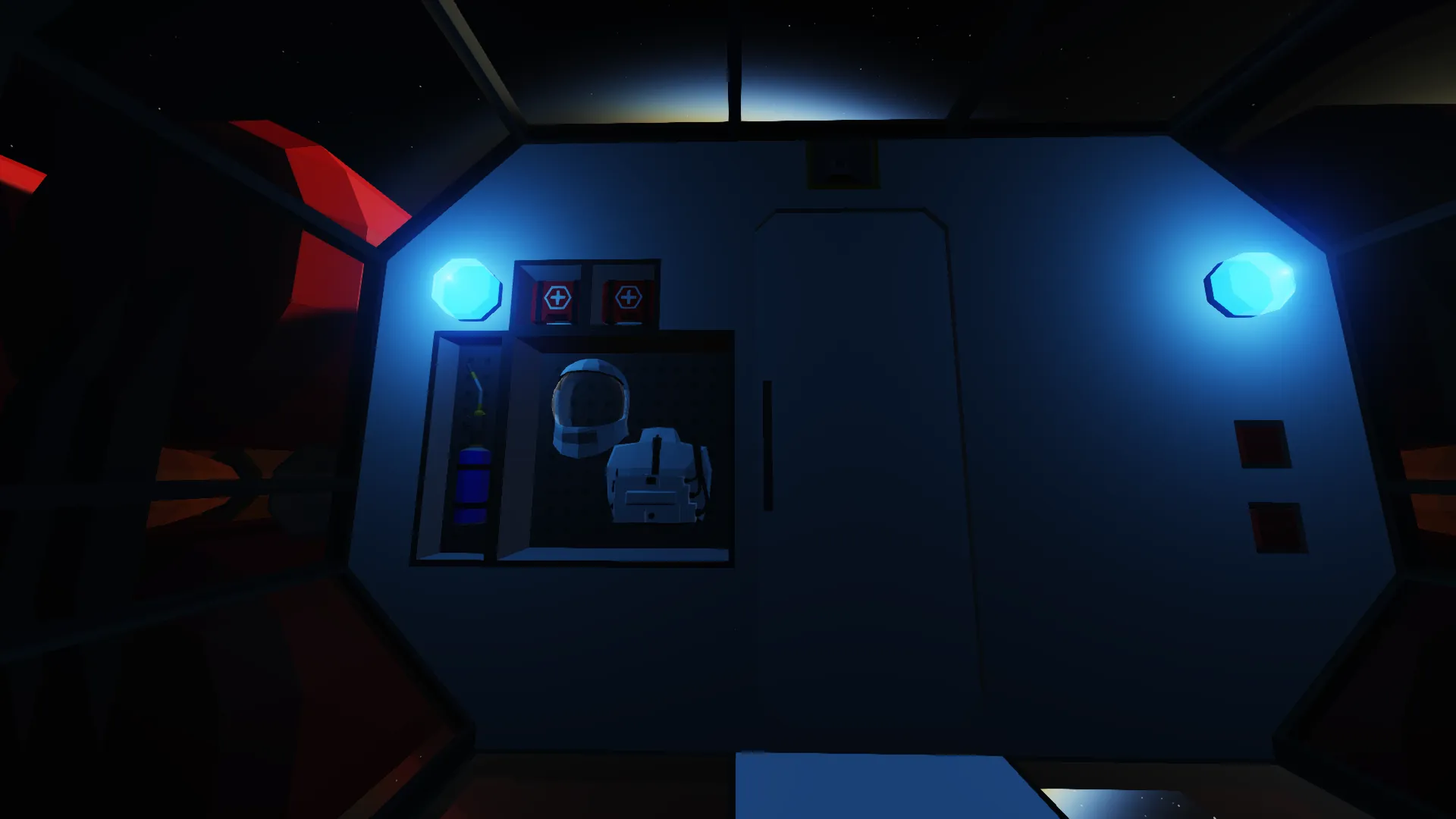
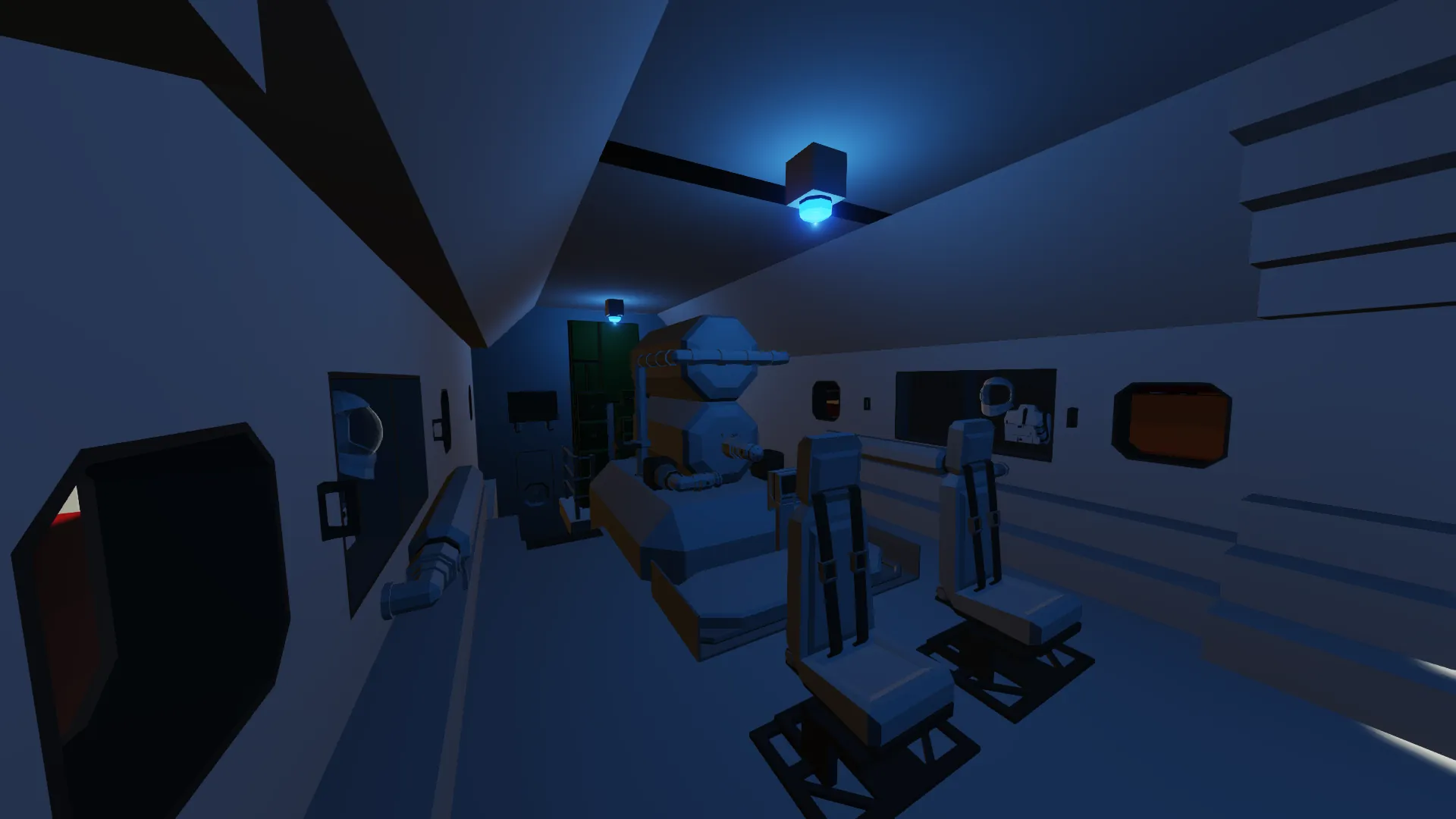
Minor changes to the interior area occurred between the images acquisition and the release.
PHASE 1A - LEAVING THE EARTH - TAKE OFF
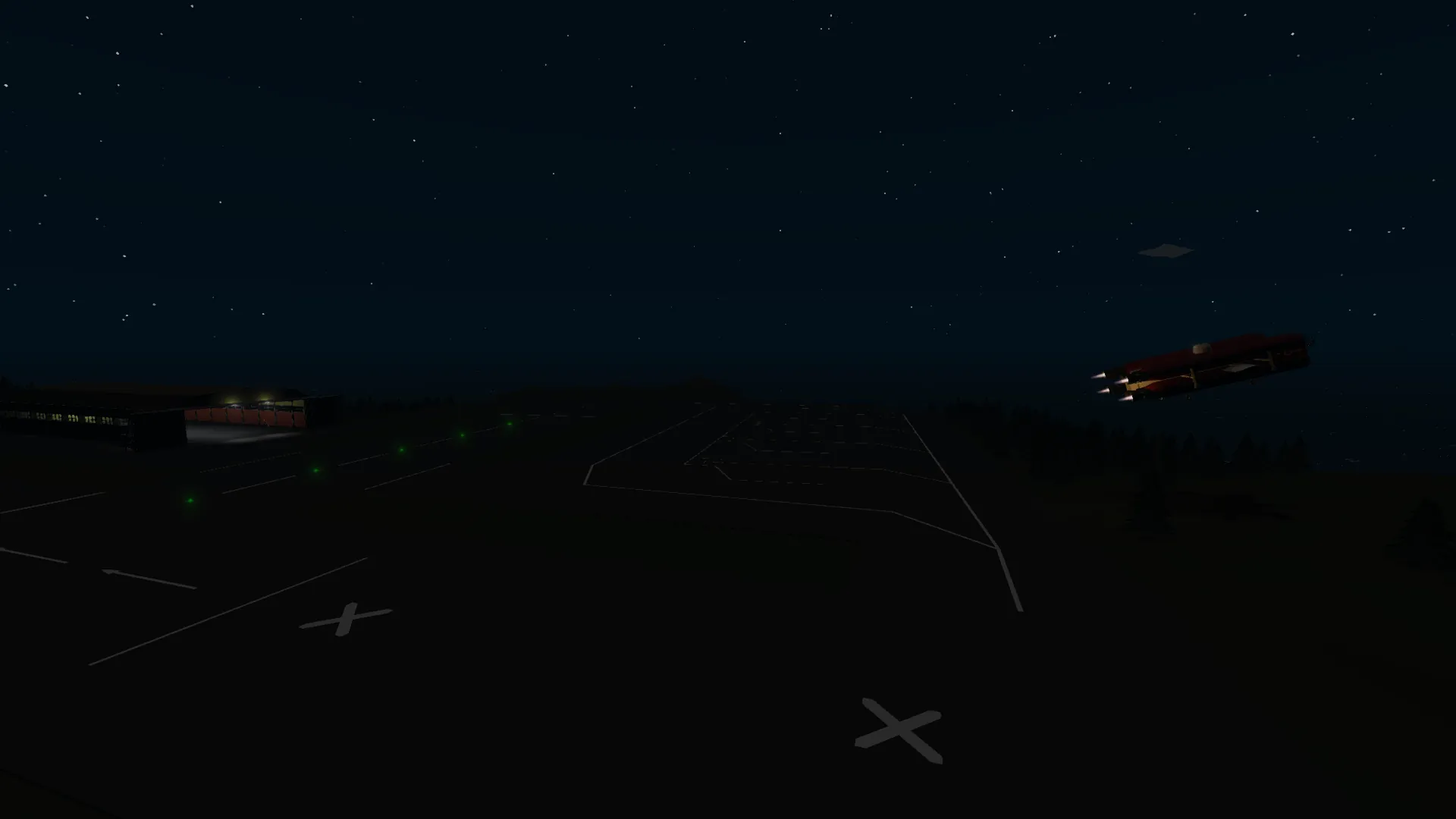
The spacecraft is designed for leaving immediately from a horizontal position, with rockets forward momentum and use of Aircraft wings. Leave the SPACE NAVIGATION key OFF. Place the throttle at approximate 40-50% (should be sufficient for smooth take-off without damagin the wheels). IMPORTANT: Make sure that the door is closed!
Use [W] and [A][D] for wings and rudder. After the ground is safely distand, just point straight vertically to the sky and increase throttle to 100%, the spacecraft should be stable with very marginal corrections.
PHASE 1B - LEAVING THE EARTH - ORBIT
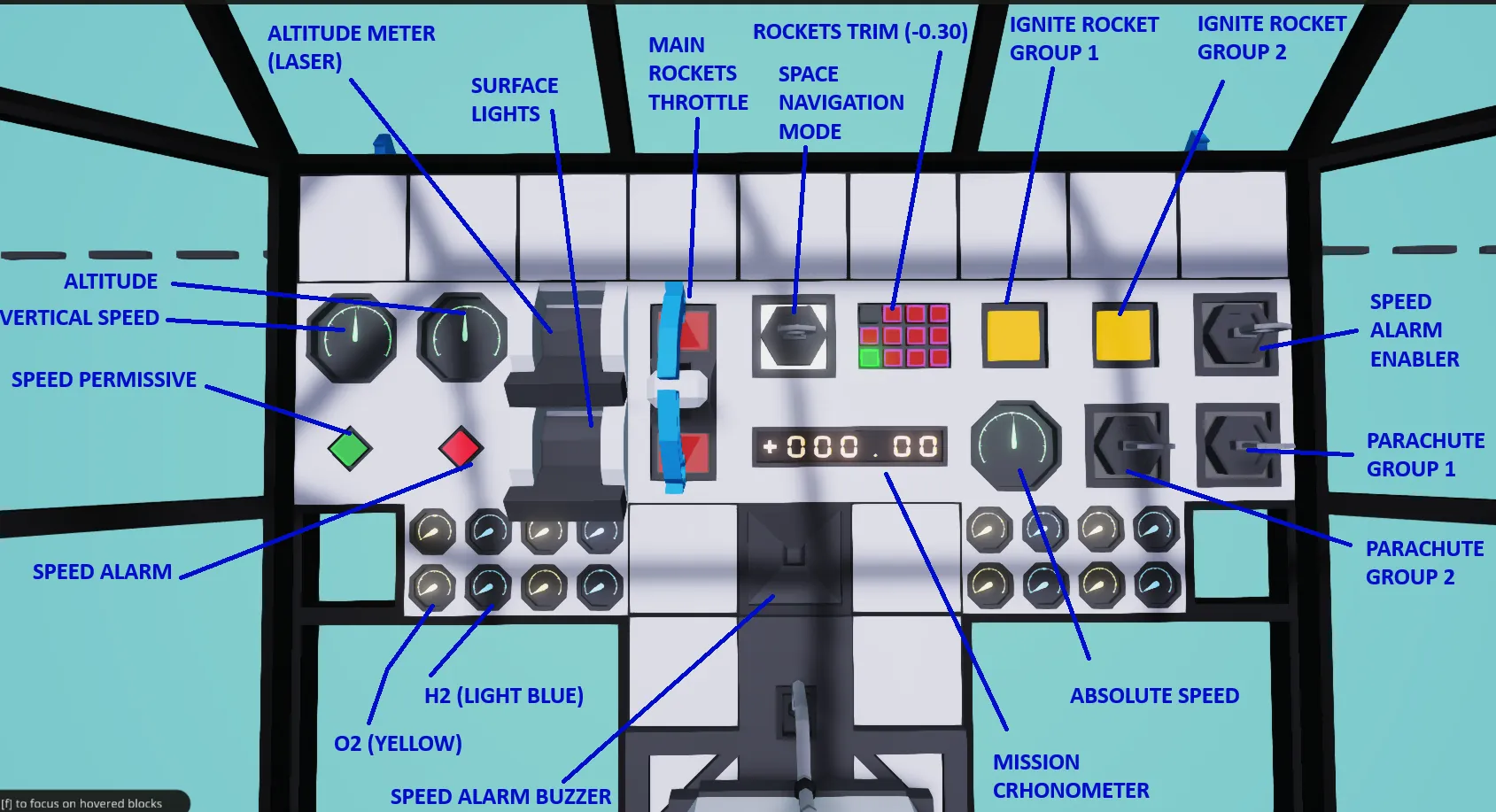
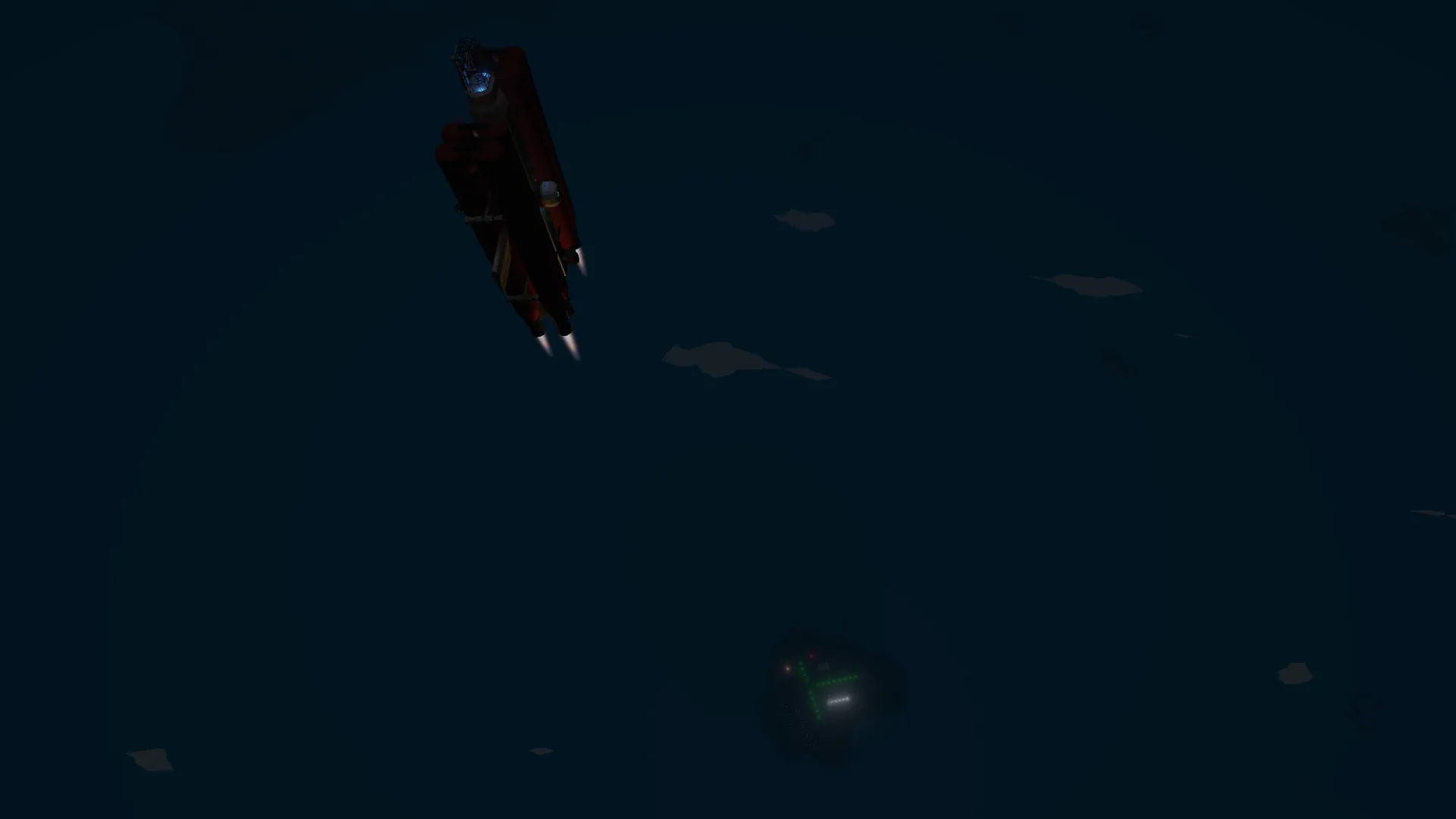
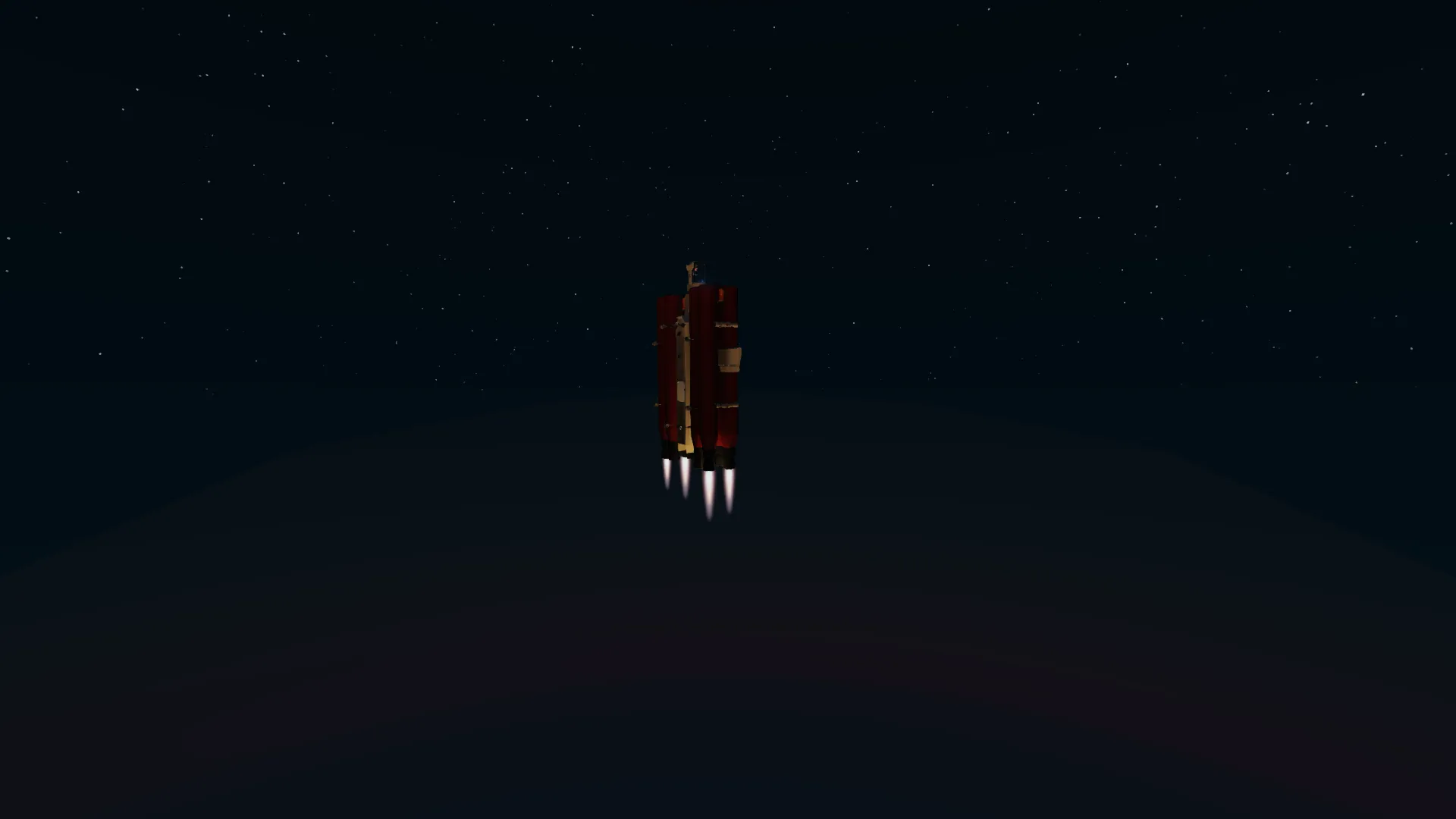
Once appropiate height is reached (you will notice a orange contour around the world surface, meaning that you are at the limit of the Earth atmosphere), the wings will start becoming uneffective. Use the trim keypad and set it to -0.30 (this is to give stability between the rockets and spacecraft configuratio/masses and avoiding continuous vertical correction, will try to fix in V1). Immediately after the trim is set, activate the key SPACE NAVIGATION. This will disable the wing control and give you command on rockets gimbal [W] and [A][D]. No action is required on throttle.
PHASE 2 - TRAJECTORY TO THE MOON
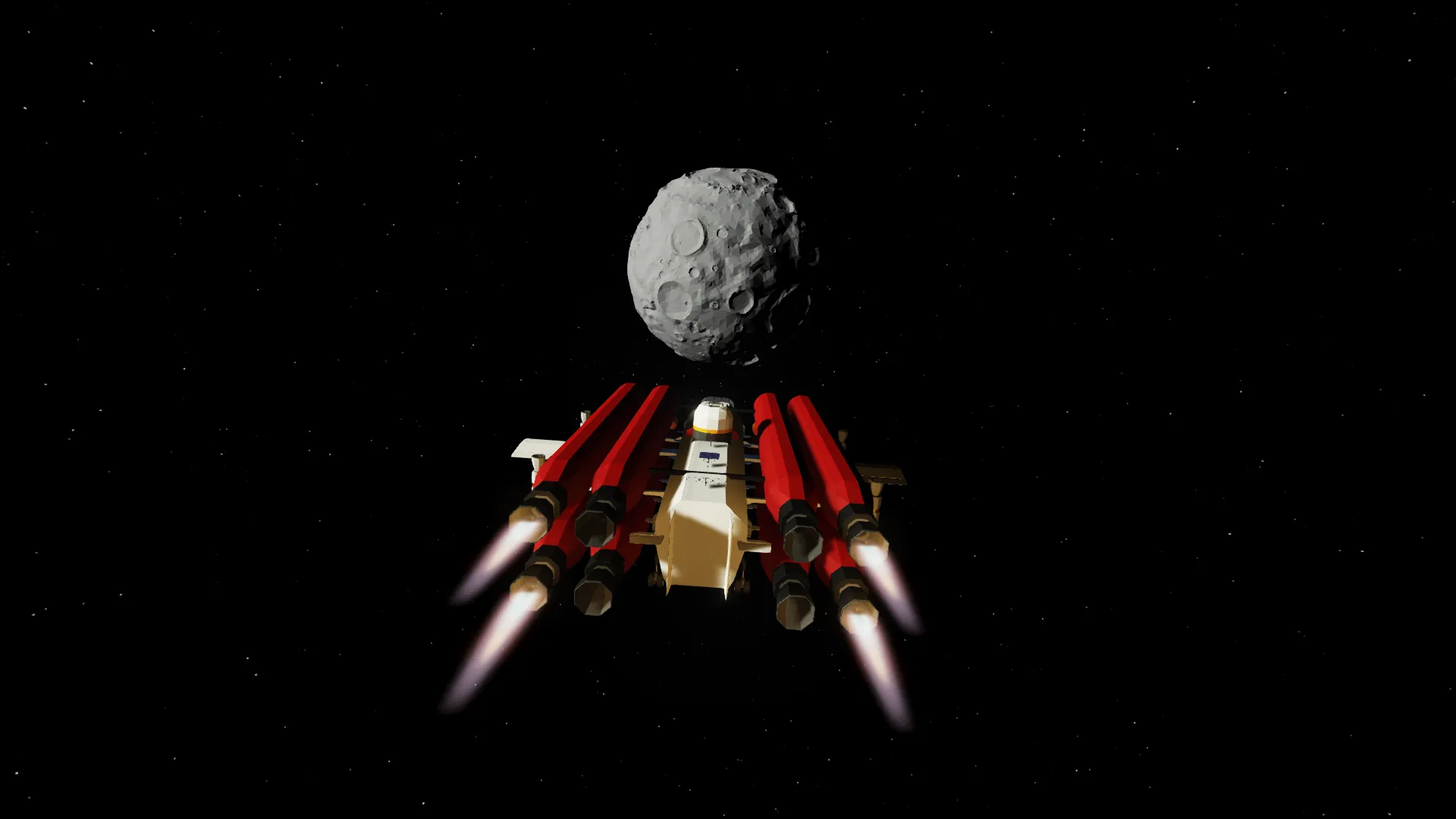
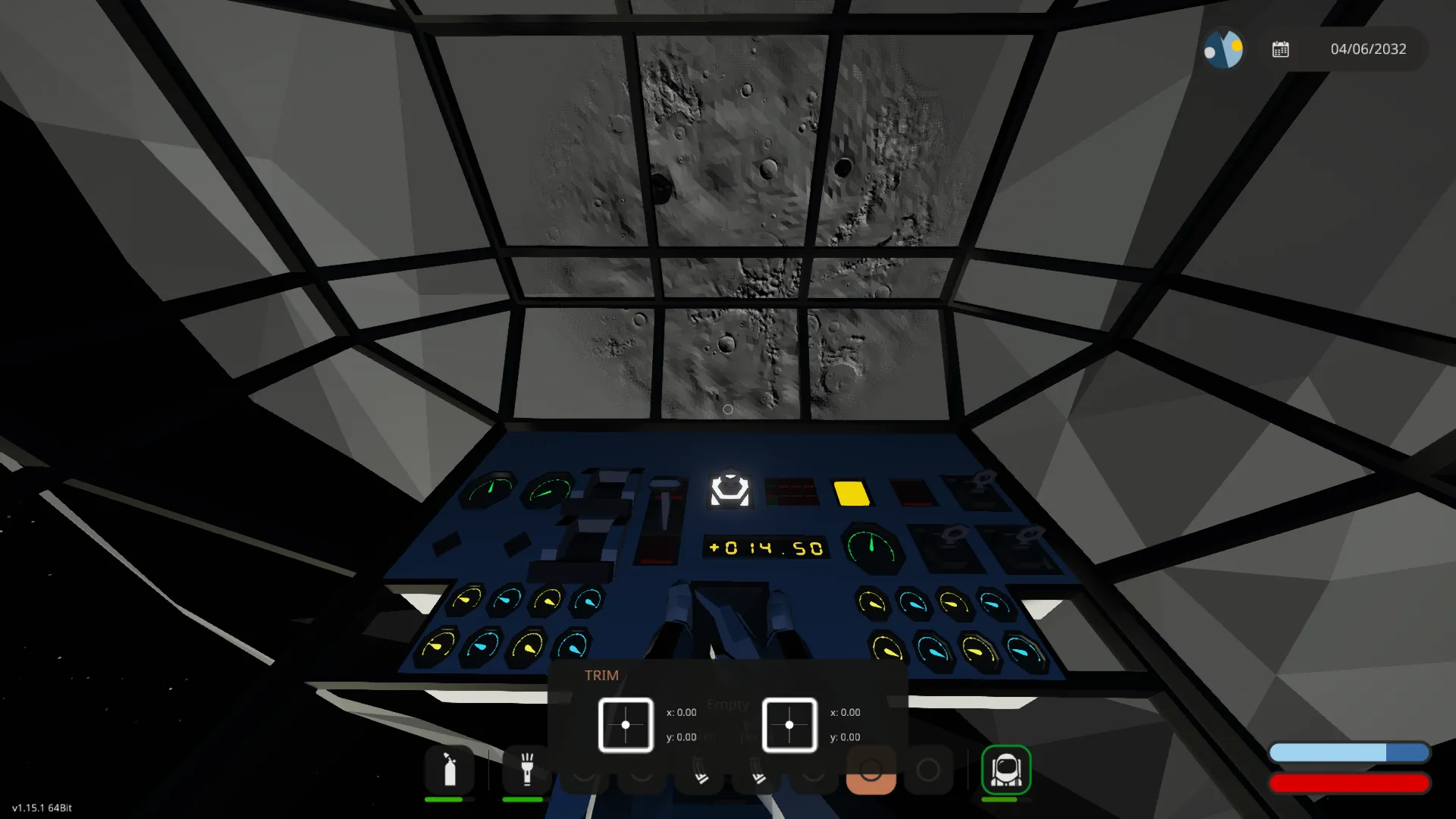
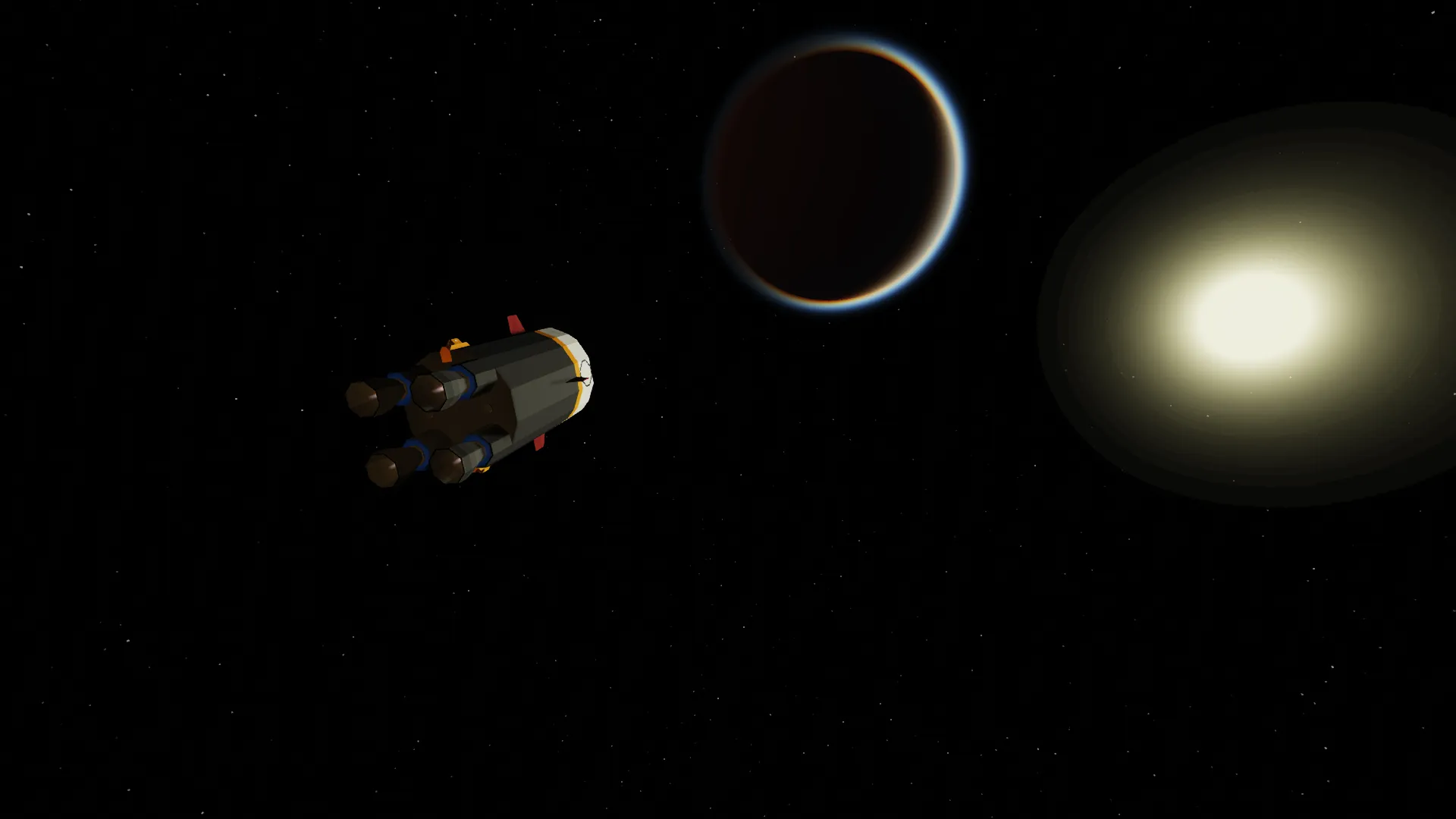
Jus[W] and [A][D] keeping the moon in the 3x3 window corner in the pilot seat position. You can use [1][2] for Rolling if required to better align with trajectory when the moon will start moving.
PHASE 3 - ENTERING THE MOON SPACE
Once the moon surface can be seen, you are approximatively 10 000m altitude. Keeping to approach the moon in the same direction (almost perpendicular to the surface) accelerates your descent, but create danger as even pitching the spacecraft in parallel to the moon surface, your vertical speed would be extremely high. Recommendation is to start from far to gradually aligning with moon surface and reducing trhottle to 60-70%. The total travel time from earth hangar and moon space should be approx 15 min.
PHASE 4 - DESCENDING
Once you are travelling parallel to the moon surface, activate the laser distance meter (works only up to 4000m) and the speed alarm key. This will alert you if the absolute speed is >100 AND/OR the vertical speed is >10. Use [5] to reduce horizontal speed and adjust pitching with [3] or [4]. Once the speed has dropped, you will start also gaining vertical speed (downward). Use [3] AND [4] to reduce descending speed, and [3] OR [4] to correct the pitch. If you are ascending, you can use [6] to revert back the vertical speed.
PHASE 5 - MOON LANDING
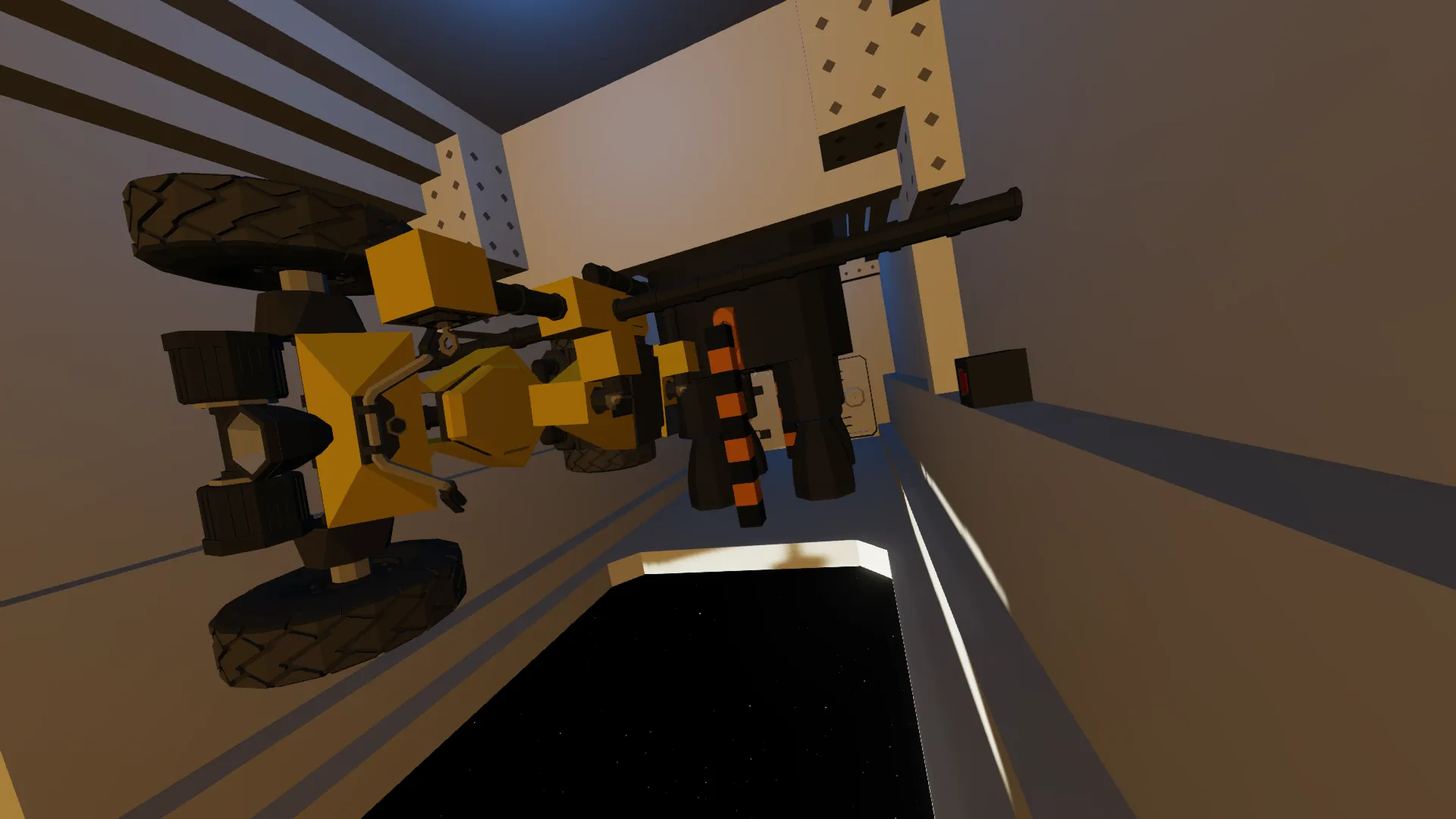
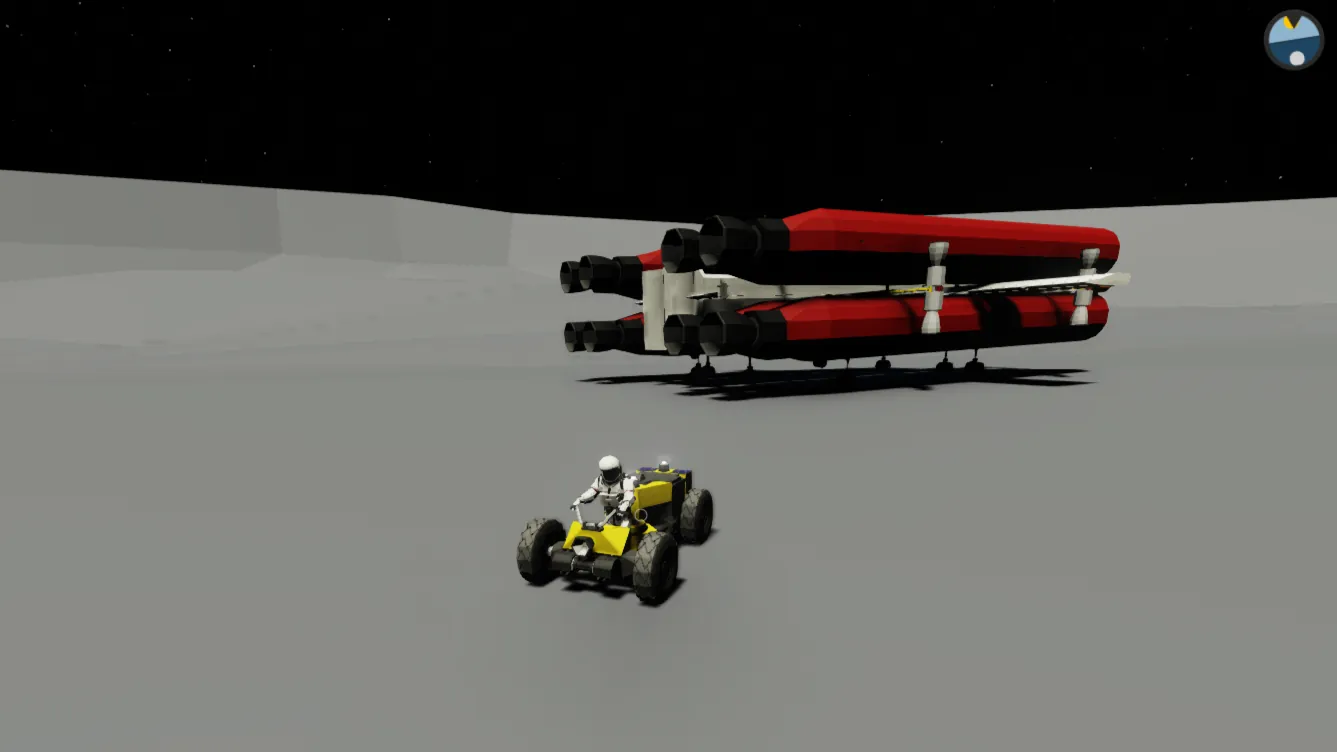
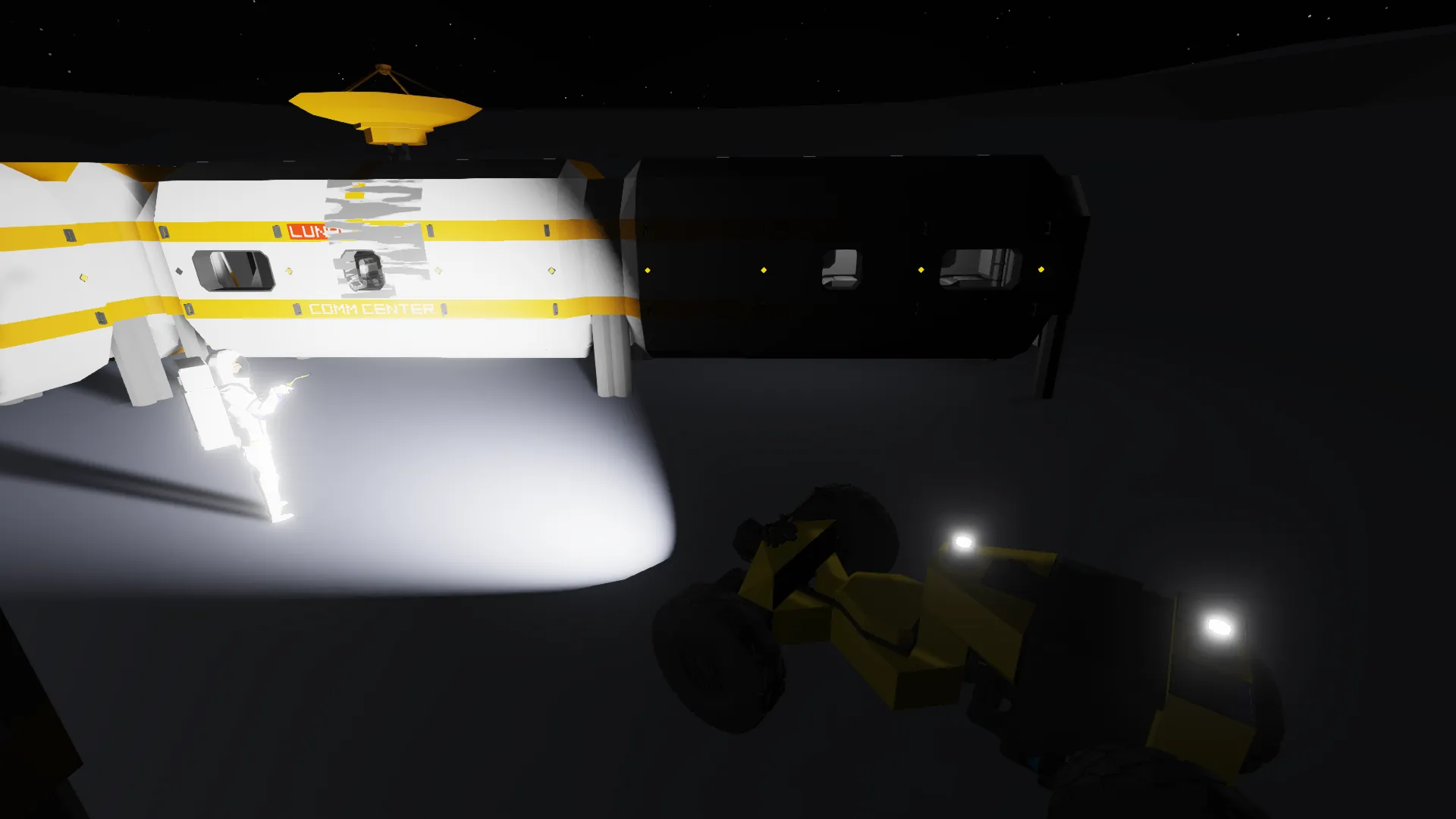
Keep acting on the above parameters. Ideally you would move with vertical speed below 10 and total speed below 3 times (30). Once on moon surface, you can detach and use the rover. Gas tanks are available to restore pressure inside, including pushbutton with motorized valves to equalize the airlock.
PHASE 6 - MOON LEAVING
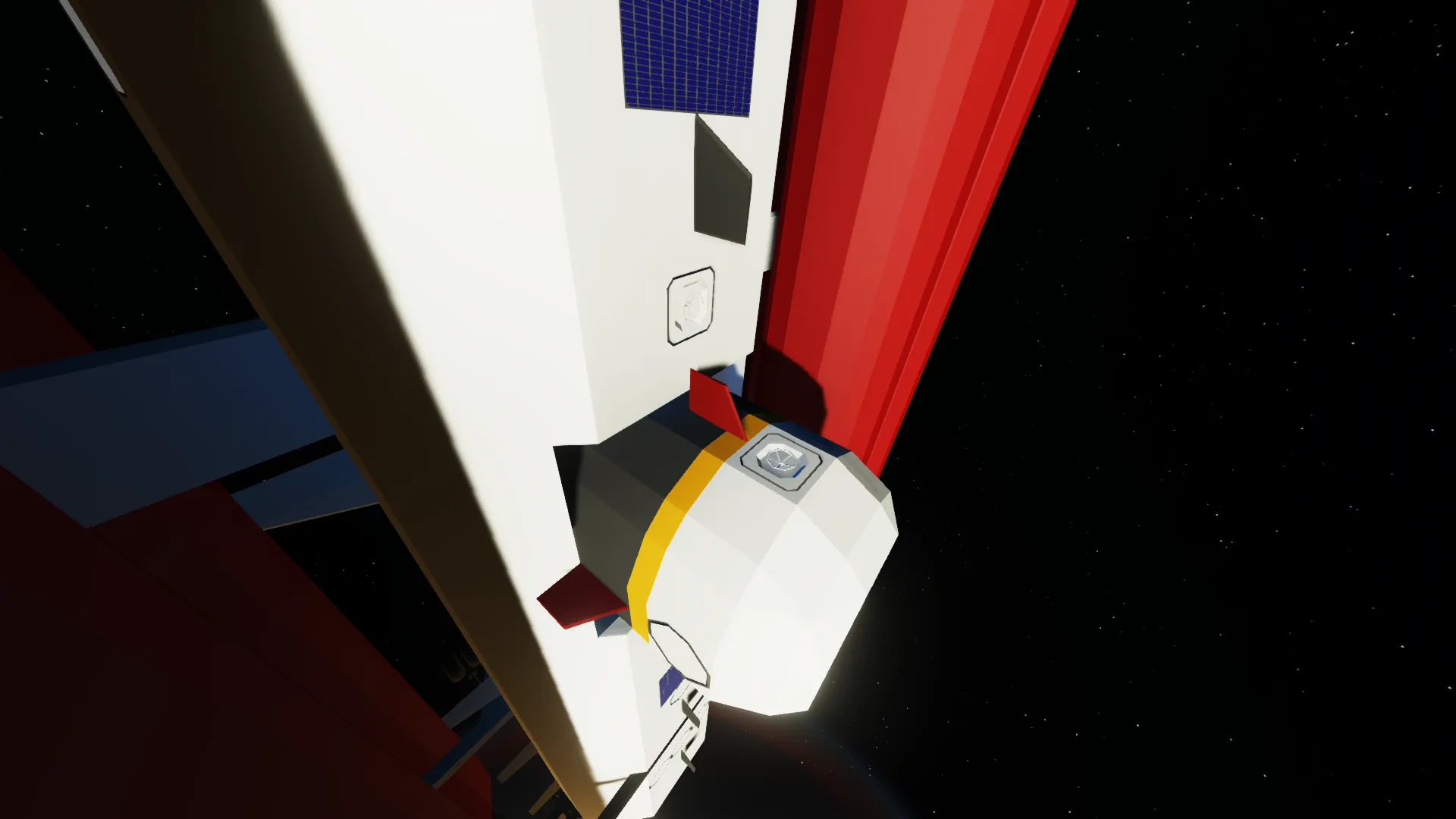
Use [1]+[2] or [3]+[4] to leave vertically the surface. Once at appropiate height, activate the rocket group 2 and head to the earth. If spacecraft is damaged, you will need to leave with Emergency module. In this case, use [1] to activate the rockets and the left key to detach.
PHASE 7 - EARTH ATMOSPHERE
Once back to earth atmosphere, keep heading down perpendicularly with the use of space navigation at higher altitudes and switching with space navigation off when in normal aricraft traffic space. This recover the use of wings and rudder. At this point, you can reduce throttle to 20% maximum.
PHASE 8 - EARTH LANDING
Approach the landing lane and use parachutes.
You can look at reference images and videos included in this workshop page for the phases description.
Video: https://www.youtube.com/playlist?list=PLJKifQ-4xqwTtww6qGKtJQ8S7tUG9B3nq
This content and the logic controllers are completely free for use (crafting, streaming, etc.)
Hope you'll enjoy and subscribe!
Thank You
Regards