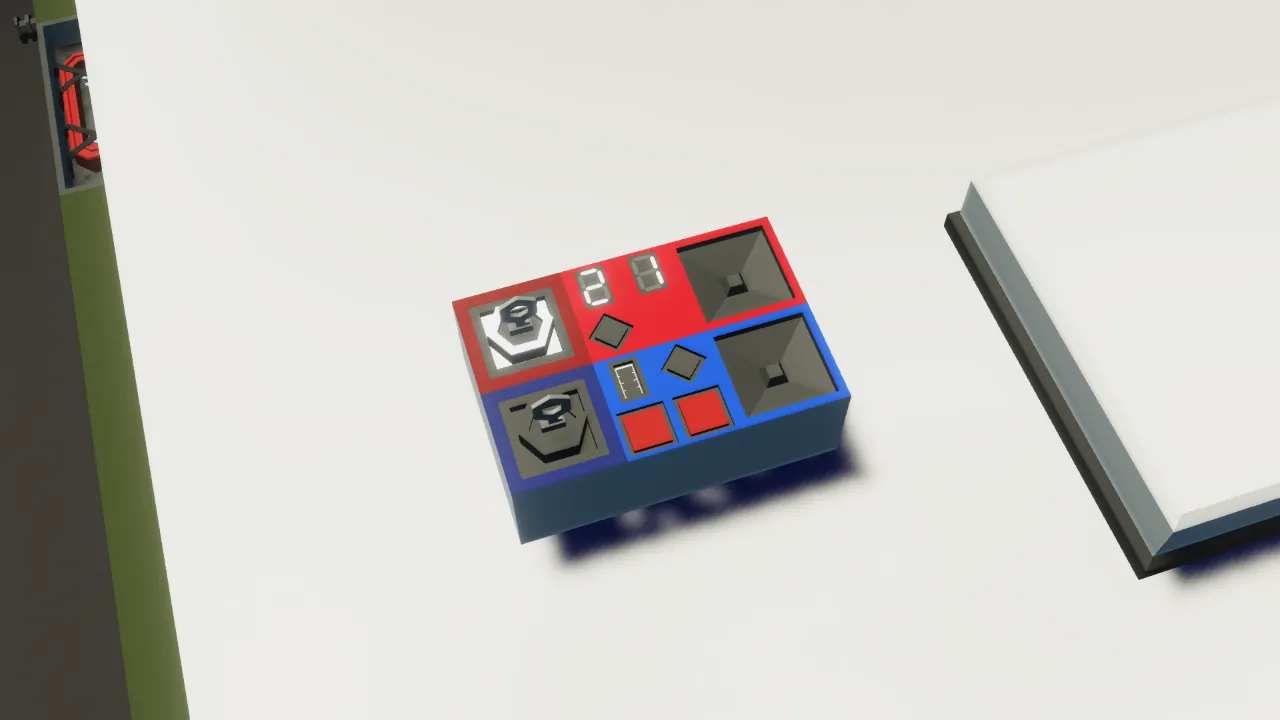
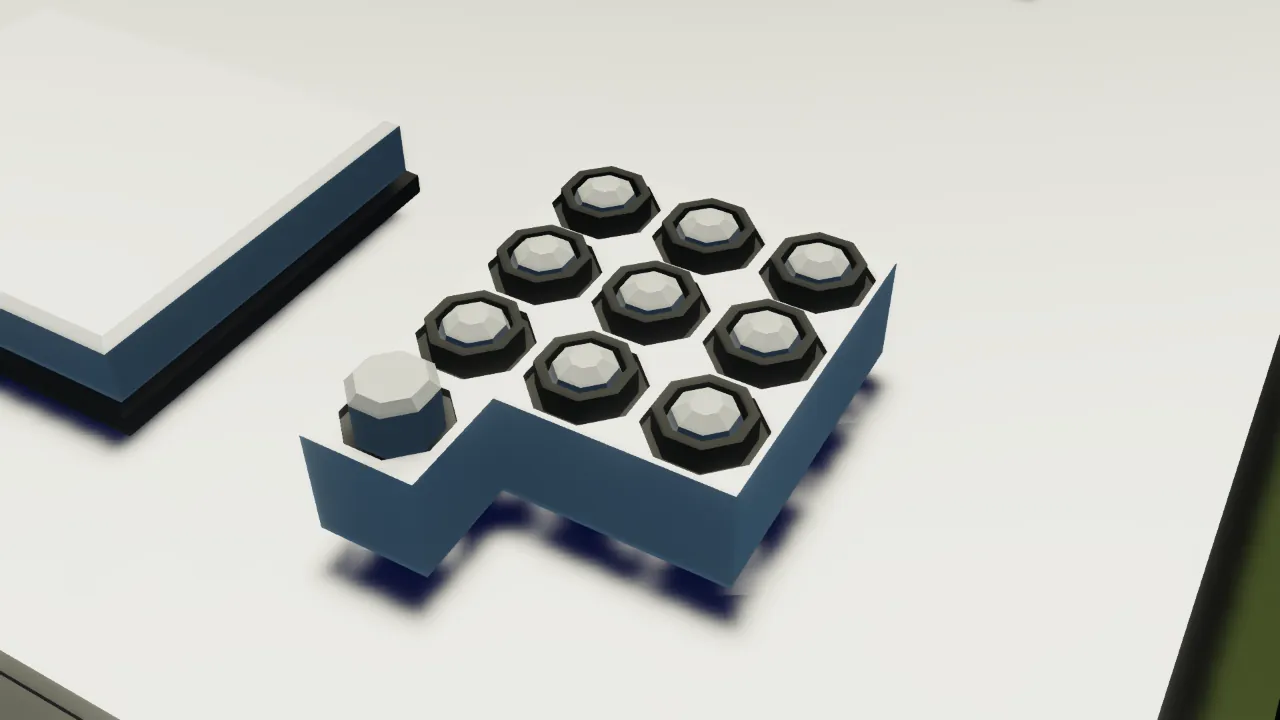
Overview
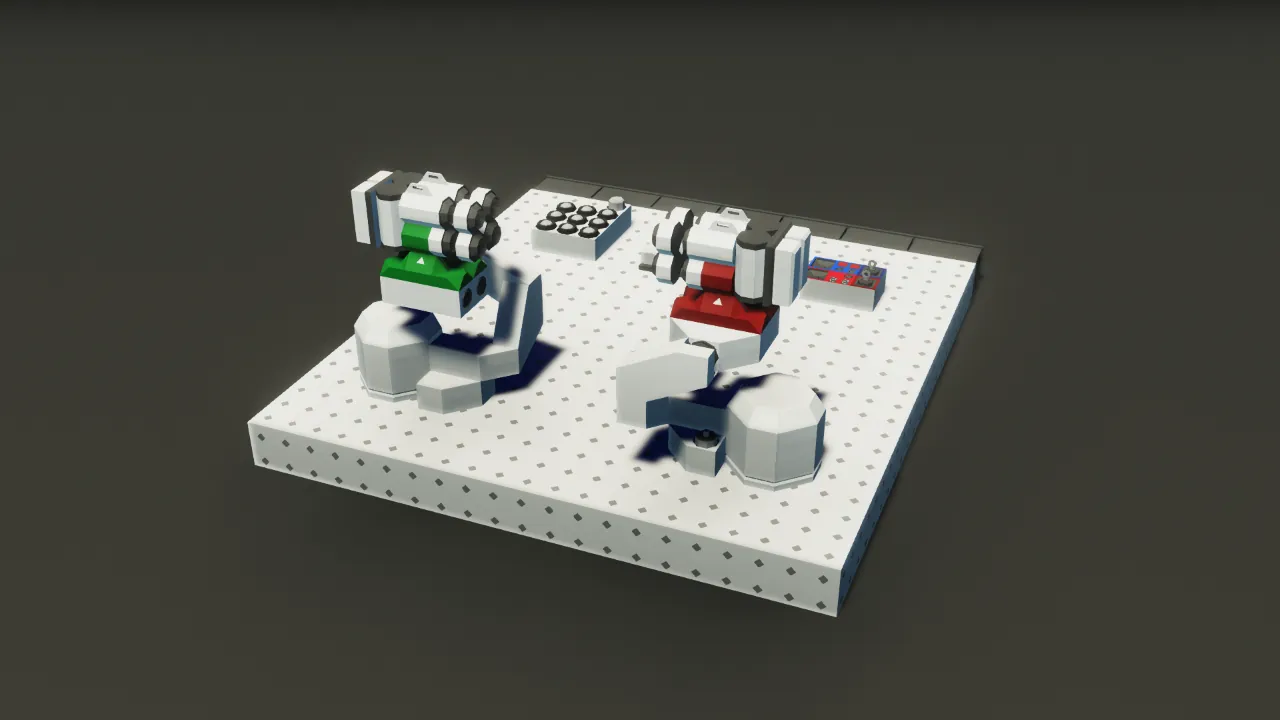
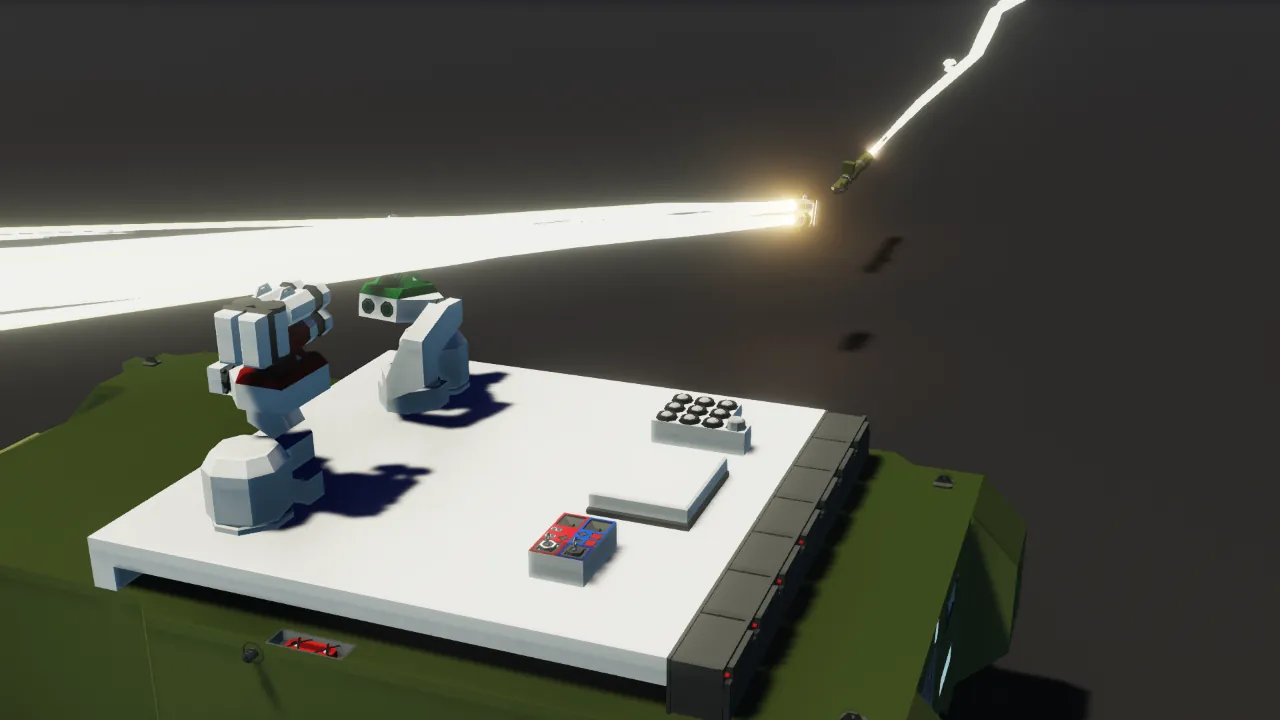
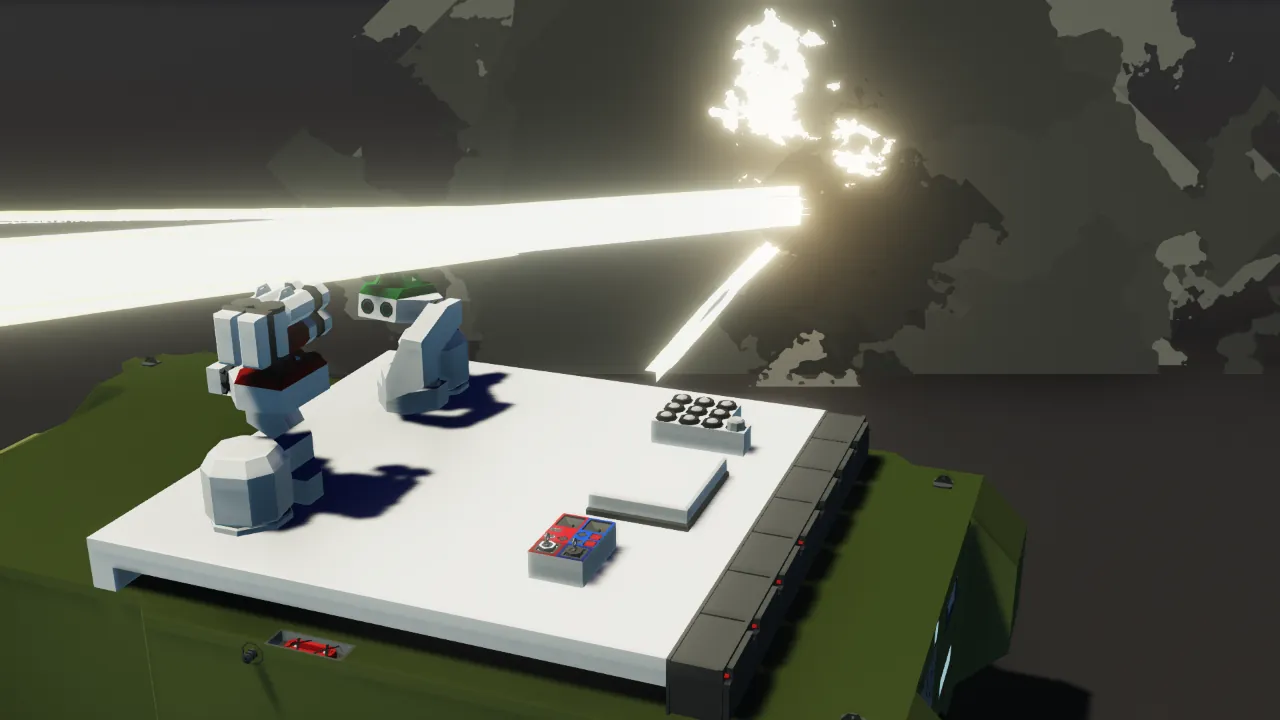
This APS combines hard kill and soft kill APS. It is an improved version of the APS3.
Specifications
- Can intercept up to two missiles per side
- Maximum missile speed: 300 m/s
- Maximum elevation angle: 70 degrees
- Minimum distance: 150 m (assuming a missile speed of 200 m/s)
- Chaff capacity: 9 (additional chaff can be added)
Improvements
- Improved interception performance at close range (150-200m) compared to the APS3
- More flexible placement (each launcher can be placed anywhere)
- Miniaturized microcontroller
How to use (same as APS3)
Hard Kill APS
1. Turn on the "Hard Kill APS Power" key button.
Incoming missiles will be automatically intercepted.
There is a risk of malfunction, such as when passing other vehicles. It is recommended to turn it off if there are friendly vehicles nearby.
How to Increase Chaff in a Soft-Kill APS
1. Place additional chaff.
2. Connect "Launch Passthrough" or "Launch" nodes, just like the chaff already placed.
3. Set the number of chaff in the "Number of chaff" property of the microcontroller.
Soft Kill APS
1. Turn on the "Soft kill APS power" key button.
2. Turn on the "Auto chaff" toggle button.
Chaff will be automatically launched upon radar wave detection.
You can also launch chaff manually by pressing the "Launch chaff" push button.
Installation Instructions
Install by cutting and pasting.
Programs
https://drive.google.com/drive/folders/15BLji2S2lDlCYwVq1AKtLYwxBnecZRTN?usp=sharing
Others
- You can remodel it.
- You may distribute it secondarily (if you modify it).
- You can incorporate it.
- You can make a video.
- You don't have to get permission.
I used google translate