Rotate your plan with any angle
如何使用
1.创建计划
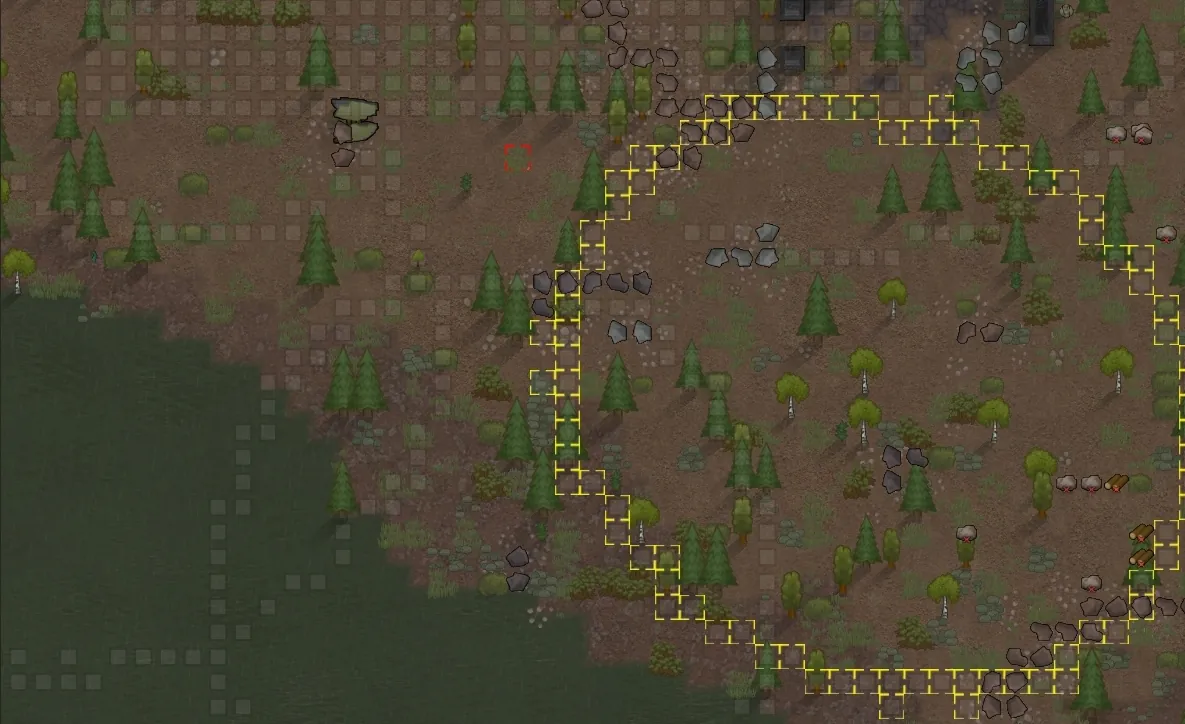
2.使用特殊的选择器选择已有的计划来创建一个模型
3.设置旋转中心(默认值(0,0))
4.设置旋转角度
5.旋转
6.按下apply按钮,在模型所在的位置制定计划
(您不直接旋转计划,而是旋转模型)
问题
当旋转圆和你心目中它应当是光滑曲线的图形时,会有一点变扭 (눈‸눈)
期望
不仅可以选择计划,还可以选择墙壁和蓝图
优化旋转算法
建议
配合Designtor Shapes使用,因为这个mod不包含各种复杂图形的快捷创建工具
[url=https://steamcommunity.com/sharedfiles/filedetails/?id=1235181370]https://steamcommunity.com/sharedfiles/filedetails/?id=1235181370[/url]
HOW TO UES
1.Creat plans
2.Use the special selector to create a model
3.Set center of rotation( Default (0,0) )
4.Set angle
5.Rotate
6.Press the apply button to make plans in where the model is
(you do not rotate the plans directly,but rotate the model)
PROBLEM
It seem to be a bit strange when rotate circle and other which should be smooth curve in your mind
EXPECTATION
You can select not only plans but also walls and blueprints
Optimize the algorithm of ratation
SUGGESTIONS
Ues with "Designtor [url=https://steamcommunity.com/linkfilter/?u=http%3A%2F%2FShapes%26quot%3Bhttps%3A%2F%2Fsteamcommunity.com%2Fsharedfiles%2Ffiledetails%2F%3Fid%3D1235181370]Shapes"https://steamcommunity.com/sharedfiles/filedetails/?id=1235181370[/url]