SkyFloe – Non-Gyro Helicopter
Description
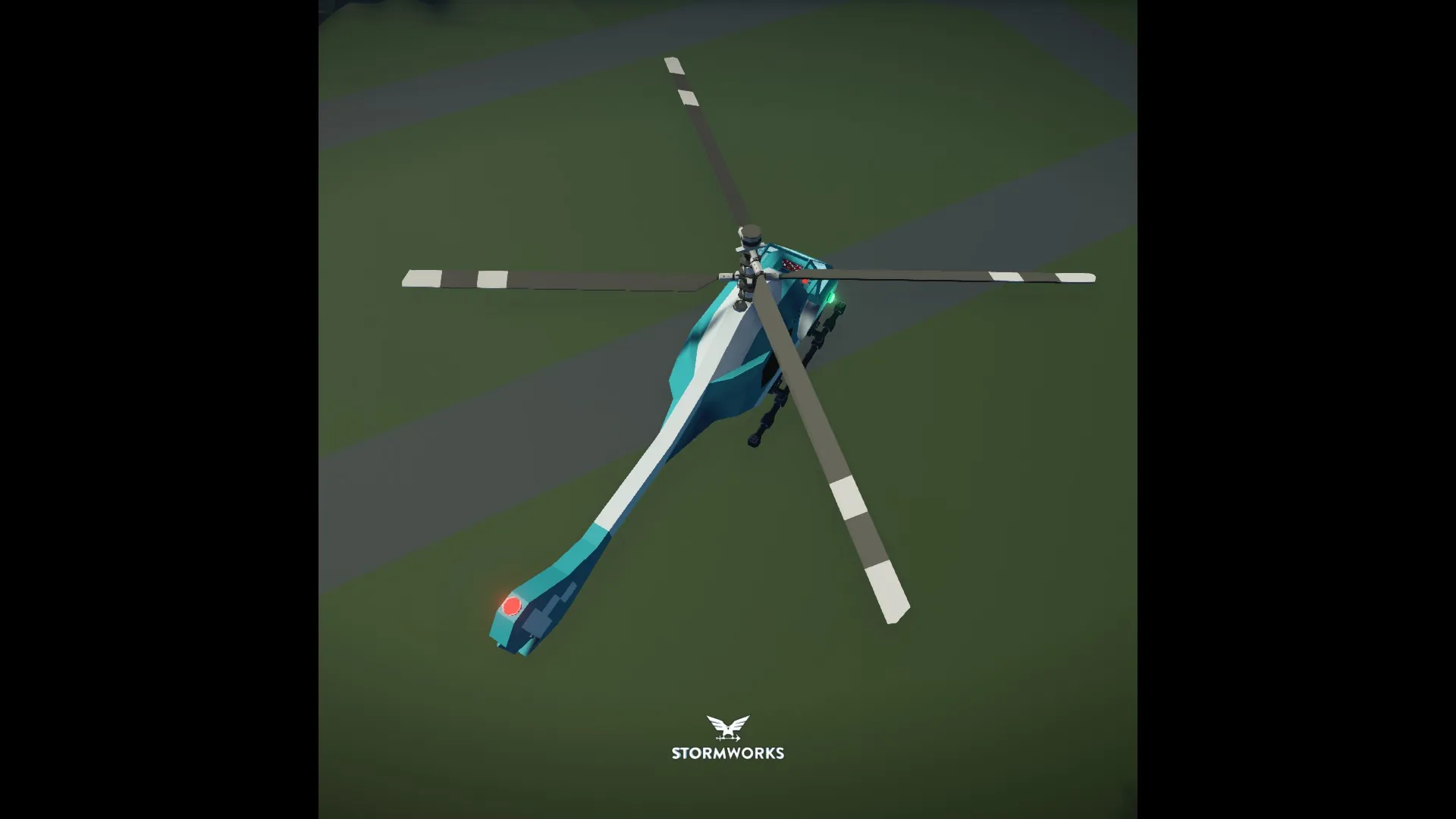
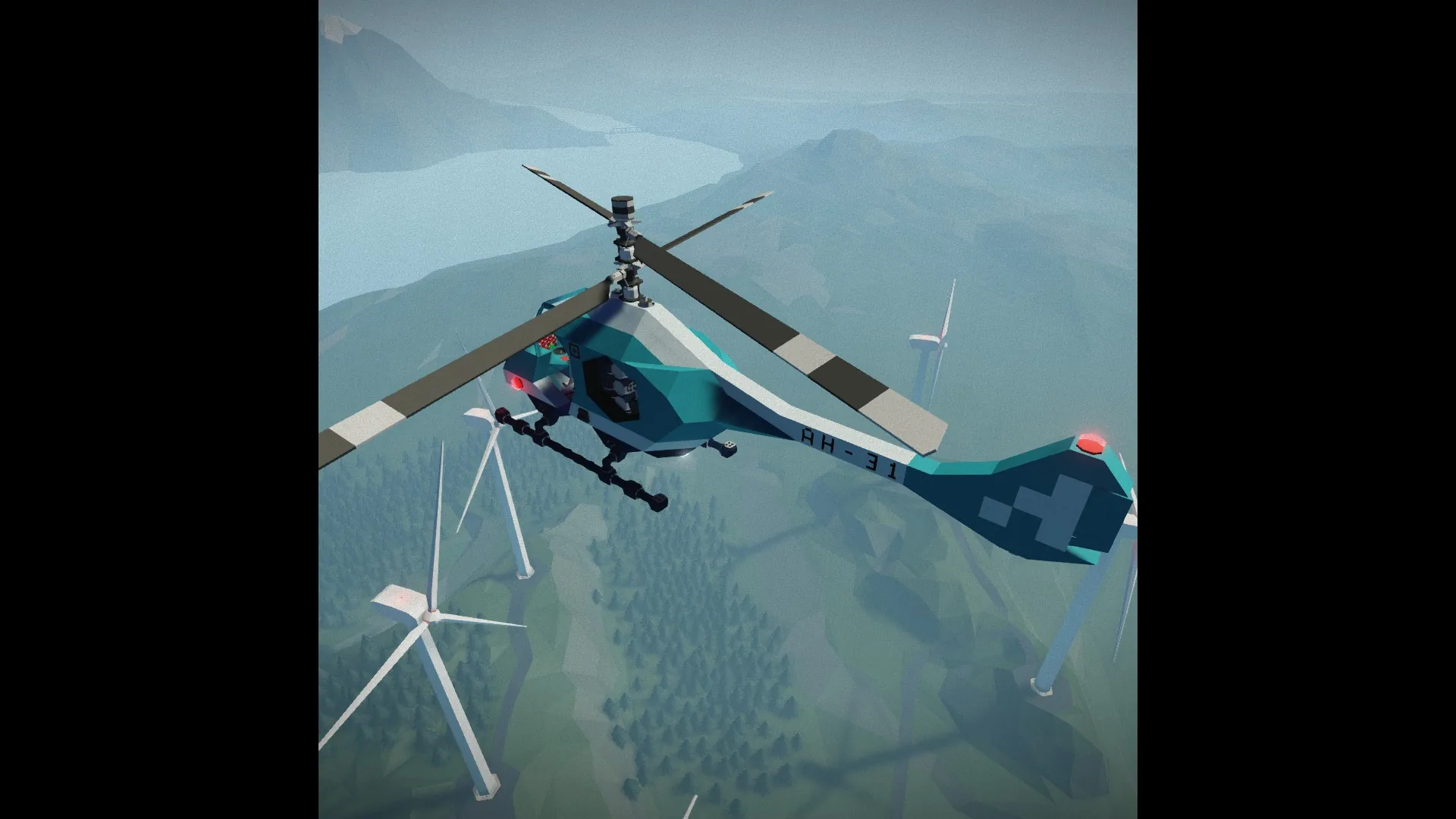
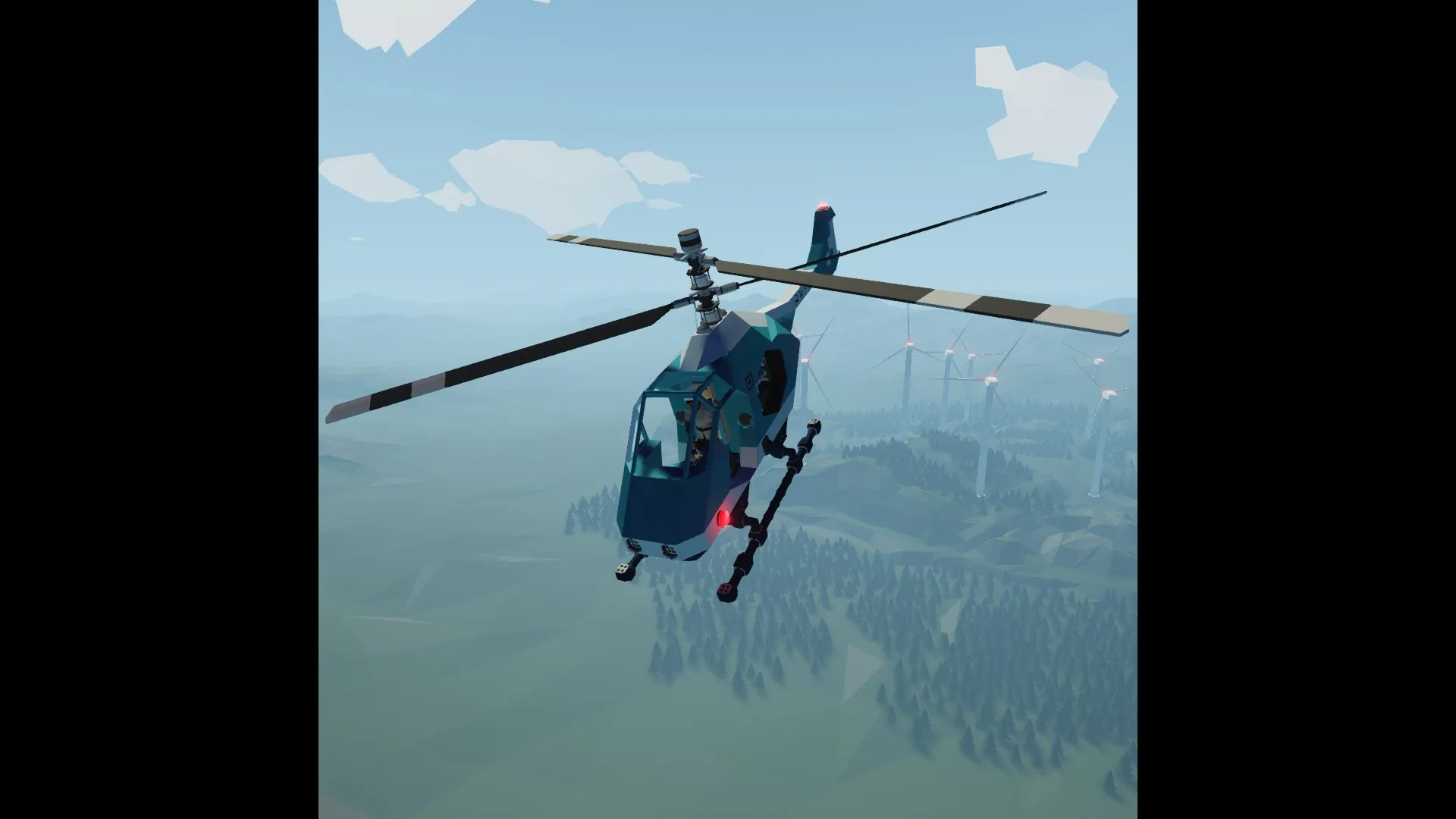
The SkyFloe is a single-seat helicopter designed to move the player around the map at a maximum speed of 130 km/h. This helicopter doesn't have a gyroscope - instead, microcontrollers are responsible for its stability and control.
This vehicle has quite responsive controls and is equipped with an GPS autopilot. It doesn't have an altitude hold mode, since it has an advanced method of vertical movement.
[hr]
How To Use
Engine Start
[list]
[*] Sit in the pilot's seat and activate the "Power" switch;
[*] Press the "Engine On" button;
[*] Wait until the orange "Check Engine" indicator goes out.
[/list]
Manual control
[list]
[*] Activate the "AutoHover" trigger if you want the helicopter to hover;
[*] Use the W/S axe for pitch, A/D for roll, Q/E for yaw and Up/Down for collective.
[/list]
GPS Autopilot
[list]
[*] Make sure that the AutoHover mode is enabled;
[*] Gain the required flight altitude (usually no higher than 350 meters above sea level);
[*] Place a waypoint marker at the desired location on the map;
[*] Enter the waypoint coordinates into the keyboard;
[*] Activate the autopilot by pressing the "GPS Autopilot" button;
[*] Upon arrival, release this button to switch to manual control.
[/list]
Lighting
Use hotkeys 1-5 to activate the desired lighting type:
[list]
[*] Hotkey 1 – Navigation Lights;
[*] Hotkey 2 – Cockpit Lights;
[*] Hotkey 3 – Instrument Panel Backlight;
[*] Hotkey 4 – Spotlights;
[*] Hotkey 5 – Landing Light.
[/list]
If you have any difficulties, watch this short [url=https://www.youtube.com/watch?v=ot_WKTG7IBI][b]video tutorial[/b][/url]
[hr]
On-Board Equipment
On-board equipment includes:
[list]
[*] First Aid Kit;
[*] Cockpit Lights;
[*] Flashlight;
[*] Fire Extinguisher;
[*] Welding Torch.
[/list]
[hr]
Tips and Features
[list]
[*] Refuel the helicopter before the flight, as by default it has low fuel in the tanks;
[*] Don't use the down button when the helicopter is on the ground and don't use the up button when the engine hasn't reached the required RPS – this is due to the fact that the integral gate in the PID controller isn't limited!
[*] The "Check Engine" indicator lights up in only three cases - either the engine RPS is below the required level, or the fuel level is too low, or the battery charge level has dropped;
[*] Although the helicopter proved to be very stable during testing, try not to make any sudden maneuvers;
[*] If you want to tune the helicopter yourself, do it gradually and carefully.
[/list]
[hr]
How It Works
This helicopter doesn't use the default gyroscope for stabilization, instead it is equipped with special microcontrollers whose operating logic is based on PID controllers. There are 3 main control channels - three main microcontrollers.
The first of them controls the pitch and roll angles by analyzing the current orientation of the vehicle and signals coming from the pilot's seat. When the AutoHover mode is on, the signals from the pilot's seat are replaced by speed signals (longitudinal and transverse), which the helicopter must reduce by changing its pitch and roll.
The second microcontroller stabilizes the helicopter's yaw by analyzing its angular velocity and the signal coming from the pilot's seat.
The third microcontroller controls the vertical movement of the helicopter. Its logic is built in such a way as to maintain the required vertical speed, which is set as follows: (Up/Down axis) * (Maximum vertical speed). When the pilot doesn't use the collective axis, the helicopter practically doesn't move vertically, so I considered the current altitude hold mode unnecessary.
This vehicle is also equipped with a GPS autopilot, which makes the helicopter move to the desired coordinates. When the helicopter reaches the waypoint area with a radius of 350 m, it reduces its speed and hovers (if the AutoHover mode is activated, but if not, the helicopter will continue to circle around the waypoint until it stops).
[hr]
[img]https://i.ibb.co/3yDBkf04/Sky.jpg[/img]
[hr]