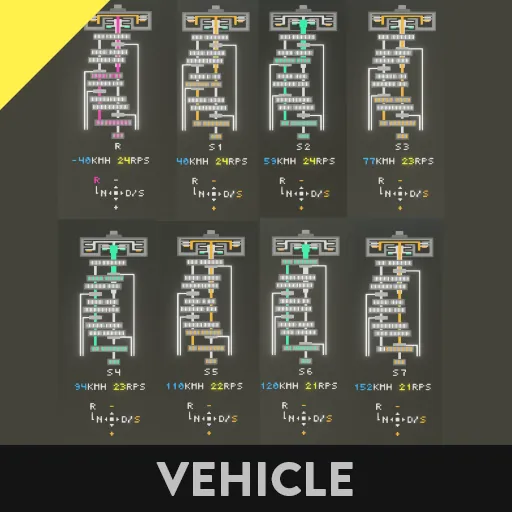
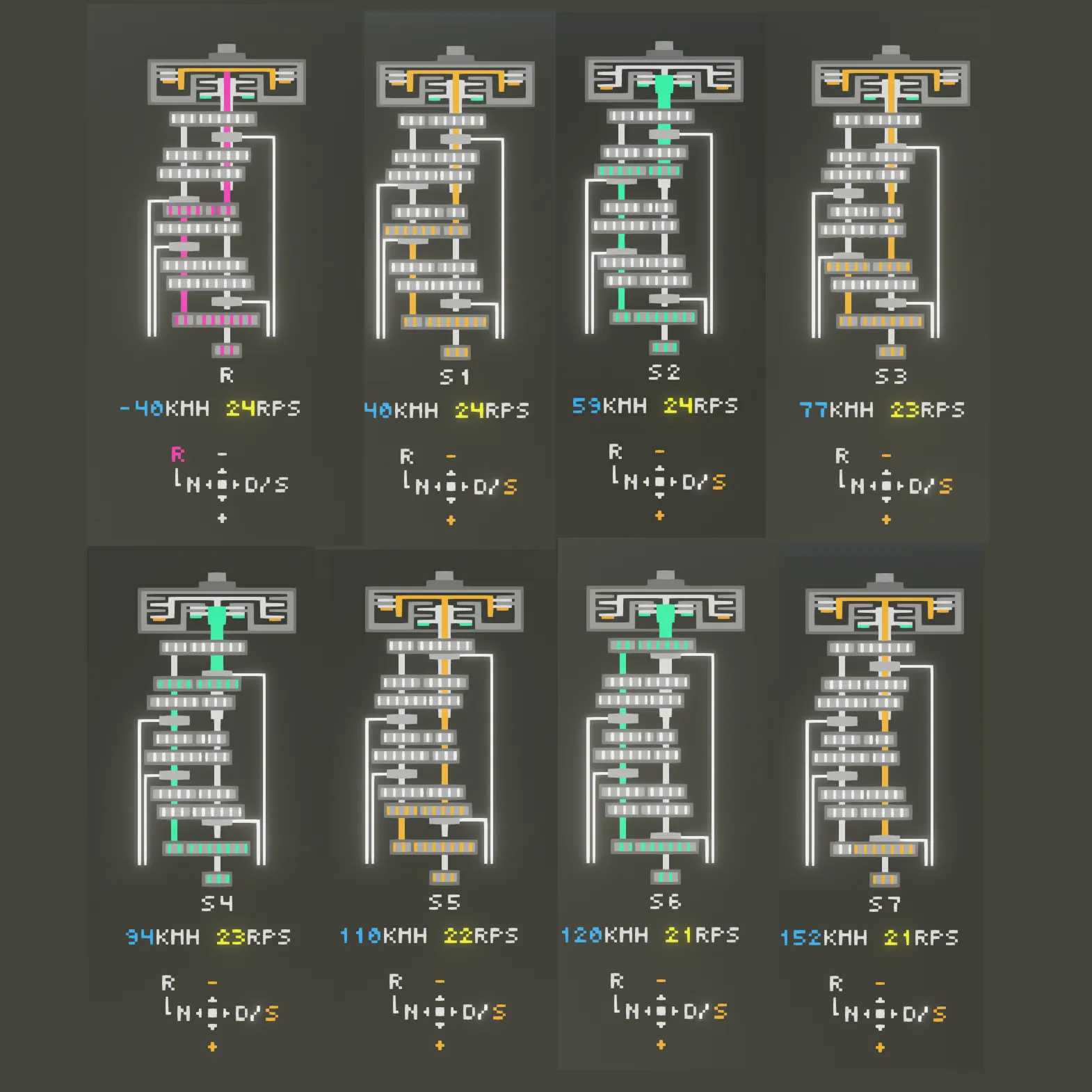
This is a microcomputer and sample vehicle equipped with a dual-clutch transmission with gear animation.
The model is M-DCT.
The gears are 7 forward speeds, 1 reverse speed, and neutral.
There are three sets of sample vehicles. They vary in size and functionality.
Red: Basic
Orange: Main microcomputer is slightly smaller
Blue: No automatic transmission mode, manual mode only
AD: Steer
W: Accel
S: Brake
Space: Brake
↑↓←→: Shift
Shift
R...Reverse
N...Neutral.Press the ↑ key to switch to R.Press the →key to switch to “D/S”.Neutral + “S” key + Space to switch the parking brake (toggle)
D/S...Automatic mode/Manual mode. Switch with the → key (long press). In manual mode, use ↑↓ to shift up and down.
Microcomputer
anime offsetx,offsety Moving the display position of gear animation
gear anime speed Adjusting the speed at which gears turn
arrow keys reverse Switch between gear up with ↓ and gear down with ↑/gear up with ↑ and gear down with ↓.
2025/09/12
Fixed an issue where the reverse gear on the blue microcomputer vehicle could not be used.