NareisLib
The following introduction utilizes GPT for translation.
This is a custom multi-layer rendering mod built on vanilla RimWorld and the HumanAlienRace mod —— but since the 1.5 update some functionality now overlaps with vanilla; blame Tynan ;P
1. Defining textures for vanilla defs
For example:
- Take a HairDef whose defName is Test_Hair;
- In another XML file, define a MultiTexDef—its defName can be anything—and set its originalDef property to Test_Hair;
- This means the MultiTexDef is created for the HairDef named Test_Hair, and the two are now linked;
- You can define multiple layers inside the MultiTexDef. When the game renders the linked HairDef, it automatically detects the layers defined in the MultiTexDef and renders them together.
This is just a rough workflow example. For actual usage, see the wiki guide[github.com].
Defs on a pawn that you can target include: BodyDef, HeadDef, HairDef, Apparel (clothing), and HandTypeDef.
2. Custom multi-layer textures —— this currently overlaps with vanilla functionality; blame Tynan XD
As the name implies, you can define multiple identical or different texture layers within a MultiTexDef.
Before listing the layers, you need to understand a bit about RimWorld’s pawn rendering mechanics:
- RimWorld primarily renders pawns using Unity’s DrawMesh function;
- A pawn roughly consists of two parts: the head and the body;
- As the function name suggests, each part corresponds to a Mesh, and textures must be drawn onto that Mesh, which comes either from the game’s internal mesh pool or is generated on the fly;
P.S.: Vanilla RimWorld cannot render very large textures because of mesh size limitations; - When vanilla draws meshes, the spacing between each mesh layer is extremely small (on the order of two to three zeros after the decimal point). When that spacing is smaller than the GPU’s highest precision, the rendering order is determined by the order in which the function is executed (the one called first ends up underneath);
- Unlike traditional Unity games, RimWorld uses the Y-axis as the height axis (normally this would be Z), so X and Z are the width and height of the image, and Y determines its elevation.
This mod augments and modifies the vanilla rendering functions to define several selectable layers:
Layer heights increase from top to bottom.
- BottomOverlay
- BottomHair
- BottomShell
- Body
- Apparel
- Hand
- Head
- FaceMask
- Hair
- FrontShell
- HeadMask
- Hat
- Overlay
Among these, Body, Apparel, Head, FaceMask, and Hair are the vanilla pawn body parts. They represent the pawn’s body, clothing/gear/headgear, head, facial makeup/beards, and hair, respectively, while the other layers revolve around these parts. Their default render order matches the list above.
The list does not mean you can only set up 13 layers; the layers define the baseline Y-offsets.
By assigning textures to any of the layers above in XML and adjusting their properties, you achieve multi-layer rendering—that’s the core functionality of this mod.
3. Mod load order
- Harmony
- Core
- All DLCs
- Human Alien Races
- NareisLib (this mod)
- Mods that use NareisLib
In theory, any mod that doesn’t use NareisLib can load before it.
4. Known issues (Rimworld 1.4 only)
RimWorld 1.4: Requires HugsLib (subscribe first).
Conflicts with most mods that alter the rendering logic. Known conflicts include:
Hats Display Selection (affects hat/hair rendering)
[CAT] Show Hair With Hats or Hide All Hats (affects hat/hair rendering)
Combat Extended (affects hat/hair rendering)
Vanilla Factions Expanded - Pirates (sarcophagi affect global pawn rendering)
Dubs Apparel Tweaks (features that alter hat and hair display affect hat/hair rendering)
Stylish Rim (affects global pawn rendering)
RJW Animation Framework (affects global pawn rendering)
For hair rendering incompatibilities, the framework currently forces all hairstyles to display in-game; customizable settings will be added later.
Since version 1.5 adopts the same rendering logic as vanilla, the mods listed above are (theoretically) compatible—thanks, Tynan.
5. Mods currently using this framework
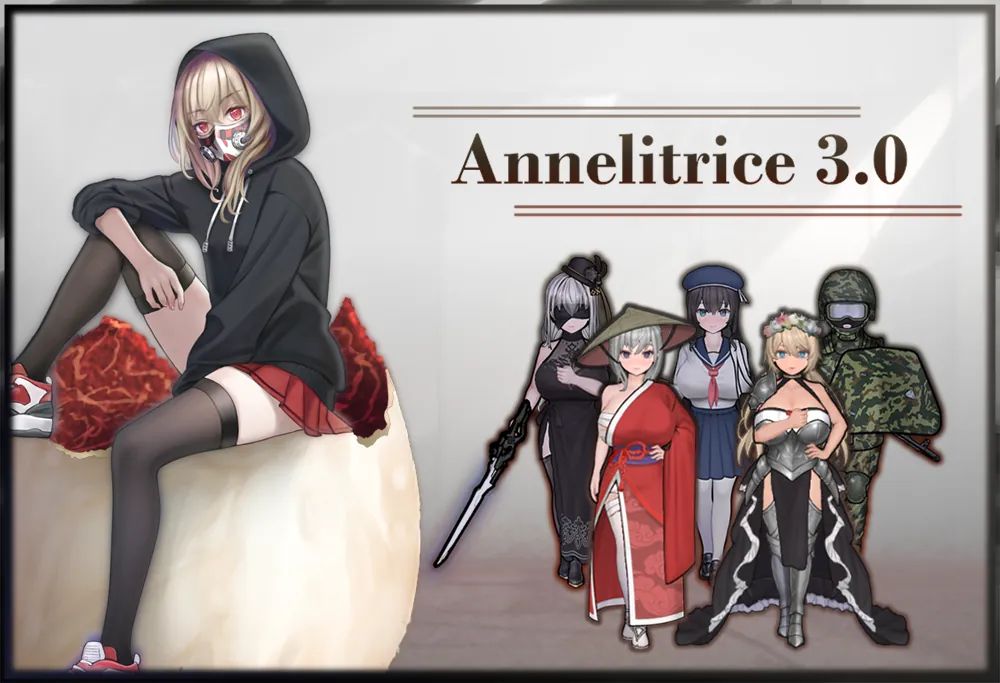
1. Annelitrice 3.0 main
2. Annelitrice-3.0-Yorha Nier theme
3. Annelitrice-3.0-Gakuen Japanese school drama theme
4. Annelitrice-3.0-Jurnizia Caucasian war theme
5. Annelitrice-3.0-Ahmislan Medieval(isekai) theme
6. Annelitrice-3.0-Neo-Yokohama Cyberpunk theme


6. About this framework
GitHub[github.com]
Wiki guide[github.com]
1.6 removed part of the spaghetti code