Firedude's Weather Screen
Overview:
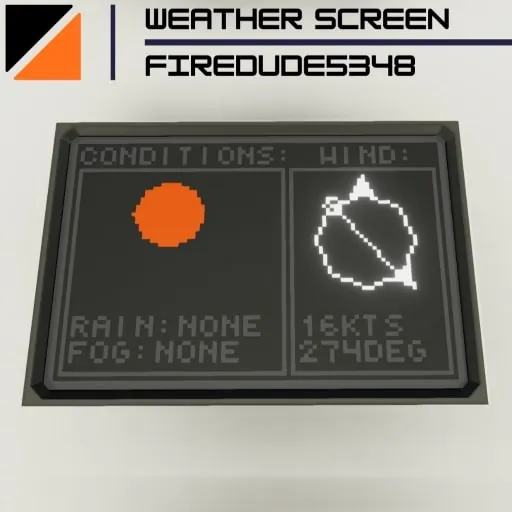
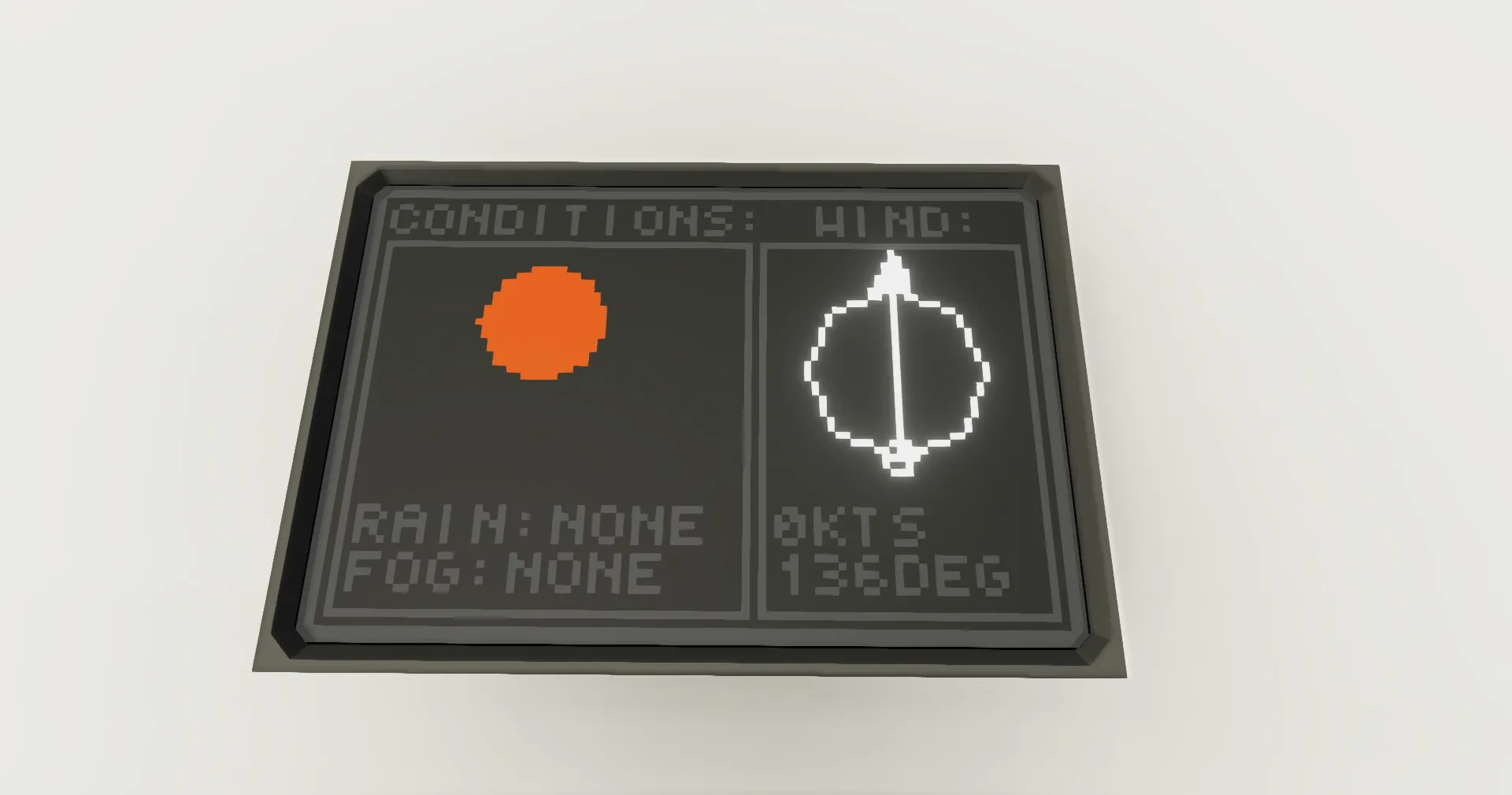
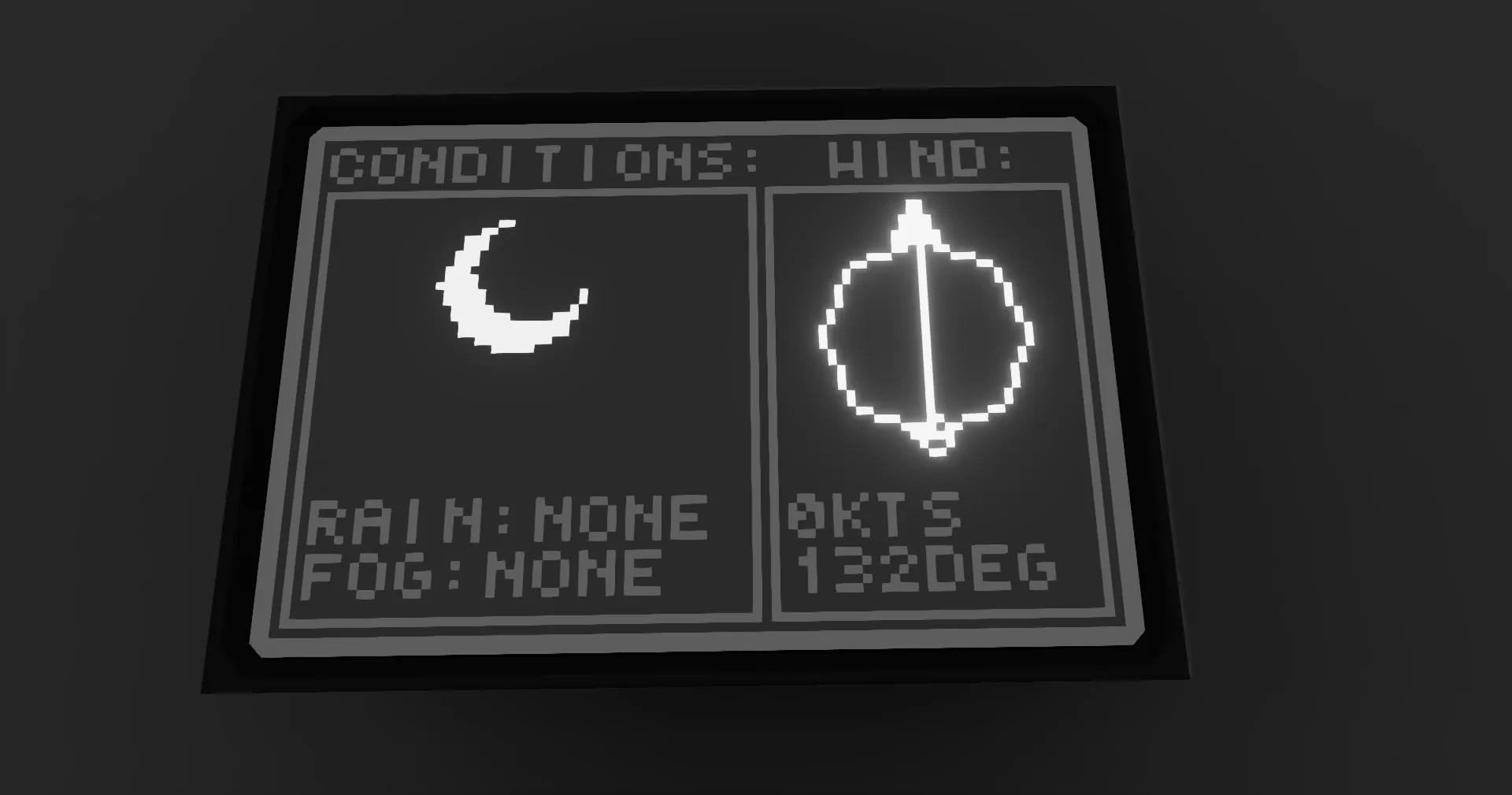
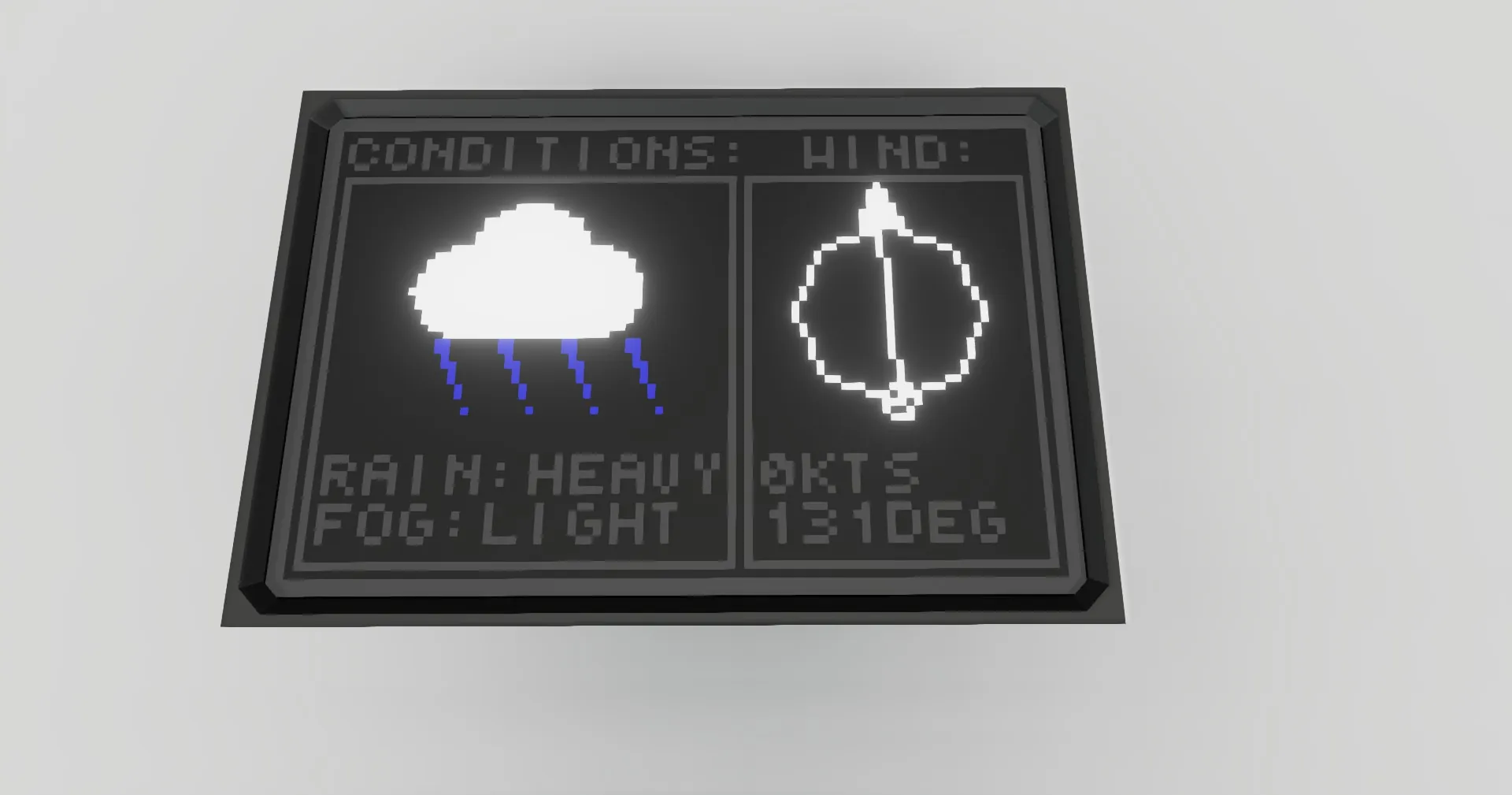
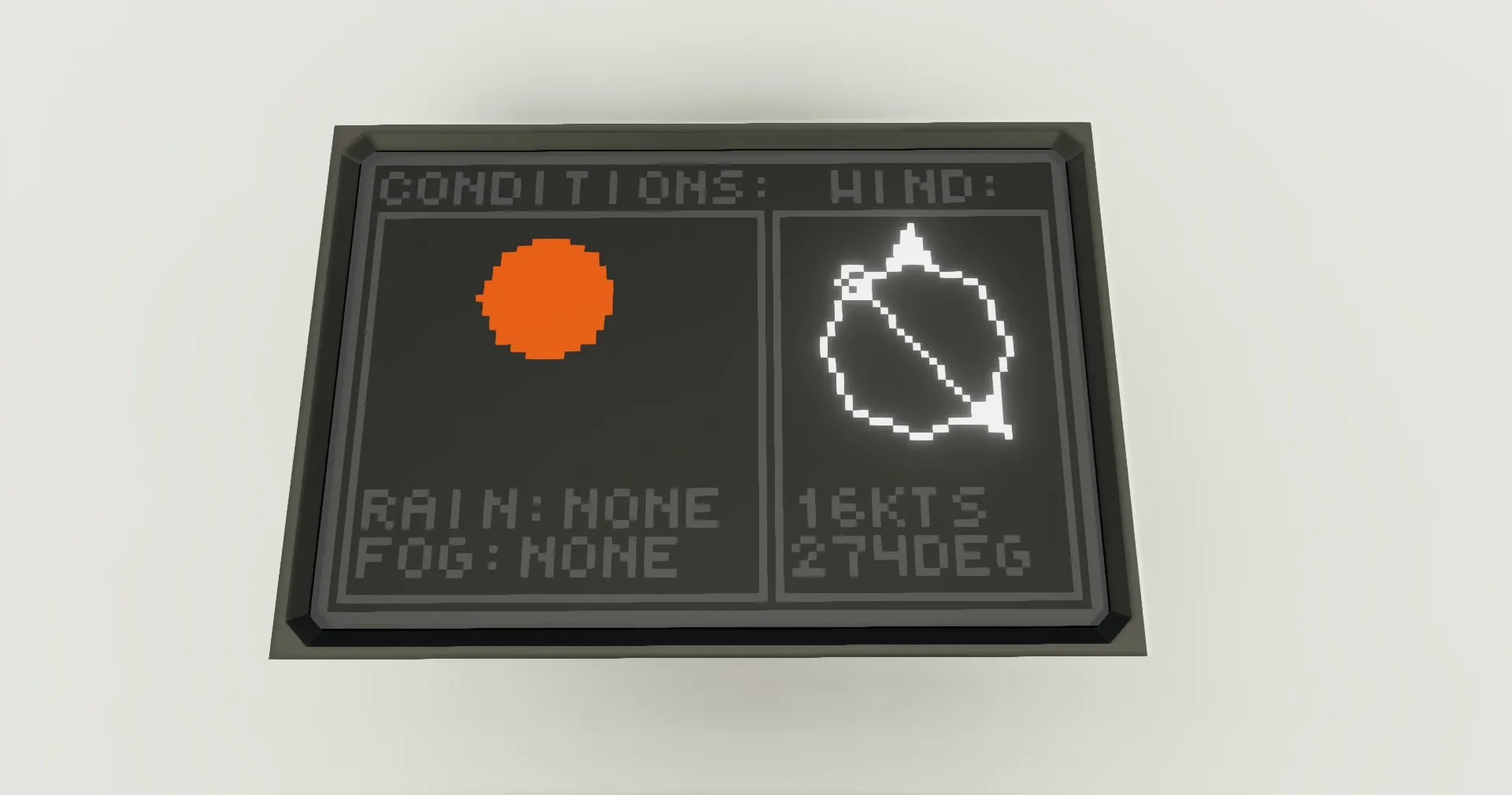
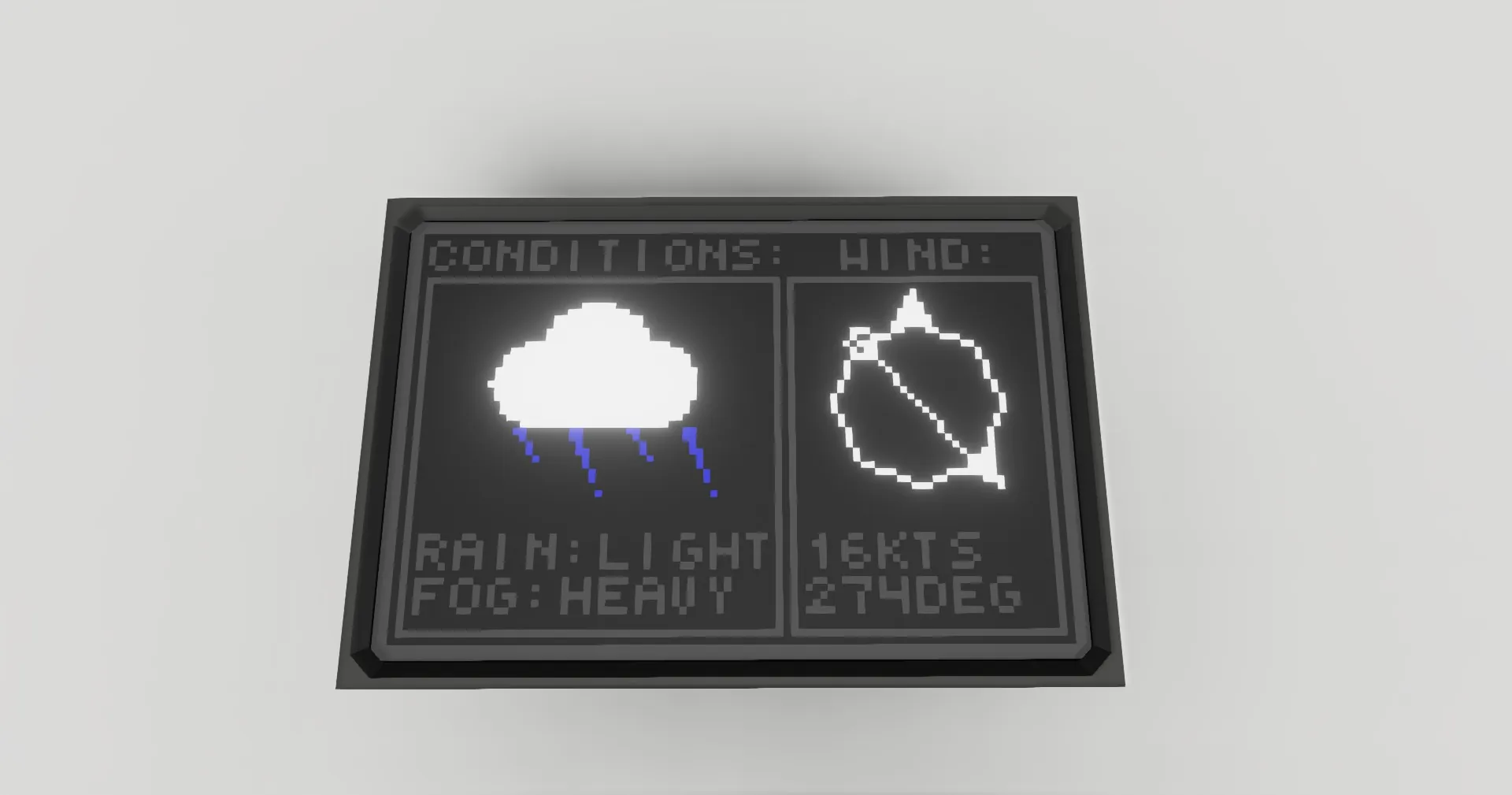
This is a basic weather screen, displaying data for wind, rain, and fog. The left section of the screen shows you conditions, which include rain and fog levels, and an icon indicating current conditions. The right side of the screen shows you wind data, with a circle indicating the wind's direction relative to you, and underneath it wind speed in knots, and heading in degrees.
Setup Instructions:
1. place down the controller, and connect sensor nodes, like wind direction and speed, humidity, and rain. connect the physics sensor node to a physics sensor connected to electricity, orientated like this:
[img]https://imgur.com/tDWT61N.png[/img]
2. connect the video to a 2x3 monitor.
Credit:
Feel free to use this on your creation, just please provide a link to this page in your description.