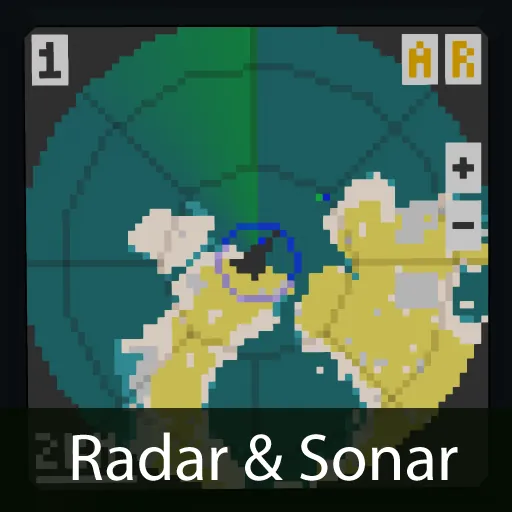
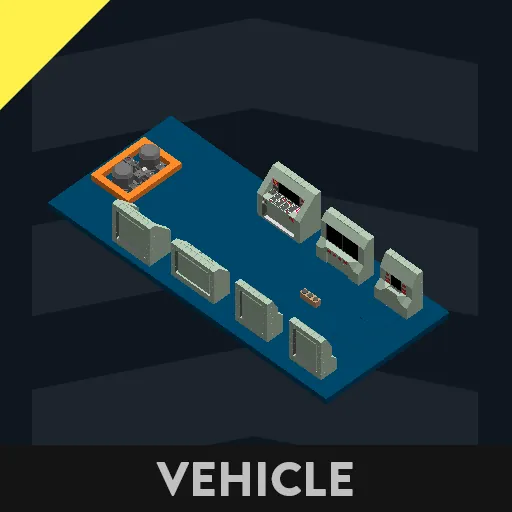
This system draws Radar and Sonar detection on map, to easily locate any object in Stormworks.
This is the updated version to work with the new sonars and radars.
Features
- Radar & Sonar on one display, with detection projected on a map for easier spotting.
- Displays relative altitude (H) of the targets.
- Complete touchscreen controls, intuitive UI.
- Various map coloration theme settings to choose from.
- Compatible with most monitors sizes.
Installation
- Look for "Radar Map V2" microcontroller in the inventory.
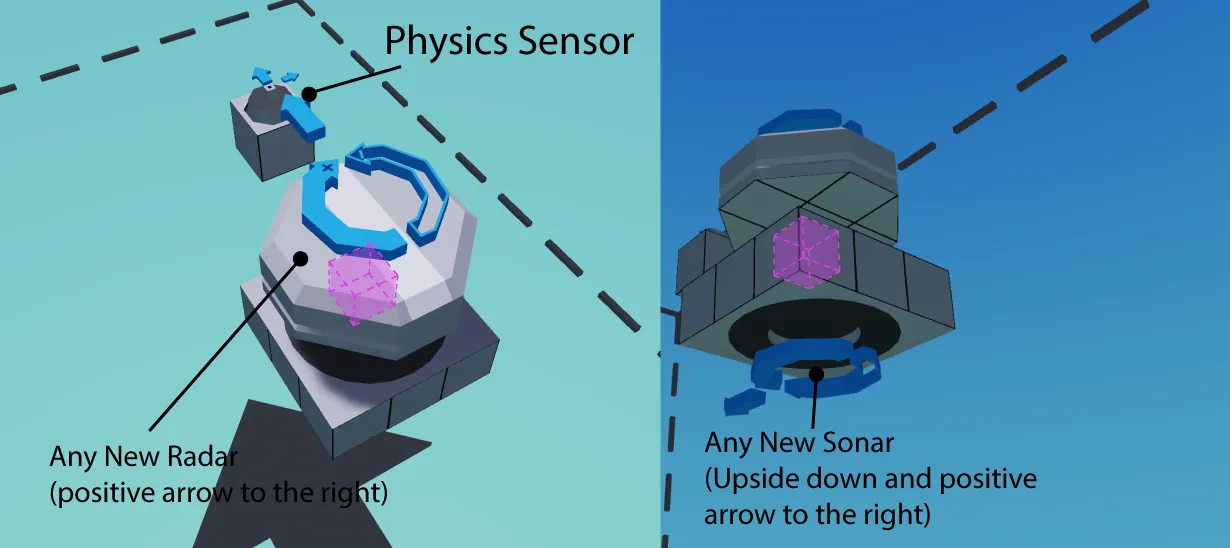
- Just connect all logic nodes, make sure all sensors are placed as shown by the images.
- Radars must be rotating clockwise
- Narrow FOV X or high sweep speeds reduce the ability to detect small targets of the radar.
- Make sure you change the radar range in the microprocessor to match the one of your radar.
- For best accuracy of height measurement, place the physics sensor as close to the radar as possible.
Usage
Complete touchscreen controls
- R: activate radar
- S/P/A: activate sonar & switch sonar modes (Off, Passive, Active)
- +: zoom in
- -: zoom out
- 1/2/3: switch between map coloration theme modes
- Targets: hold touchscreen on the green and blue dots to display relative altitude (when avaiable).
Setup
The microprocessor offers various customisations:
- Radar Range: change this according to what your radar estimated range is.
- Sonar Type: choose between large and small sonar or disabled.
- Display: switch between displaying full map or circle.
- Default map mode: choose the map mode selected at spawn.
- Map Color 1: choose your map coloration theme when in day mode
- Map Color 2: choose your map coloration theme when in night mode
Join my discord for support[discord.gg]