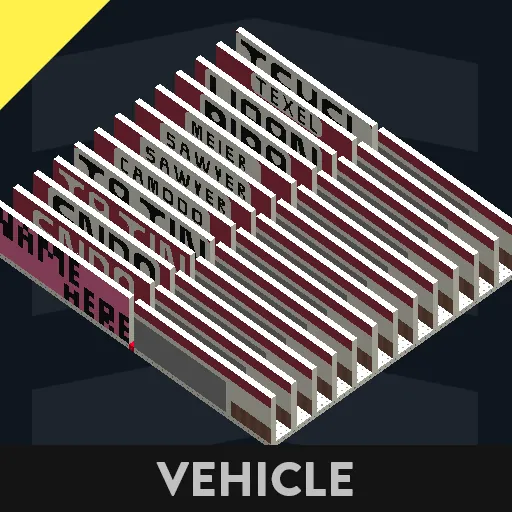
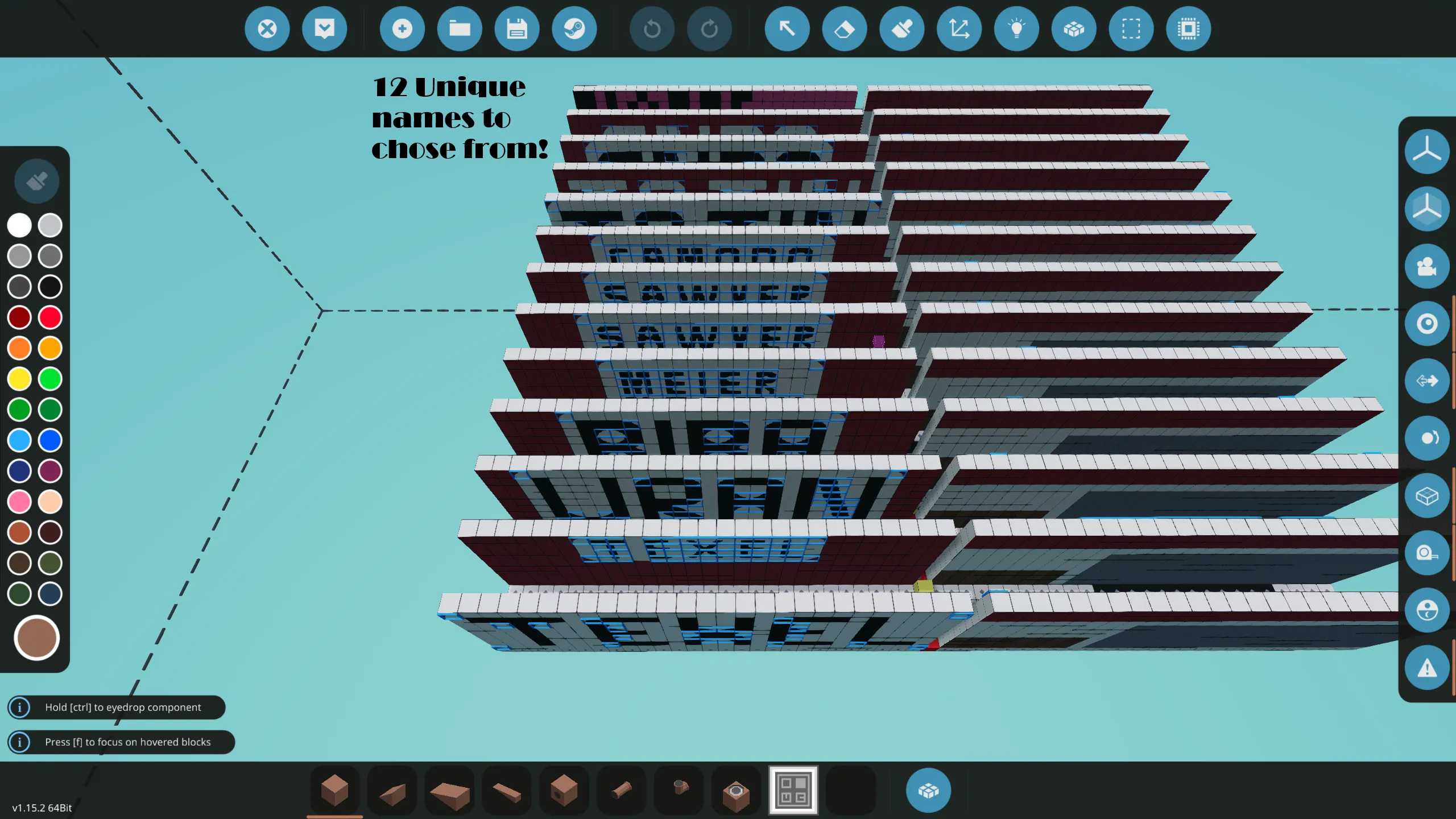
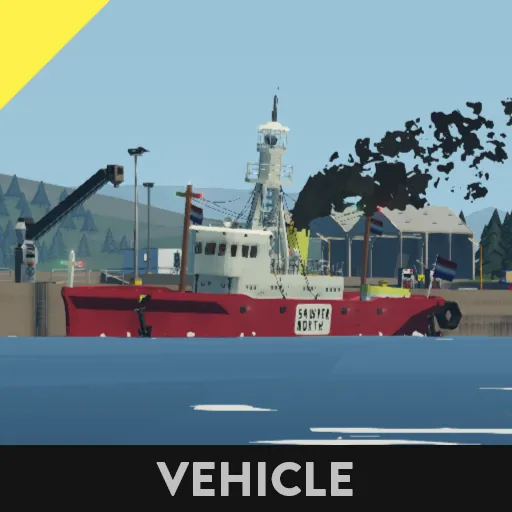
These are all the name templates I have made for my creation 'Lightship (Customizable)'.
There are 12 templates, with 9 unique names, though all templates are different.
Installation is as easy as it can be, watch the video, or follow these 7 easy steps:
1. Select the templates you wish to add to the lightship (Select BOTH left AND right templates!!) using the selection grid.
2. Copy both left and right templates of the chosen name.
3. Load 'Lightship (Customizable)' into your workbench.
4. Open the selection grid and paste the templates in a place where they do NOT collide with the ship!
5. Drag the template for the starboard (RIGHT) side onto the marked area on the starboard (RIGHT) side of the hull (Marked with pink blocks!!)
6. Repeat step 5 for the port (LEFT) side.
7. Make shure to merge both name templates to the ship to prevent sinking!!
When all 7 steps are completed and done correct, there should be no more pink square. The name templates have the interrior paint pre-applied, so you don't have to re-paint the interrior of the vessel!
(This is WHY there are different templates for port (LEFT) and starboard (RIGHT). Did you accidentaly paste port (LEFT) onto the starboard (RIGHT) side? Then the interrior paint will be messed up... Don't worry tho, you can simply reload the name template creation and repeat the 7 steps mentioned above and in the video.